
Customise output file names
Give every output a name that matches the data it came from, so you can spot the right file in a list of hundreds. You set the rule once, and every future run follows it.
Set the output name
If you haven't built a workflow yet, start with the Quickstart, then come back here.
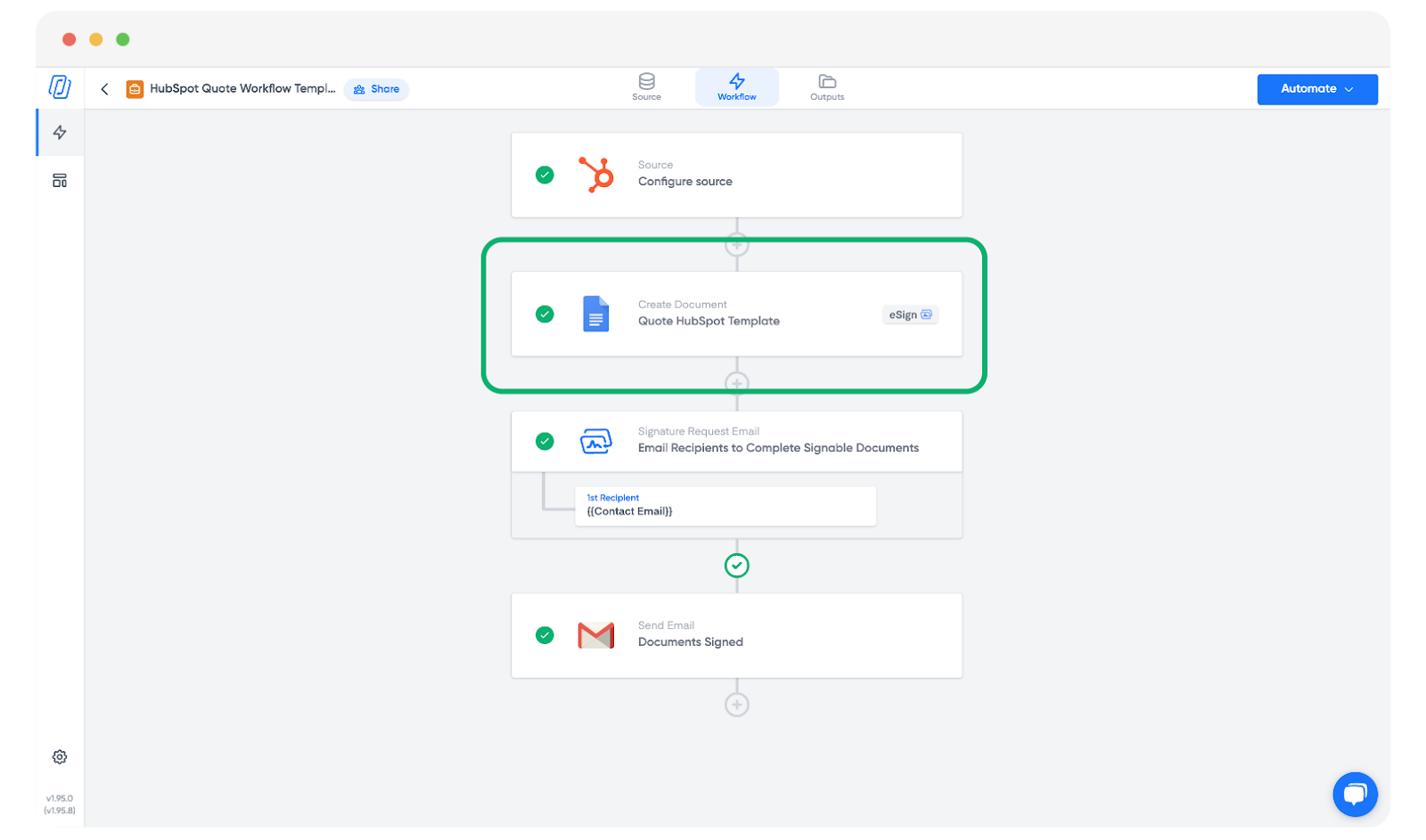
Open your workflow and click into the template block.
On the right, find the Output Name field.
Type plain text, insert tags from your source, or mix the two. In the example below the name is "Client" followed by
{{Contact First Name}}and{{Contact Last Name}}, so each file is named after the client on that row. Press Enter to save.
The result on the next run looks like this: "Client: Jerry Burke".
Related
- Auto-file output files to build folder structures from tags as well.
- Tags overview for what you can put inside
{{ }}.