
Portant AI content
Portant AI lets you drop ChatGPT-powered prompts into your document templates as tags. When the workflow runs, Portant fills each tag with content generated from the source data, so you can produce personalised paragraphs, summaries, and bullet points without writing them by hand.
What it does and what it doesn't
Portant AI is good for:
- Personalising sections of a document with prospect, customer, or deal data.
- Summarising notes (meeting notes, ticket history) into a paragraph that fits in your template.
- Picking the most relevant items from a list and rewording them for a specific audience.
Portant AI is not a chat assistant inside the app, and it doesn't change the structure of your document. Each AI tag returns text for one specific spot in the template, using the prompt you wrote and the data you fed it.
We strongly recommend pairing AI content with a review block so a person can sanity-check what the model produced before anything is sent.
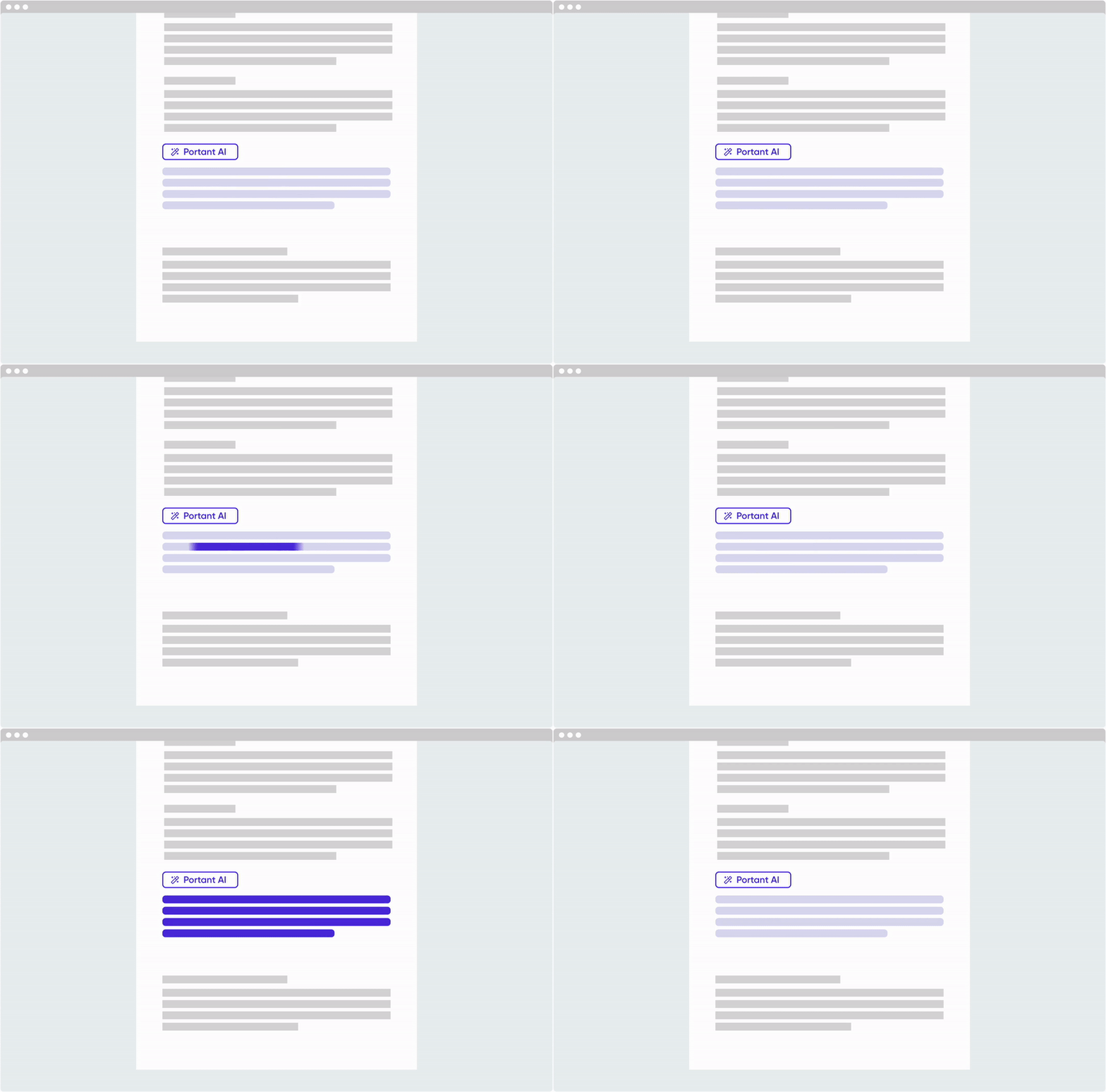
Add Portant AI to a template
When you open a template, Portant AI sits at the bottom of the source table.
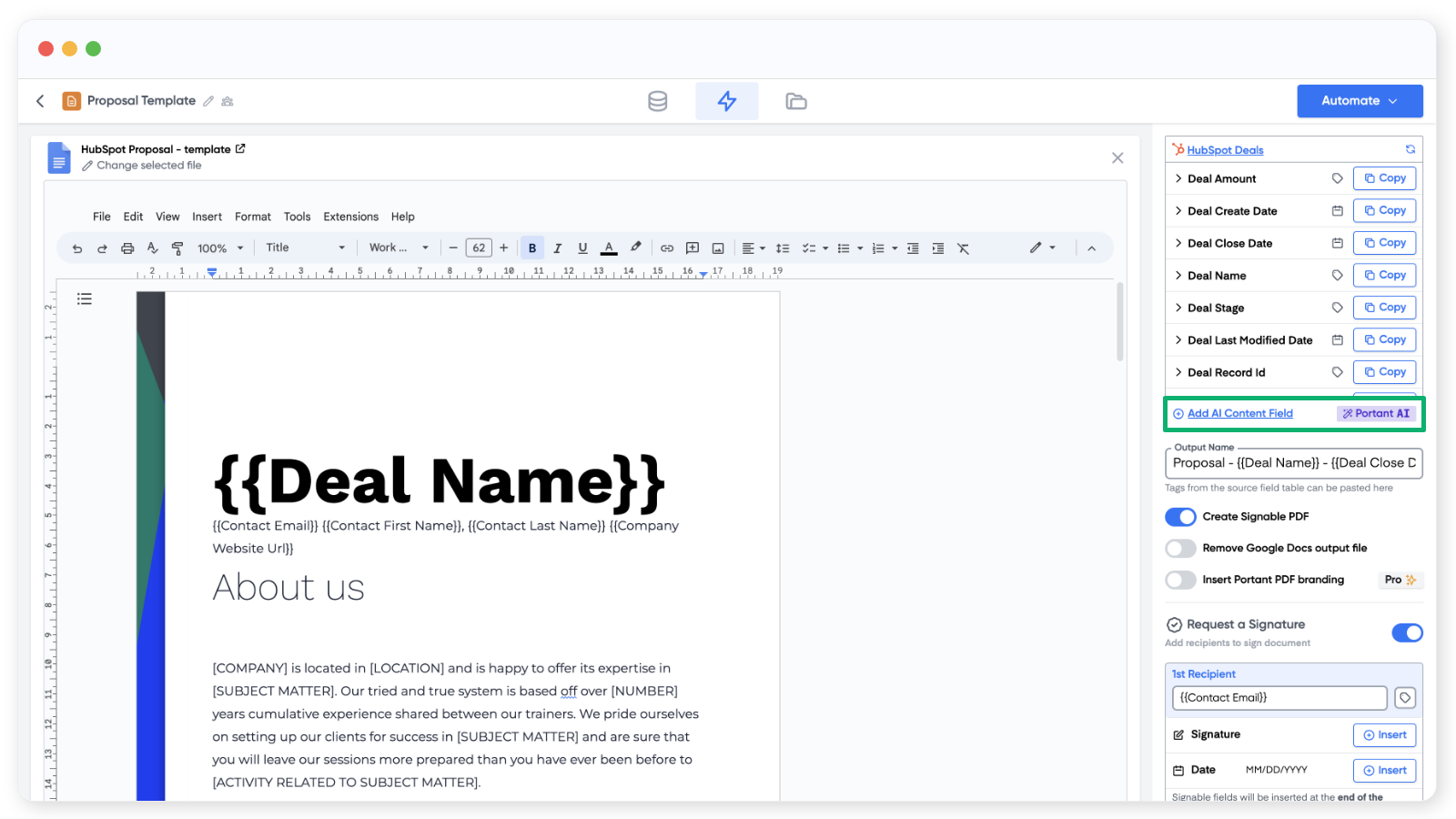
Click to add an AI content field, then fill in the prompt details.
A prompt is the written instruction that tells the AI what content to generate.
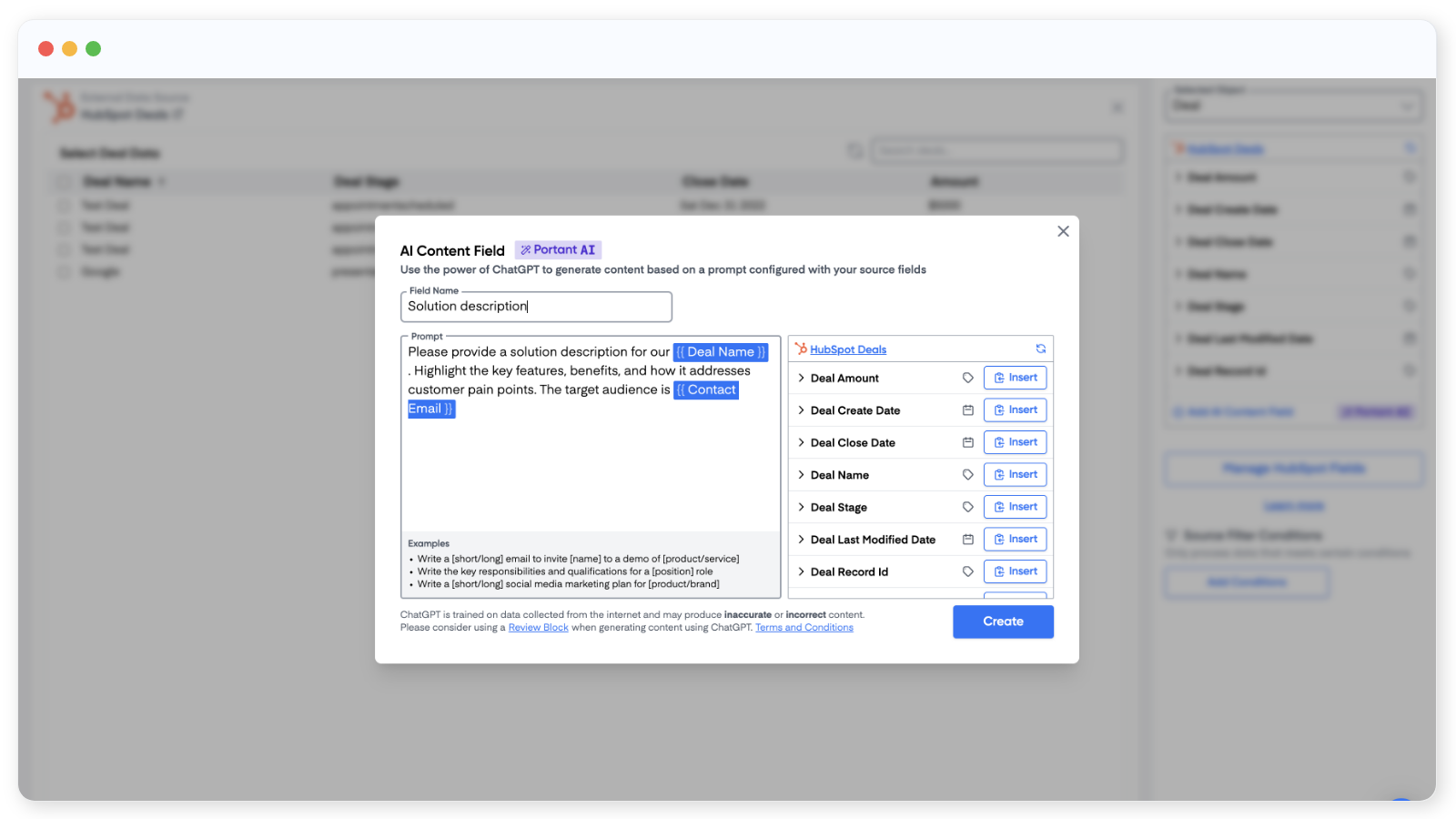
You need two things:
- Field name, what the prompt is called in the source table and how the tag will appear in your document (for example,
{{Personalised intro}}). - Prompt, the instruction itself. You can drop in source fields to make the prompt dynamic, so each document gets a tailored result based on the row, response, or record.
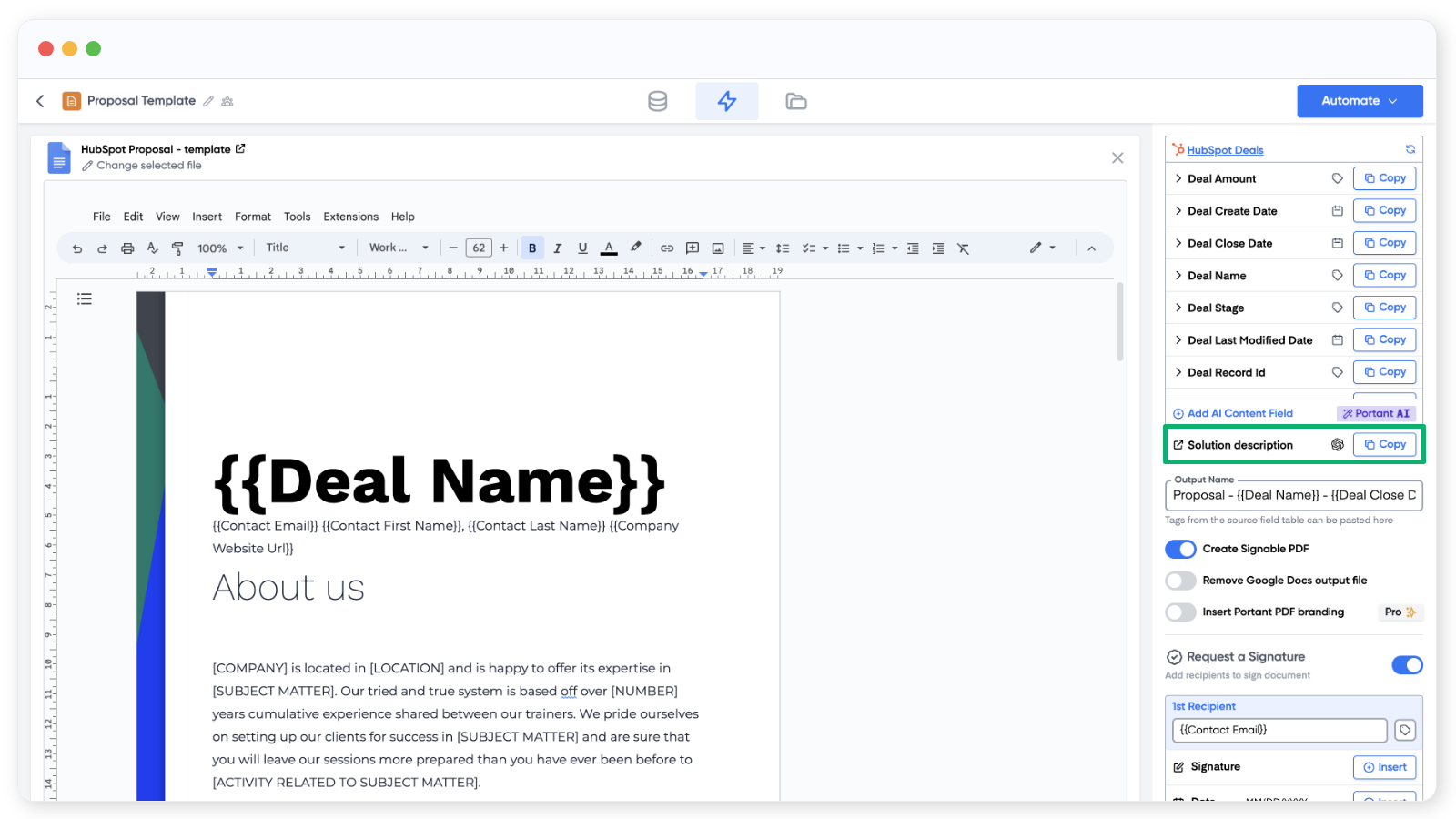
Click Save, then add the prompt tag to your template the same way you'd add any other tag.
Get started
- See worked examples of paragraph and bullet-point prompts in example prompts.
- Walk through the full HubSpot proposal flow in the dynamic proposal template guide.