
Auto-create from Google Sheets
Set Portant to watch a Google Sheet and create a new document each time a new row appears. No clicking required.
Turn on auto-create
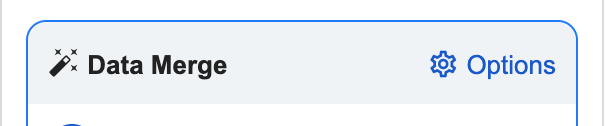
Open the options menu in the top-right corner of the Data Merge box.
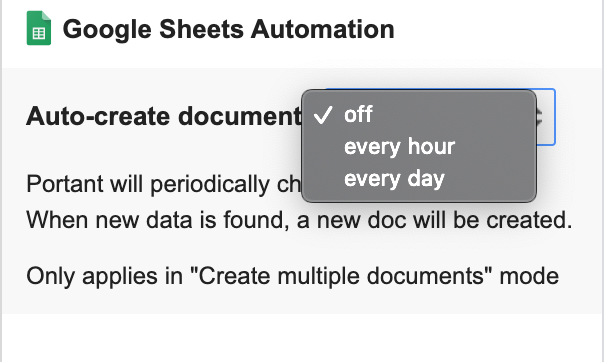
Scroll to the Google Sheets Automation section and pick how often Portant should check the sheet (hourly or daily).
When Portant finds a new row in the source sheet, it creates a new document straight away.
Confirm it's running
Once auto-create is on, you'll see an indicator above the Data Sources Table so you know the automation is active.
