
400 error
You'll usually see a 400 error in the spot where the Google Doc or Slides template should appear. It's normally caused by an anti-tracking extension or a pop-up blocker stopping Portant from talking to Google.
What the error looks like
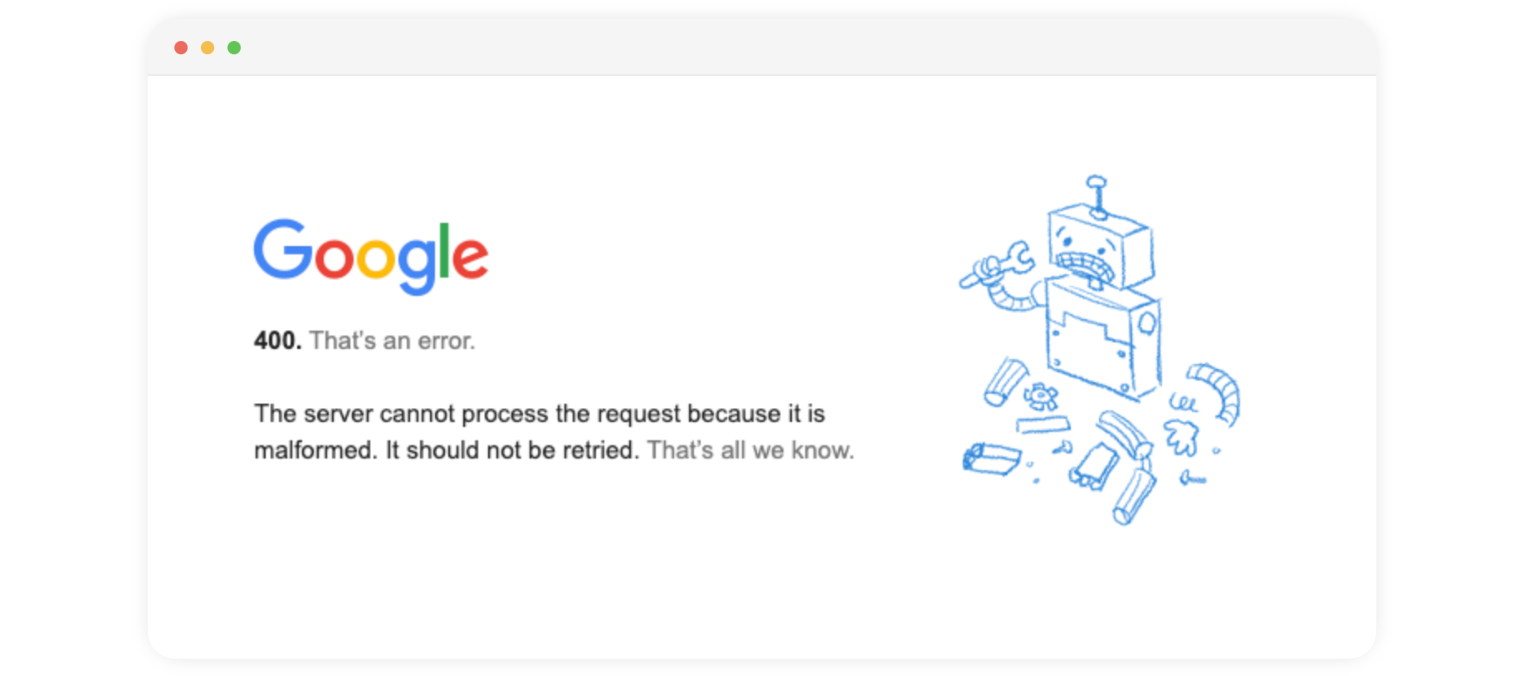
Fix the 400 error
In your anti-tracking extension or pop-up blocker, add the following sites to the allow list (or turn the extension off entirely):
app.portant.coaccounts.google.comdrive.google.comdocs.google.com
Once those are added, do a hard refresh (Ctrl + F5 on Windows, Cmd + Shift + R on Mac) to make sure the page reloads from scratch.
If the error is still showing after that, send us a support ticket with a screenshot and we'll look into it.