
Custom tag names
Use a custom tag name to give a field a shorter, more readable label than the original column header. Helpful when your source has long question text or auto-generated field names.
Map a custom tag from your source table
This guide goes straight to mapping custom tags. If this is your first Portant workflow, see the quickstart first.
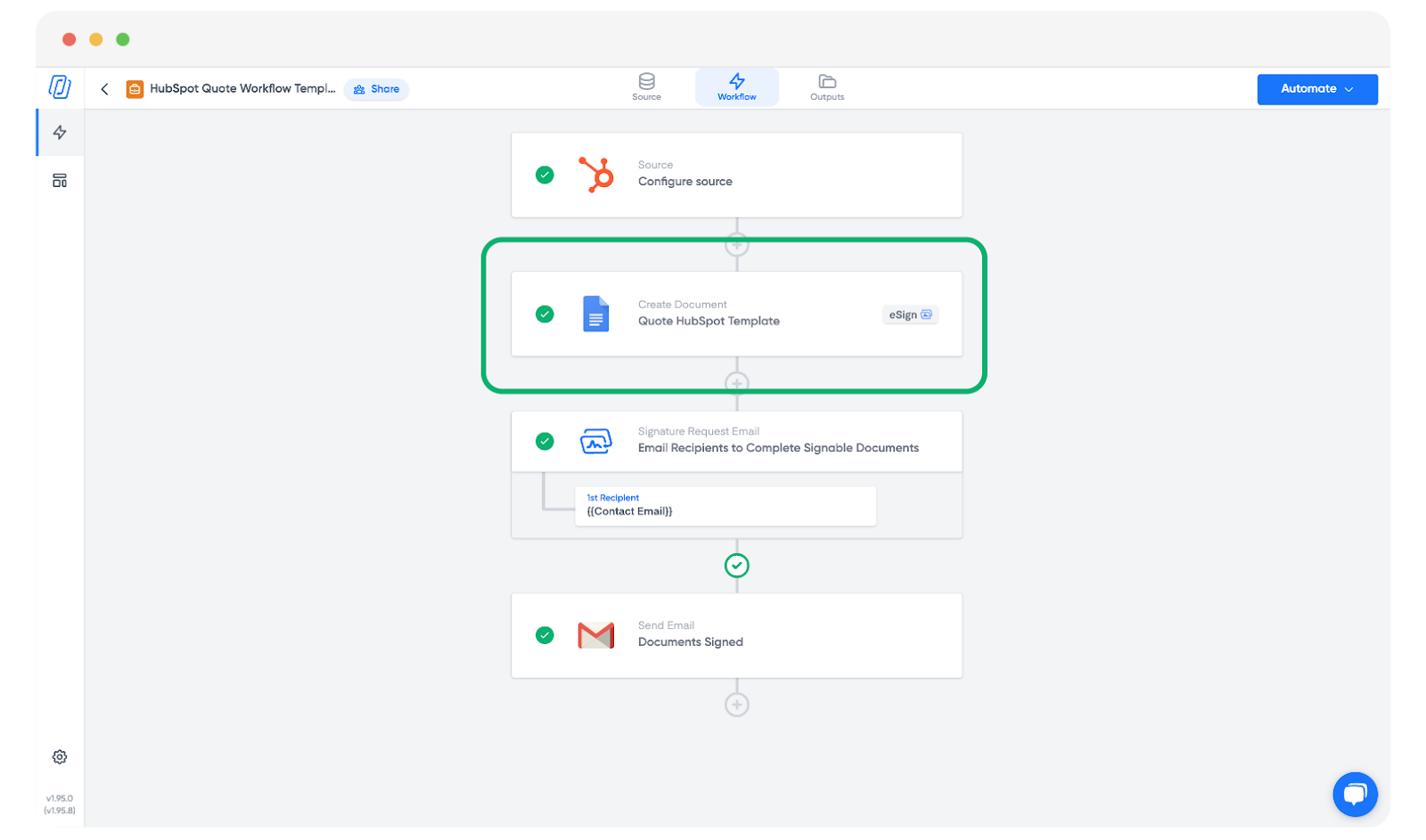
Once you've created your workflow, open the template block:
Find the source table on the right side of your screen and locate the field you want to rename:
Click the dropdown next to the tag name to reveal a field titled Custom tag:
Enter the new name you want to use:
That's it. You can now copy the custom tag from the source table and paste it anywhere in your template, and Portant will fill it with the original field's value: