
.webp)
Step 1
Get the template
Copy the Google Doc to your Drive, or download the .docx to your computer. It opens in Google Docs, Microsoft Word or any compatible editor, ready for your details.
Download Word (.docx)
The #1 App for document automation
A free, professional purchase order template for Google Docs and Word. Copy or download it, add your vendor, line items and totals, then save or send it as a PDF. Raising lots of POs? Automate them with Portant.
No signup required · Free to use
 ·
1M+ Installs
·
1M+ Installs
Trusted by teams at




















This free purchase order (PO) template gives you a clean, professional layout you can fill in and send in minutes. Copy the Google Doc or download the .docx, then replace the placeholder fields with your own details: PO number, buyer and vendor information, line items, quantities, unit prices and totals.
Copy it to Google Docs to edit in your browser, or download the .docx to work offline in Microsoft Word on Windows and Mac. Either way, save the finished purchase order as a PDF to email to your vendor. Need to invoice instead? Use our invoice template or quote template.
Raising lots of purchase orders? Store your order data in a Google Sheet and let Portant generate and email each PO automatically, so you never copy and paste again. Try the purchase order generator to get started.
01
Copy the Google Doc, or download the free .docx template.
02
Open it in Google Docs or Microsoft Word.
03
Fill in the PO number, vendor, line items and totals.
04
Save or export the PO as a PDF and send it to your vendor.
Step 1
Copy the Google Doc to your Drive, or download the .docx to your computer. It opens in Google Docs, Microsoft Word or any compatible editor, ready for your details.
Download Word (.docx)
Step 2
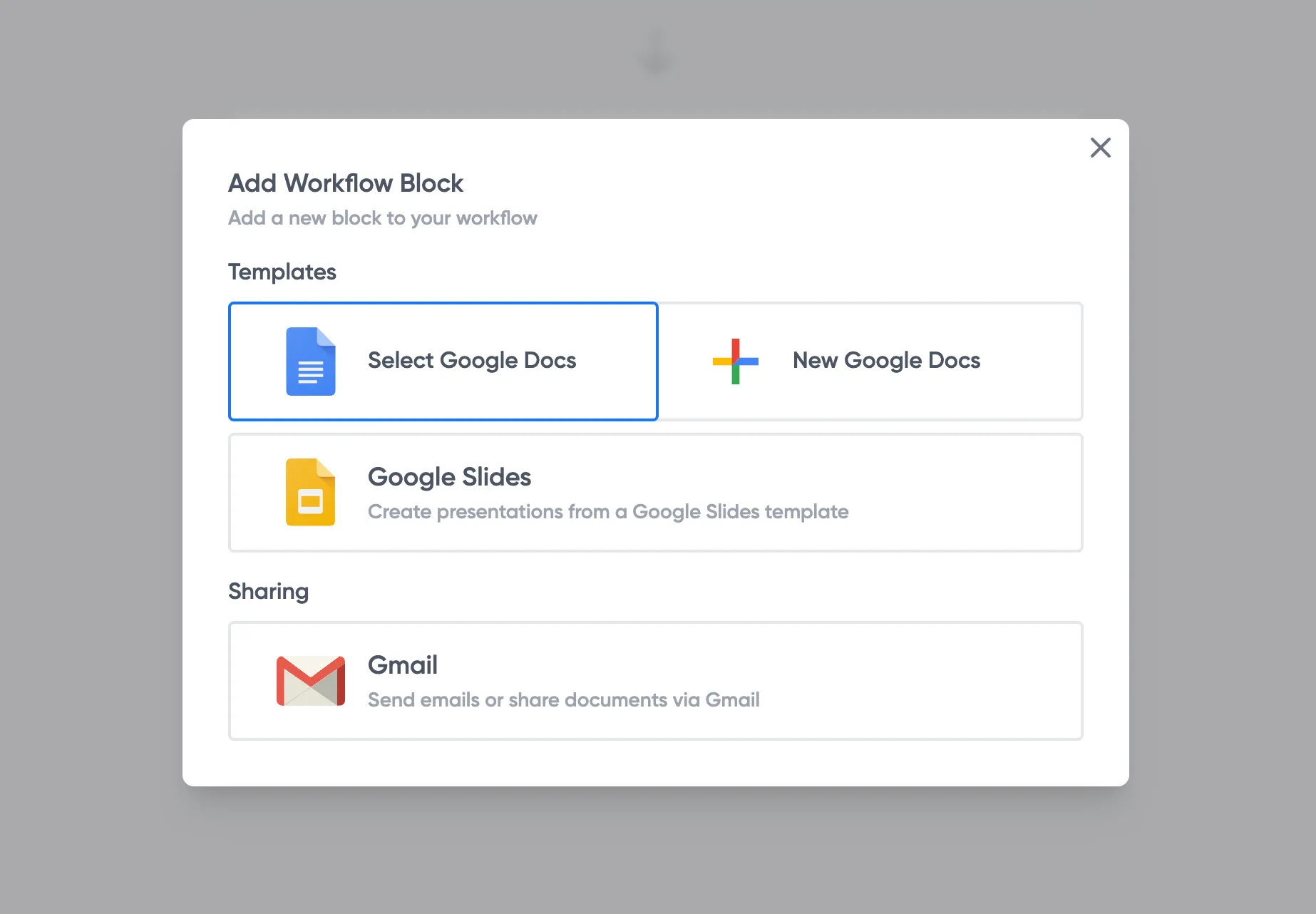
Replace the placeholder fields with your PO number, buyer and vendor details, and payment terms. Add or remove line items as you need, and the totals stay clean and professional.
Step 3
When the purchase order is ready, save it as a PDF and email it to your vendor. Keep the template as your reusable starting point for next time.
A polished, ready-made layout means every purchase order you send looks consistent and trustworthy, without designing anything from scratch.
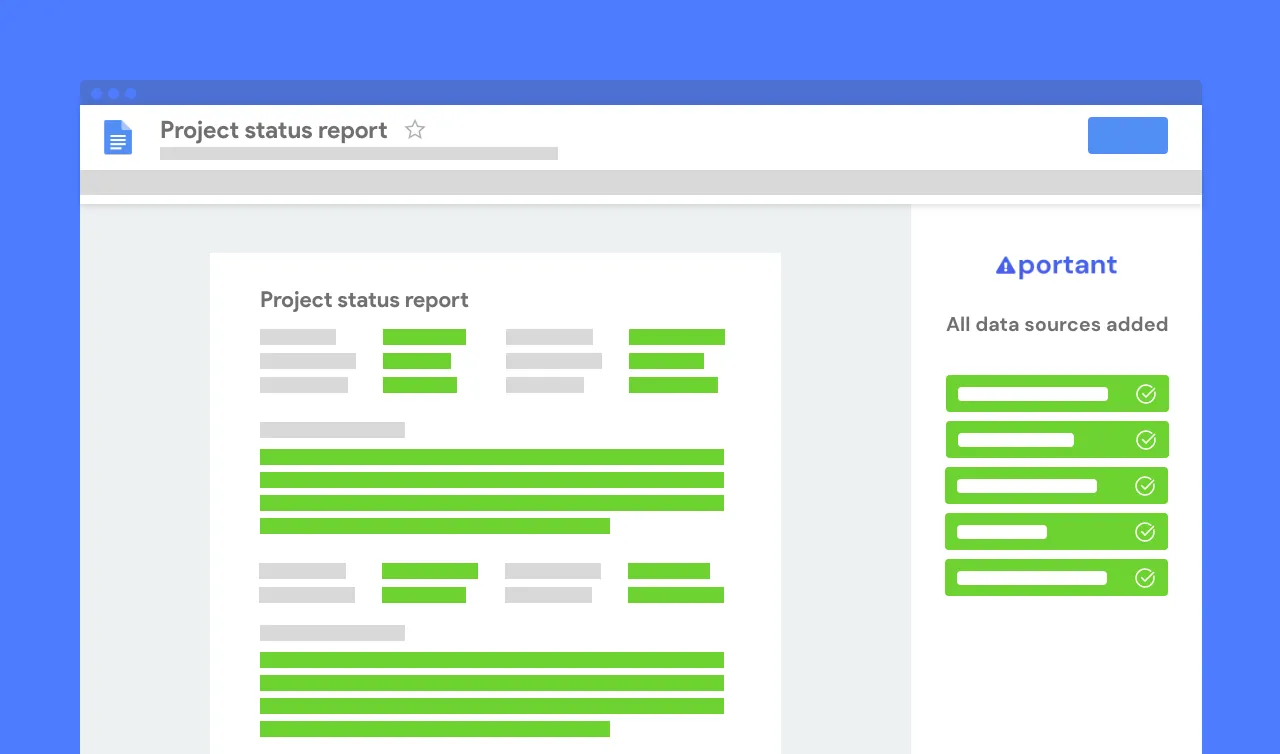
Copy it to Google Docs to edit in your browser, or open the .docx in Microsoft Word on Windows and Mac. Either way, save as a PDF to send to any vendor.
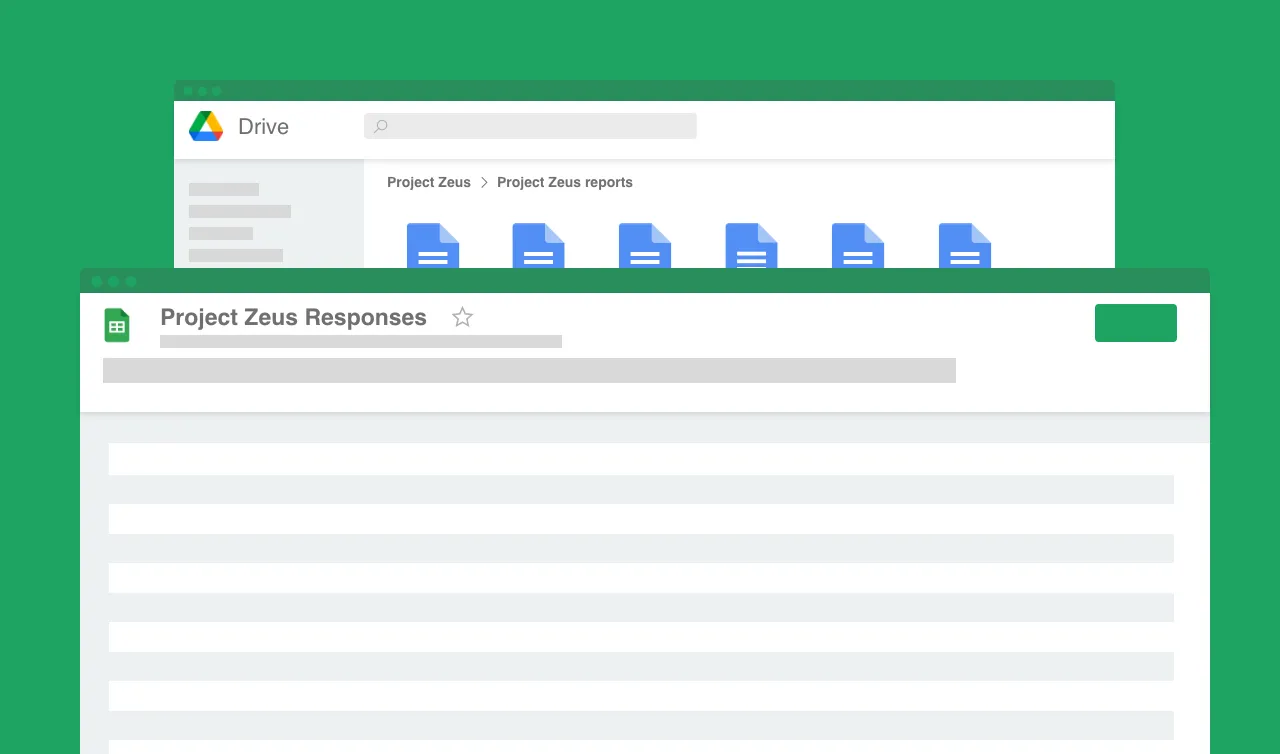
When raising POs by hand gets repetitive, move your data to Google Sheets and let Portant create and email every purchase order for you.


A purchase order template is a ready-made layout for issuing a purchase order: the document a buyer sends a vendor to confirm an order, its items, quantities, prices and terms. Our free PO template gives you a clean layout you can copy to Google Docs or download as a .docx and edit in minutes.
A purchase order should include a unique PO number and date, the buyer and vendor details, a line-item table with descriptions, quantities and unit prices, the subtotal, tax and total, plus payment and delivery terms and an approval signature. Our template includes all of these fields.
A purchase order is sent by the buyer to order goods or services and confirm what will be supplied. An invoice is sent by the seller to request payment once the order is fulfilled. The PO comes first; the invoice follows. They often share the same PO number for matching.
Yes. The template is completely free to copy or download and use, with no signup and no watermark. Keep it and reuse it for every purchase order.
Yes. Store your order data in Google Sheets and connect it to a PO template with Portant. Each row automatically generates a purchase order, saves it to Google Drive and emails it to your vendor.
Yes. Copy the Google Doc straight into your Drive, or download the .docx and open it in Microsoft Word. Both contain the same purchase order layout.
Portant is a full document automation platform. Connect your data to any template and generate purchase orders, invoices, contracts and more, then email them automatically. Put the busywork on autopilot and get back to the work you enjoy.
Most popular templates
Transform your work life with responsive, fully customisable, and easy-to-use templates.
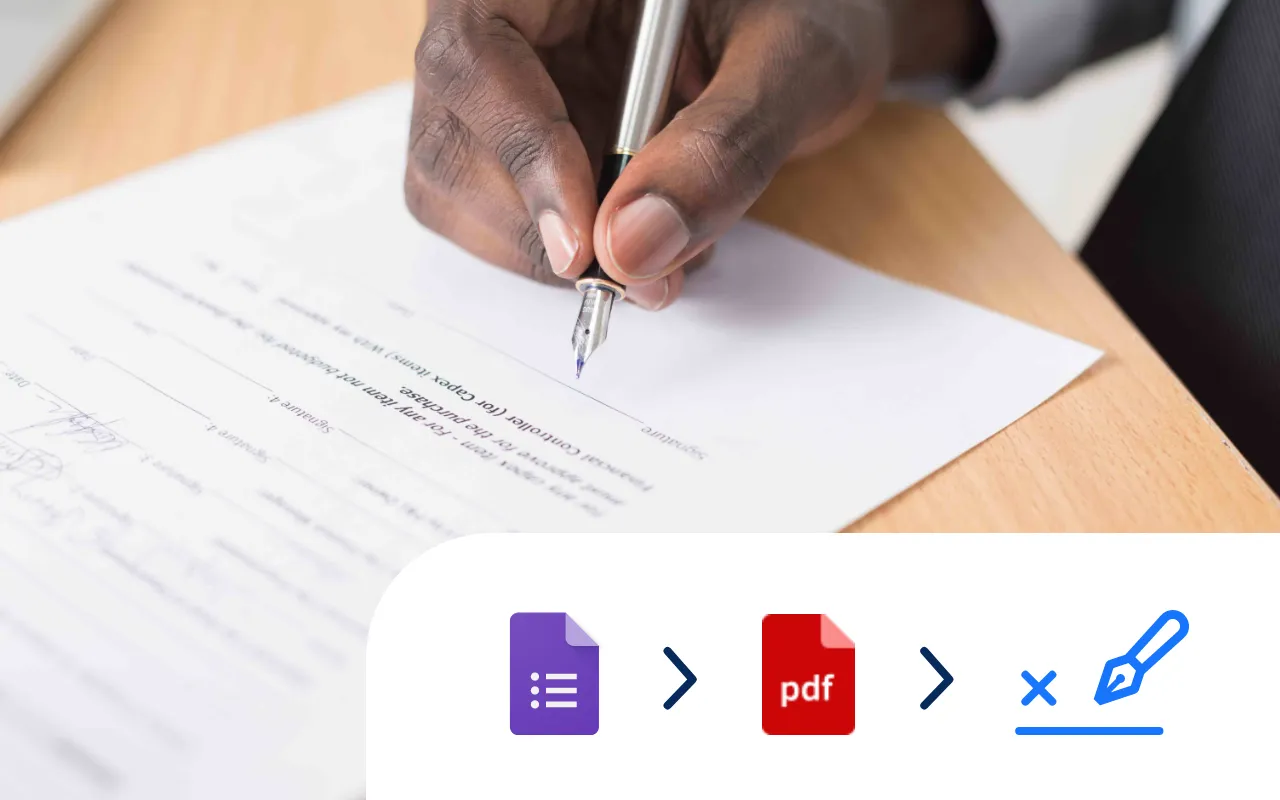
Select a Google Doc agreement template, add an eSignature placeholder and put your contract signing on auto-pilot.
Try it now
Select a Google Sheet of invoice data, add a Google Docs invoice template, and generate 10, 100 or even 1000's of invoices at a time.
Try it now
Select a Google Form, add tags to a Google Doc template, and generate Docs every time you receive a Google Form response.
Try it now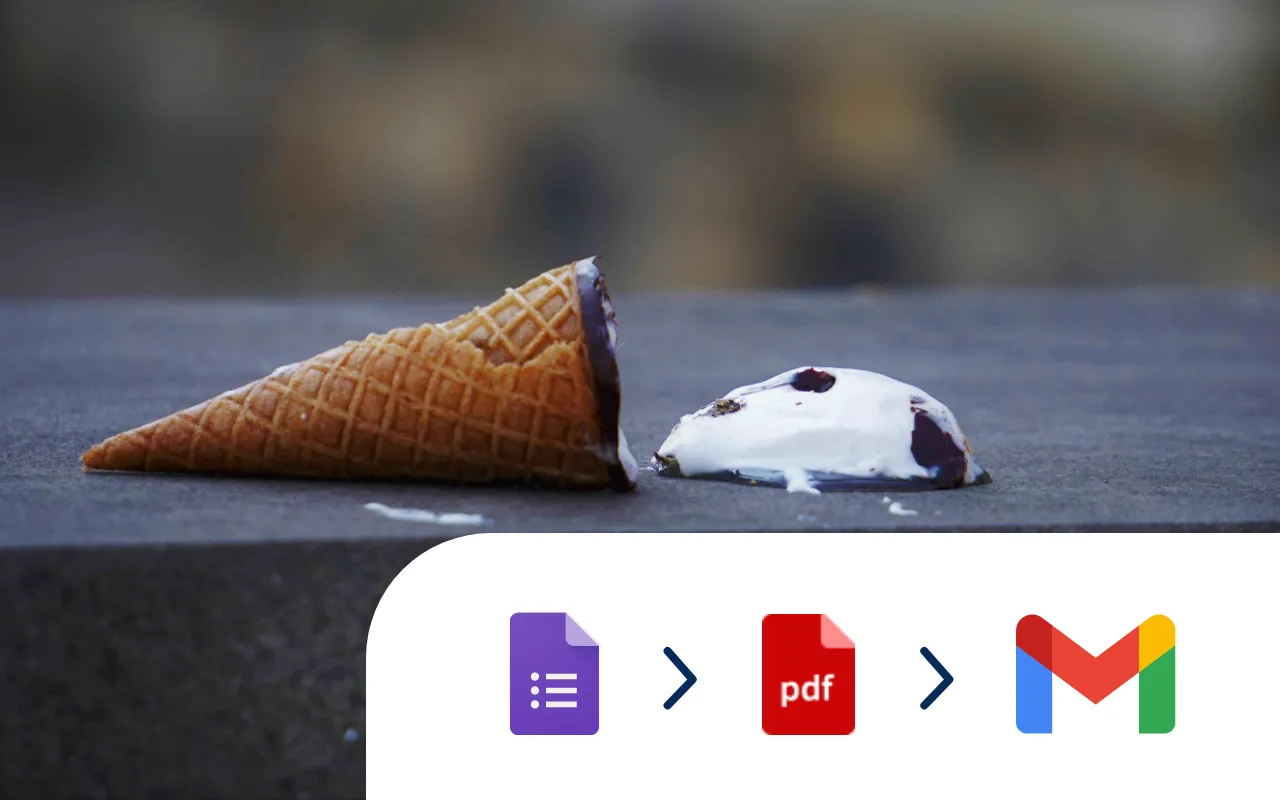
Every time a Google Form is submitted an incident report PDF is automatically generated and shared via email.
Try it now
Copy a free Google Docs invoice template to your Drive, add your details and export a polished PDF.
Try it now
Systemise your contracts so they are consistent and accurate. Perfect for sales and legal operations.
Try it now