
.webp)
Step 1
Copy our incident report template
To copy our incident report template, first log in via your Google account and then authorise Portant to place the files in your drive.
Copy incident report template*Only works on desktops

The #1 App for document automation
Use our incident report template to automatically generate incident reports from a Google Form
No credit card required · Setup in minutes
 ·
900,000+ Installs
·
4.8 stars ★★★★★
·
900,000+ Installs
·
4.8 stars ★★★★★
Trusted by teams at




















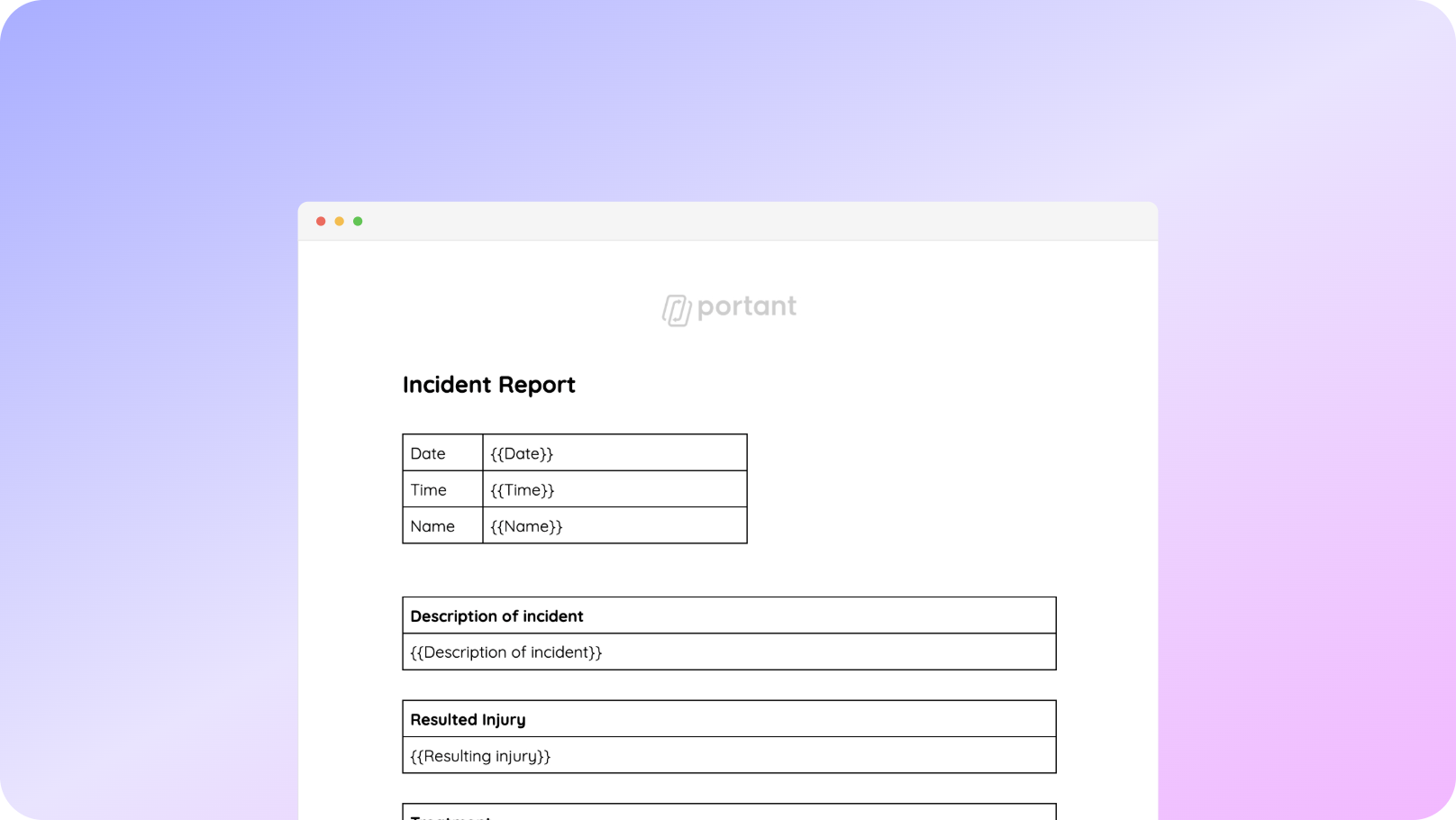
You can generate incident reports from our Google Forms template in a few easy steps. It is simple to create incident reports which contain all the information you need. After you have opened Portant Workflow, copy the Google Form incident report template workflow, fine tune and customise your report/form and finally turn on ‘Auto-create’, and voila!, you have automated your incident report process!
We know how painful and monotonous it can be to copy and paste data into an incident report template, export it as PDF and share it with your stakeholders. That is why we have come to the rescue.
With Portant you can copy our incident report template, click a few buttons and incident reports will be magically generated whenever you respond to a Google Form. You can then automatically share the incident reports via customised emails or even have them eSigned. Just select the options you require and place your incident reporting on autopilot.
01

Select the Form that incidents will be reported via
02
Connect a Google Docs incident report template
03
Click ‘insert’ to place tags in a Google Doc template
04
Then every time a form is submitted, an incident report is created
Step 1
To copy our incident report template, first log in via your Google account and then authorise Portant to place the files in your drive.
Copy incident report template*Only works on desktops
Step 2
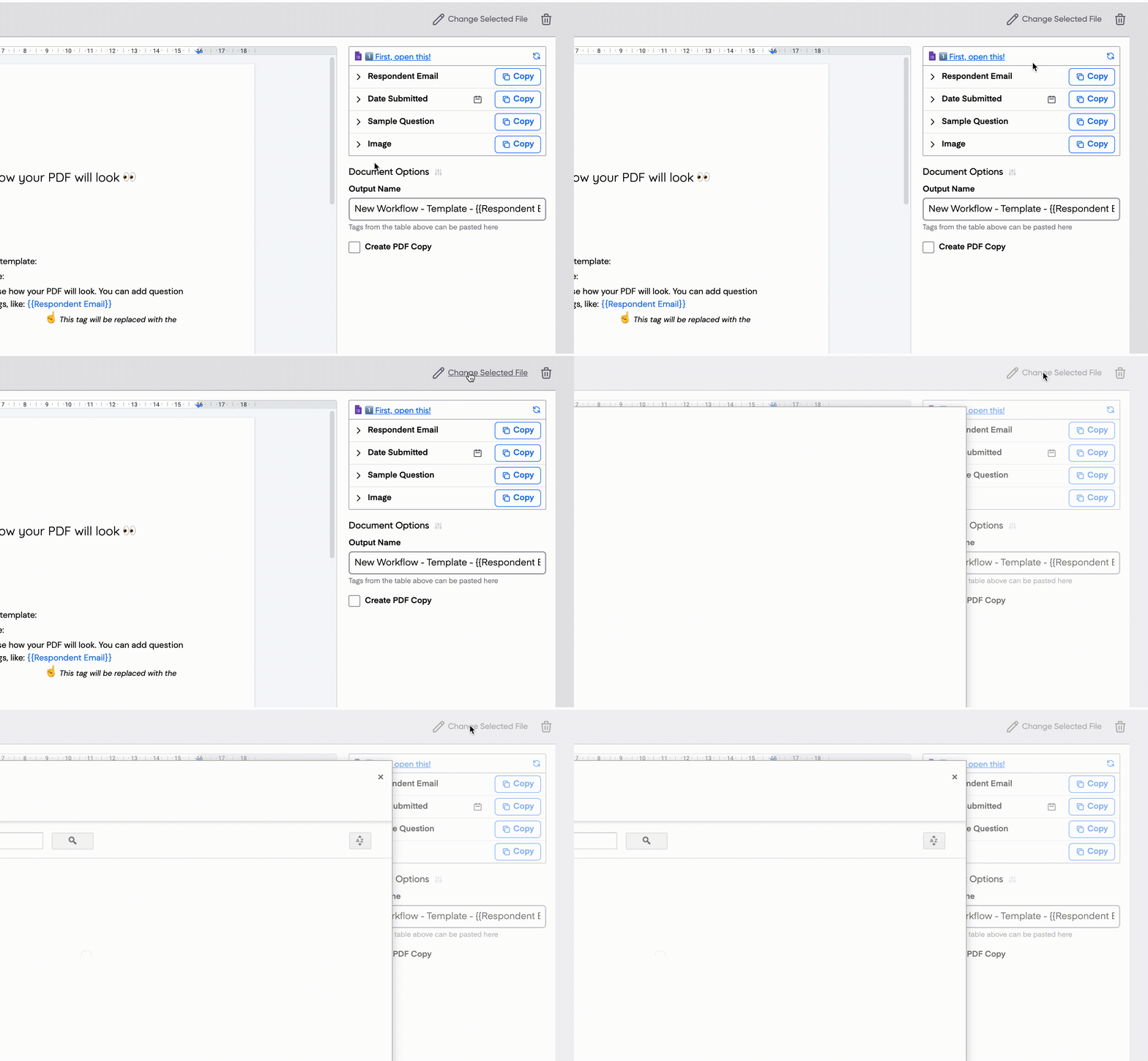
When you copy the template, Portant will create an Google Docs incident report template and Form automatically. However you can select your own Google Form or Doc template if you have one.
Step 3
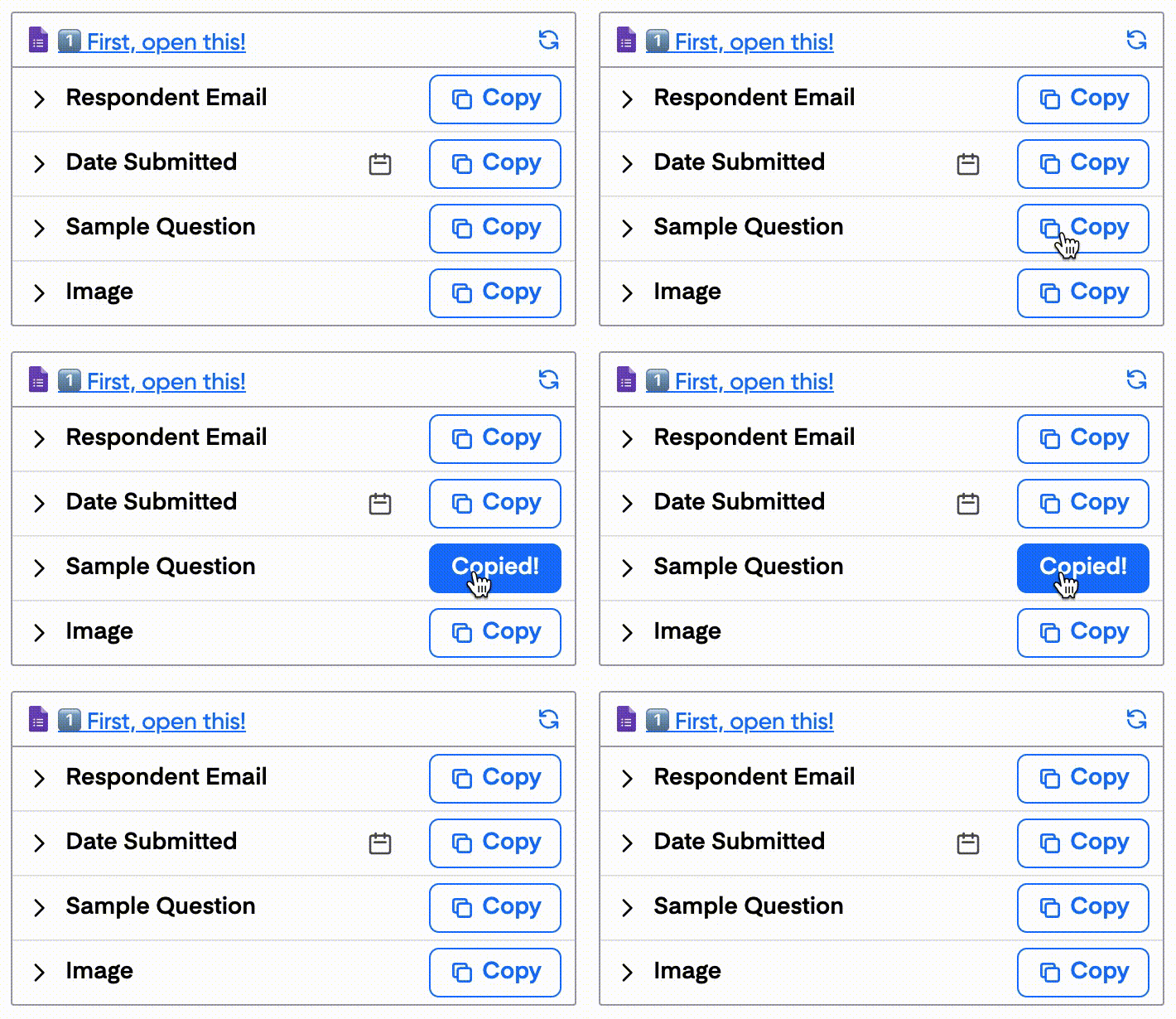
If you have added your own incident report template, you will need to open the document block and add {{tags}} into your document.
Step 4
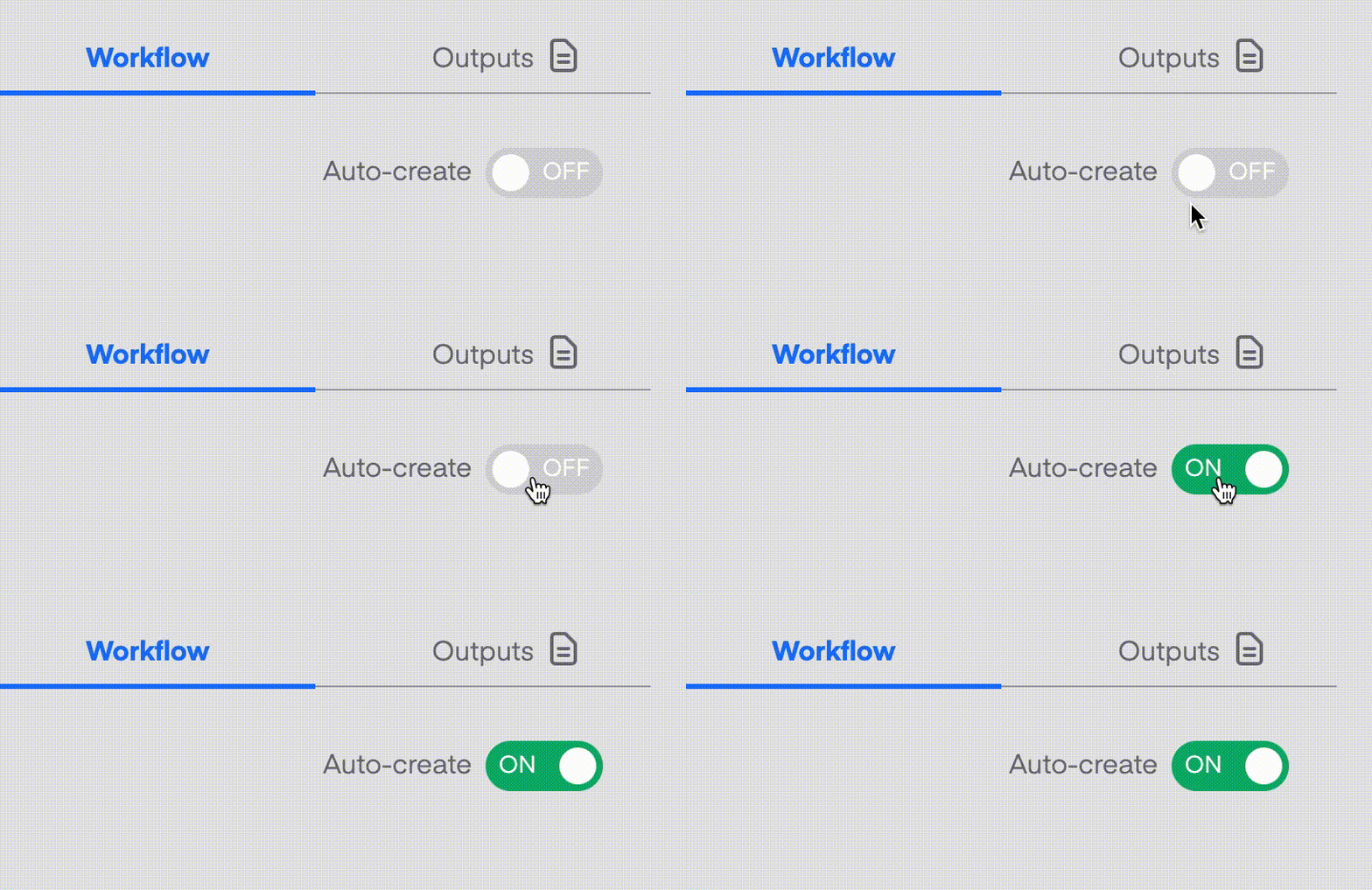
Toggle on ‘Auto-create’ and Portant will take information from your sheet and process invoices created from your Google Docs invoice template. The invoices will be emailed to your customers and also stored in a folder in your Google Drive.
.gif)
Automatically creating invoices from an invoice template removes manual data entry from your life. Generating documents from an invoice template enables you to get back to the more important stuff.

Typos should be a thing of the past. With Portant's invoice template, all data is sourced from a spreadsheet. Plus, your invoice formatting is guaranteed to be consistent.
Create invoices with the tools you already use: Google Docs, Sheets, Slides and Forms. Automating your process using an invoice template will help to turbo charge your workflows so you can hit all your goals.


Start by collecting all relevant information and establishing the order of events. Determine exactly what happened, then analyse the root cause from the evidence. Once identified, formulate corrective actions to prevent recurrence. Portant's incident report template streamlines this process by capturing details through a Google Form automatically.
The six essentials are: names and positions of people involved, names of witnesses, exact location of the incident, date and time, a clear description of what happened, and a description of resulting damages or injuries. Portant's template captures all six through a structured Google Form.
The four types are Accident, Notifiable Accident, Incident, and Notifiable Incident. Incidents and accidents are both unplanned events that can cause damage, but only accidents result in serious injury or illness. You can categorise each type using a Google Form connected to Portant.
An incident report should include six elements: (1) date and time of the incident, (2) location, (3) a concise description of what happened, (4) description of resulting damages, (5) names and contact details of all involved parties and witnesses, and (6) supporting photos or video. Portant's template covers all six.
The five Ws are Who, What, When, Where, and Why. These questions, common in journalism and investigations, ensure your incident report captures every critical detail. Use a Google Form with Portant to structure your report around these five prompts automatically.
Portant is a lot more than just an invoice template. Portant is a fully-fledged online document automation solution.
Most popular templates
Transform your work life with responsive, fully customisable, and easy-to-use templates.
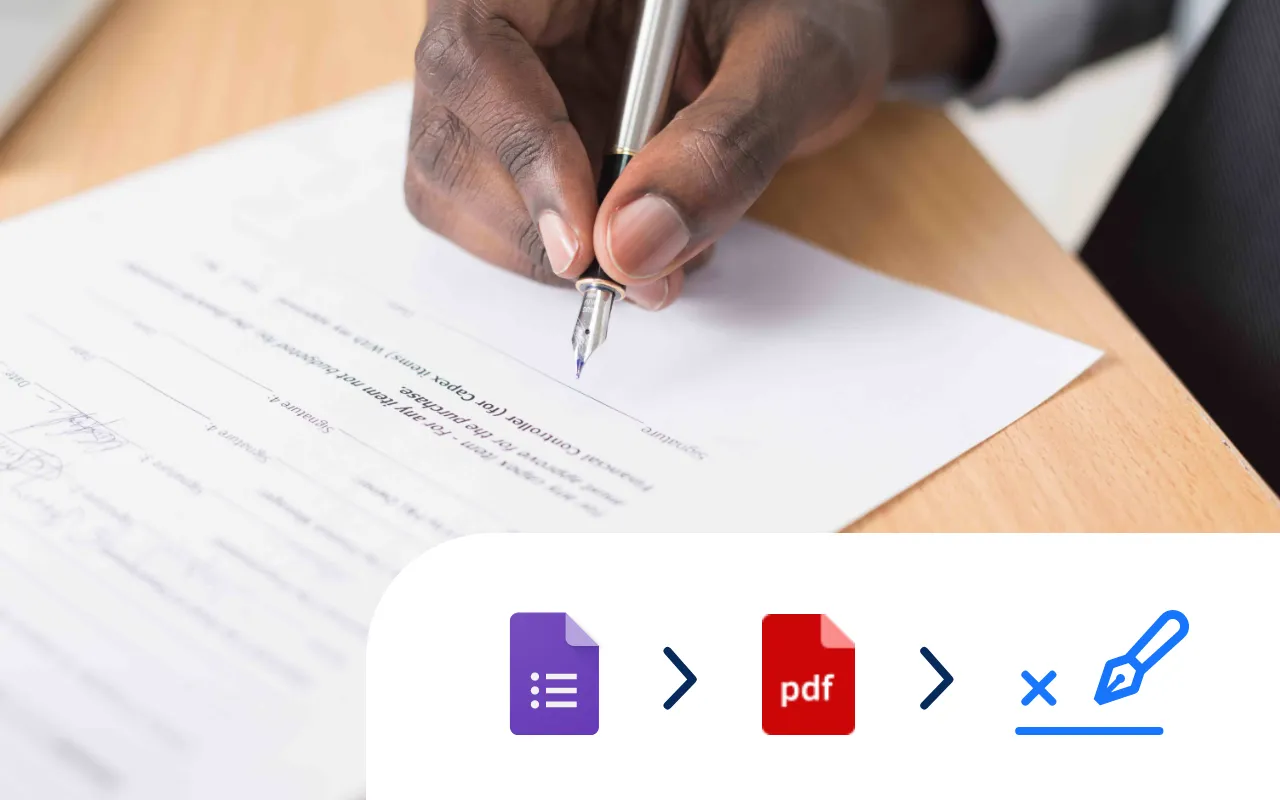
Select a Google Doc agreement template, add an eSignature placeholder and put your contract signing on auto-pilot.
Try it now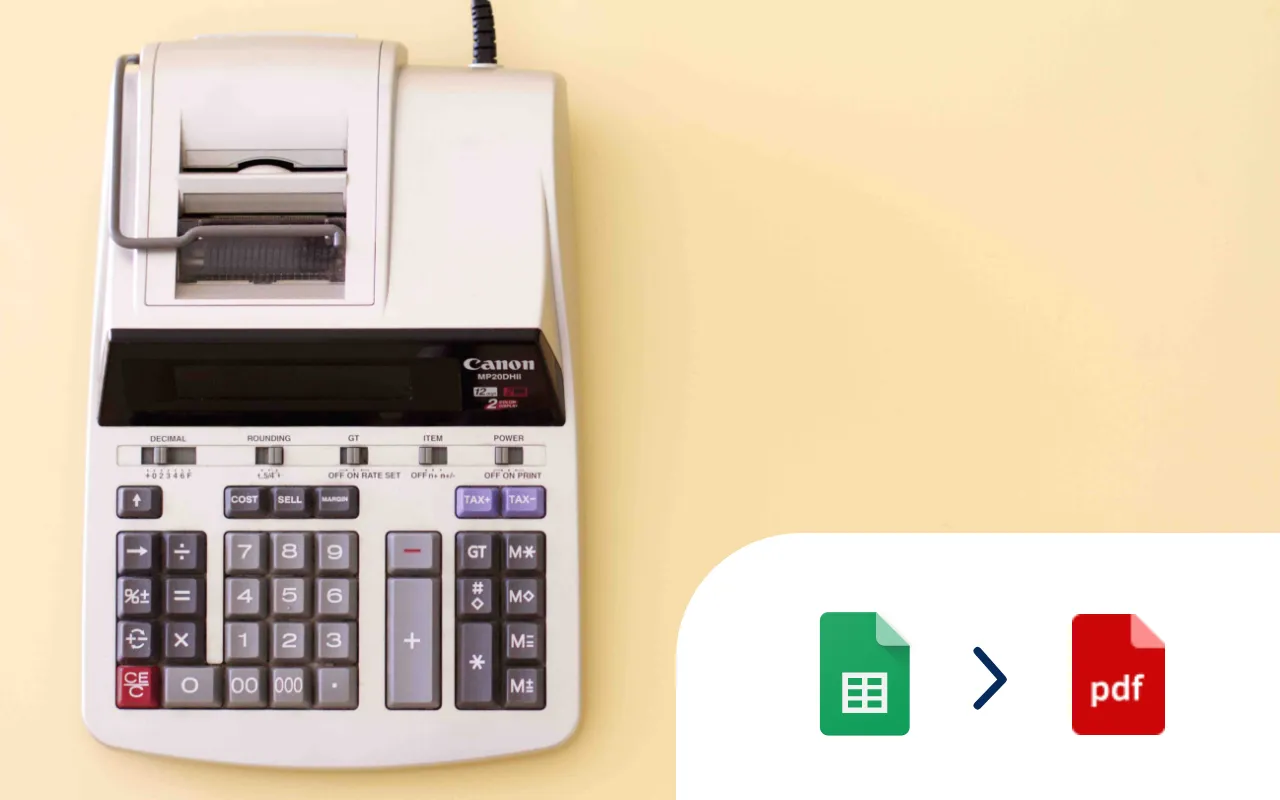
Select a Google Sheet of invoice data, add a Google Docs invoice template, and generate 10, 100 or even 1000's of invoices at a time.
Try it now
Select a Google Form, add tags to a Google Doc template, and generate Docs every time you receive a Google Form response.
Try it now
Every time a Google Form is submitted an incident report PDF is automatically generated and shared via email.
Try it now
Select a Google Form, add tags to a Google Doc or Slides template, and generate PDFs from responses.
Try it now
Systemise your contracts so they are consistent and accurate. Perfect for sales and legal operations.
Try it now