
Step 1
Select your Form
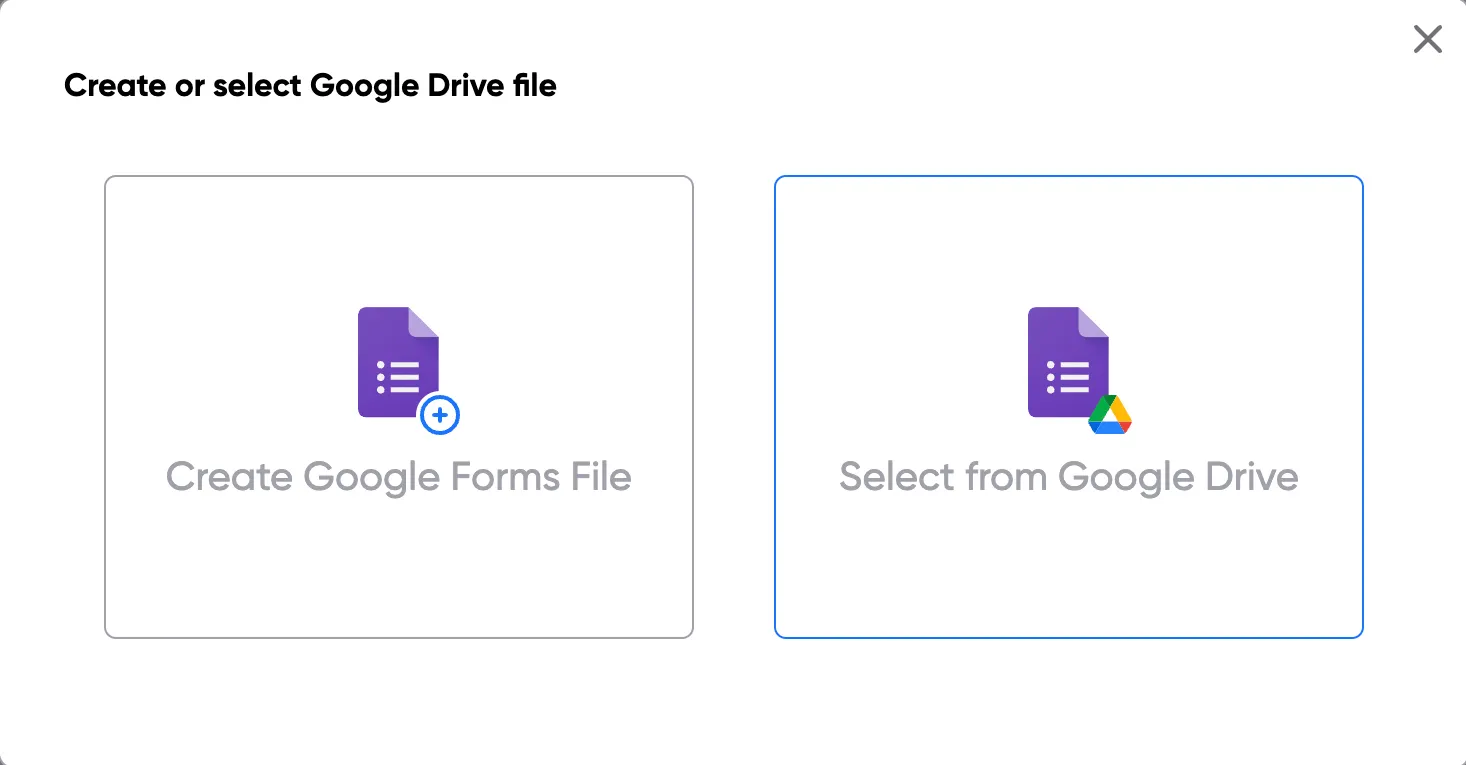
To select your Google Form, first log in via your Google account and then authorise Portant to access your Google Forms. Then search for your Form and add it to Portant
Select Google Form*Only works on desktops
The #1 App for document automation
Select a Google Form, add tags to a Google Docs template, and automatically customise documents from responses for free.
No credit card required · Setup in minutes
 ·
900,000+ Installs
·
4.8 stars ★★★★★
·
900,000+ Installs
·
4.8 stars ★★★★★
Trusted by teams at




















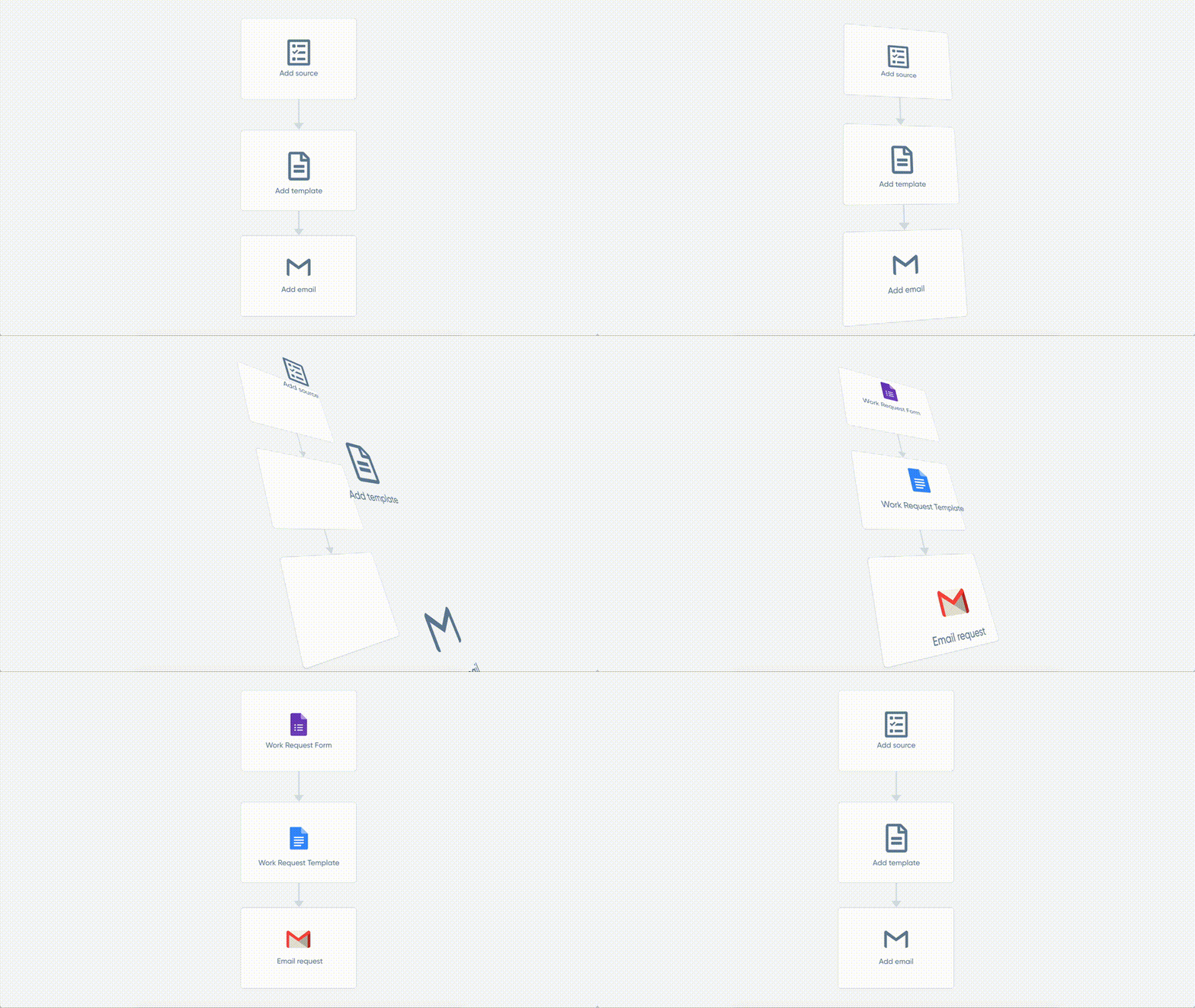
You can convert Google Forms responses into documents for free in a few easy steps. It is simple to create Google Docs which contain all kinds of different question responses including images, dates, numbers and text. After you’ve opened Portant Workflow on your computer, select your Google Form, then connect a Google Docs template and add question response tags to your document. After you’re setup, turn on auto-create, and voila!, you’ve automated Google Forms responses into Google Docs!
We know how painful and monotonous it can be to copy and paste form responses into document templates and then save a copy of them in the correct folder. That’s why we’ve come to the rescue with this article.
Creating your perfect document workflow is easy with Portant. Just connect Google Forms to Google Docs, click a few buttons and Google Docs will be magically generated whenever you receive a response. The Google Docs template creates a new document every time a new response is submitted. You can then share the Google Docs via customised emails. Just select the options you require and place your documentation on autopilot.
Portant can also convert Google Forms to PDFs.
01
Select the Google Form to create Google Docs from.
02
Link a Google Docs template
03
Click ‘insert’ to place tags in your Google Docs template
04
Generate a new document from each response
Step 1
To select your Google Form, first log in via your Google account and then authorise Portant to access your Google Forms. Then search for your Form and add it to Portant
Select Google Form*Only works on desktops
Step 2
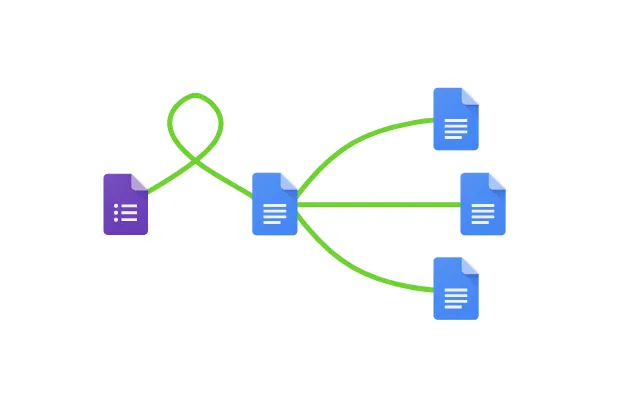
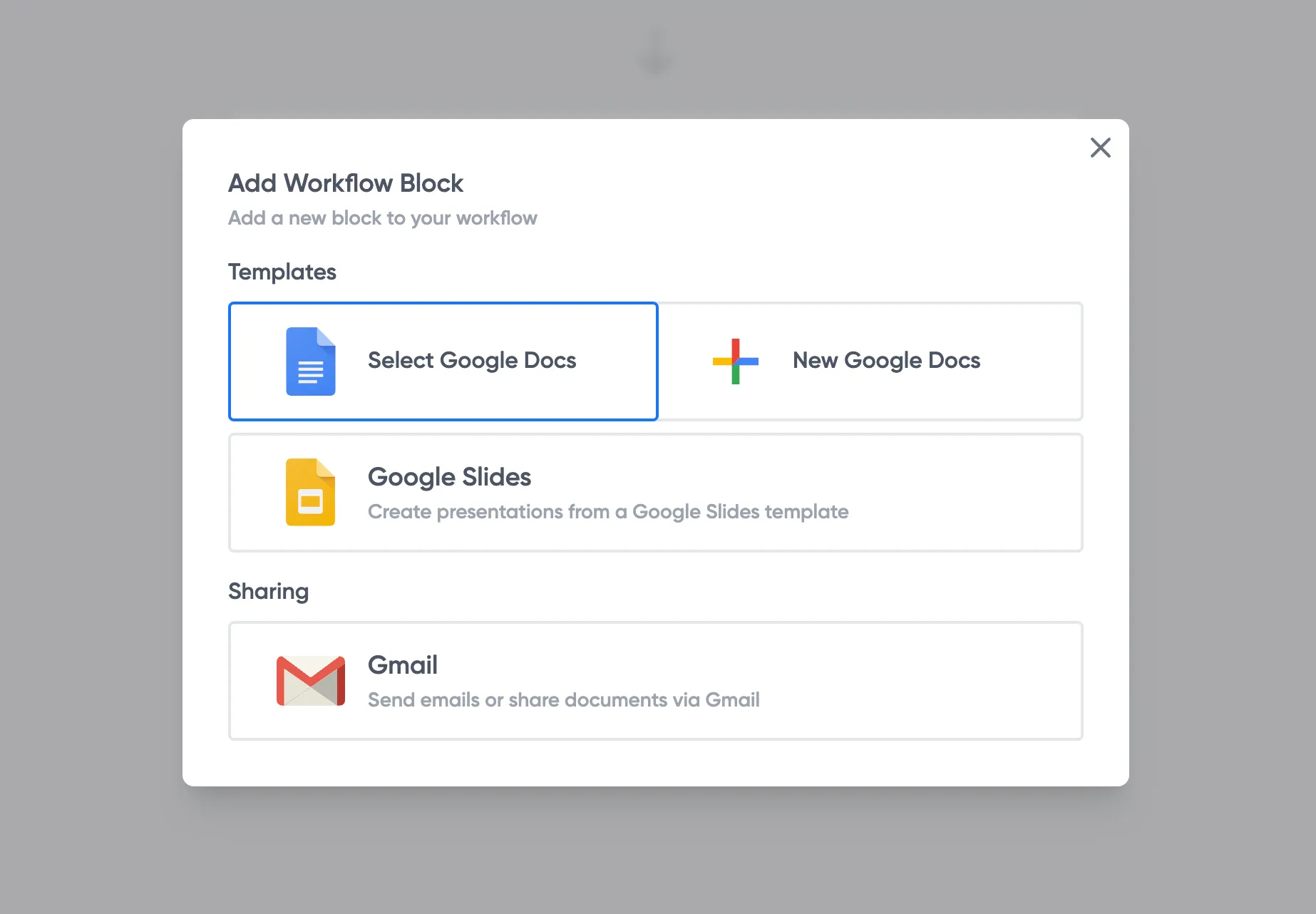
When you link your Google Forms, you can search and select your own Google Doc if you have something prepared already or create a new document. Also, you can connect multiple documents or different apps (if you want 😀)
Step 3
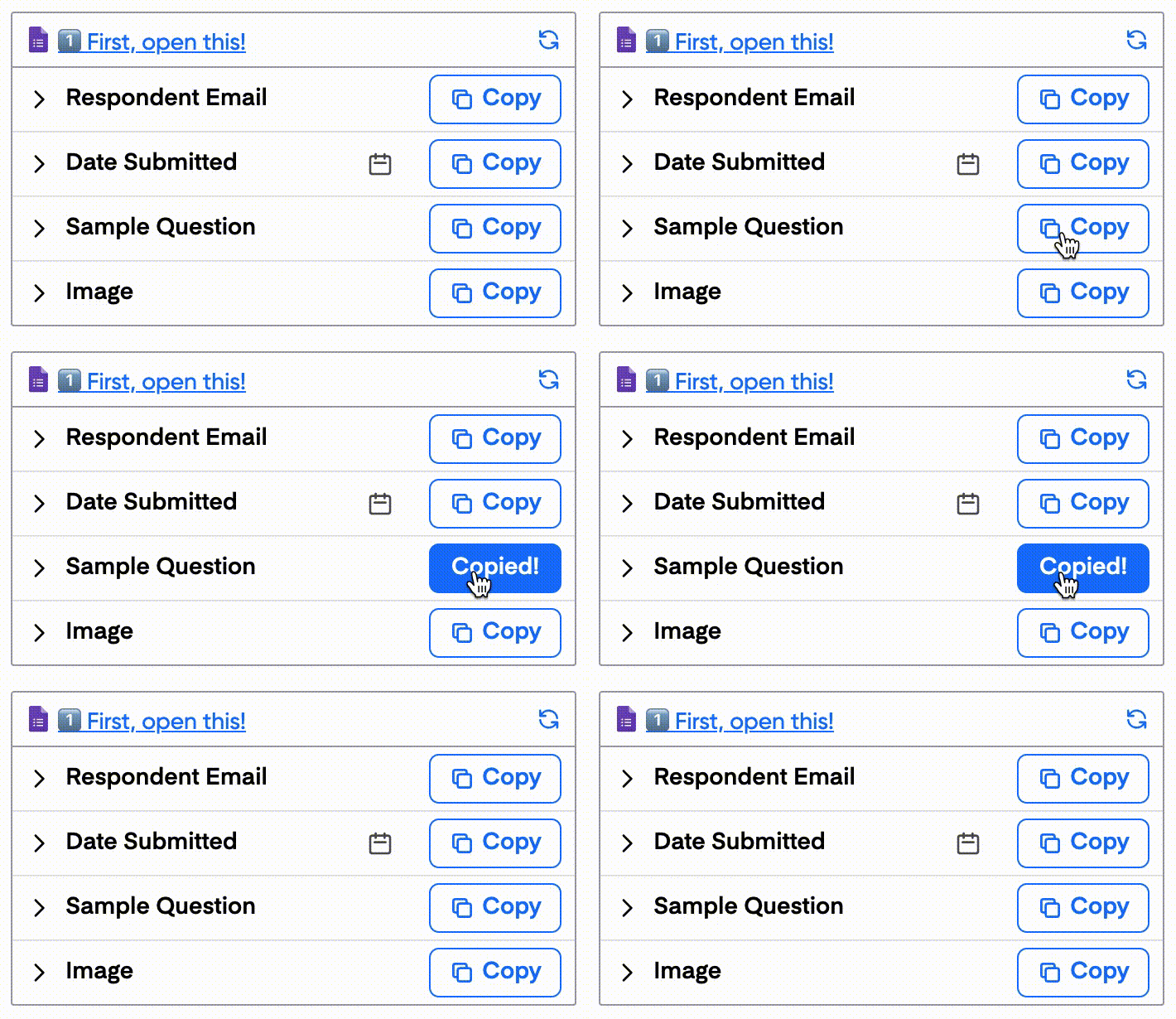
Open the document block and add tags into your document. You can edit the document and add additional information within Portant. Also, you can format the tags and the form data will be inserted using the same format (for example: bold, italic, colour etc)
Step 4
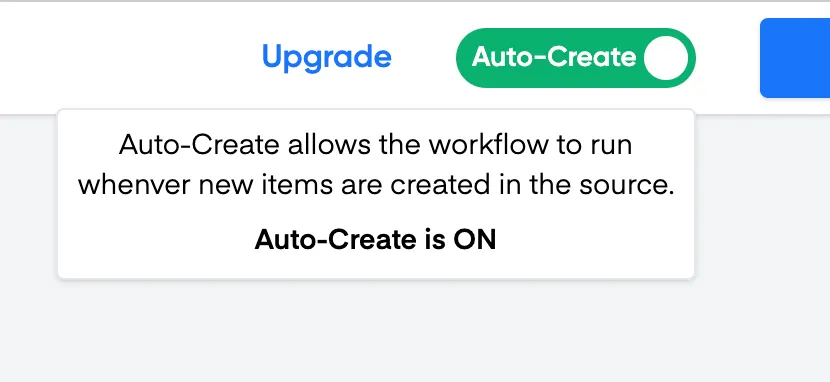
Now the apps are connected and setup, turn on Auto-create and submit a response to your form to test the workflow. The new Google Docs will be stored in a folder made in your Google Drive, which can be edited on the ‘Outputs’ page.
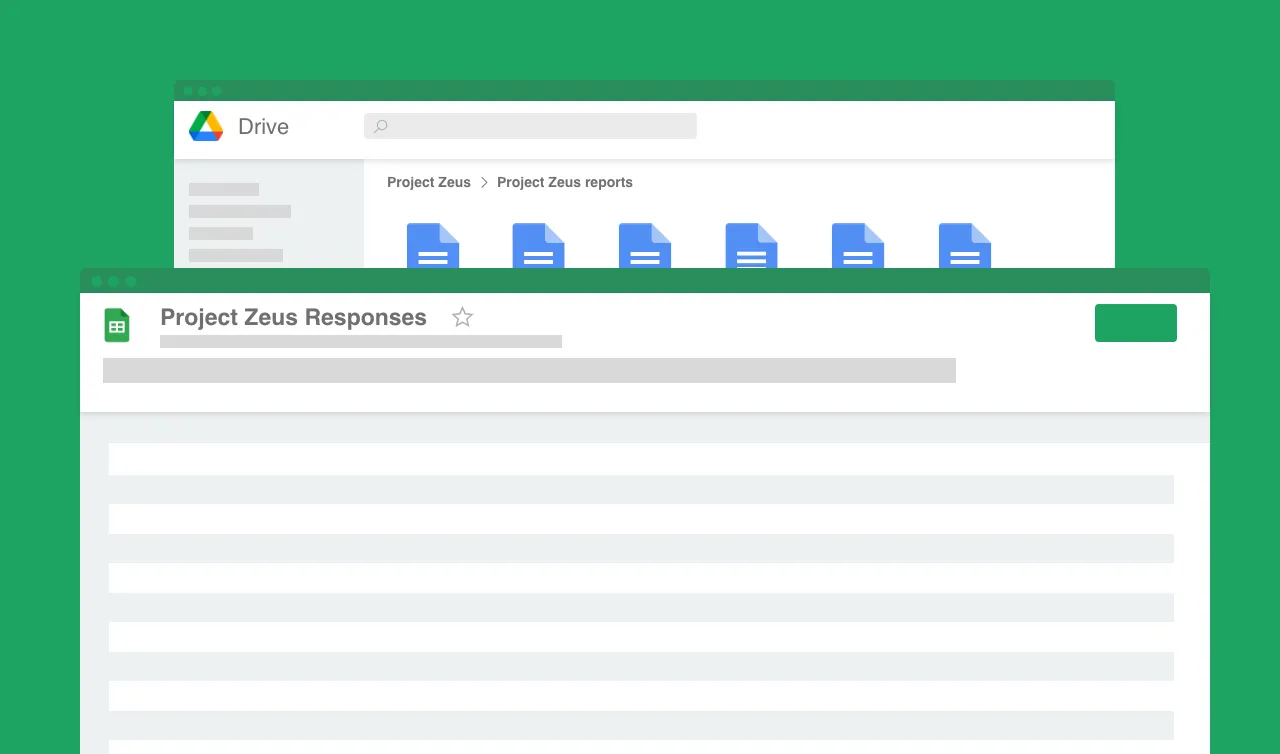
Automatically converting Google Forms responses to Google Docs removes manual data entry from your life, saving you the time and effort of copy/pasting or retyping. Some businesses spend up to 567 hours per year on admin tasks, much of which could be automated. Automatically converting Google Forms responses to Google Docs enables you to get back to the more important stuff.
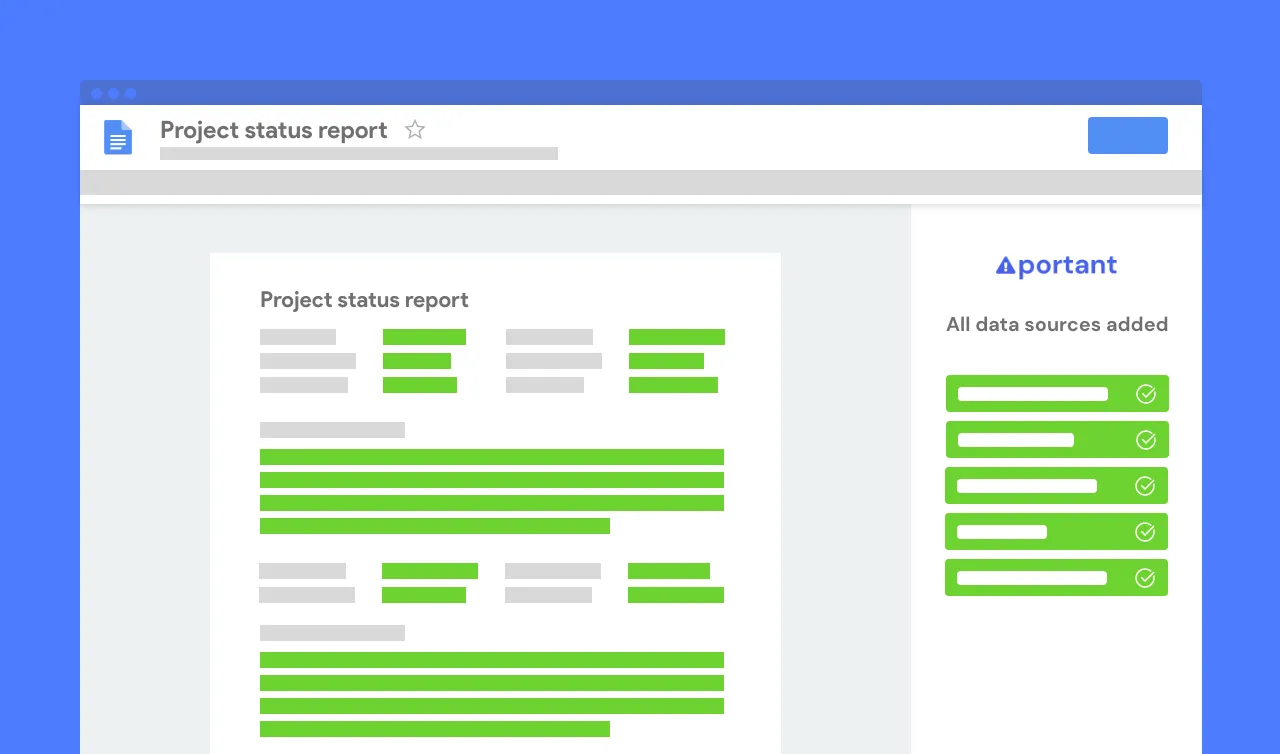
Typos should be a thing of the past. With Google Forms response to Google Docs converter, all data is sourced from the original Form response. This means you won’t have to worry about mistakes from copying and pasting or manual data entry. Plus, your formatting is guaranteed to be consistent on all your documents.
Convert Google Forms submissions to Google Docs with the Google Apps you already use - Google Docs, Google Sheets, Google Slides and Google Forms (and without any code!) Portant is integrated into the Google Workspace, so it’s available on the platforms and apps you’re comfortable with.
Converting Form answers to Google Docs will help to turbo charge your workflows so you can hit all your goals.


Yes. Portant automatically converts Google Form responses into Google Docs for free. Connect your form, add response tags to a Doc template, turn on auto-create, and a new document is generated and saved to your Google Drive every time someone submits a response.
Yes. Open Portant, connect your Google Form, and select a Google Docs template or upload a Word doc. Insert answer tags, turn on auto-create, and each new response generates a document automatically. Download as Word (.docx) from File > Download in seconds.
Yes. Use Portant to connect your Google Form, choose a Docs template or upload a Word file, and insert answer tags. Turn on auto-create to generate a document from every submission automatically. Open the output Doc and click File > Download > Word document (.docx) to export.
Yes. Portant lets you import Google Forms questions and responses into Google Docs automatically. Select your form, choose a Doc template, insert answer tags, and turn on auto-create. Each submission generates a new Doc with response values saved in your Google Drive.
Yes. Connect your Google Form in Portant, select a Google Docs template, and insert answer tags where you want response data to appear. Turn on auto-create and every new form submission generates a Doc with the response values, saved automatically to your Google Drive.
Yes. Open Portant, connect your Google Form, and select a Docs template. Add answer tags, then turn on auto-create. Each response generates a new document with form data, saved to your Google Drive. Open it and click File > Download > Word document (.docx) to get a Word file.
Yes. Open your Google Form, go to the Responses tab, and click the Spreadsheet icon to link a new or existing sheet. Every submission automatically adds a row to that spreadsheet. You can also use Portant to generate Docs and save response data to Sheets at the same time.
You can do a lot more than just convert Google Forms responses to Google Docs with Portant. Portant is a fully-fledged online document automation solution that can optimise many different document flows, integrating different apps. Use cases include: contracts, invoices, pitch decks and much more. Creating your perfect document workflow (without any code) is easy with Portant. You can use our online document automation platform to take care of the details and optimise your repetitive work, so you can get back to doing the work you enjoy.
Most popular templates
Transform your work life with responsive, fully customisable, and easy-to-use templates.
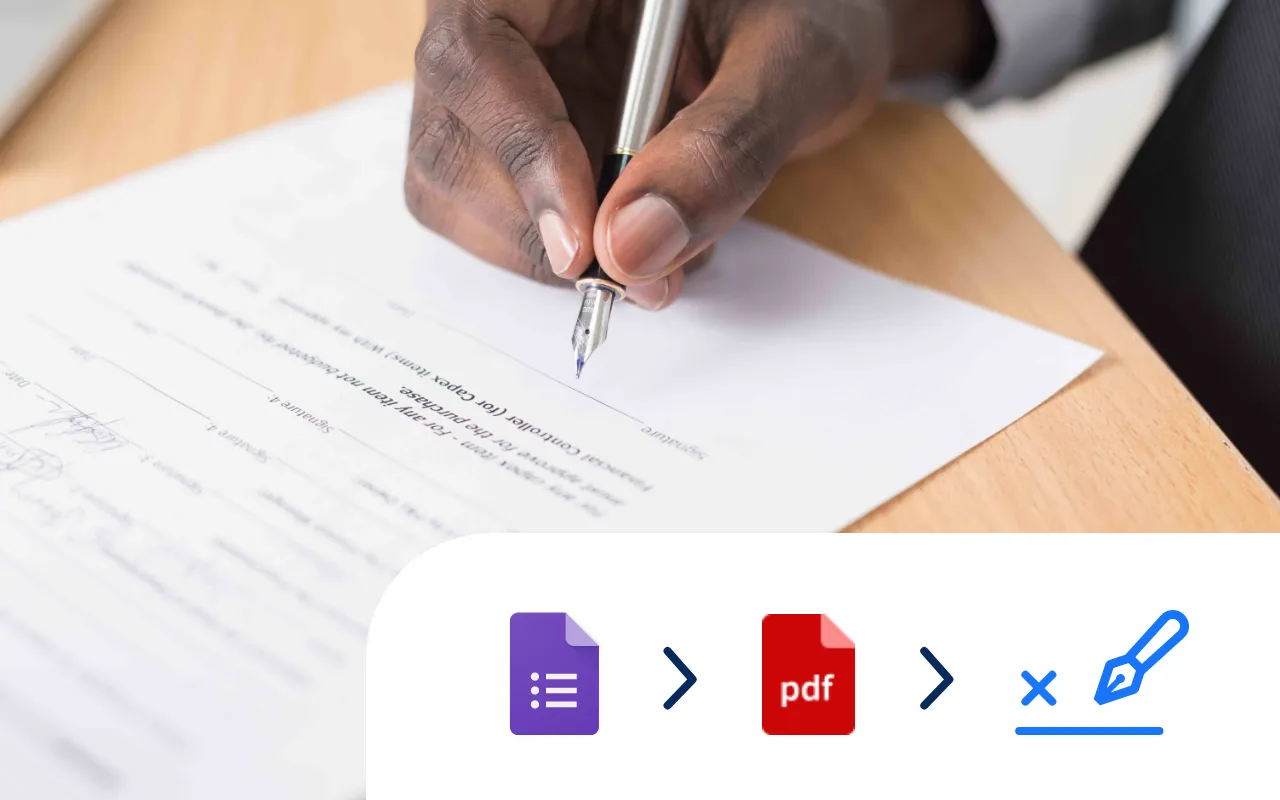
Select a Google Doc agreement template, add an eSignature placeholder and put your contract signing on auto-pilot.
Try it now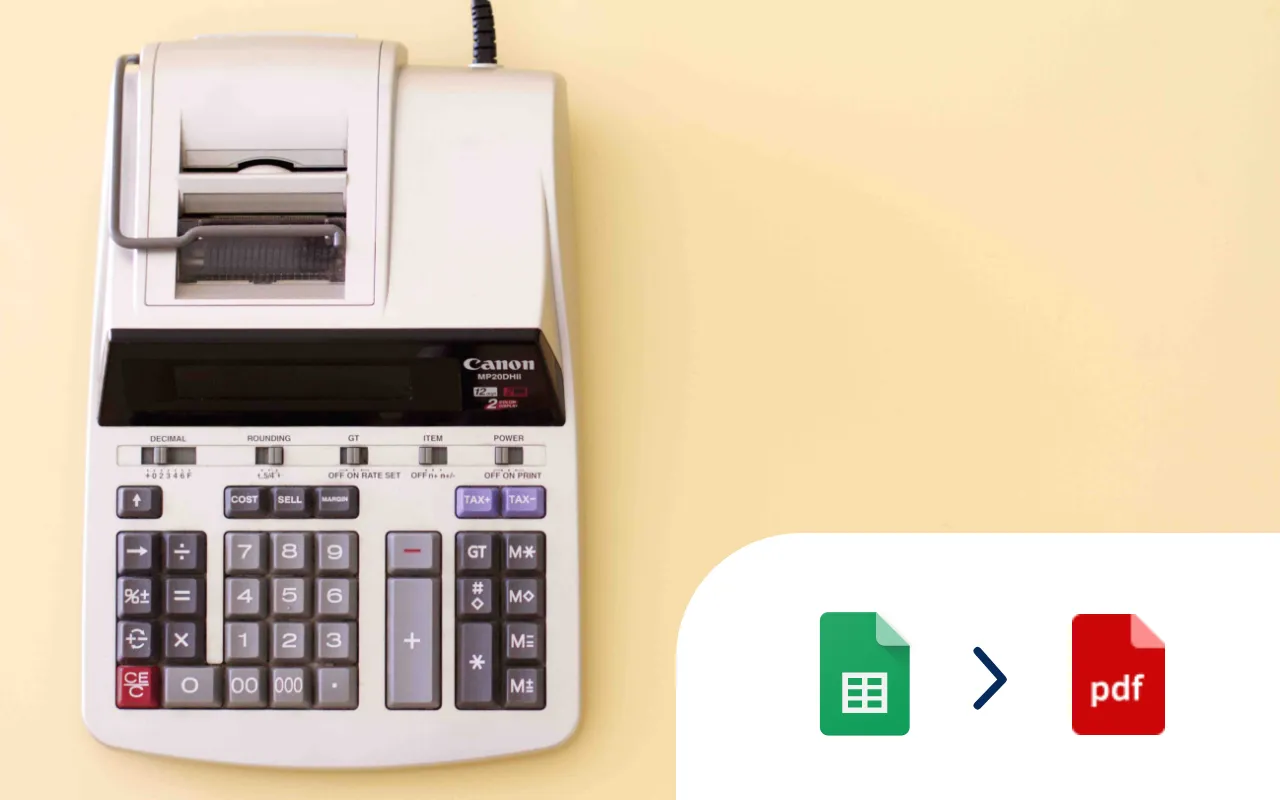
Select a Google Sheet of invoice data, add a Google Docs invoice template, and generate 10, 100 or even 1000's of invoices at a time.
Try it now
Select a Google Form, add tags to a Google Doc template, and generate Docs every time you receive a Google Form response.
Try it now
Every time a Google Form is submitted an incident report PDF is automatically generated and shared via email.
Try it now
Select a Google Form, add tags to a Google Doc or Slides template, and generate PDFs from responses.
Try it now
Systemise your contracts so they are consistent and accurate. Perfect for sales and legal operations.
Try it now