
HubSpot to template
Insert live HubSpot data into any document, automatically
Add {{HubSpot Tags}} to your Docs, Slides, Word, or PowerPoint templates. Every field fills with live deal, contact, company, and line item data. No exports, no copy-paste.
 Install on HubSpot
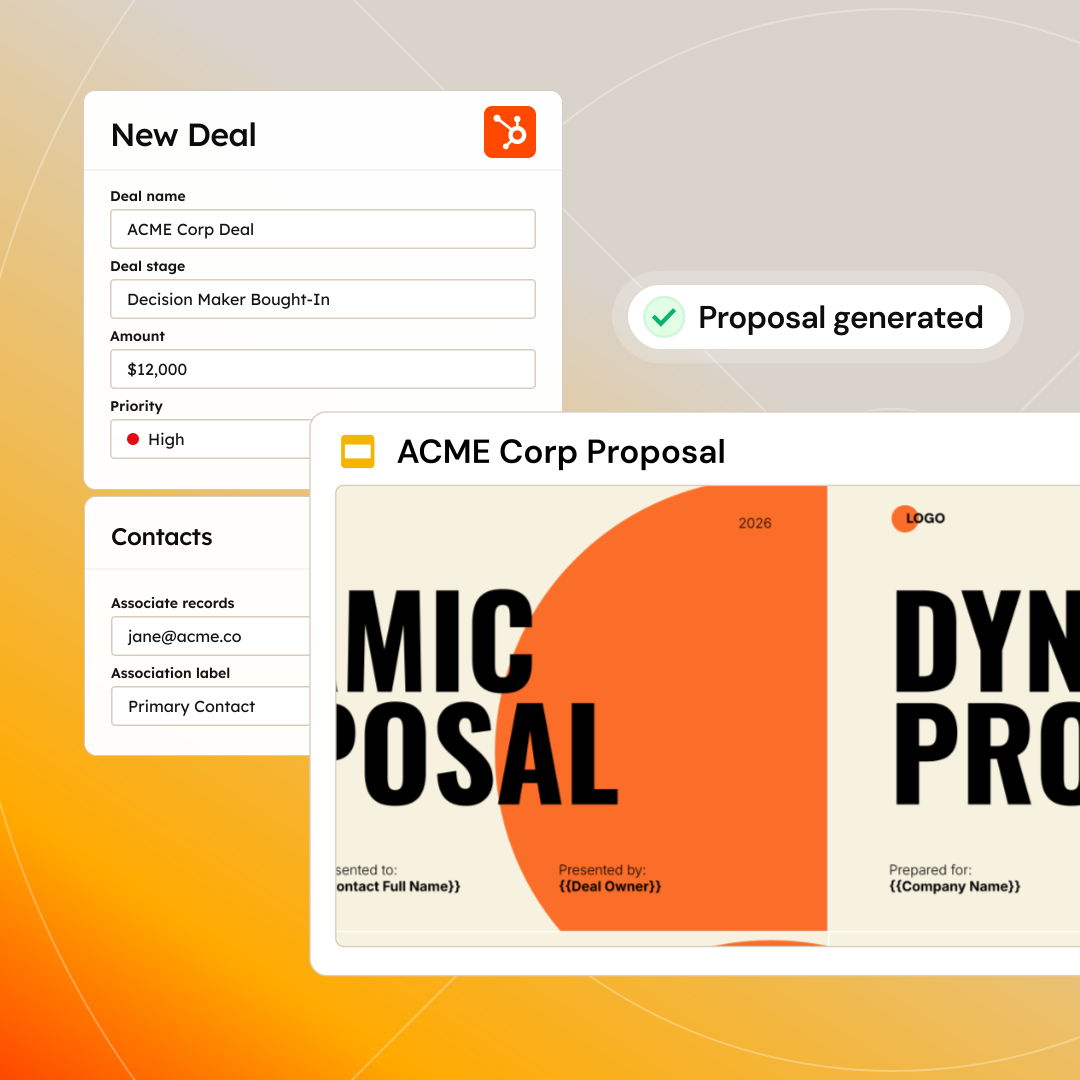
Trusted by 40,000+ teams










Why teams automate their data merge in HubSpot
Looking for a simple data merge app for HubSpot? Portant’s that, and much more too.
Every value is live from HubSpot
{{HubSpot Tags}} pull the current field value at the moment of generation. If a deal updates a minute before send, the document reflects it automatically.
No CSV exports or spreadsheet formulas
Portant reads directly from HubSpot. No exporting rows, no fragile formulas, no row mix-ups. The CRM is your single source of truth.
Tags anyone on the team can manage
Non-technical teammates add and update {{HubSpot Tags}} without writing code. Built-in validation catches missing or broken fields before anything reaches a customer.
“Portant saved our sales team countless hours every week automating documents.”
How data merge automation works
Every feature is built to work inside HubSpot, so your team moves faster without switching tools.
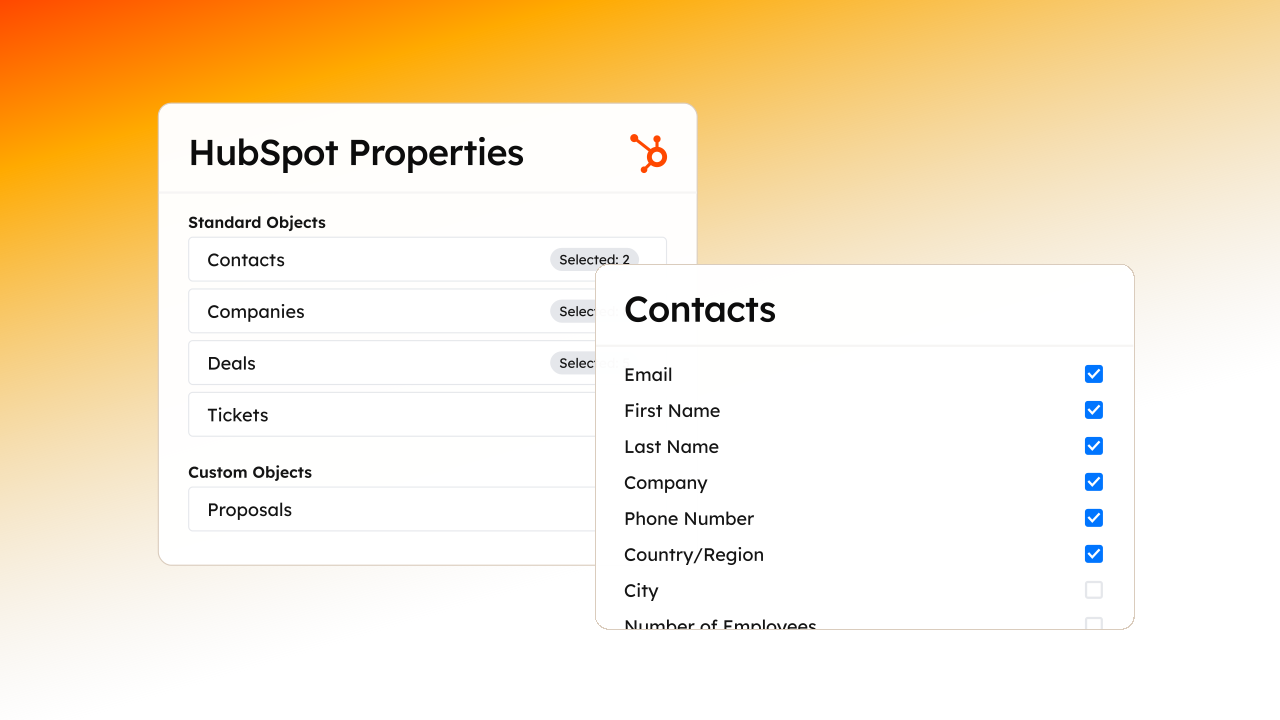
Insert any live data from HubSpot
Personalize templates with {{HubSpot Tags}} to insert any live data from HubSpot. Every field fills automatically.
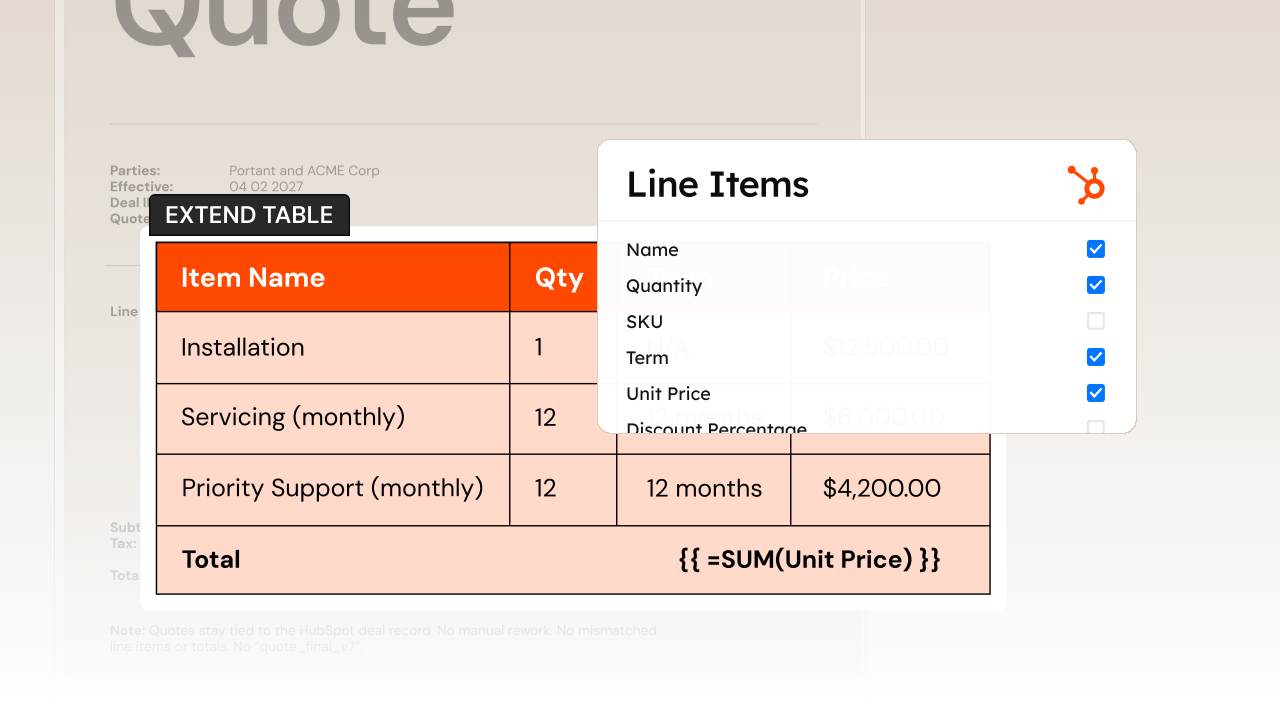
Line item tables, pricing, and totals
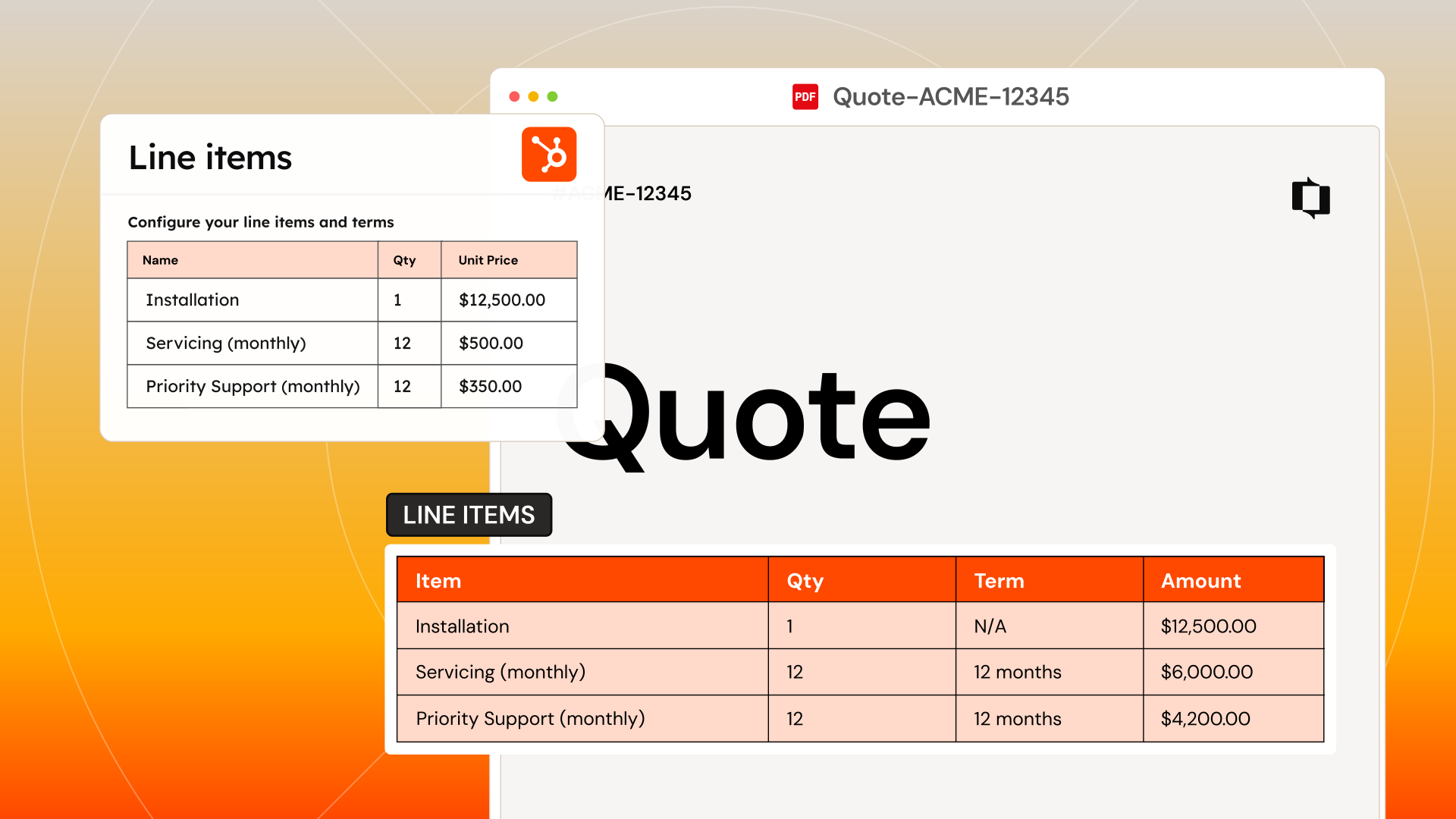
Expand product rows, quantities, and totals from deal line items. No manual table building, no formatting fixes.
Use your existing templates
Work in Google Docs, Slides, Word, or PowerPoint. Your branded templates stay exactly as you designed them.
No more copy-paste busywork
Stop manually building documents from scratch. Info from HubSpot is automatically filled in, every time.
Trust every document is accurate
Teams use their own branded templates and trust every doc is accurate. No docs going out late, wrong, or off-brand.
How to get started with data merge in HubSpot
01
Connect HubSpot
Install Portant from the HubSpot Marketplace and connect your account in a few clicks.
02
Tag your templates
Add {{HubSpot Tags}} to your existing Google Docs, Slides, Word, or PowerPoint templates wherever live data should appear.
03
Map your fields
Link each tag to a HubSpot property. Deals, contacts, companies, line items, and custom objects are all supported.
04
Generate
Run from any HubSpot record. Every value fills with live CRM data instantly.
Frequently asked questions about data merge
Explore more
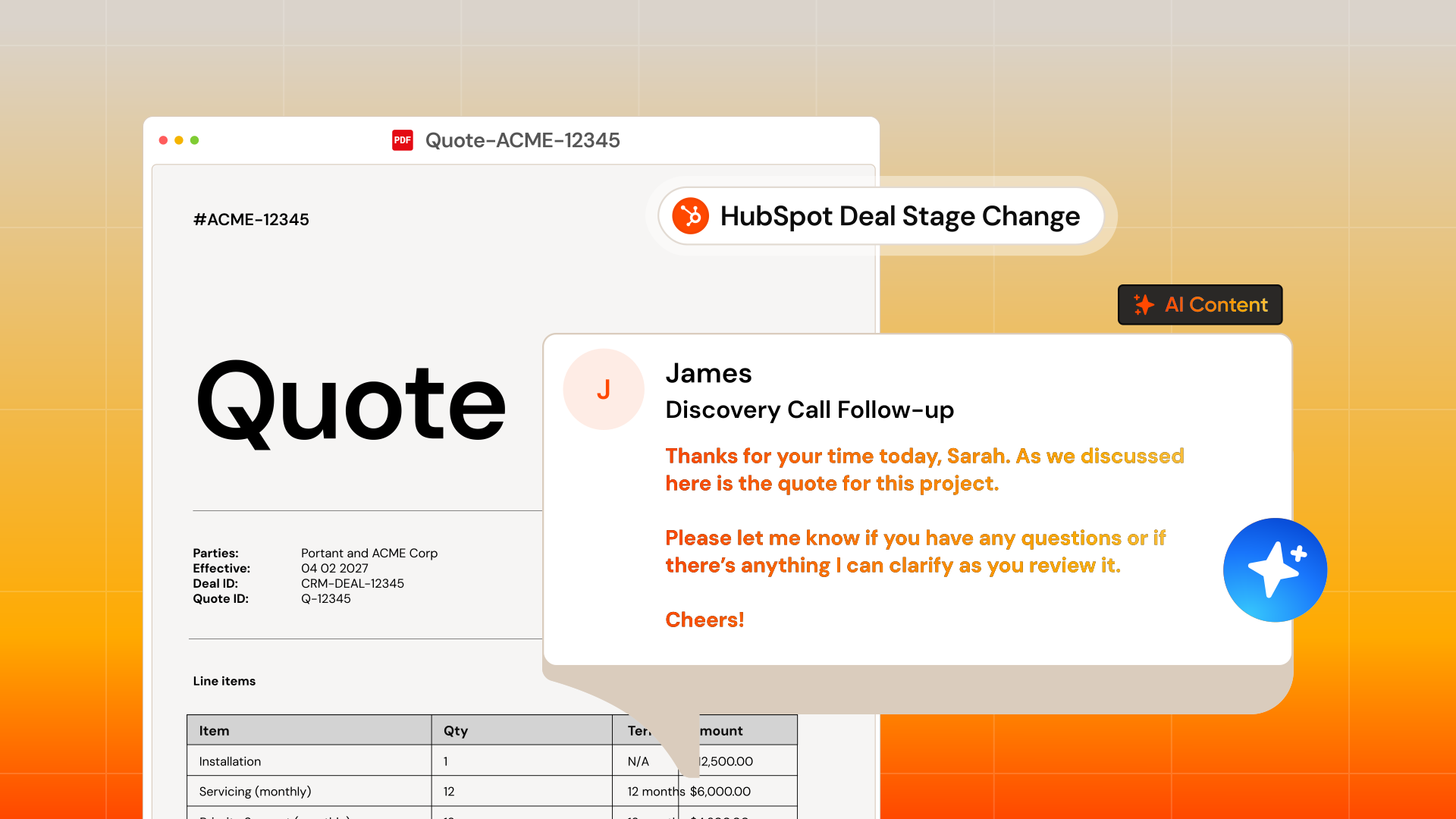
Join over 40k+ teams using Portant
Portant has been a game-changer for Clipboard! It’s saved our sales team countless hours every week by generating order forms, proposals and contracts with info from HubSpot automatically filled in.
With Portant, I run documents directly from HubSpot. No jumping between platforms. No copying data.
Portant replaced three separate tools for us. One platform handles docs, signatures, and follow-ups without leaving HubSpot.
Hundreds of contracts go out in a few clicks. The signed ones come back in, and the rest are easy to spot.
At RepCard, Portant gave us an end-to-end automated workflow inside HubSpot, we replaced manual agreement creation at scale.
We’re seeing higher average closed revenue with Portant and faster days to close, it’s showing us a material impact on sales velocity.
Love this product. Have been using it for over a year and the integration to Google Workspace is awesome. Lots of credit for listening to your users!
When the executive team asks for an extension document, Portant gets it to them in about an hour, it’s empowered my whole team.
Truly a gamechanger! Portant streamlines these tasks and allows me to focus on the things that require my attention and problem-solving!
This software brilliantly takes over the tedious process of creating and sending invoices. This not only saves time but massively reduces errors of data entry.
This product is a gamechanger for all of those painful manual document merges. Love what you and the team have built!
Our reps used to spend 30 minutes per proposal. Now it’s under two minutes and the documents look better than ever.