
.webp)
Step 1
Copy the Google Docs template
Click copy to open your own editable version in Google Drive. Nothing to install, and your copy is private to you and ready for your details.
Copy template
The #1 App for document automation
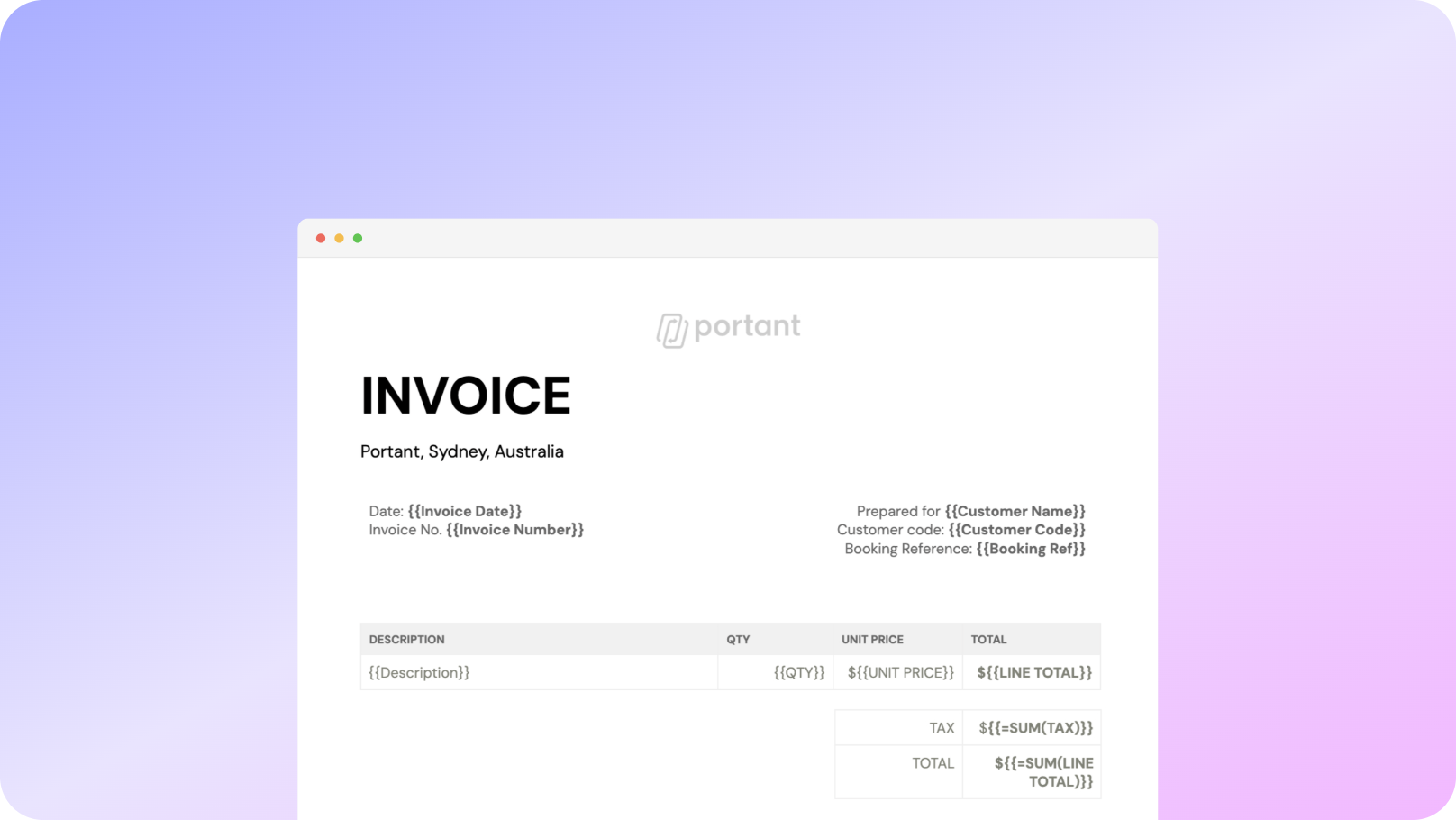
Copy a free, professional Google Docs invoice template straight to your Google Drive. Add your logo, business details and line items, then export a polished PDF. Want to send invoices automatically? Connect it to Portant.
No signup required · Free to use
 ·
900,000+ Installs
·
4.8 stars ★★★★★
·
900,000+ Installs
·
4.8 stars ★★★★★
Trusted by teams at




















This free Google Docs invoice template opens in your own Google Drive in one click. Add your logo, company information, invoice number, line items, taxes and payment terms, then share or download a polished PDF, all without leaving Google Workspace.
Because it lives in Google Docs, you can edit it from any device and collaborate with your team in real time. Prefer Microsoft Office? The same template is available as a Word invoice template.
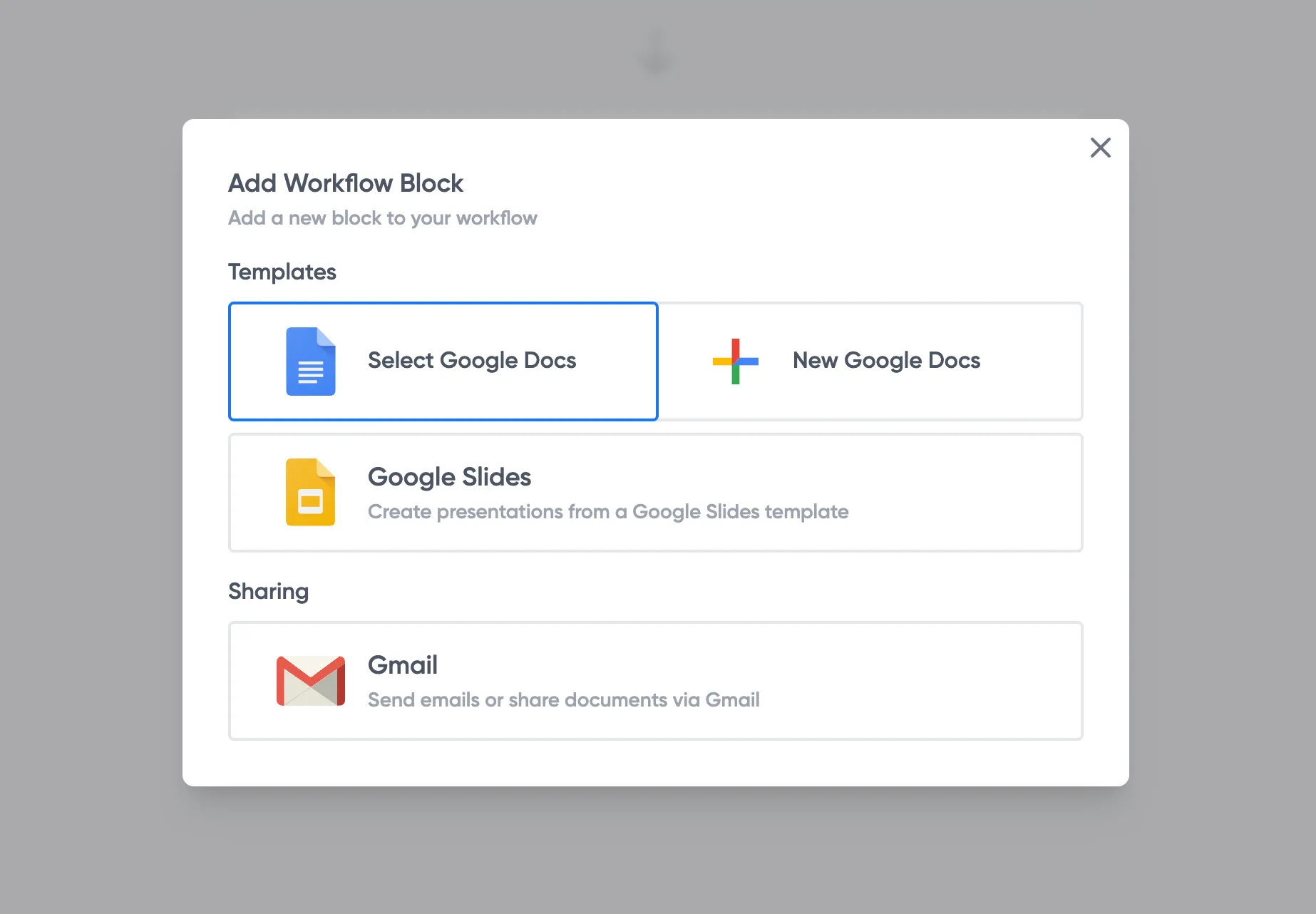
Sending lots of invoices? Keep your data in a Google Sheet and let Portant fill this template and email each invoice for you, automatically.
01
Copy the free Google Docs invoice template to your Drive.
02
Add your logo, business details and line items.
03
Download the finished invoice as a PDF to send.
04
Optional: connect Google Sheets to send invoices automatically.
Step 1
Click copy to open your own editable version in Google Drive. Nothing to install, and your copy is private to you and ready for your details.
Copy template
Step 2
Replace the placeholder fields with your logo, company details, invoice number and payment terms. Add or remove line items and the layout stays tidy.
Step 3
Download a PDF to email your client, or connect a Google Sheet with Portant to generate and send every invoice automatically.
Automate invoices
Open your copy from any device, edit in the browser and collaborate with your team in real time. There is no software to install.
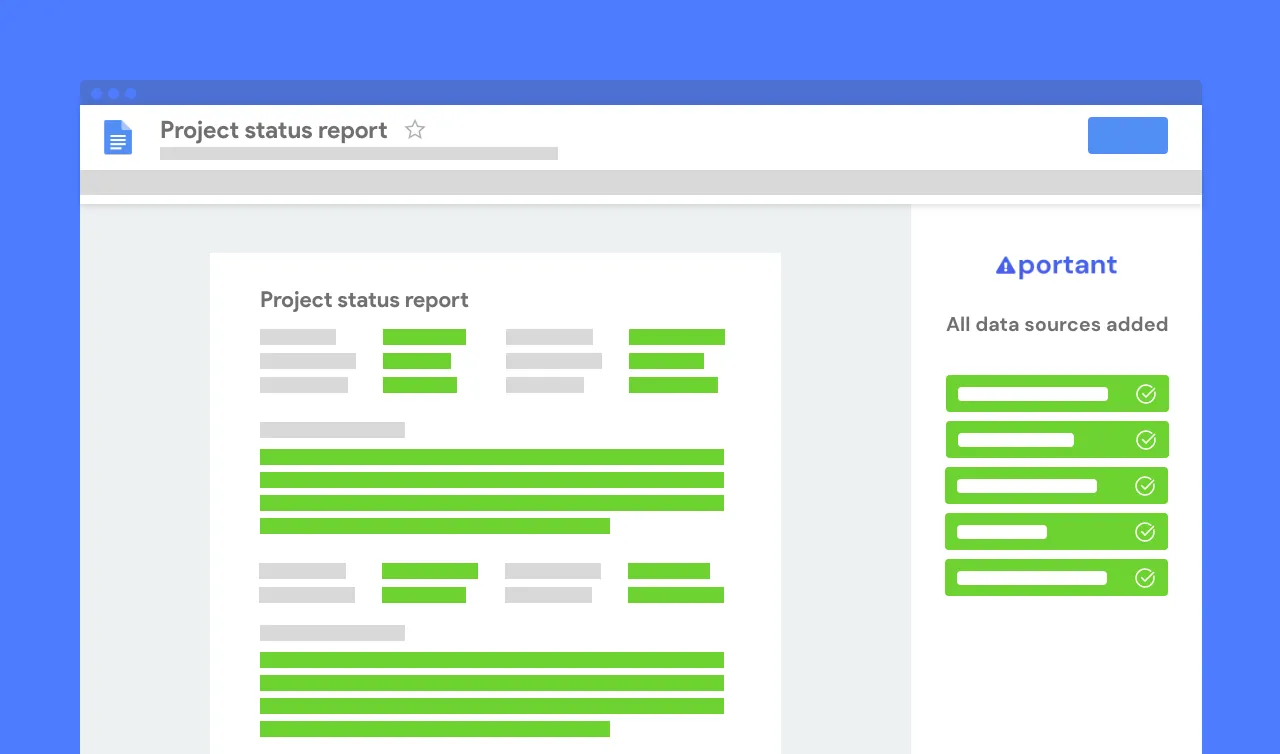
When the invoice is ready, download it as a clean PDF to email to your client, or print it. Your template stays untouched for next time.
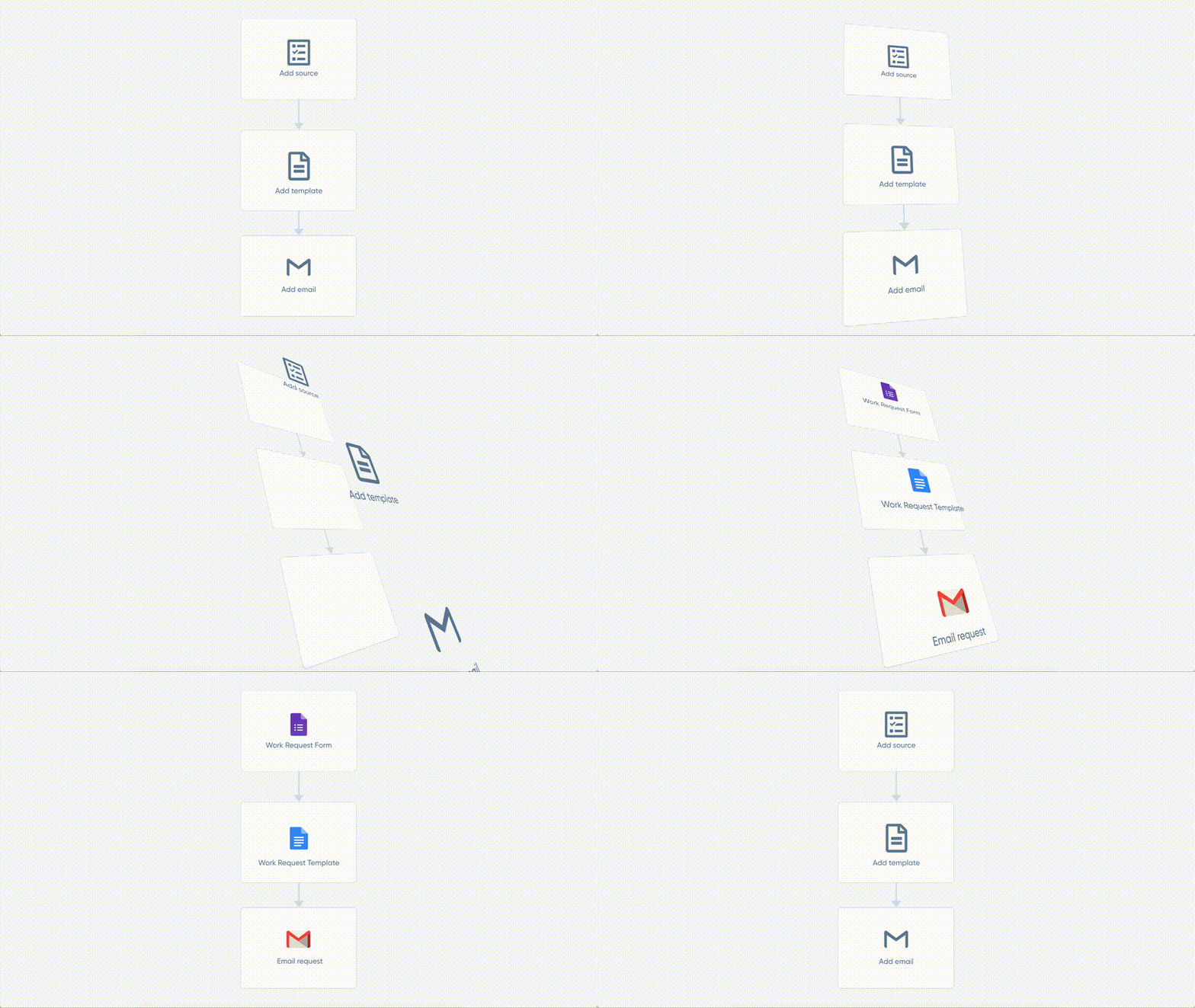
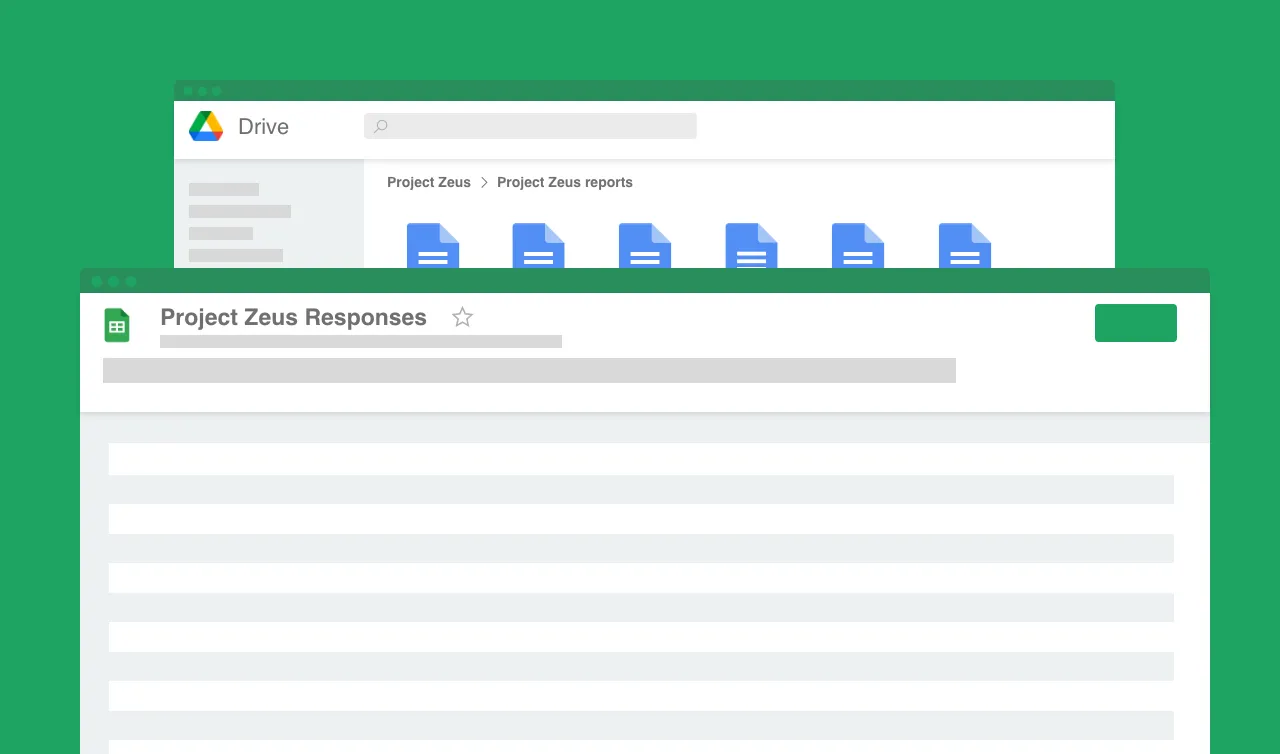
Connect this template to a Google Sheet with Portant and each new row generates an invoice, saves it to Drive and emails your client.


Google Docs has a few basic templates, but a dedicated invoice layout is easier. Copy our free Google Docs invoice template to your Drive and edit it in minutes, no signup required.
Copy our free template to your Google Drive, then replace the placeholder fields with your logo, business details and line items. Download the finished invoice as a PDF to send to your client.
Yes. Copying and using the template is completely free, with no signup and no watermark. Your copy is private to your Google account.
Open File, then Download, and choose PDF Document. You get a polished PDF invoice ready to email to your client.
Yes. Store your invoice data in Google Sheets and connect it to this template with Portant. Each row automatically generates an invoice, saves it to Drive and emails your client.
Yes. You can download the Google Doc as a .docx, or use our Word invoice template for a ready-made Microsoft Word version.
Portant is a full document automation platform. Connect your data to any template and generate invoices, contracts, proposals and more, then email them automatically. Put the busywork on autopilot and get back to the work you enjoy.
Most popular templates
Transform your work life with responsive, fully customisable, and easy-to-use templates.
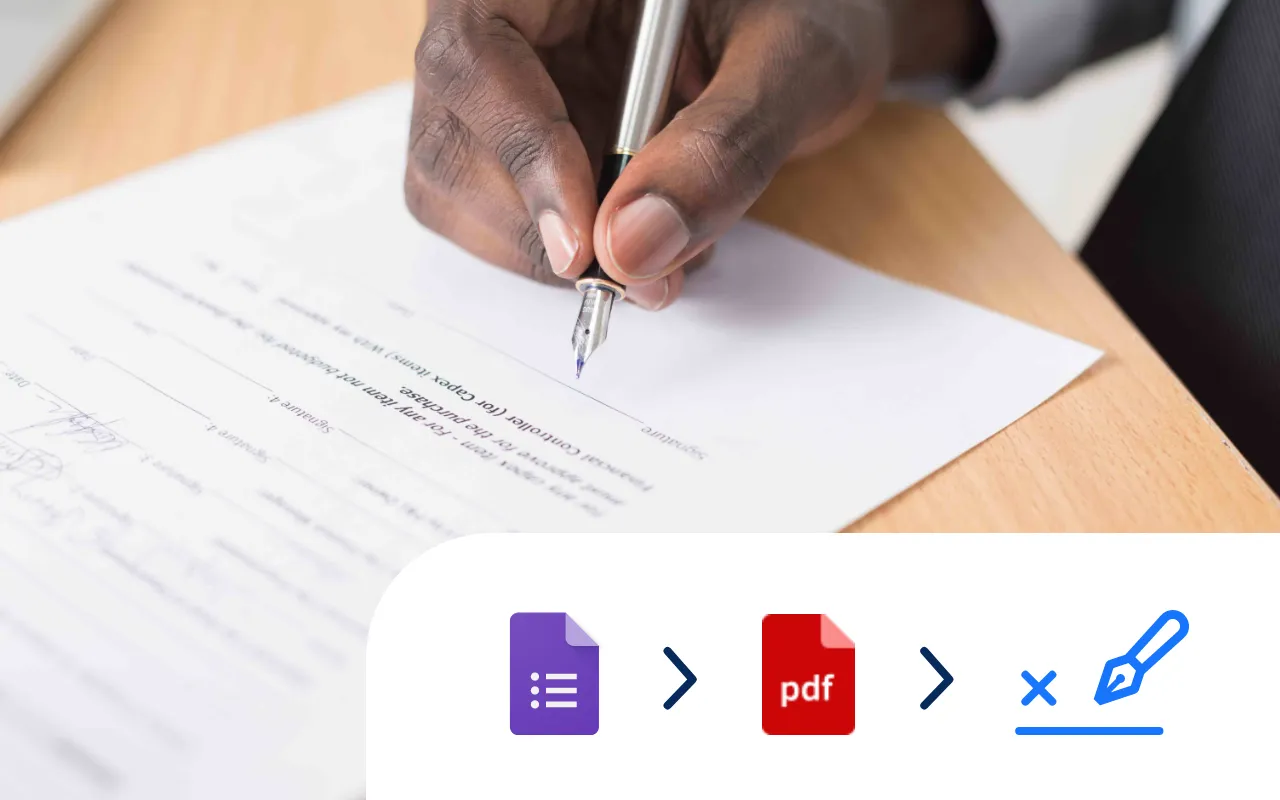
Select a Google Doc agreement template, add an eSignature placeholder and put your contract signing on auto-pilot.
Try it now
Select a Google Sheet of invoice data, add a Google Docs invoice template, and generate 10, 100 or even 1000's of invoices at a time.
Try it now
Select a Google Form, add tags to a Google Doc template, and generate Docs every time you receive a Google Form response.
Try it now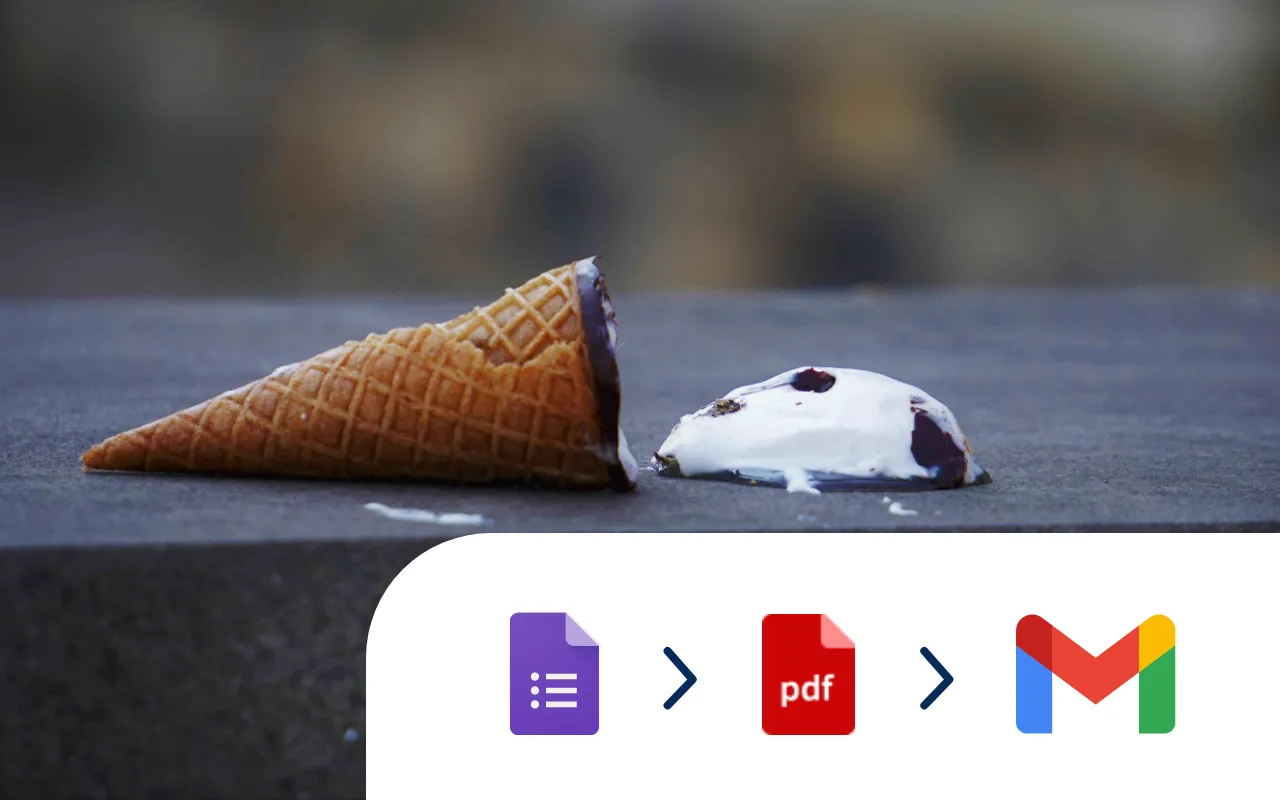
Every time a Google Form is submitted an incident report PDF is automatically generated and shared via email.
Try it now
Download a free Microsoft Word invoice template, add your details and save it as a PDF.
Try it now
Systemise your contracts so they are consistent and accurate. Perfect for sales and legal operations.
Try it now