
Inventory ops


Warehouse Rack Labels
Turn one Google Sheet of aisles, bins, and SKUs into a printable Google Slides label deck. Portant's data merge fans every row into its own label slide, then exports the batch as a PDF.
~5 min setup · Used by 100+ teams
Trusted by 40,000+ teams










Overview
Generate warehouse rack labels in Google Slides from a Google Sheet
Warehouse relabels start with a fresh Sheet of aisle codes, SKUs, and barcodes. Then someone retypes hundreds of values into Slides text boxes, hits the wrong column, and pickers walk to bins that no longer exist. By the time the printer runs, the source data has already shifted again.
This template flips the order. Portant reads your Google Sheet as the system of record, fans each row into its own slide on your branded label master, and uses output management to export the deck as a PDF named by zone or batch. Reprint a single aisle or every shelf without rebuilding the master deck.
It fits warehouse managers, fulfilment leads, and ops teams running an aisle reorganisation, a 3PL onboarding, or a new warehouse standup. The same batch pattern shows up across Sales and RevOps teams that need many files from one Sheet, from event badges to asset tags.
Who is this for
Is this template right for you?
Teams who generate documents from structured data.
-
600 bins relabelled in one run. Portant's data merge fans the full Google Sheet into a single Slides batch, so a warehouse-wide reorganisation moves from a week of retyping to a single afternoon.
-
Zero typos on bin and SKU codes. Codes flow straight from the Sheet column into the label slide through data merge, so the printed barcode always matches the row it came from.
-
PDFs sorted by zone, ready to print. Output management names the merged PDF by aisle or zone and drops it in the Drive folder you've set, so each crew grabs only the labels they need.
Setup
How to set up the rack label workflow
-
01
Step 1: Build the location Sheet
Add one row per label with columns for Aisle, Rack, Level, SKU, Description, BarcodeValue, and Zone. Use data validation in Google Sheets so blank or duplicate codes never reach the merge.
-
02
Step 2: Design the Slides label master
Set the slide page size to your label stock (4x6 inches for rack bays, smaller for bin labels), lock logos and barcode fonts, then add merge tags like {{SKU}} and {{BarcodeValue}} where dynamic text should land.
-
03
Step 3: Connect the workflow in Portant
In Portant, link the Google Sheet and the Slides template, map each tag to its column, and run a five-row preview so you can scan-test the barcodes before you commit the full batch.
-
04
Step 4: Generate and export the batch
Pick the row range you want (a single zone, an aisle, or the full warehouse), click run, and let output management drop a PDF in the Drive folder you've assigned to that zone.
Frequently asked questions
Code 128 is the standard for warehouse rack and bin labels because it encodes letters and numbers (like A-04-03-B) and every scanner reads it. Store the value in a Google Sheets column, render it with the Libre Barcode 128 font in your Google Slides master, and Portant fills the rest.
Use 4x6 inches (101x152 mm) for pallet rack bays so a forklift driver can read them from three to five metres away, and a smaller stock like 4x2 inches for shelf bins. Match the Google Slides page size to the label stock, then Portant prints one slide per row.
Map each Google Sheets column to a merge tag in a Google Slides label master, then let Portant generate one slide per row and export the deck as a PDF for your printer. Most warehouse runs go from data ready to print queue in under five minutes for a 500-row batch.
Yes. Add a column with the QR payload (a URL, a SKU, or a Drive link), drop the QR image or font into your Google Slides label master, and Portant merges the right code onto every label. The same Google Sheet drives both Code 128 barcodes and QR labels in a single run.
Build a Google Sheet with one row per location and a Google Slides master sized to your label stock, then connect both inside Portant. Output management exports a print-ready PDF named by aisle or zone, so a 1,000-bin run drops as one file in your Drive folder.
Yes. The same Google Sheets to Google Slides batch pattern produces conference badges, asset tags, desk nameplates, or short-run business cards without rebuilding the workflow. Swap in the new template, point Portant at the Sheet column, and use data merge to fan one row per badge before exporting the PDF.
Related templates

Graduation Certificate
Turn one Google Sheets roster into a finished graduation certificate per learner, exported as named PDFs in your cohort folder. Portant data merge fills your Google Slides design and output management handles the file names and sequential certificate numbers.
View template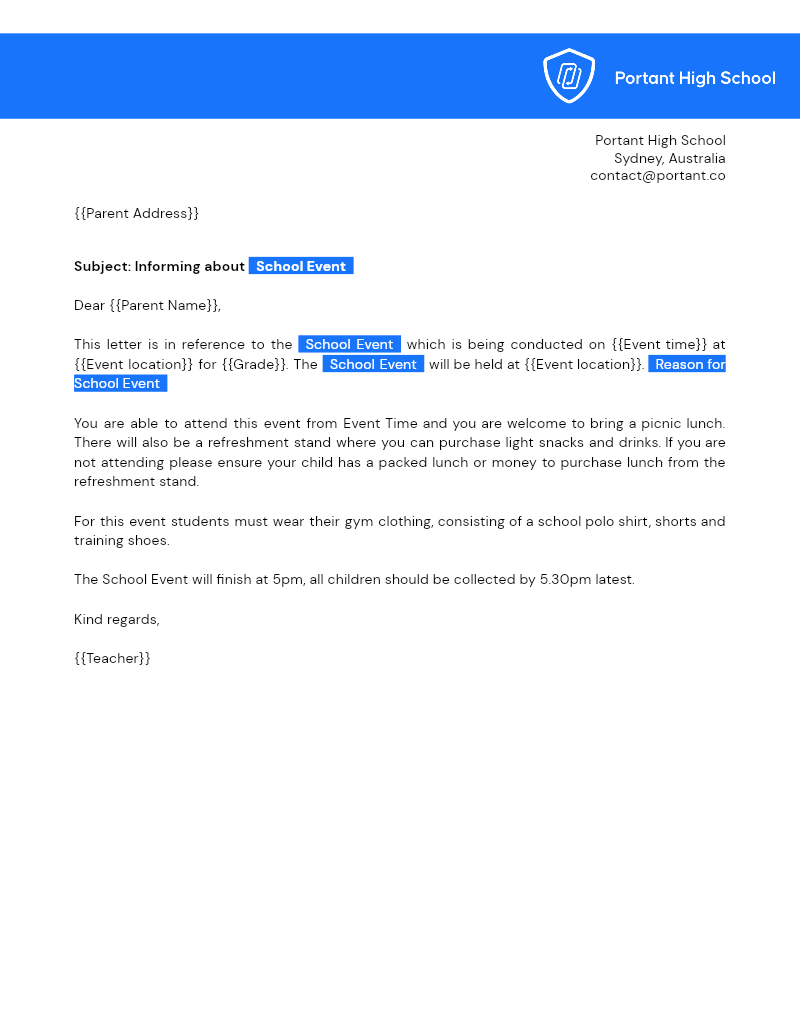

Parent Letters
Turn a Google Sheets class roster into a personalised letter for every family using one Google Docs template. Portant's data merge builds, names, and files each letter so you can email or print without retyping.
View template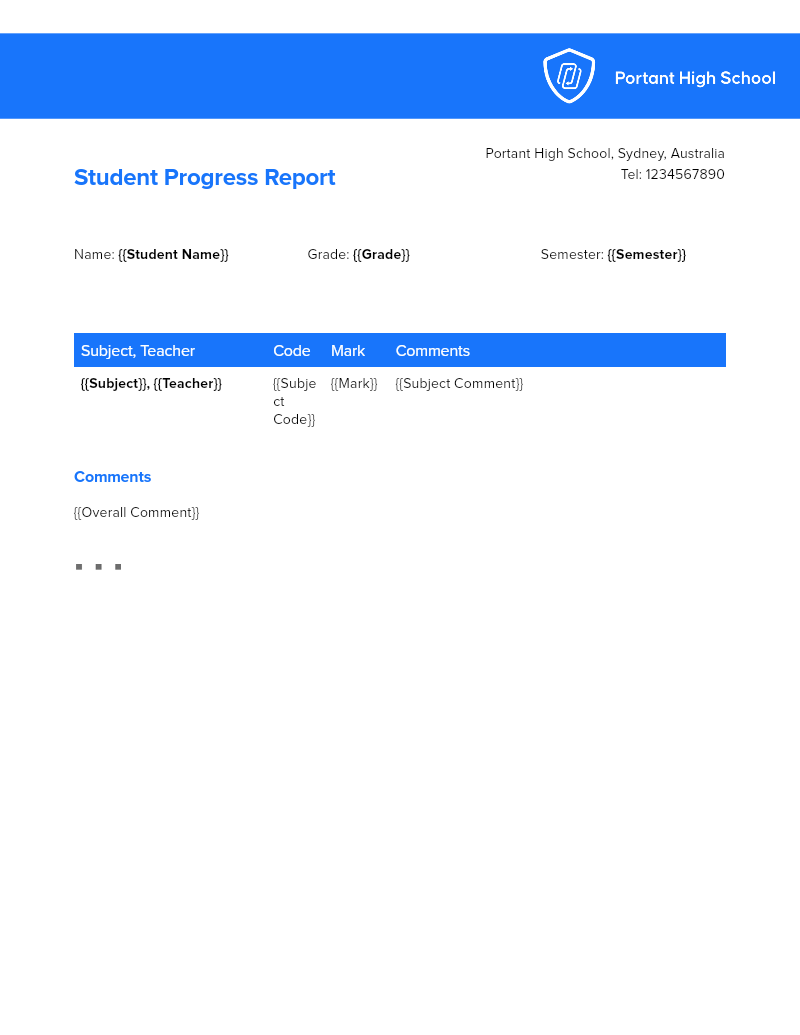
Student Progress Reports
Build personalised progress reports for an entire class from one Google Sheet roster, with grades, attendance, and behaviour notes already in place. Portant's data merge and AI generate a tailored Doc per student, then file the PDFs by class.
View templateJoin over 40k+ teams using Portant
Portant has been a game-changer for Clipboard! It's saved our sales team countless hours every week by generating order forms, proposals and contracts with info from HubSpot automatically filled in.
With Portant, I run documents directly from HubSpot. No jumping between platforms. No copying data.
Portant replaced three separate tools for us. One platform handles docs, signatures, and follow-ups without leaving HubSpot.
Hundreds of contracts go out in a few clicks. The signed ones come back in, and the rest are easy to spot.
At RepCard, Portant gave us an end-to-end automated workflow inside HubSpot, we replaced manual agreement creation at scale.
We're seeing higher average closed revenue with Portant and faster days to close, it's showing us a material impact on sales velocity.
Love this product. Have been using it for over a year and the integration to Google Workspace is awesome. Lots of credit for listening to your users!
When the executive team asks for an extension document, Portant gets it to them in about an hour, it's empowered my whole team.
Truly a gamechanger! Portant streamlines these tasks and allows me to focus on the things that require my attention and problem-solving!
This software brilliantly takes over the tedious process of creating and sending invoices. This not only saves time but massively reduces errors of data entry.
This product is a gamechanger for all of those painful manual document merges. Love what you and the team have built!
Our reps used to spend 30 minutes per proposal. Now it’s under two minutes and the documents look better than ever.