
Education workflow


Student Progress Reports
Build personalised progress reports for an entire class from one Google Sheet roster, with grades, attendance, and behaviour notes already in place. Portant's data merge and AI generate a tailored Doc per student, then file the PDFs by class.
~5 min setup · Used by 100+ teams
Trusted by 40,000+ teams










Overview
Generate personalised student progress reports from a Google Sheet
End of term hits and you're staring at a class list of 30 learners, a master report Doc, and the gradebook tab open in another window. You copy the name, paste the grades, retype the attendance figure, then write a personalised comment from scratch for every student. By Friday night you've made it to row 18 and you're praying you didn't swap two pupils on the way through.
This template turns the same class roster Sheet into a finished progress report Doc per student. Data merge drops grades, attendance, and behaviour notes into the right sections, Portant AI drafts the personalised comment paragraph from those numbers, and output management saves each PDF named by student into a class folder in Drive.
It fits primary and secondary class teachers, heads of year, deputy heads running term reports, and SEN coordinators who need consistent comment language across a class. Because everything sits inside Google Workspace for Education, there is no new platform to roll out, no IT change request, and no extra licence for the school to budget for.
Who is this for
Is this template right for you?
Teams who generate documents from structured data.
-
30 personalised reports in one run. Data merge generates one tailored Doc per Sheet row, so a class of 30 personalised progress reports is ready in one workflow run instead of copy and paste.
-
Personalised comments without the blank page. Portant AI drafts each student's comment paragraph from their grades and behaviour notes, so you edit a draft instead of starting every report from scratch.
-
Reports filed and tracked per family. Output management saves each PDF by student into the class folder, and email tracking confirms which parents have opened the report before parents evening.
Setup
How to set up the student progress report workflow
-
01
Step 1: Lay out the class roster Sheet
Use one row per student with columns for name, parent email, subject grades, attendance percentage, and short behaviour notes. Clear column headers make the merge mapping obvious in the next step.
-
02
Step 2: Build the progress report Doc template
Create the report layout your school already uses in a Google Doc, then drop merge tags where each Sheet column belongs. Leave a tagged section for the AI-drafted comment paragraph.
-
03
Step 3: Connect the Sheet, Doc, and AI prompt
Open Portant in your Sheet, link the report template, and write a short prompt that tells Portant AI how to write the comment from the grades and behaviour notes for each student.
-
04
Step 4: Set output, delivery, and tracking
Use output management to name each PDF by student and file it in the class folder, then turn on the email step with email tracking so you can see which parents have opened the report.
Frequently asked questions
A student progress report should cover the pupil's name and class, subject grades, attendance and lateness, behaviour and effort notes, a personalised teacher comment, and a short section on next steps. Portant pulls each of those from the class Sheet and drops them into the matching section of the report Doc.
Start with the facts already in your gradebook, the student's name, subject grades, and attendance, then add a personalised paragraph on effort, behaviour, and next steps. With this template, Portant AI drafts that paragraph from the row data so you edit and approve rather than write from a blank Google Doc.
Yes. Portant treats each row in your class roster Sheet as one progress report, so 30 students in the Sheet produce 30 personalised PDFs in a single workflow run. Output management files each PDF in the class folder, named by student, ready to send to parents.
Connect your Google Sheet to a Google Doc report template in Portant, map each merge tag to a column, then run the workflow once. Portant generates a Doc per row, exports it as a PDF named by student, and saves every file to the class folder in Drive.
Yes. Many teachers run quick assessments or behaviour check-ins through Google Forms, let the responses populate the same class Sheet, then run the progress report workflow from that Sheet. The same template handles both manual entries and Form-collected data, so the workflow stays the same.
This workflow runs inside the Google Sheet your class already uses and the Google Docs template your school has already approved, with no new platform to buy or roll out. Portant AI handles the personalised comment paragraph, which built-in school report tools usually leave for the teacher to write by hand.
Related templates
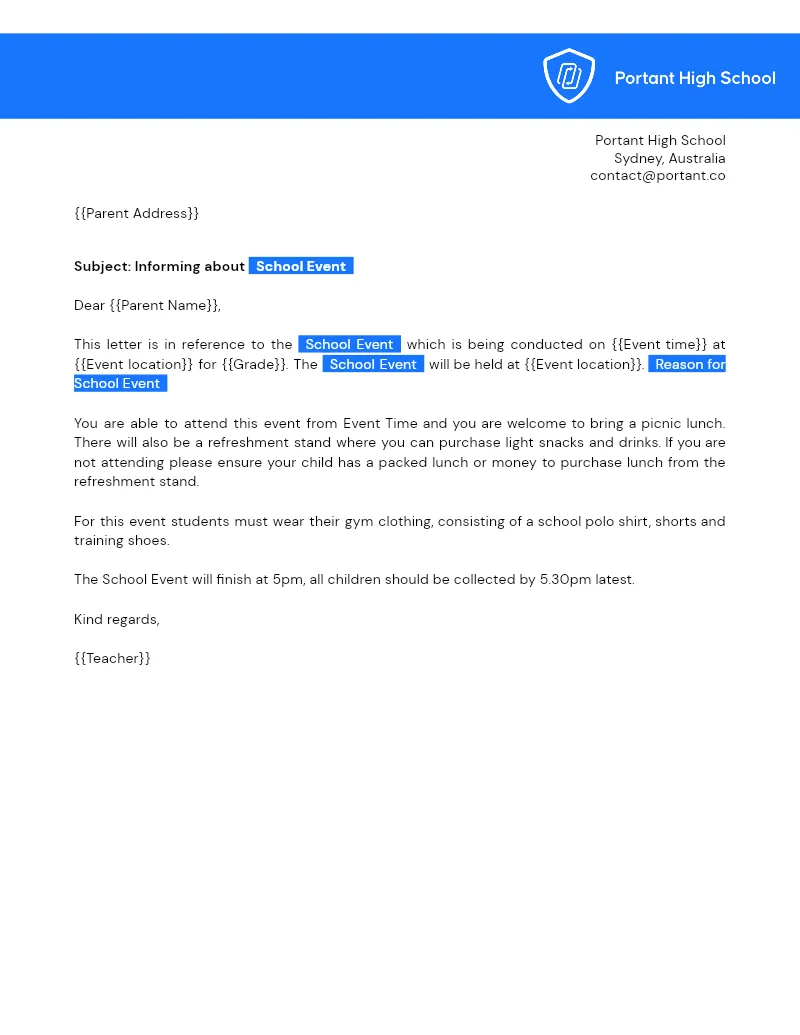
Parent Letters
Turn a Google Sheets class roster into a personalised letter for every family using one Google Docs template. Portant's data merge builds, names, and files each letter so you can email or print without retyping.
View template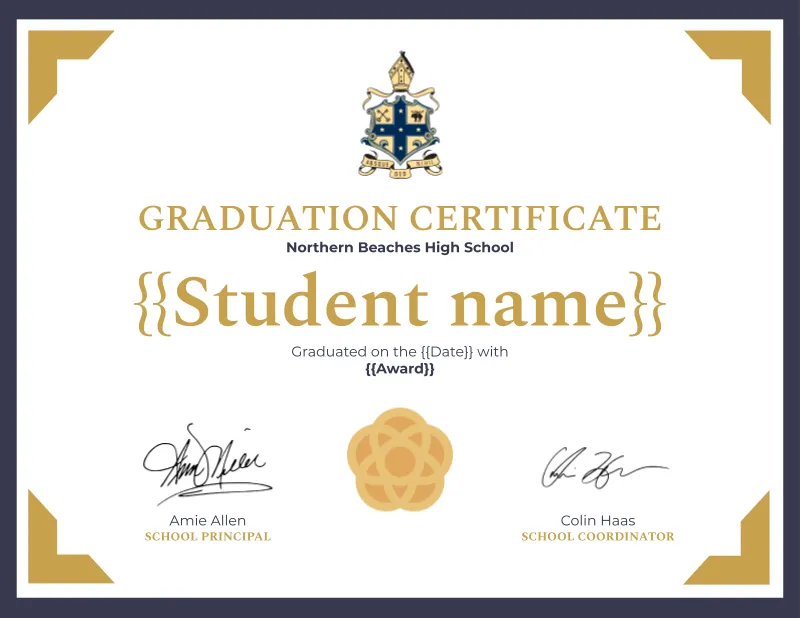

Graduation Certificate
Turn one Google Sheets roster into a finished graduation certificate per learner, exported as named PDFs in your cohort folder. Portant data merge fills your Google Slides design and output management handles the file names and sequential certificate numbers.
View template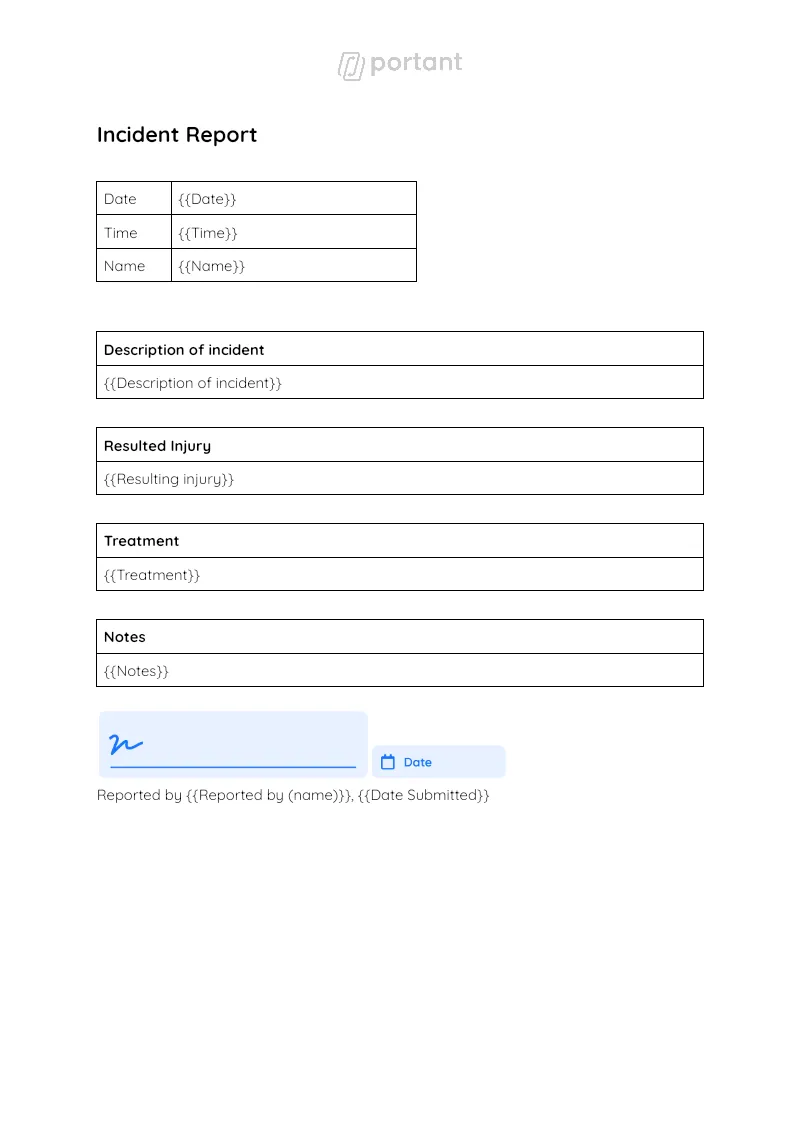

Incident Report Template
Staff log the event in a Google Form, and Portant generates a formal incident report Doc from the response. Data merge handles every field, and approval workflows route it to your HSE manager before the report goes to safety, legal, or insurance.
View templateJoin over 40k+ teams using Portant
Portant has been a game-changer for Clipboard! It's saved our sales team countless hours every week by generating order forms, proposals and contracts with info from HubSpot automatically filled in.
With Portant, I run documents directly from HubSpot. No jumping between platforms. No copying data.
Portant replaced three separate tools for us. One platform handles docs, signatures, and follow-ups without leaving HubSpot.
Hundreds of contracts go out in a few clicks. The signed ones come back in, and the rest are easy to spot.
At RepCard, Portant gave us an end-to-end automated workflow inside HubSpot, we replaced manual agreement creation at scale.
We're seeing higher average closed revenue with Portant and faster days to close, it's showing us a material impact on sales velocity.
Love this product. Have been using it for over a year and the integration to Google Workspace is awesome. Lots of credit for listening to your users!
When the executive team asks for an extension document, Portant gets it to them in about an hour, it's empowered my whole team.
Truly a gamechanger! Portant streamlines these tasks and allows me to focus on the things that require my attention and problem-solving!
This software brilliantly takes over the tedious process of creating and sending invoices. This not only saves time but massively reduces errors of data entry.
This product is a gamechanger for all of those painful manual document merges. Love what you and the team have built!
Our reps used to spend 30 minutes per proposal. Now it’s under two minutes and the documents look better than ever.