
Operations template


Incident Report Template
Staff log the event in a Google Form, and Portant generates a formal incident report Doc from the response. Data merge handles every field, and approval workflows route it to your HSE manager before the report goes to safety, legal, or insurance.
~5 min setup · Used by 100+ teams
Trusted by 40,000+ teams










Overview
Generate workplace incident reports in Google Docs from a Google Form
After a workplace incident, half the team is trying to remember what happened while the other half writes it up in a free text email. By the time the formal incident report reaches safety, the timeline is fuzzy and half the fields are missing.
Use a Google Form at the moment of the incident, log every response in a Google Sheet, and let Portant build the formal report Doc from there. Data merge drops the answers into the right sections, output management files the PDF where compliance can find it, and approval workflows route it to your HSE manager before it leaves the building.
It suits HSE officers, ops managers, and compliance leads in construction, manufacturing, warehousing, hospitality, healthcare, and schools. Anywhere staff already use Google Forms and Sheets, this turns those tools into a real incident reporting workflow.
Who is this for
Is this template right for you?
Teams who generate documents from structured data.
-
A formal report ready in minutes. Data merge turns the Google Form response into the finished incident report Doc the moment a staff member submits, so the file is ready before the shift ends.
-
One trail of approvals for every report. Approval workflows route each report through your HSE manager and log the timestamp, so audits and insurers see exactly who signed off and when.
-
Reports filed where compliance can find them. Output management saves every PDF to a predictable Drive folder by site, date, and severity, and email tracking confirms safety and legal received the report.
Setup
How to set up the incident report workflow
-
01
Step 1: Build the incident report Form
List every question your safety policy needs, from incident type and location to injuries, witnesses, and immediate actions. Mark the critical questions as required so partial submissions can't slip through.
-
02
Step 2: Connect the Sheet to your report template
Open Portant in Google Sheets, link the Form responses sheet, and pick the Google Doc template you use for formal incident reports. Drop merge tags where each field belongs.
-
03
Step 3: Set output and approval rules
Use output management to name the PDF by date and site and save it to the compliance folder. Add an approval step so your HSE manager signs off before the report leaves Portant.
-
04
Step 4: Turn on row-based automation
Switch on automatic generation so every new Form response triggers the workflow. Add email tracking so you can see when safety, legal, or insurance opened the final report.
Frequently asked questions
A workplace incident report should cover the date, time, and location of the event, the people involved and any witnesses, a factual description of what happened, the immediate actions taken, injuries or damage, and a signature from the person filing. Portant pulls each of those fields from your Google Form straight into the report Doc.
Capture the facts as soon as the incident happens: who was involved, what they observed, when and where it took place, and what was done in response. With this template, staff answer those prompts in a Google Form and Portant generates the formal Doc, so the wording stays consistent for every report.
Yes. Add a question on the Google Form that classifies the event as an injury, near miss, equipment failure, or security incident, and Portant routes each type to the matching section of the report. The same workflow handles all of them, so near misses get the same paper trail as injuries.
Build a Google Form with required fields for incident type, date, location, people involved, witness statements, actions taken, and a signature. Connect the responses Sheet to a Google Doc template in Portant, and every submission generates a formal incident report PDF without anyone re-typing the answers.
Yes. If your team logs incidents as HubSpot tickets or custom objects, Portant can read those records and generate the same incident report Doc using data merge. Either source feeds the same template, so you don't have to rebuild the report when your reporting tool changes.
Portant runs the workflow inside the Google Forms and Sheets your team already uses, with the formal incident report coming out the other end as a branded Google Doc and PDF. There is no separate app for staff to learn, and the finished file lives in Drive next to your other compliance records.
Related templates
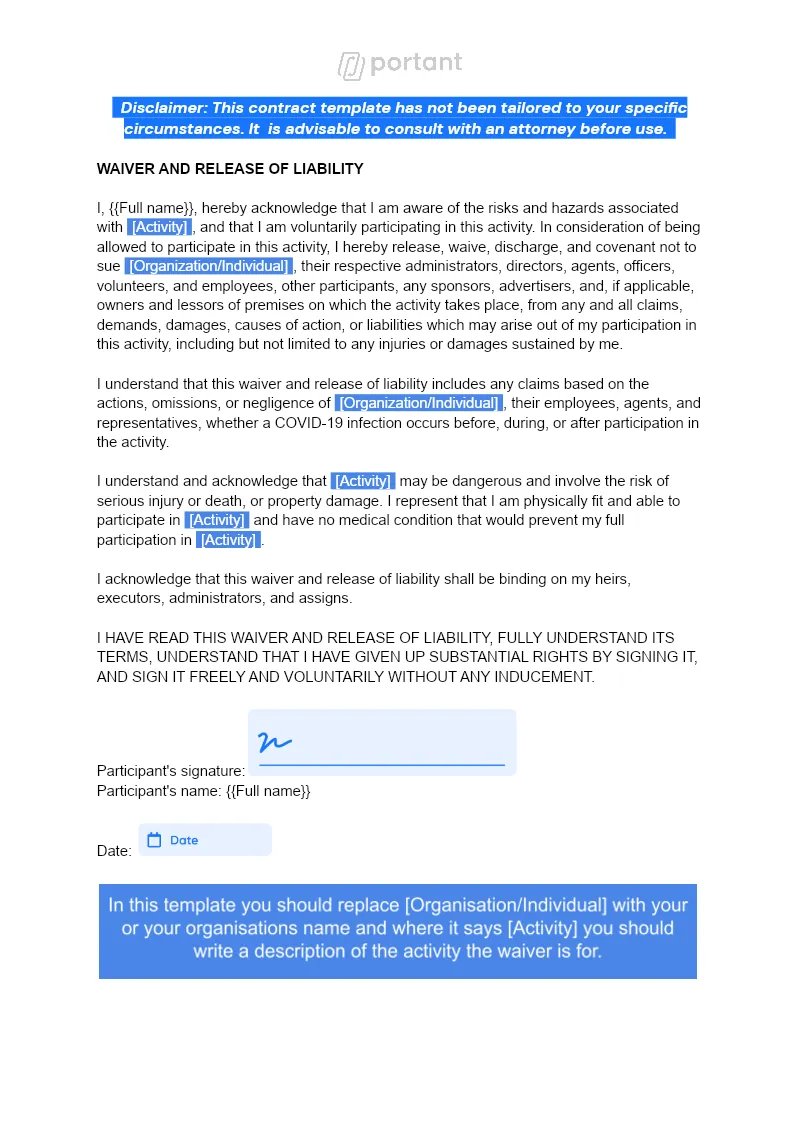
Waiver (with eSignature)
Every participant arrives with a signed liability waiver on file, no clipboard at the door. Portant pulls each Google Form submission into your Google Docs template and sends it for eSignature in one workflow.
View template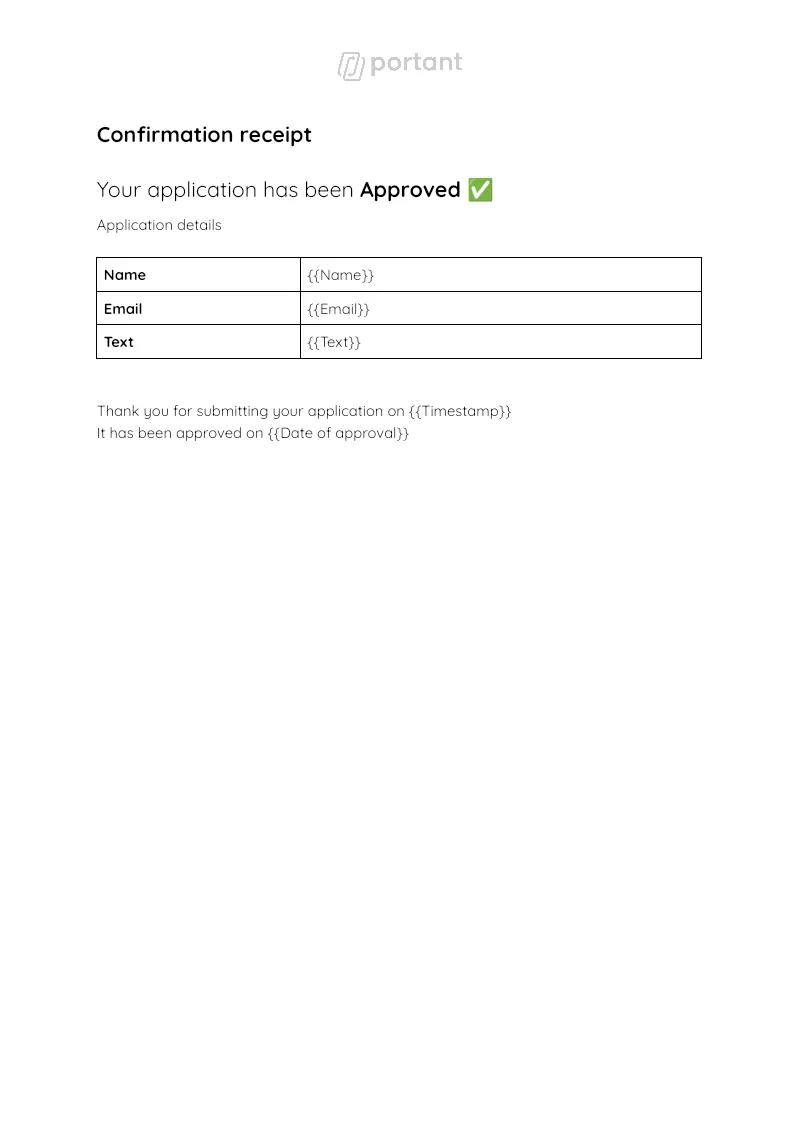

Approval Workflow
Approve a Google Form request straight from your Google Sheet and have Portant send the requester a branded Google Doc. Approval workflows trigger Data merge and Output management to produce and file the confirmation.
View template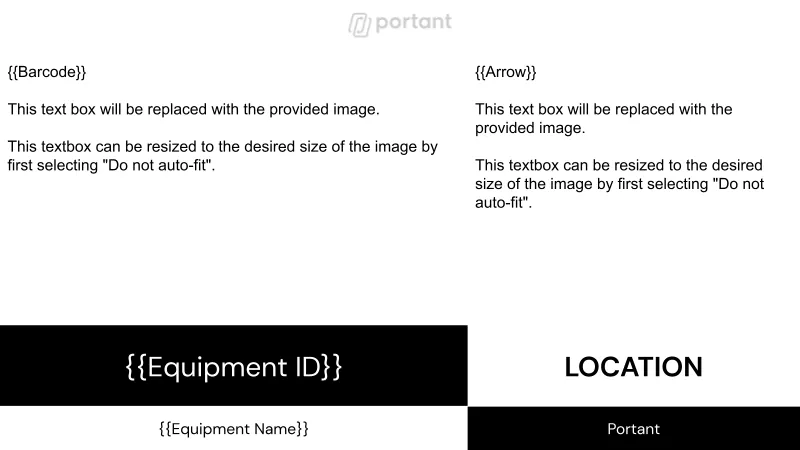

Warehouse Rack Labels
Turn one Google Sheet of aisles, bins, and SKUs into a printable Google Slides label deck. Portant's data merge fans every row into its own label slide, then exports the batch as a PDF.
View templateJoin over 40k+ teams using Portant
Portant has been a game-changer for Clipboard! It's saved our sales team countless hours every week by generating order forms, proposals and contracts with info from HubSpot automatically filled in.
With Portant, I run documents directly from HubSpot. No jumping between platforms. No copying data.
Portant replaced three separate tools for us. One platform handles docs, signatures, and follow-ups without leaving HubSpot.
Hundreds of contracts go out in a few clicks. The signed ones come back in, and the rest are easy to spot.
At RepCard, Portant gave us an end-to-end automated workflow inside HubSpot, we replaced manual agreement creation at scale.
We're seeing higher average closed revenue with Portant and faster days to close, it's showing us a material impact on sales velocity.
Love this product. Have been using it for over a year and the integration to Google Workspace is awesome. Lots of credit for listening to your users!
When the executive team asks for an extension document, Portant gets it to them in about an hour, it's empowered my whole team.
Truly a gamechanger! Portant streamlines these tasks and allows me to focus on the things that require my attention and problem-solving!
This software brilliantly takes over the tedious process of creating and sending invoices. This not only saves time but massively reduces errors of data entry.
This product is a gamechanger for all of those painful manual document merges. Love what you and the team have built!
Our reps used to spend 30 minutes per proposal. Now it’s under two minutes and the documents look better than ever.