
Participant experience


Waiver (with eSignature)
Every participant arrives with a signed liability waiver on file, no clipboard at the door. Portant pulls each Google Form submission into your Google Docs template and sends it for eSignature in one workflow.
~5 min setup · Used by 100+ teams
Trusted by 40,000+ teams










Overview
Send waivers from Google Forms and collect eSignatures in one flow
Right now your front desk hands out paper waivers, scans the signed ones to a folder, and types the participant's details into a spreadsheet later that night. People show up early, the line stalls, and you still end up chasing a guardian signature for the minors who turned up with one parent.
This workflow watches your Google Form for new submissions, generates the liability waiver in your branded Google Docs template, and sends it for eSignature the moment the registrant hits submit. The signed PDF saves to a Drive folder named for the event and the date.
It suits gyms, studios, tour operators, clinics, and event teams who run high volumes of intake and need waivers that hold up. The template ladders up to contracts, so the same eSignature and storage logic covers any participant agreement you put in front of someone.
Who is this for
Is this template right for you?
Teams who generate documents from structured data.
-
Signed waivers before participants arrive. Portant fires the eSignature request the moment a participant submits the Google Form, so most signatures come back before they walk through the door.
-
One template, every signed PDF in sync. Data merge always reads your live Google Docs waiver master, so every signed PDF reflects the exact clauses your insurer or counsel approved.
-
Audit ready storage with no extra filing. Output management names each signed PDF by participant and event date and stores it in a fixed Drive folder, so insurance questions take seconds to answer.
Setup
How to set up the liability waiver workflow
-
01
Step 1: Connect your Google Form and waiver Doc
In Portant, pick the Google Form that collects participant details and the Google Docs template that holds your liability waiver language. Map the form questions to the merge tags in the Doc.
-
02
Step 2: Add the eSignature step
Add a signature block to the Doc, then in Portant set the participant's email as the signer and add a second guardian signer for any registrants under 18.
-
03
Step 3: Set output naming and storage
Use output management to name each signed PDF with the participant name and event date, and pick the Drive folder where signed waivers should live.
-
04
Step 4: Turn on the trigger and reminders
Switch the workflow to run on every new Google Form submission and turn on email reminders so anyone who hasn't signed by check in gets a nudge.
Frequently asked questions
A liability waiver should include the participant's full name and contact details, a clear description of the activity, an assumption of risk clause, a release of liability, a covenant not to sue, and a signature block. Your Google Docs template can hold all of this language, and Portant merges the participant's details into the right fields on every run.
Yes. Electronic signatures on a liability waiver are legally valid in the US under the ESIGN Act and UETA, and under eIDAS in the UK and EU, when both parties consent. Portant records the signer's email, IP address, and timestamp on every signed PDF so the audit trail sits with the file in Drive.
Yes. Portant connects to any Google Form you have published, so you don't need to swap to a kiosk app or rebuild your intake. Pick the Form, map its questions to your Google Docs waiver template, and Portant runs on every new submission with no extra software for your front desk.
Build the form once in Google Forms with fields for the participant, the activity, and any health declarations, and write the release language in a Google Docs template. Portant connects the two, generates the release on every submission, and collects a binding eSignature, so the whole release lives online from form to signed PDF.
Yes. When a registrant is under 18, Portant routes the eSignature request to a parent or guardian email collected on the Google Form, then to the minor for any required acknowledgement. The signed PDF carries both names and timestamps, which is the standard most US insurers ask for on youth activities.
Yes. Portant runs the same waiver workflow from HubSpot, so when a deal or member record reaches a stage that needs a signed waiver, Portant generates the Doc from the contact and sends it for eSignature. The signed PDF saves back to the contact timeline, so member status and the waiver live in one place.
Related templates
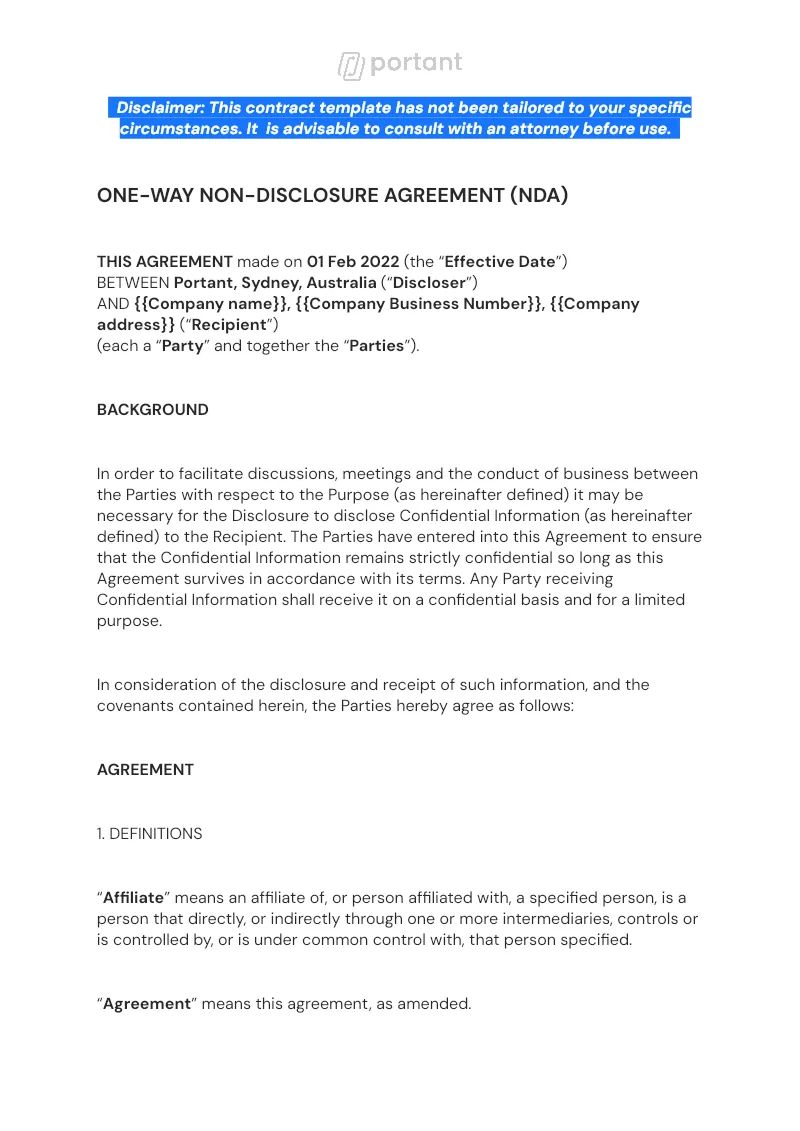
Non Disclosure Agreement - eSign
Run every NDA from a single Google Sheet tracker into a Google Docs agreement, then send for eSignature without bouncing between tools. Portant's data merge and eSignatures handle the build, the send, and the signed PDF in one place.
View template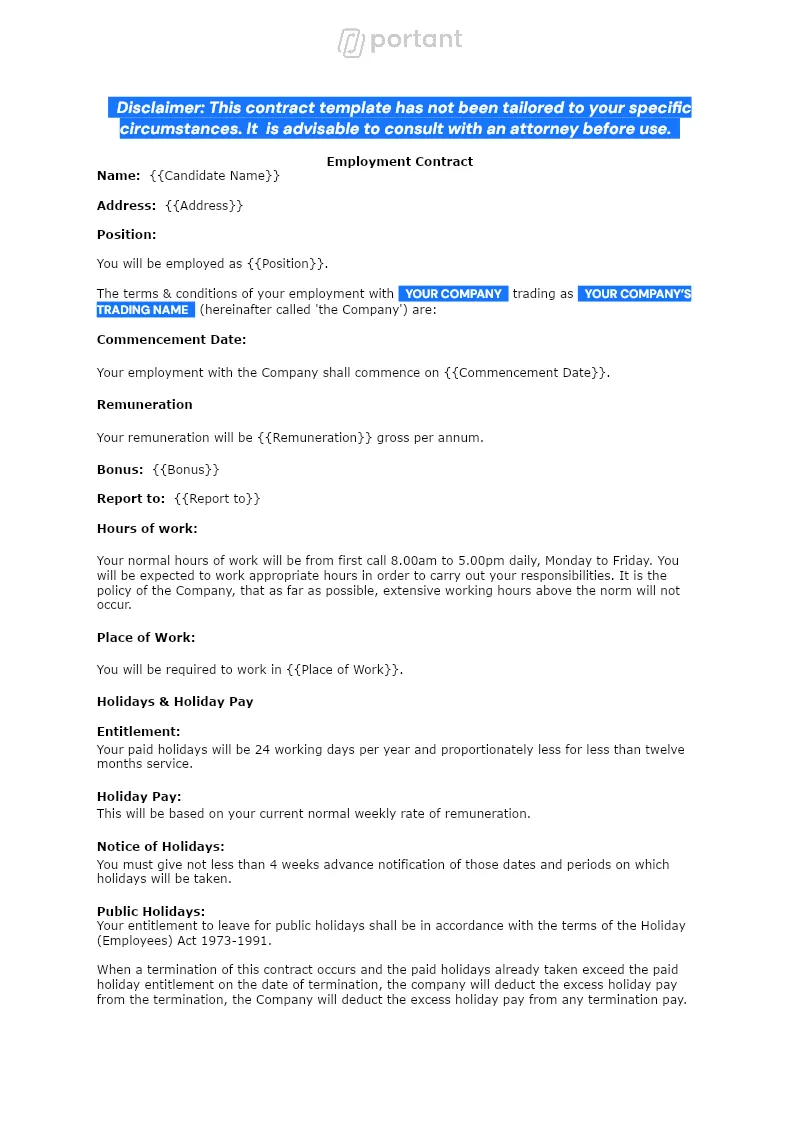

Employment Contract
Send a personalised employment contract to every new hire from the same Google Sheet your team already keeps. Portant merges the row into a Google Doc, collects the candidate's eSignature, and files the signed PDF in Drive.
View template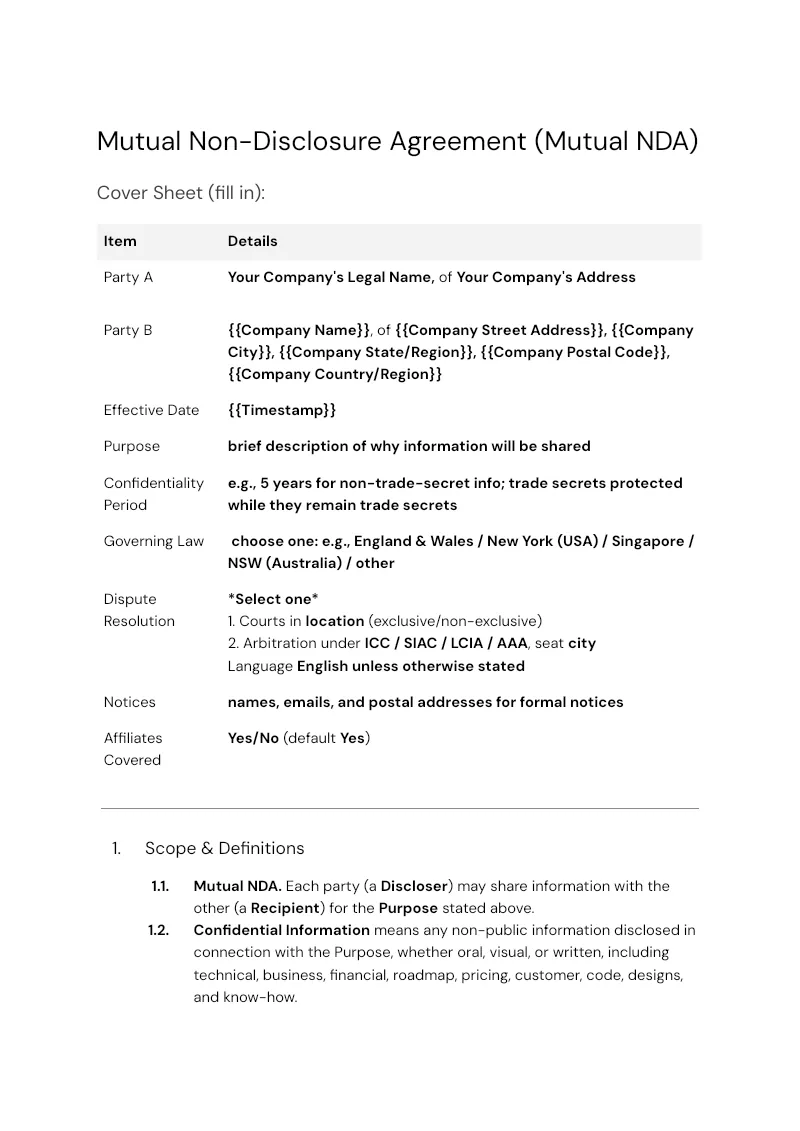

Mutual Non Disclosure Agreement
Send a signed mutual NDA before your next discovery call without leaving HubSpot. Portant builds the Google Doc from company and contact records, then collects signatures from both parties.
View templateJoin over 40k+ teams using Portant
Portant has been a game-changer for Clipboard! It's saved our sales team countless hours every week by generating order forms, proposals and contracts with info from HubSpot automatically filled in.
With Portant, I run documents directly from HubSpot. No jumping between platforms. No copying data.
Portant replaced three separate tools for us. One platform handles docs, signatures, and follow-ups without leaving HubSpot.
Hundreds of contracts go out in a few clicks. The signed ones come back in, and the rest are easy to spot.
At RepCard, Portant gave us an end-to-end automated workflow inside HubSpot, we replaced manual agreement creation at scale.
We're seeing higher average closed revenue with Portant and faster days to close, it's showing us a material impact on sales velocity.
Love this product. Have been using it for over a year and the integration to Google Workspace is awesome. Lots of credit for listening to your users!
When the executive team asks for an extension document, Portant gets it to them in about an hour, it's empowered my whole team.
Truly a gamechanger! Portant streamlines these tasks and allows me to focus on the things that require my attention and problem-solving!
This software brilliantly takes over the tedious process of creating and sending invoices. This not only saves time but massively reduces errors of data entry.
This product is a gamechanger for all of those painful manual document merges. Love what you and the team have built!
Our reps used to spend 30 minutes per proposal. Now it’s under two minutes and the documents look better than ever.