
Small business workflow


Non Disclosure Agreement - eSign
Run every NDA from a single Google Sheet tracker into a Google Docs agreement, then send for eSignature without bouncing between tools. Portant's data merge and eSignatures handle the build, the send, and the signed PDF in one place.
~5 min setup · Used by 100+ teams
Trusted by 40,000+ teams










Overview
Send NDAs from a Google Sheet and collect eSignatures in one workflow
Recruiters, founders, and partnerships leads usually run NDAs from a tracker, not a CRM. So every new request turns into the same dance: copy the candidate or vendor name into a Word doc, fix the formatting, attach it to an email, and chase the signature for two weeks.
Portant pulls each row from your Google Sheet tracker into a Google Docs NDA, then sends it for signature in one click. Data merge fills the party names and effective date, email tracking shows when the recipient opens the request, and output management drops the signed PDF back into a Drive folder you choose.
It fits recruiters sending NDAs to candidates, founders sending them to contractors and advisors, and partnerships leads onboarding vendors without a CRM. The workflow ladders up to eSignatures so every NDA leaves with a tracked, audit-ready signature.
Who is this for
Is this template right for you?
Teams who generate documents from structured data.
-
First NDA out in under 5 minutes. Once the Sheet and template are mapped, Portant's data merge fills the agreement and eSignatures sends it without leaving the workflow.
-
Every signed NDA in one folder. Output management saves each executed PDF to a named Drive folder, so finance and legal stop hunting through inboxes for the latest version.
-
Visibility without chasing the signer. Email tracking shows you when the recipient opened the request, so reminders go out at the right moment instead of every other day.
Setup
How to set up the NDA eSignature workflow
-
01
Step 1: Connect your Google Sheet tracker
In Portant, link the Sheet that holds your NDA queue and pick the columns Portant should read for each row, like counterparty name, email, scope, and effective date.
-
02
Step 2: Attach the NDA template
Drop your approved NDA Doc into the workflow and add merge tags where party names, dates, and clauses belong. Portant maps each tag to a Sheet column on one screen.
-
03
Step 3: Turn on eSignatures and tracking
Choose who signs and in what order, then enable email tracking so you can see when the recipient opens the request. Portant sends reminders without you touching the inbox.
-
04
Step 4: Set the output folder and run
Pick a Drive folder for signed PDFs, name the file pattern, then run the workflow per row or in batch. Portant fills, sends, and files every NDA from the same screen.
Frequently asked questions
Yes. Portant sends the NDA through eSignatures, which captures a tamper-evident signature with a full audit trail and a timestamped completion receipt. The signed PDF is saved automatically to your Google Drive folder, so your team can find it without searching the inbox.
No. Standard NDAs do not need a notary in most US and EU jurisdictions, because the ESIGN Act and eIDAS already make electronic signatures legally binding for confidentiality agreements. Portant's eSignatures attach a signer record and audit trail to every executed NDA in Google Docs.
Yes. This template is built for teams that track NDAs in a Google Sheet rather than a CRM, so recruiting, partnerships, and founder-led teams can run it from day one. Portant connects directly to Google Sheets, Google Docs, and eSignatures without any HubSpot setup.
A Google Sheet plus Portant covers it. Each row in the tracker gets a status the moment Portant generates the NDA, sends it for signature, or files the executed PDF, so a recruiter or ops lead can see open agreements at a glance without buying contract software.
Yes. If your team prefers an intake form, point the workflow at Google Forms and Portant uses each submission to fill the same NDA template in Google Docs. The output then flows into eSignatures and your Drive folder exactly the same way as the Sheet version.
This template is for teams that don't run NDAs through a CRM. The HubSpot mutual NDA workflow pulls company and contact records from HubSpot to fill both party blocks. This one reads from a Google Sheet tracker, so recruiting, partnerships, and founder-led teams can use it without any HubSpot setup.
Related templates
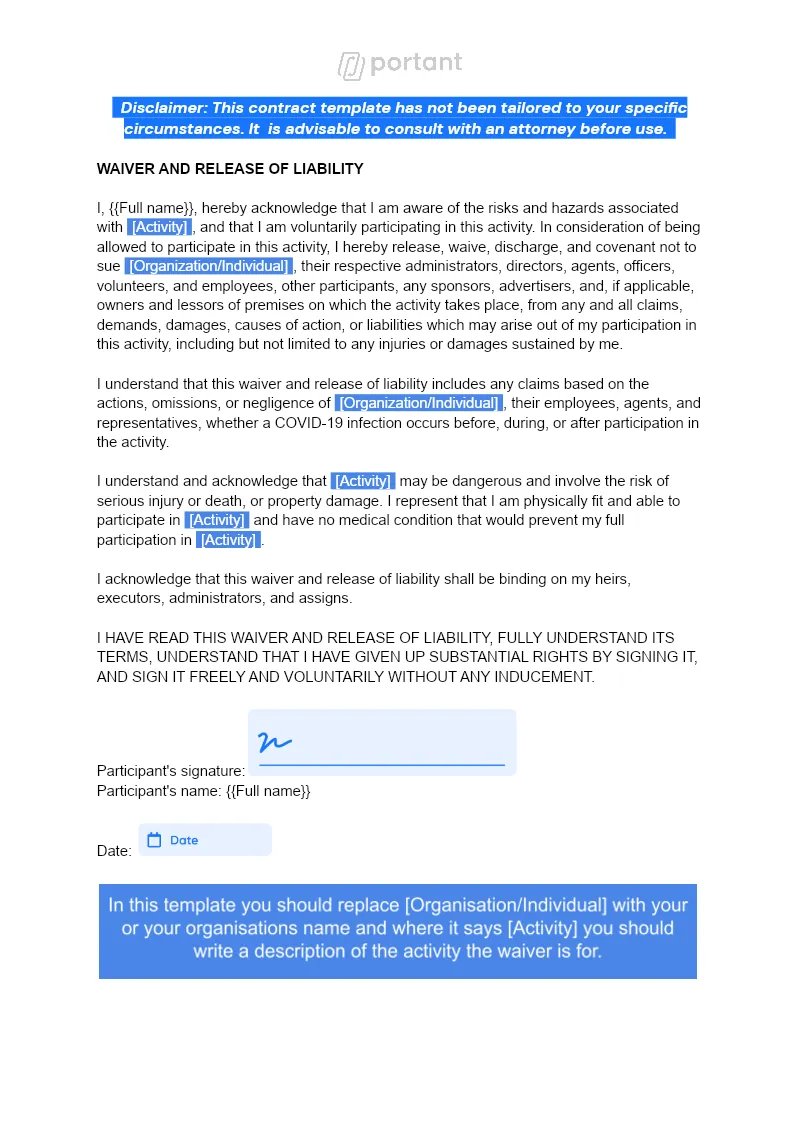
Waiver (with eSignature)
Every participant arrives with a signed liability waiver on file, no clipboard at the door. Portant pulls each Google Form submission into your Google Docs template and sends it for eSignature in one workflow.
View template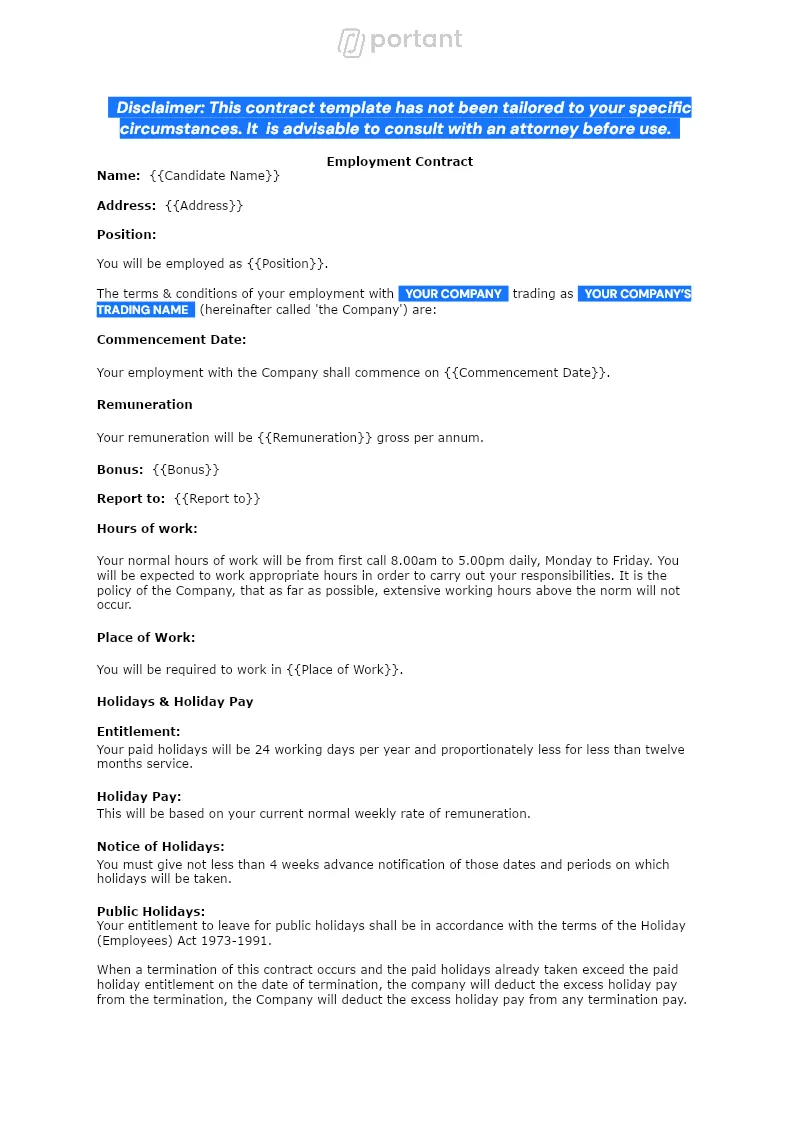

Employment Contract
Send a personalised employment contract to every new hire from the same Google Sheet your team already keeps. Portant merges the row into a Google Doc, collects the candidate's eSignature, and files the signed PDF in Drive.
View template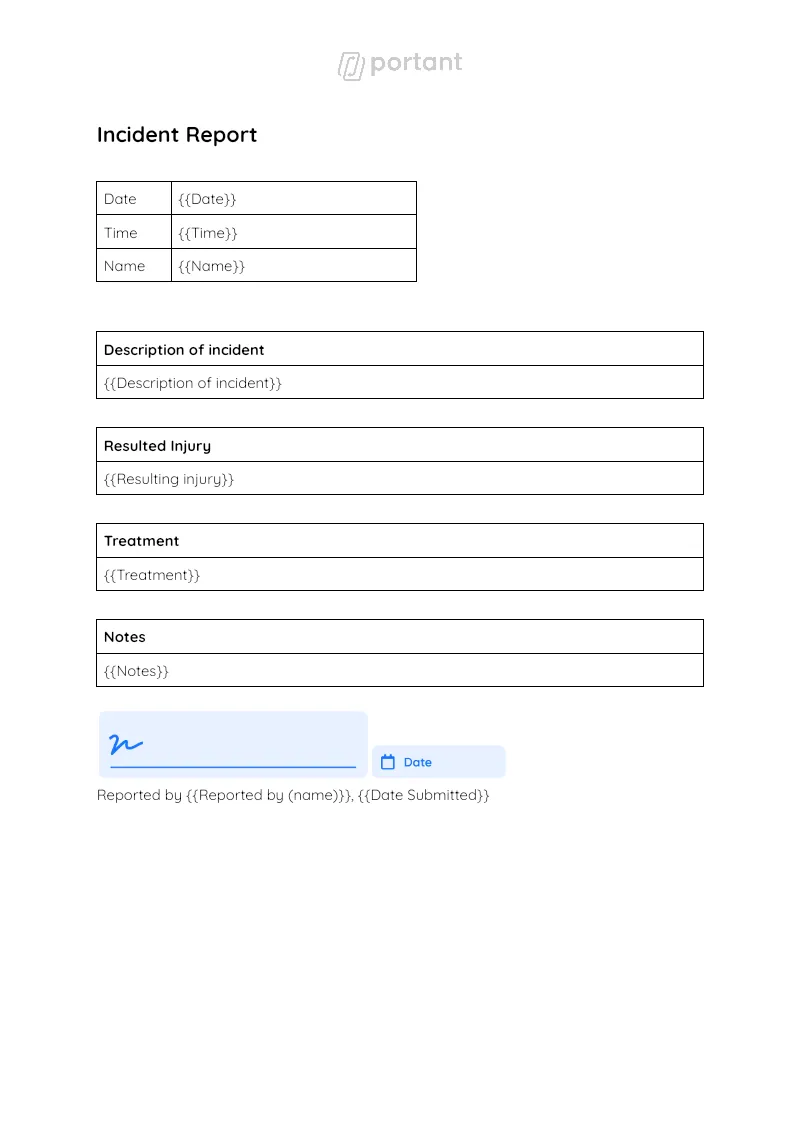
Incident Report Template
Staff log the event in a Google Form, and Portant generates a formal incident report Doc from the response. Data merge handles every field, and approval workflows route it to your HSE manager before the report goes to safety, legal, or insurance.
View templateJoin over 40k+ teams using Portant
Portant has been a game-changer for Clipboard! It's saved our sales team countless hours every week by generating order forms, proposals and contracts with info from HubSpot automatically filled in.
With Portant, I run documents directly from HubSpot. No jumping between platforms. No copying data.
Portant replaced three separate tools for us. One platform handles docs, signatures, and follow-ups without leaving HubSpot.
Hundreds of contracts go out in a few clicks. The signed ones come back in, and the rest are easy to spot.
At RepCard, Portant gave us an end-to-end automated workflow inside HubSpot, we replaced manual agreement creation at scale.
We're seeing higher average closed revenue with Portant and faster days to close, it's showing us a material impact on sales velocity.
Love this product. Have been using it for over a year and the integration to Google Workspace is awesome. Lots of credit for listening to your users!
When the executive team asks for an extension document, Portant gets it to them in about an hour, it's empowered my whole team.
Truly a gamechanger! Portant streamlines these tasks and allows me to focus on the things that require my attention and problem-solving!
This software brilliantly takes over the tedious process of creating and sending invoices. This not only saves time but massively reduces errors of data entry.
This product is a gamechanger for all of those painful manual document merges. Love what you and the team have built!
Our reps used to spend 30 minutes per proposal. Now it’s under two minutes and the documents look better than ever.