
HubSpot workflow


Business Case Deck (Formal)
Put a financial case in front of the economic buyer without building a deck from scratch. Portant fills the cover of a Google Slides deck with the deal name, the associated company, the deal's economic buyer and the deal's champion from HubSpot, in the Formal style.
~5 min setup · Used by 100+ teams
Trusted by 40,000+ teams










Overview
Generate a formal business case deck from a HubSpot deal
A business case is the deck an economic buyer reads before deciding whether to spend the money, and it often gets assembled from a blank file the night before. The deal name, the account and the person signing off already sit on the HubSpot deal, yet someone retypes them onto the cover and checks the spelling on every slide.
This template takes that retyping away. Data merge fills the cover of a Google Slides deck with the deal name, the associated company, the deal's economic buyer and the deal's champion, and stamps the date at run time. The slides behind it, from the executive summary to the decisions you are asking for, are fixed text with bracketed placeholders for your figures. Output management files the finished deck. This Formal version has no logo slots to maintain, and it takes the presenter's name from the deal's champion instead of leaving it for you to type.
It suits account executives and champions who need to put an ROI case in front of a CFO or an evaluation team without a design project. Business Case Deck (Bold) and Business Case Deck (Elegant) carry the same slides in a different look, and the whole family ladders up to proposals.
Who is this for
Is this template right for you?
Sales teams and account executives who send proposals regularly.
-
A business case ready when the champion asks. The deck is generated from the deal the moment it is requested, so the cover is right and the structure is in place while the rep works on the numbers.
-
The same case structure every time. Every rep presents the same slides in the same order, so a buyer who sees two cases from your team compares the numbers instead of the formatting.
-
A reviewable ask in a formal format. The timeline adds an ongoing quarterly review line, the decisions slide carries four asks, and the presenter is merged from the deal, so the deck reads as a finished business document.
Setup
How to set up the formal business case workflow
-
01
Step 1: Connect HubSpot and Google Slides
Open Portant, install the HubSpot app from the Marketplace, and connect the Google Drive account that will hold the deck template and the generated presentations.
-
02
Step 2: Set the fixed text once
Some of the deck is fixed text, not merged. Replace the email, phone and website on the closing slide with your own, and rewrite the sample option descriptions on the Investment Options slide for your offer. The presenter comes from the deal's champion, and there is no logo placeholder to set.
-
03
Step 3: Check the deal mapping
The cover tags are mapped to the HubSpot deal's name, its associated company, its Economic Buyer property and its Champion property. Confirm both of those properties exist in your portal under those names, or point the tags at the fields you use for the decision maker and the champion.
-
04
Step 4: Set the trigger and filing
Choose the deal stage, app card button or workflow action that starts the run, and tell output management where to file the finished deck. The bracketed figures are the only edits left before it is presented.
Frequently asked questions
A business case deck is a short presentation that justifies a purchase or project to the person who controls the budget. It states the problem, the proposed fix, the cost, the expected return and the decision being requested. This template builds one in Google Slides from a HubSpot deal.
The cover uses the deal name, the associated company's name, the deal's Economic Buyer property and the deal's Champion property. The date comes from the run timestamp. Everything else, including the figures and the contact details, is fixed text or a bracketed placeholder you fill in.
The Formal version has a cover, executive summary, what changes, value proposition, investment options (Pilot, Standard, Enterprise), timeline with an ongoing review line, the decision you are asking for and a thank you slide with contact details.
Yes. The deck ships with sample wording and bracketed placeholders such as the hours lost, annual value, first-year cost and payback period. The percentages and time figures on the What Changes slide are samples as well, so replace them with numbers you can support before presenting.
Formal has no logo or wordmark to replace, merges the presenter from the deal's champion and adds an ongoing quarterly review line to the timeline. Business Case Deck (Bold) uses capitals and LOGO slots, and Business Case Deck (Elegant) adds a sample wordmark and dated timeline.
Yes. The template is an ordinary Google Slides file, so you can edit the wording, reorder slides or add your own. Portant only fills the tags, so keep those in place if you want them merged from HubSpot.
Related templates
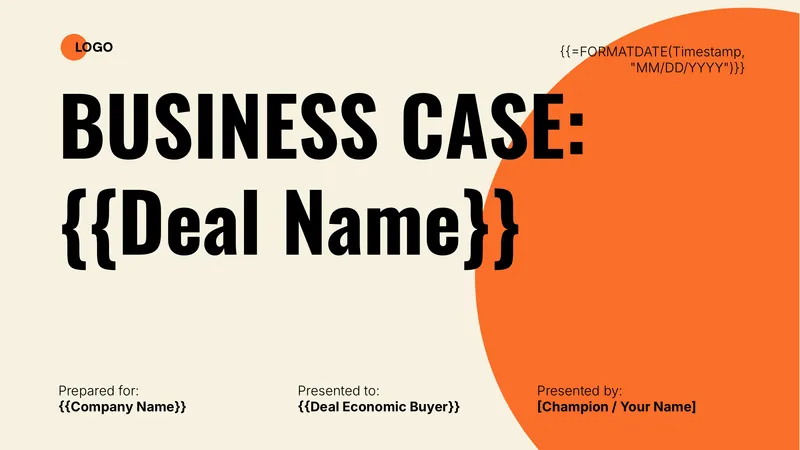
Business Case Deck (Bold)
Put a financial case in front of the economic buyer without building a deck from scratch. Portant fills the cover of a Google Slides deck with the deal name, the associated company and the deal's economic buyer from HubSpot, in the Bold style.
View template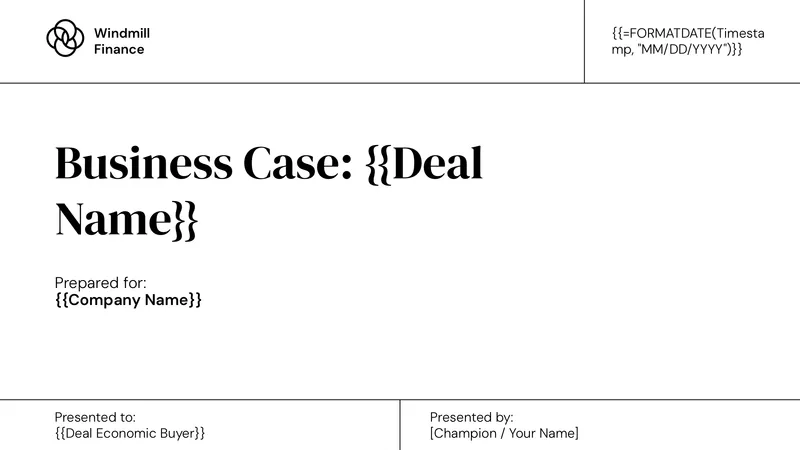
Business Case Deck (Elegant)
Put a financial case in front of the economic buyer without building a deck from scratch. Portant fills the cover of a Google Slides deck with the deal name, the associated company and the deal's economic buyer from HubSpot, in the Elegant style.
View template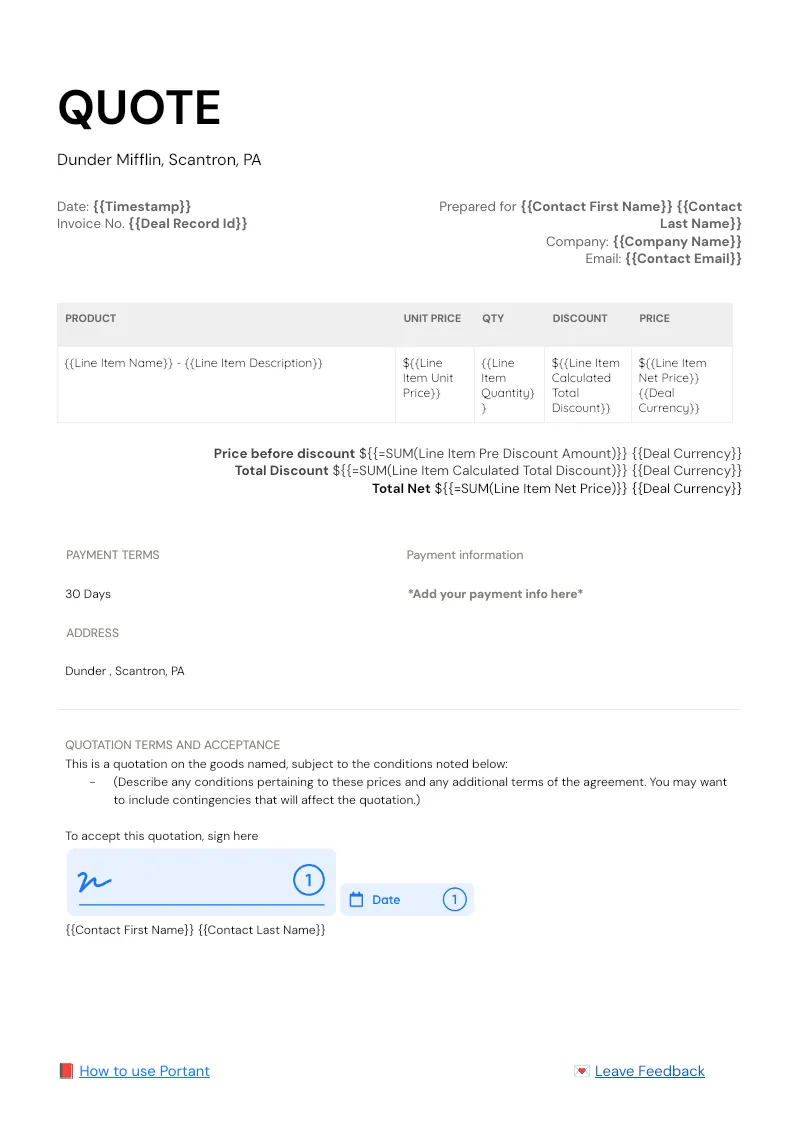

HubSpot Quote Workflow
Pull every HubSpot deal line item into a branded quote in Google Docs, then route it for approval and signature without leaving the CRM. Portant Line items, Data merge, and eSignatures handle the table, the fields, and the signing.
View templateJoin over 40k+ teams using Portant
Portant has been a game-changer for Clipboard! It's saved our sales team countless hours every week by generating order forms, proposals and contracts with info from HubSpot automatically filled in.
With Portant, I run documents directly from HubSpot. No jumping between platforms. No copying data.
Portant replaced three separate tools for us. One platform handles docs, signatures, and follow-ups without leaving HubSpot.
Hundreds of contracts go out in a few clicks. The signed ones come back in, and the rest are easy to spot.
At RepCard, Portant gave us an end-to-end automated workflow inside HubSpot, we replaced manual agreement creation at scale.
We're seeing higher average closed revenue with Portant and faster days to close, it's showing us a material impact on sales velocity.
Love this product. Have been using it for over a year and the integration to Google Workspace is awesome. Lots of credit for listening to your users!
When the executive team asks for an extension document, Portant gets it to them in about an hour, it's empowered my whole team.
Truly a gamechanger! Portant streamlines these tasks and allows me to focus on the things that require my attention and problem-solving!
This software brilliantly takes over the tedious process of creating and sending invoices. This not only saves time but massively reduces errors of data entry.
This product is a gamechanger for all of those painful manual document merges. Love what you and the team have built!
Our reps used to spend 30 minutes per proposal. Now it’s under two minutes and the documents look better than ever.