
HubSpot workflow


HubSpot Quote Workflow
Pull every HubSpot deal line item into a branded quote in Google Docs, then route it for approval and signature without leaving the CRM. Portant Line items, Data merge, and eSignatures handle the table, the fields, and the signing.
~5 min setup · Used by 500+ teams
Trusted by 40,000+ teams










Overview
Send branded HubSpot quotes from Google Docs with live line-item tables
Most HubSpot teams hit a wall when their quotes get more complex than a flat list. Reps end up exporting the deal, retyping line items into a Doc, fixing the table by hand, then chasing finance over Slack to approve the discount.
This workflow turns the HubSpot deal into a branded quote in Google Docs. Portant Line items reads the deal line item table directly, so quantities, terms, and prices land in the Doc exactly as they appear in the CRM, ready for approval and signature.
It suits account executives and sales operations leaders running mid-market deals in HubSpot who need a branded quote Doc, not another rigid CPQ layout. It ladders up to Quotes, our wider workflow for everything between deal stage and signed agreement.
Who is this for
Is this template right for you?
Sales reps and RevOps teams who generate quotes from CRM deals.
-
Quotes ready in under 2 minutes. Portant Data merge fills the entire quote from the deal record, so reps stop retyping line items and start sending the same day.
-
One source of truth for pricing. Portant Line items reads the HubSpot deal directly, so the table in the Doc and the totals in the CRM never drift apart.
-
Signed quotes log themselves in HubSpot. Portant eSignatures saves the executed quote back to the deal as its own record, so leaders see status without chasing reps.
Setup
How to set up the HubSpot quote workflow
-
01
Step 1: Connect HubSpot and Google Docs
Install Portant from the HubSpot Marketplace, then link the Google Drive folder that holds your branded quote template.
-
02
Step 2: Build your quote in Google Docs
Open the template and drop in HubSpot tags for the deal name, contacts, line items table, totals, and signature blocks.
-
03
Step 3: Map line items and approval rules
In Portant, point each column of the table to a HubSpot line item property, then set the discount threshold that should trigger an approver.
-
04
Step 4: Trigger from a deal stage
Add the Portant action to a HubSpot workflow so the quote generates the moment a deal moves to your quote ready stage.
Frequently asked questions
Add Portant as an action inside your HubSpot workflow and trigger it on any deal stage change. Portant pulls the deal line items, contacts, and owner into a Google Docs quote template, routes for approval if the discount is large, and sends for signature without anyone leaving HubSpot.
Yes. Portant Line items reads the HubSpot deal line item table and writes every row, including SKU, quantity, term, and price, into the matching table in Google Docs. Add or edit a line item in the deal, trigger the workflow, and the next quote reflects the change.
HubSpot CPQ removed code level template customisation for new accounts in September 2025, so teams can't add custom CSS, HubL, or layout logic. A Google Docs quote built with Portant gives designers full control over branding, line item grouping, and any extra clauses sales needs.
Yes. Portant treats your Google Doc as the design and merges HubSpot data into it, so you reuse the cover page, fonts, and signature blocks your team already approved. There's no second template language to learn and no branded layout to rebuild inside HubSpot.
Most HubSpot teams have their first automated quote running in under 30 minutes. Connect HubSpot and Google Docs, drop HubSpot tags into the line items table, set a discount threshold for the approver, and add the Portant action to a deal stage workflow.
Yes. Portant supports both shapes from the same HubSpot deal. Use the Google Docs version for customer facing branded quotes and the Google Sheets variant when finance needs the same line items inside their pricing model. Both read from the deal, so totals stay in step.
Related templates
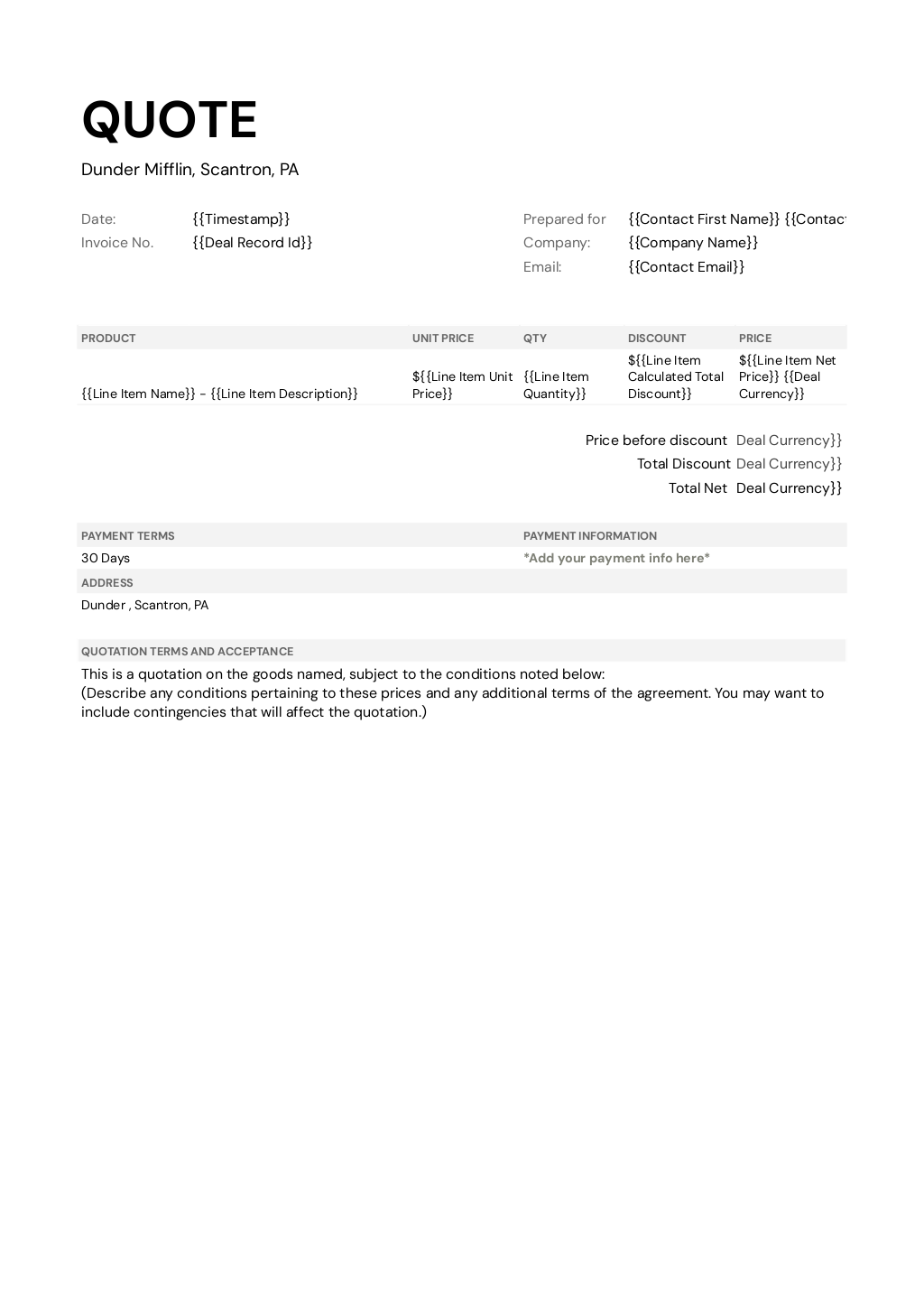

HubSpot Quote Template (Google Sheets)
Turn every HubSpot deal into a quote your finance team can actually trust, with the math done in Google Sheets. Portant merges deal data and line items into your pricing workbook, then exports a PDF customers can sign.
View template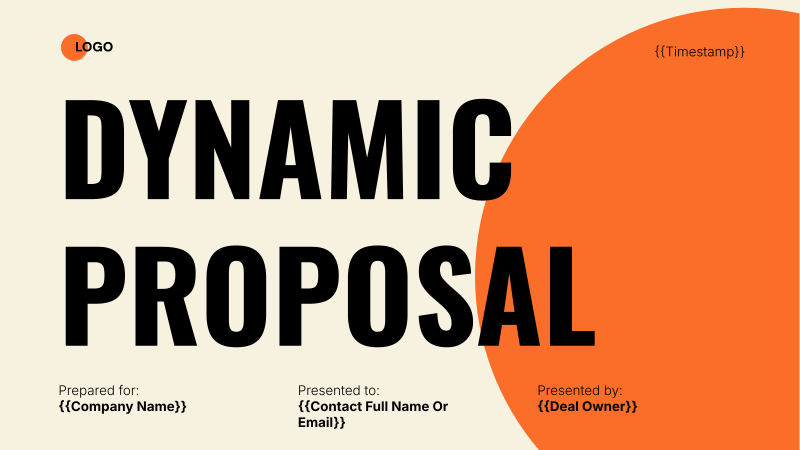

HubSpot Personalised Proposal
Build HubSpot proposal decks in Google Slides that merge company, contact, and deal fields straight from CRM. Portant's data merge fills the executive summary, pricing, and next steps so reps send a personalised pitch in minutes.
View template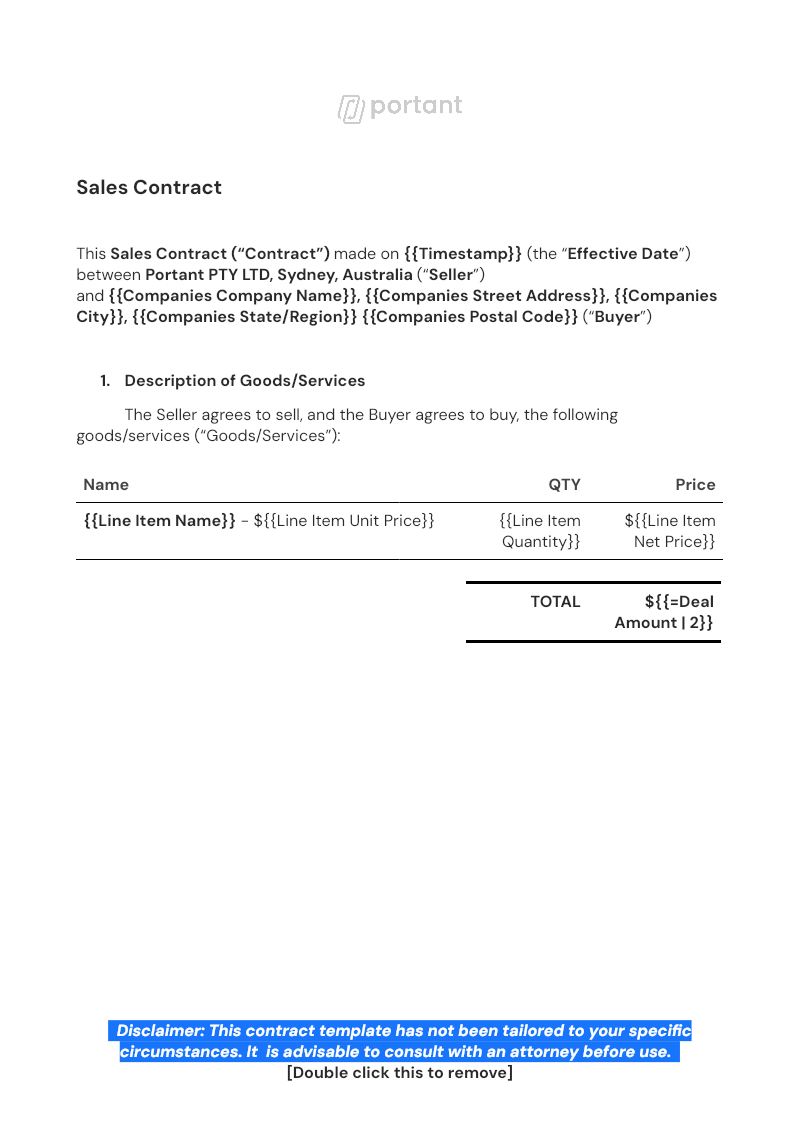
HubSpot Sales Contract Workflow
Generate the sales contract from your closed won HubSpot deal, with line items, customer details, and commercial terms already filled in. Portant routes it through approvals, collects eSignatures, and saves the executed PDF back to the deal.
View templateJoin over 40k+ teams using Portant
Portant has been a game-changer for Clipboard! It's saved our sales team countless hours every week by generating order forms, proposals and contracts with info from HubSpot automatically filled in.
With Portant, I run documents directly from HubSpot. No jumping between platforms. No copying data.
Portant replaced three separate tools for us. One platform handles docs, signatures, and follow-ups without leaving HubSpot.
Hundreds of contracts go out in a few clicks. The signed ones come back in, and the rest are easy to spot.
At RepCard, Portant gave us an end-to-end automated workflow inside HubSpot, we replaced manual agreement creation at scale.
We're seeing higher average closed revenue with Portant and faster days to close, it's showing us a material impact on sales velocity.
Love this product. Have been using it for over a year and the integration to Google Workspace is awesome. Lots of credit for listening to your users!
When the executive team asks for an extension document, Portant gets it to them in about an hour, it's empowered my whole team.
Truly a gamechanger! Portant streamlines these tasks and allows me to focus on the things that require my attention and problem-solving!
This software brilliantly takes over the tedious process of creating and sending invoices. This not only saves time but massively reduces errors of data entry.
This product is a gamechanger for all of those painful manual document merges. Love what you and the team have built!
Our reps used to spend 30 minutes per proposal. Now it’s under two minutes and the documents look better than ever.