
HubSpot workflow


HubSpot Personalised Proposal
Build HubSpot proposal decks in Google Slides that merge company, contact, and deal fields straight from CRM. Portant's data merge fills the executive summary, pricing, and next steps so reps send a personalised pitch in minutes.
~5 min setup · Used by 500+ teams
Trusted by 40,000+ teams










Overview
Generate personalised proposals from HubSpot in Google Slides
Reps building proposal decks by hand copy company names, deal values, and stakeholder titles out of HubSpot into a tired Slides file from last quarter. Fonts shift, the wrong logo lands on slide three, and every rebuild takes an hour the rep should have spent selling.
This template hands the boring slides to Portant. Data merge pulls deal, company, and contact properties from HubSpot into your approved Google Slides deck, while output management names the file, drops it in the right Drive folder, and links the deck back to the deal record.
It suits AEs and sales managers running real opportunities through HubSpot who want a repeatable pitch deck their team actually uses. The workflow ladders up to proposals across your funnel, from first meeting to signed order form.
Who is this for
Is this template right for you?
Sales teams and account executives who send proposals regularly.
-
Decks ready in under five minutes. Portant's data merge fills every personalised field from the HubSpot deal at once, so reps stop spending an hour rebuilding decks before each call.
-
One source of truth for every pitch. Data comes straight from the HubSpot record through the data merge, so the company name, deal value, and stakeholder list match what the buyer already saw.
-
Faster path from pitch to signature. Adding eSignatures to the order form slide lets buyers accept pricing in the same deck, which shortens the gap between proposal sent and contract signed.
Setup
How to set up the HubSpot proposal deck workflow
-
01
Step 1: Connect HubSpot and Google Slides
Sign in to Portant, authorise the HubSpot account that owns the deal pipeline, and link the Google Workspace where your proposal templates live.
-
02
Step 2: Pick your proposal template
Select the approved Google Slides deck and add merge tags like {{deal.amount}} and {{company.name}} to the executive summary, pricing, and next steps slides.
-
03
Step 3: Map fields and set the trigger
Match each placeholder to a HubSpot deal, contact, or company property, then set the deal stage or workflow that should kick off the merge.
-
04
Step 4: Test, approve, and roll out
Run a sample deal through the flow, route it through an optional approval workflow, then turn the automation on for the wider sales team.
Frequently asked questions
HubSpot offers basic quote templates inside Sales Hub, but most teams selling complex deals outgrow them quickly. Portant pairs HubSpot with your own Google Slides proposal deck and merges live deal, company, and contact data into every slide.
Open the HubSpot deal, click Quotes, and pick a template, or run a Portant workflow that builds a full Google Slides proposal deck from the same record. Portant takes around 15 minutes to set up and reuses your existing template.
Yes. Portant's data merge maps any HubSpot deal, company, or contact property to a placeholder in your Google Slides deck, including custom properties. Reps get a personalised deck the moment the deal reaches the proposal stage.
Most teams build their first HubSpot proposal workflow in under 30 minutes once HubSpot and Google are connected. Mapping properties to your existing Google Slides deck takes the longest, and adding new fields later is a one click change.
Yes. Portant's eSignatures feature adds a signing block to the closing slide, so the buyer can accept pricing inside the same Google Slides deck. Signed copies save back to the HubSpot deal as their own record.
Portant is the HubSpot certified app built for Google Slides proposal decks, used by 920,000+ users across 5.1M+ documents automated. It uses your existing Slides template, merges live HubSpot data, and saves every deck back to the deal record.
Related templates
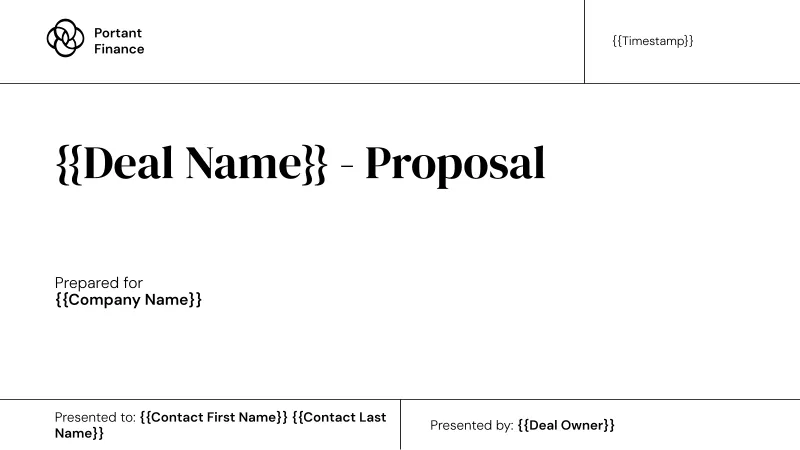
HubSpot Simple Proposal
Send a compact HubSpot proposal in Google Slides without copying deal data by hand. Portant data merge maps a short list of CRM fields to a four slide deck, so a new rep can ship one in their first week.
View template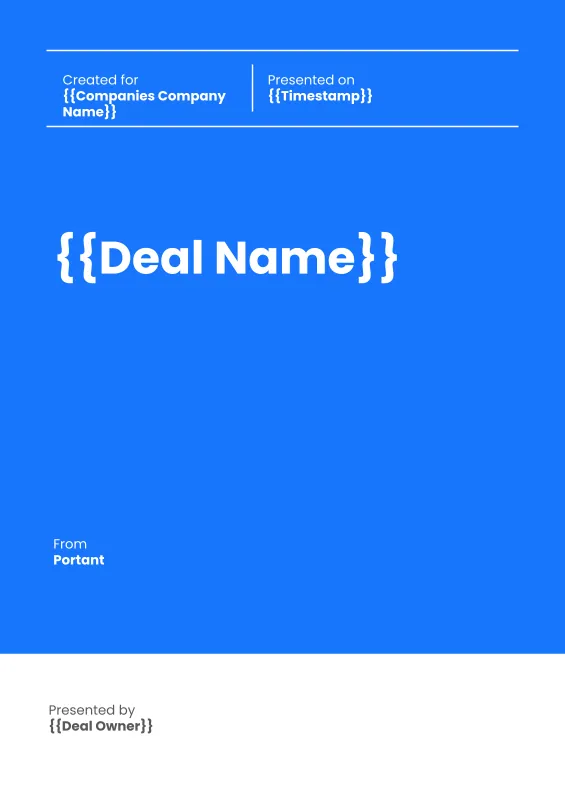
HubSpot Sales Proposal Workflow (Portrait)
Send formal HubSpot sales proposals in portrait, document-style Google Slides that buyers can print, sign, and file. Portant merges deal data, line item pricing, and an eSignature page in one workflow.
View template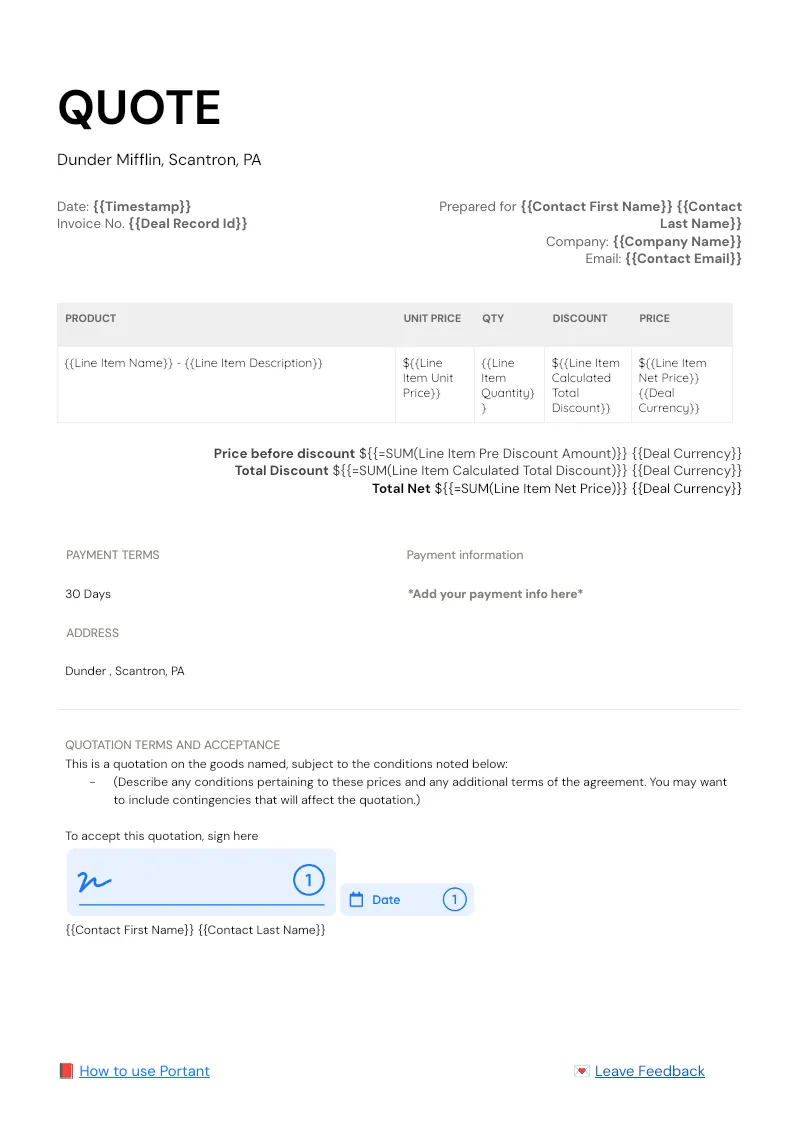

HubSpot Quote Workflow
Pull every HubSpot deal line item into a branded quote in Google Docs, then route it for approval and signature without leaving the CRM. Portant Line items, Data merge, and eSignatures handle the table, the fields, and the signing.
View templateJoin over 40k+ teams using Portant
Portant has been a game-changer for Clipboard! It's saved our sales team countless hours every week by generating order forms, proposals and contracts with info from HubSpot automatically filled in.
With Portant, I run documents directly from HubSpot. No jumping between platforms. No copying data.
Portant replaced three separate tools for us. One platform handles docs, signatures, and follow-ups without leaving HubSpot.
Hundreds of contracts go out in a few clicks. The signed ones come back in, and the rest are easy to spot.
At RepCard, Portant gave us an end-to-end automated workflow inside HubSpot, we replaced manual agreement creation at scale.
We're seeing higher average closed revenue with Portant and faster days to close, it's showing us a material impact on sales velocity.
Love this product. Have been using it for over a year and the integration to Google Workspace is awesome. Lots of credit for listening to your users!
When the executive team asks for an extension document, Portant gets it to them in about an hour, it's empowered my whole team.
Truly a gamechanger! Portant streamlines these tasks and allows me to focus on the things that require my attention and problem-solving!
This software brilliantly takes over the tedious process of creating and sending invoices. This not only saves time but massively reduces errors of data entry.
This product is a gamechanger for all of those painful manual document merges. Love what you and the team have built!
Our reps used to spend 30 minutes per proposal. Now it’s under two minutes and the documents look better than ever.