
HubSpot workflow


HubSpot Simple Proposal
Send a compact HubSpot proposal in Google Slides without copying deal data by hand. Portant data merge maps a short list of CRM fields to a four slide deck, so a new rep can ship one in their first week.
~5 min setup · Used by 100+ teams
Trusted by 40,000+ teams










Overview
Build simple HubSpot proposals in Google Slides in under 10 minutes
Most teams don't need a fifty slide deck for a $5k pilot. New reps still end up duplicating an old proposal, retyping the company name, fixing the logo, and pasting numbers from the HubSpot deal. Half the time they send the wrong amount or the wrong contact.
This workflow keeps it light. Portant data merge pulls a short list of HubSpot deal and company fields into a compact Google Slides deck, then output management saves the file with a predictable name in a shared drive folder. You can roll the same template across the whole team in an afternoon.
It suits SDRs, BDRs, junior AEs, and managers who want a shared starting deck for smaller deals without a heavy enablement library. It is a fast on-ramp into Portant's proposals workflow that you can grow as deal sizes grow.
Who is this for
Is this template right for you?
Sales teams and account executives who send proposals regularly.
-
First proposal sent in under 10 minutes. Because the field map is small and the deck is short, Portant data merge gets a new rep from setup to a sent proposal during their first onboarding session.
-
One source of truth for deal numbers. Portant data merge reads live values from the HubSpot deal record, so the amount, close date, and contact on every deck match what the rep sees in CRM.
-
Easy rollout across a growing team. Portant output management saves every proposal to the same Drive folder with a predictable file name, so managers can coach reps without hunting for the latest version.
Setup
How to set up the simple HubSpot proposal workflow
-
01
Step 1: Connect HubSpot and Google Slides
Open Portant, install the HubSpot integration, and grant access to the Google account that owns your proposal templates.
-
02
Step 2: Pick a compact Google Slides template
Use a four or five slide deck with a title slide, problem, solution, pricing snapshot, and next steps. Add merge tags like {{deal.amount}} where dynamic fields belong.
-
03
Step 3: Map the short list of HubSpot fields
In Portant's data merge step, point each merge tag at the matching HubSpot deal or company property. Stick to fields every rep already keeps clean.
-
04
Step 4: Set the trigger and the output settings
Choose a HubSpot trigger, like deal stage moves to Proposal, then use output management to set the file name pattern and the destination Google Drive folder.
Frequently asked questions
Connect HubSpot to Portant, pick a four to six slide Google Slides template, and map the deal name, amount, and primary contact to placeholders. Most reps go from blank canvas to a sent proposal in under ten minutes, and the deck saves back to the deal.
A simple sales proposal needs a title slide, a short problem and solution summary, pricing, and clear next steps. This Portant template ships with that exact structure and uses data merge to drop the HubSpot deal name, amount, and primary contact into each slide.
Yes. The Portant workflow runs from one shared Google Slides template, so every rep gets the same layout, branding, and HubSpot field mapping. You update the master template once and every deck Portant creates after that picks up the change.
For most pilot or small deals, four to six slides is enough. Buyers want the problem, the solution, the price, and a next step. Portant's compact Google Slides template keeps reps inside that range and saves the deck back into the HubSpot deal.
Yes. You can drop a Portant AI step into the workflow that drafts a custom section, like an executive summary tailored to the HubSpot company record. The rep reviews the AI draft inside Google Slides before the deck goes out.
Yes. Portant supports Google Slides, Google Docs, and Google Sheets as output formats from the same workflow. If your team prefers a document style proposal, you can swap the template, reuse the same HubSpot field map, and keep the trigger and output settings as they are.
Related templates
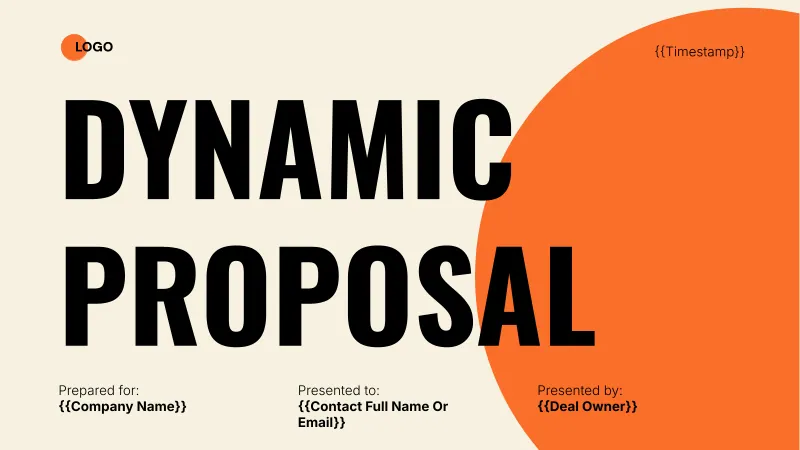
HubSpot Personalised Proposal
Build HubSpot proposal decks in Google Slides that merge company, contact, and deal fields straight from CRM. Portant's data merge fills the executive summary, pricing, and next steps so reps send a personalised pitch in minutes.
View template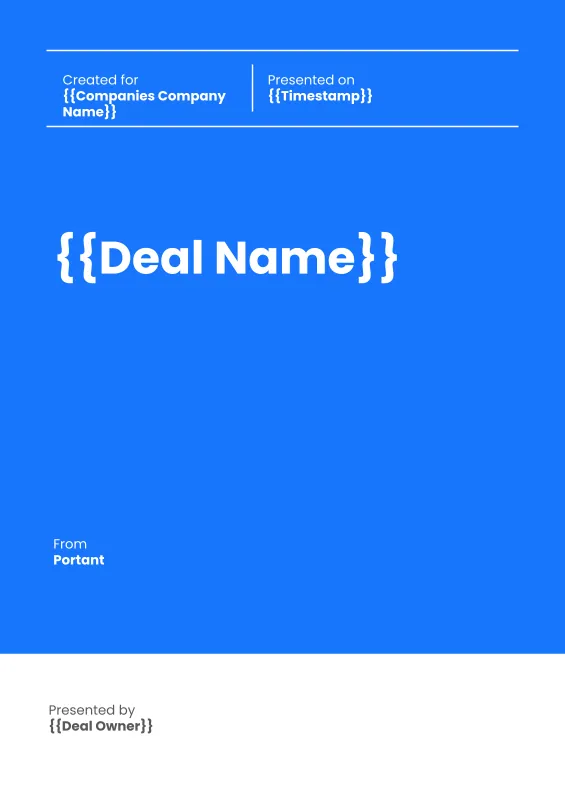
HubSpot Sales Proposal Workflow (Portrait)
Send formal HubSpot sales proposals in portrait, document-style Google Slides that buyers can print, sign, and file. Portant merges deal data, line item pricing, and an eSignature page in one workflow.
View template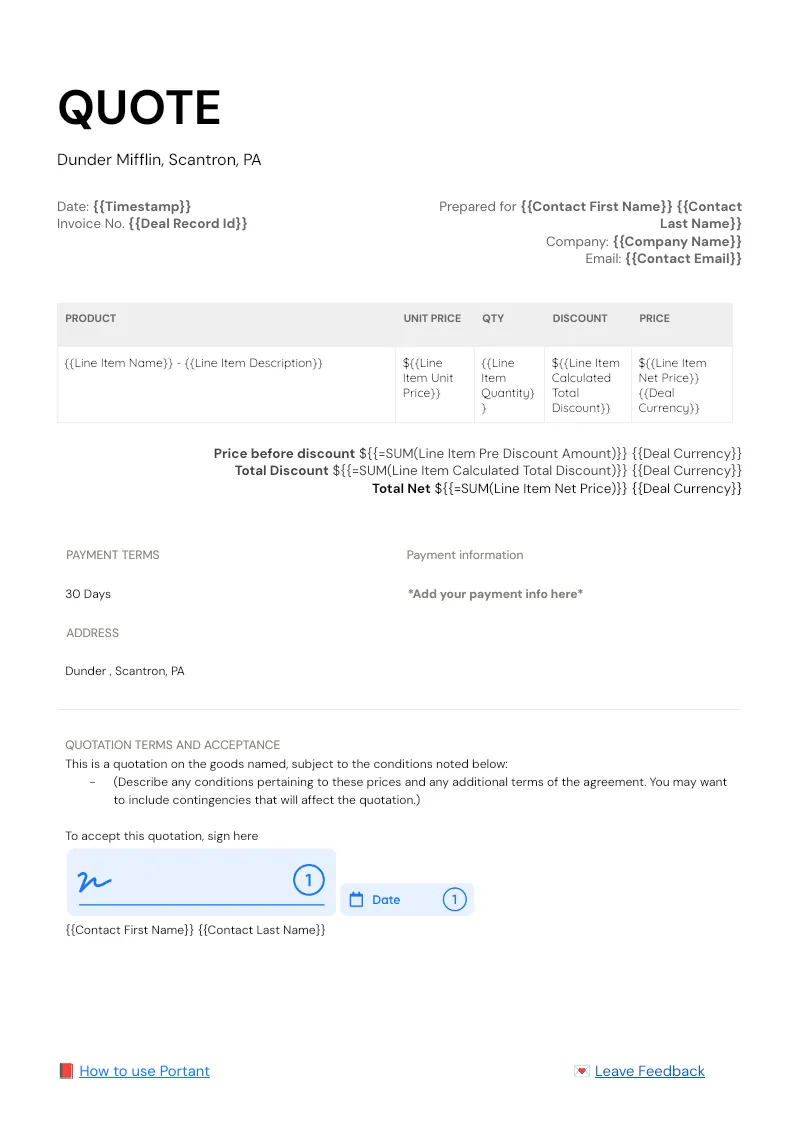

HubSpot Quote Workflow
Pull every HubSpot deal line item into a branded quote in Google Docs, then route it for approval and signature without leaving the CRM. Portant Line items, Data merge, and eSignatures handle the table, the fields, and the signing.
View templateJoin over 40k+ teams using Portant
Portant has been a game-changer for Clipboard! It's saved our sales team countless hours every week by generating order forms, proposals and contracts with info from HubSpot automatically filled in.
With Portant, I run documents directly from HubSpot. No jumping between platforms. No copying data.
Portant replaced three separate tools for us. One platform handles docs, signatures, and follow-ups without leaving HubSpot.
Hundreds of contracts go out in a few clicks. The signed ones come back in, and the rest are easy to spot.
At RepCard, Portant gave us an end-to-end automated workflow inside HubSpot, we replaced manual agreement creation at scale.
We're seeing higher average closed revenue with Portant and faster days to close, it's showing us a material impact on sales velocity.
Love this product. Have been using it for over a year and the integration to Google Workspace is awesome. Lots of credit for listening to your users!
When the executive team asks for an extension document, Portant gets it to them in about an hour, it's empowered my whole team.
Truly a gamechanger! Portant streamlines these tasks and allows me to focus on the things that require my attention and problem-solving!
This software brilliantly takes over the tedious process of creating and sending invoices. This not only saves time but massively reduces errors of data entry.
This product is a gamechanger for all of those painful manual document merges. Love what you and the team have built!
Our reps used to spend 30 minutes per proposal. Now it’s under two minutes and the documents look better than ever.