HubSpot quote eSignature
Get HubSpot quotes signed without a Revenue Hub seat
HubSpot now ties quote e-signatures to Revenue Hub seats and a pooled monthly limit. Portant fills your own quote template from the deal, collects the signature, and puts the signed PDF back on the HubSpot record.
 Install on HubSpot
Trusted by 40,000+ teams










What changed in HubSpot
Quote signatures now cost seats...
HubSpot's help center (updated September 24, 2026) sets three limits on e-signatures for quotes.
A Revenue Hub seat for every sender
Only a user with an assigned Revenue Hub seat can add an e-signature to a quote. Legacy quotes stay available only to accounts created before September 3, 2025.
A pooled monthly limit
Revenue Hub Professional adds 25 e-signatures per seat each month and Enterprise adds 50. The pool resets on the first of the month.
Unsigned quotes still count
A quote counts toward the limit as soon as e-signature is on, even if nobody signs it. A resent quote counts again.
How Portant does it
...so sign quotes from the deal instead
Portant sends the quote through its own signing flow, so HubSpot's e-signature seats and pool do not apply.
No per-signature fee
Signing is part of your Portant plan. Each signed quote uses your monthly document allowance, not a separate signature pool.
Your own quote template
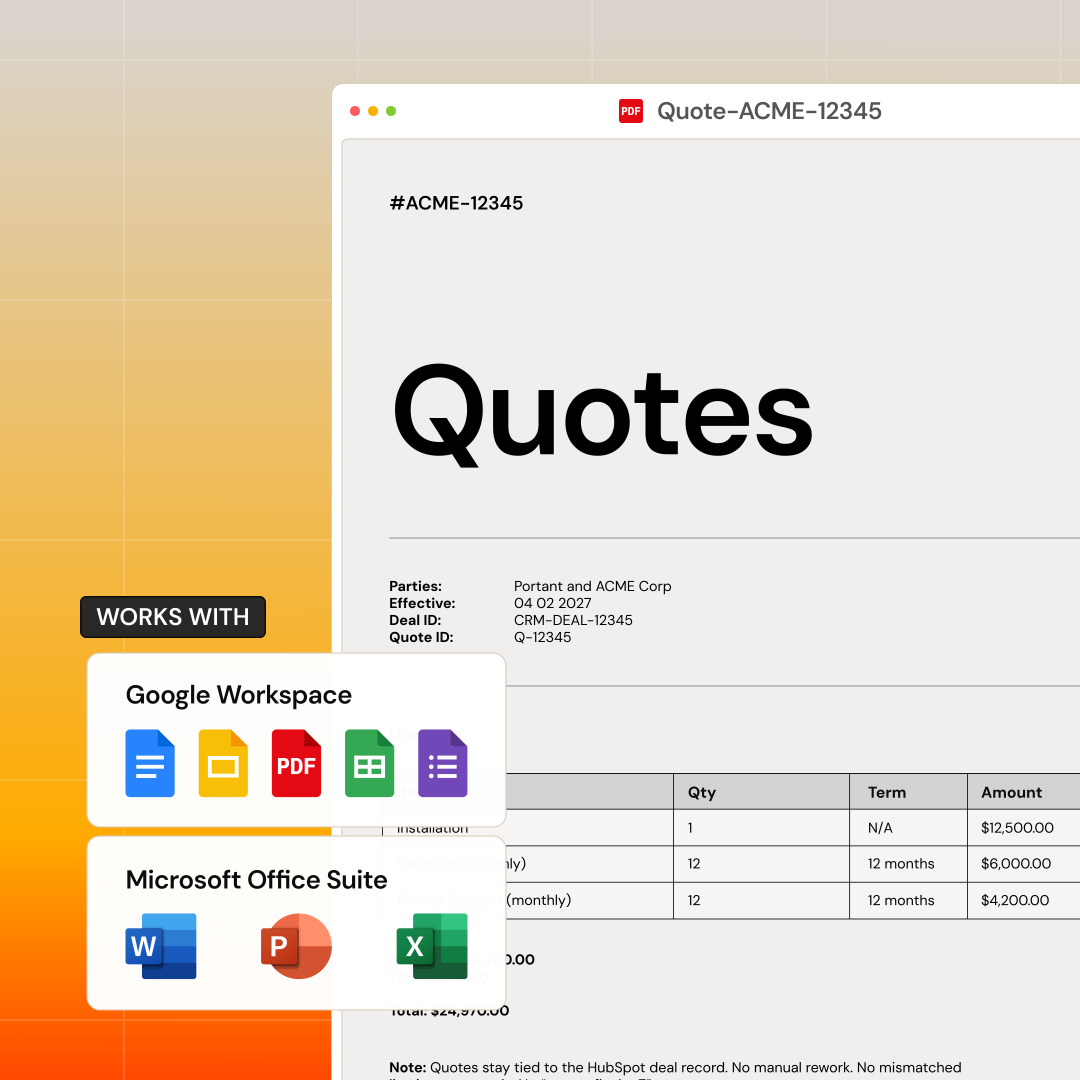
Line items, prices and deal properties fill the template your team already uses in Google Docs, Word or Google Slides.
Status back on the deal
The signer signs in the browser. The signature status and the signed PDF sync back to the HubSpot record.
How to send a HubSpot quote for signature
01
Install Portant
Add Portant from the HubSpot Marketplace. No developer setup.
02
Connect your template
Pick your quote in Google Docs or Word and map HubSpot line items and deal fields to its tags.
03
Add a signature field
Put a signature box on the template and choose who signs.
04
Send from the deal
Generate the quote on the deal record and send it. The signed copy comes back to HubSpot.