
















The #1 App for document automation

Mail merge to PDF

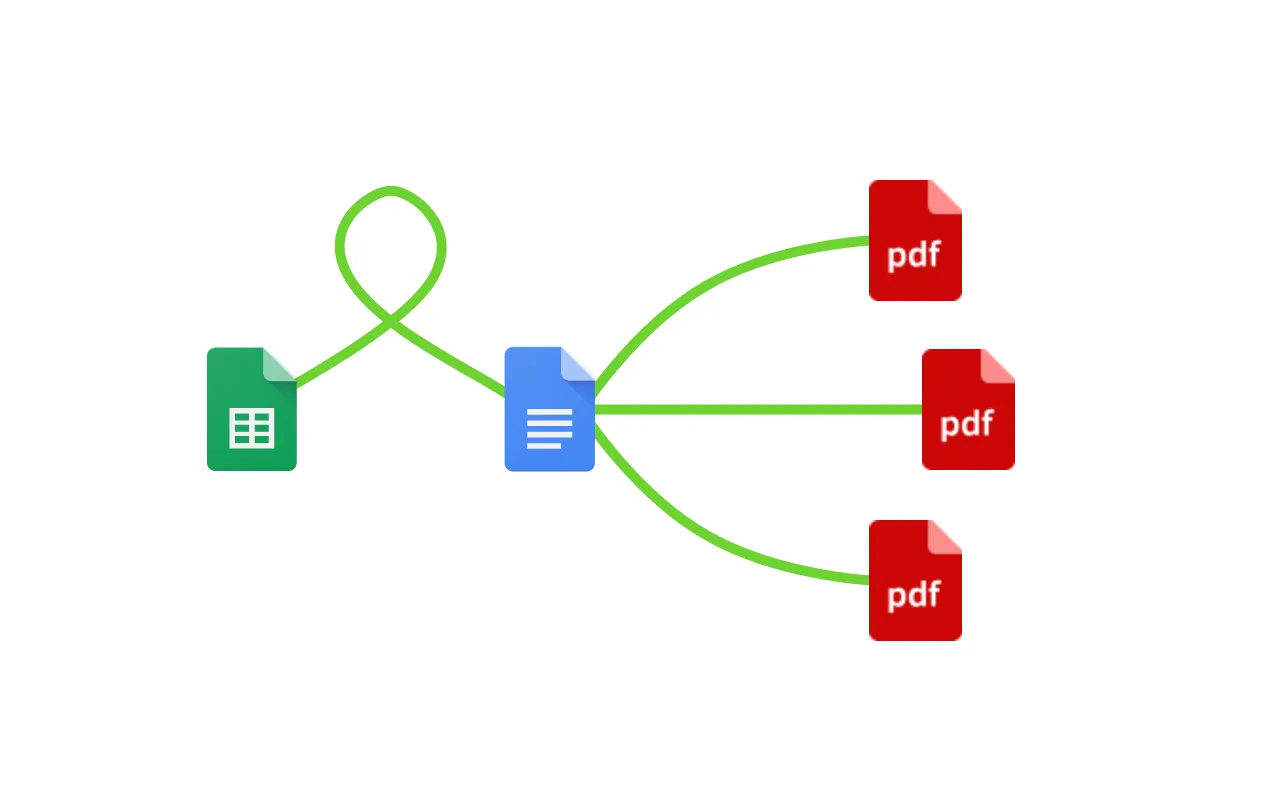
Open a Google Sheet, connect a template, add tags, and automatically start creating PDFs.

No credit card required · Setup in minutes

Google Workspace · 900,000+ Installs · 4.8 stars ★★★★★
Mail merge from Google Sheets to PDF in Portant

Trusted by teams at

Spotify Logitech Walt Disney Shopify L'Oreal Vimeo Nvidia Eventbrite Uber JCDecaux Veolia The Economist Netflix AirAsia Motorola Indeed Wix Marley Spoon Sotheby's Randstad Spotify Logitech Walt Disney Shopify L'Oreal Vimeo Nvidia Eventbrite Uber JCDecaux Veolia The Economist Netflix AirAsia Motorola Indeed Wix Marley Spoon Sotheby's Randstad

Mail Merge to PDF

It's easy to mail merge to PDF in a few simple steps. You can merge all kinds of different data types to create PDFs, including: images, dates, numbers and text in multiple languages. After you've installed Portant Data Merge, the next thing you need to do is open the add-on, in either Google Docs or Google Slides, then connect a spreadsheet, add some column tags to your template and then click automate, and voila!, you've just mail merged some PDFs!

We know how monotonous it can be to mail merge using complicated and unwieldy programs (or even having to write code!) That's why we've come to the rescue.

With Portant you can open your spreadsheet, connect a template, click a few buttons and documents will be magically generated. You can then share them via customised emails or export them as pdfs. Just select the options you require and place your documentation on autopilot.

How to Mail Merge to PDF

01

Open Spreadsheet

Open the spreadsheet you want to mail merge in.

02

Connect template

Connect a Google Doc or Google Slides template

03

Add Tags

Then just add 'column tags' into your spreadsheet

04

Merge

Save outputs as docs or pdfs and share via email

Animation showing documents being created when new rows are added to a spreadsheet

Delete laborious manual work

Mail merge to PDF eliminates the monotony of data entry from your life, saving you from repetitive strain injuries caused by clicking 'CTRL + C' 'CTRL + V'. But seriously, a huge amount of time is wasted on admin tasks, much of which we believe could be automated. Mail merge to PDF is one of the tools you can use to spend less time managing documents and more time changing the game.

Animation showing text and images placed automatically in Google Slides

Make your documents without mistake

Mail merge to PDF means that typos are a thing of the past. All the information used to make your documents is sourced from a central spreadsheet. This means you won't have to worry about any errors from copying and pasting or typos. Not to mention, your formatting is guaranteed to be consistent on all your PDFs.

Google Slides Google Forms Google Sheets Google Docs

Built into Google Workspace

Mail merge with the tools you already use: Google Docs, Sheets, Slides and Forms. Portant mail merge is integrated into the Google Workspace, so it's available on the platforms you're comfortable with. Mail merge to PDF will help you create powerful business solutions within Google Workspace.

Google Workspace

Frequently asked questions

Yes. Open a template in Google Docs or Google Slides, connect a spreadsheet, add column tags, and click automate. Portant merges text, images, dates, and numbers into professional PDFs automatically. See the complete guide for a full walkthrough.

Yes. Store the image as an accessible URL in your spreadsheet, then mark that column as an image tag in your template. Portant inserts a placeholder you can move and resize freely. Learn more about adding images to your template.

Yes. Connect a Google Form to a Docs or Slides template in Portant, and each response automatically generates a PDF. You can also use Combine mode to merge all rows into a single document for batch printing.

Yes. In the Data Merge box you can pick a custom set of rows, create filter rules, or select just a single row. This gives you full control over which Google Sheets data gets merged into your PDFs.

Yes. You can save output PDFs to any Google Drive folder, and even use dynamic folder naming based on your spreadsheet data. See output document settings for all the options.

Yes. Portant sends personalised emails from your own address with the merged PDF attached automatically. Customise the subject, body, and recipients per row. Learn more about sharing documents via email.

Join over 40k+ teams

Portant has been a game-changer for Clipboard! It’s saved our sales team countless hours every week by generating order forms, proposals and contracts with info from HubSpot automatically filled in.

SC

Sam Clarke

Co-Founder, Clipboard

With Portant, I run documents directly from HubSpot. No jumping between platforms. No copying data.

EM

Edwin van der Maas

Operations Lead, 2manydots

Portant replaced three separate tools for us. One platform handles docs, signatures, and follow-ups without leaving HubSpot.

RK

Rachel K

RevOps Manager, Mid-Market

Portant was the simplest and quickest signing integration I’ve ever implemented, it works natively with HubSpot.

LH

Lisa Holmes

Consultant, Monoceros Services

At RepCard, Portant gave us an end-to-end automated workflow inside HubSpot, we replaced manual agreement creation at scale.

NR

Natalie Reeder

Revenue Operations, RepCard

We’re seeing higher average closed revenue with Portant and faster days to close, it’s showing us a material impact on sales velocity.

TP

Tom P

VP Sales, Enterprise SaaS

Love this product. Have been using it for over a year and the integration to Google Workspace is awesome. Lots of credit for listening to your users!

DI

Duncan I

Web, Google & WordPress

When the executive team asks for an extension document, Portant gets it to them in about an hour, it’s empowered my whole team.

MM

Megan Marohn

Operations, Boomerang Capital

Truly a gamechanger! Portant streamlines these tasks and allows me to focus on the things that require my attention and problem-solving!

JH

Jordan H

Administrator, Mid-Market

This software brilliantly takes over the tedious process of creating and sending invoices. This not only saves time but massively reduces errors of data entry.

LG

Lukas G

E-commerce Business Owner

This product is a gamechanger for all of those painful manual document merges. Love what you and the team have built!

MB

Matthew B

Founder & Leadership, Upflowy

Our reps used to spend 30 minutes per proposal. Now it’s under two minutes and the documents look better than ever.

JS

James S

Sales Director, Agency

More than just mail merge

You can do a lot more than mail merge with Portant. Portant is a fully-fledged online document automation solution that can optimise many different document flows. You can use our online document automation platform to optimise your repetitive work, so you can get back to doing the work you enjoy.
Portant workflow automation from Google Form to Google Docs

Stop formatting,
start closing.

Start your 7 day free trial

Join over 40,000 sales teams using Portant to close deals faster in HubSpot.