















The #1 App for document automation

Excel quote template

Download a free, ready to use Excel quote template. Add your logo, client details and line items, and the spreadsheet totals everything for you. Want to send quotes on autopilot? Connect it to Portant and generate a quote for every row.

Free to download · No signup required

Google Workspace · 900,000+ Installs · 4.8 stars ★★★★★
Excel quote template in Portant

Trusted by teams at

Spotify Logitech Walt Disney Shopify L'Oreal Vimeo Nvidia Eventbrite Uber JCDecaux Veolia The Economist Netflix AirAsia Motorola Indeed Wix Marley Spoon Sotheby's Randstad Spotify Logitech Walt Disney Shopify L'Oreal Vimeo Nvidia Eventbrite Uber JCDecaux Veolia The Economist Netflix AirAsia Motorola Indeed Wix Marley Spoon Sotheby's Randstad

Excel quote template

Looking for a free Excel quote template you can download and use today? This one is ready to go. Open it in Microsoft Excel or Google Sheets, add your logo, business details and line items, and the totals calculate automatically. Prefer to build one in your browser? Try our free quote generator, or browse the full quote template collection.

A clear quote sets the tone for the sale. This template keeps your numbers tidy, your branding consistent and your terms easy to read, so every quote you send looks professional and adds up correctly.

When you are ready to stop filling quotes in by hand, connect your spreadsheet to Portant and generate a polished quote for every row automatically, then email it without copy and paste. It is easy to put your quoting on autopilot.

How to use the Excel quote template

01

Download the template

Download the free Excel quote template and open it in Microsoft Excel or Google Sheets.

02

Add your details

Drop in your logo, business and client details, and your line items.

03

Totals calculate

Quantities, discounts and prices total automatically, so the maths is always right.

04

Save as PDF

Save or export your quote as a PDF and send it to your client.

How to automate quotes with Portant

A closer look at each step

Step 1

Download the Excel quote template

Make your own copy of the free quote template. Open it in Microsoft Excel or Google Sheets, then add your logo, business details and line items. The totals calculate for you. Want to send quotes on autopilot? Connect it to Portant in the steps below.

Download template
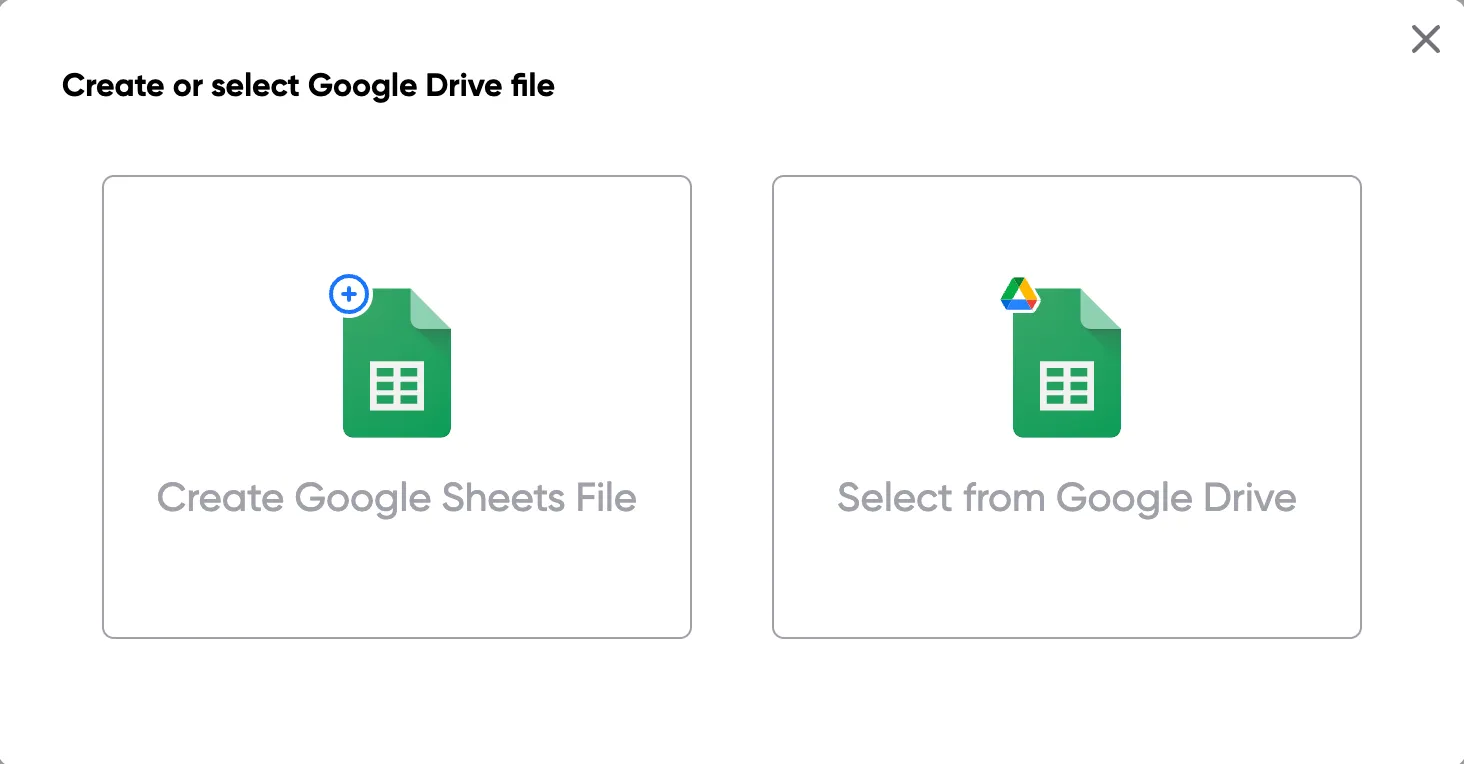
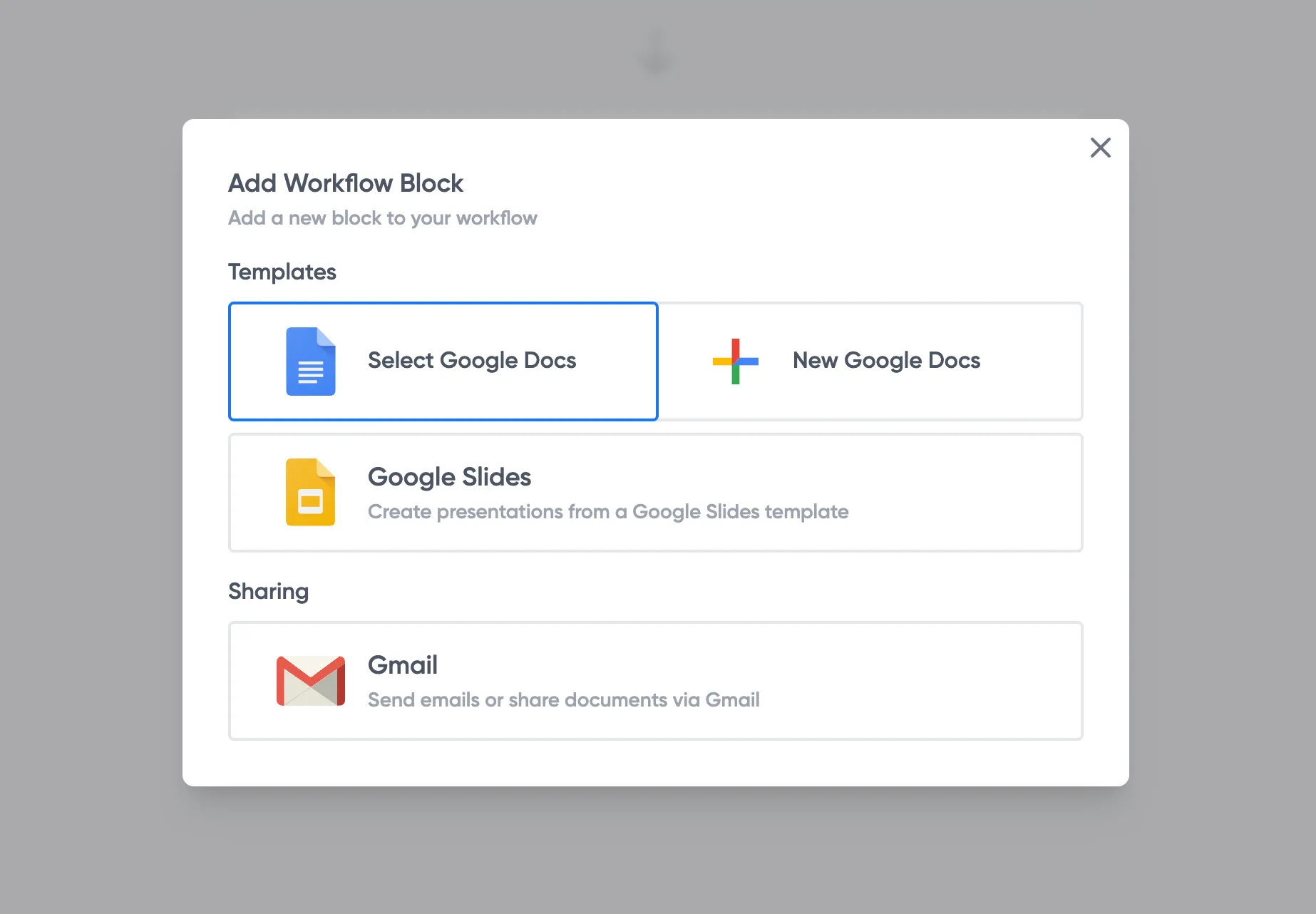
Excel quote template open and ready to edit

Step 2

Make it your own

Replace the placeholder details with your branding, payment terms and the products or services you quote for. Save it as your reusable quote template so every quote starts the same way.

Customise the quote template for your business

Step 3

Turn quotes into a workflow

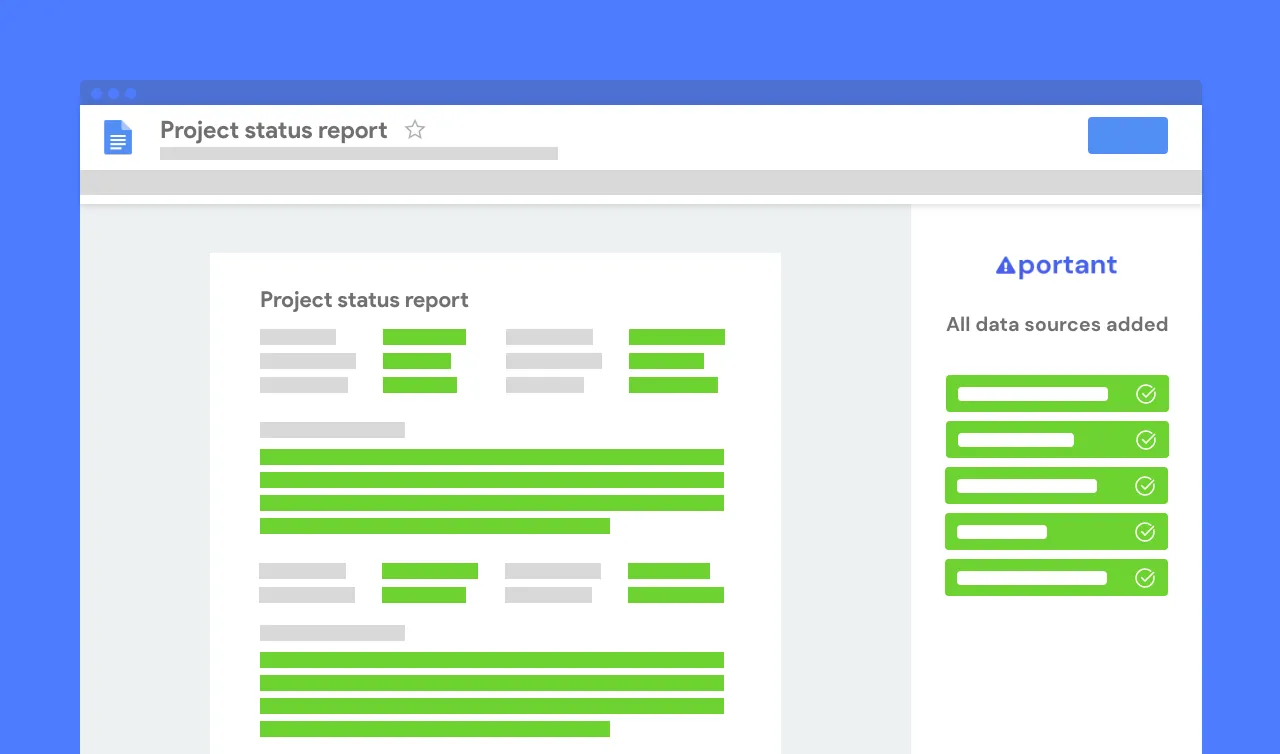
Quoting at volume? Keep your data in a spreadsheet and let Portant insert it into the template with merge tags, so every quote is generated the same way without copy and paste.

Map spreadsheet columns to quote tags in Portant

Step 4

Email it from your own address

Send quotes straight from Gmail or Outlook, from an address like sales@yourcompany.com, and store every copy in your Drive. Snap, you are done.

Send quote emails from Gmail or Outlook with Portant

Easy as that πŸ™Œ

Branded quote layout created with Portant

Look professional instantly

A clean, branded quote builds trust. This template gives every quote a consistent, professional layout with no design work.

Automatic quote totals in a spreadsheet

Totals that are always right

Quantities, discounts and prices total automatically, so you never send a quote with a maths error again.

Portant quote automation in Google Workspace

Works with the tools you use

Open it in Microsoft Excel or Google Sheets, then automate quotes at scale with Portant inside Google Workspace.

Google DocsGoogle SheetsGoogle SlidesGoogle Forms

Frequently asked questions

Excel includes a few basic templates, but they are limited. Our free Excel quote template is ready to download, fully customisable, and totals everything automatically. You can also build a quote in your browser or automate quotes with Portant.

Download the template, add your logo and business details, then list your products or services with quantities and prices. The spreadsheet totals everything for you. Save it as a PDF to send to your client.

Yes. The template is free to download with no signup and no watermark. Use it as often as you like.

Yes. In Excel or Google Sheets, use File then Download or Export to save your quote as a PDF, ready to email.

Yes. Keep your quote data in a spreadsheet and connect it to Portant to generate a polished quote for every row, then email them automatically.

A quote is an offer of a price before work begins; an invoice requests payment after. Need to bill a client? Use our invoice template.

Join over 40k+ teams

Portant has been a game-changer for Clipboard! It’s saved our sales team countless hours every week by generating order forms, proposals and contracts with info from HubSpot automatically filled in.

sam clarkeSC

Sam Clarke

Co-Founder, Clipboard

With Portant, I run documents directly from HubSpot. No jumping between platforms. No copying data.

edwin vandermaas portraitEM

Edwin van der Maas

Operations Lead, 2manydots

Portant replaced three separate tools for us. One platform handles docs, signatures, and follow-ups without leaving HubSpot.

RK

Rachel K

RevOps Manager, Mid-Market

Hundreds of contracts go out in a few clicks. The signed ones come back in, and the rest are easy to spot.

gregory fleurot portraitGF

GrΓ©gory Fleurot

Director of HR & Operations, Innovative Language

At RepCard, Portant gave us an end-to-end automated workflow inside HubSpot, we replaced manual agreement creation at scale.

natalie reeder portraitNR

Natalie Reeder

Revenue Operations, RepCard

We’re seeing higher average closed revenue with Portant and faster days to close, it’s showing us a material impact on sales velocity.

TP

Tom P

VP Sales, Enterprise SaaS

Love this product. Have been using it for over a year and the integration to Google Workspace is awesome. Lots of credit for listening to your users!

duncan iDI

Duncan I

Web, Google & WordPress

When the executive team asks for an extension document, Portant gets it to them in about an hour, it’s empowered my whole team.

megan marohn portraitMM

Megan Marohn

Operations, Boomerang Capital

Truly a gamechanger! Portant streamlines these tasks and allows me to focus on the things that require my attention and problem-solving!

jordan hJH

Jordan H

Administrator, Mid-Market

This software brilliantly takes over the tedious process of creating and sending invoices. This not only saves time but massively reduces errors of data entry.

lukas gLG

Lukas G

E-commerce Business Owner

This product is a gamechanger for all of those painful manual document merges. Love what you and the team have built!

matthew bMB

Matthew B

Founder & Leadership, Upflowy

Our reps used to spend 30 minutes per proposal. Now it’s under two minutes and the documents look better than ever.

JS

James S

Sales Director, Agency

More than quote templates

Portant does a lot more than quotes. It is a full document automation platform that turns spreadsheets and form responses into polished quotes, invoices, contracts and proposals, then emails them for you. Spend less time on paperwork and more on the work you enjoy.

Portant document automation in Google Workspace

Stop formatting,
start closing.

Start your 7 day free trial

Join over 40,000 sales teams using Portant to close deals faster in HubSpot.