
Google workflow


Purchase Order
Turn approved rows in your Google Sheet into a finished purchase order Doc with vendor, line items, and PO number filled in. Portant's data merge and approval workflows route the PO so you stop chasing sign-off by email.
~5 min setup · Used by 100+ teams
Trusted by 40,000+ teams










Overview
Generate purchase orders in Google Docs from approved Google Sheet rows
If you raise purchase orders from a Google Sheet of approved requests, you know the routine. Someone copies the vendor row into a Doc, fixes the address, retypes the line items, calculates the total, and emails the PDF to the vendor while waiting for the approver to confirm in Slack.
This workflow does that work for you. Portant reads each approved row from the Sheet, merges the vendor and line items into your Google Doc PO template, routes it through your approver, and saves the signed PDF with a fresh PO number. Drop in data merge tags once and the rest is repeatable.
It suits procurement managers, finance and ops leads at SMB and mid-market, founders signing off vendor spend, and project managers raising POs to subcontractors. The workflow ladders into the wider invoices and finance lane so AP can match the PO back to the bill when it arrives.
Who is this for
Is this template right for you?
Teams who generate documents from structured data.
-
POs sent in under five minutes. Data merge pulls vendor details and line items from the Sheet into your Doc, so you skip the rekeying that used to take half an hour.
-
Every PO has a recorded approver. Approval workflows route the merged PO to the named approver before it leaves your team, so you have proof of sign-off for finance and audit.
-
One source of truth for vendor spend. Output management saves each PO with the right number, file name, and Drive folder, so finance can match it back to the Sheet row when invoices arrive.
Setup
How to set up the purchase order workflow
-
01
Step 1: Connect Google Sheets and Google Docs
Sign in to Portant, authorize Google Workspace, and pick the Sheet where buyers log approved requests.
-
02
Step 2: Tag your PO Doc template
Open your purchase order Doc and add merge tags like {{Vendor}}, {{PO Number}}, and a {{Line Items}} placeholder where the table belongs.
-
03
Step 3: Configure approvals and output rules
Turn on Approval workflows for the named approver, then use Output management to set the file name pattern, PDF format, and Drive folder.
-
04
Step 4: Send a test PO and switch on the trigger
Run a test on a low-risk vendor, refine the wording, then enable the trigger so each new approved row sends a fresh PO automatically.
Frequently asked questions
A purchase order template should cover the buyer and vendor names and addresses, a unique PO number and date, line items with SKU, quantity, unit price and total, payment terms, delivery details, and an approver. Portant pulls each of those fields from your Google Sheet so every PO is consistent.
Build a Google Docs template with merge tags for vendor, line items, and totals, then connect it to your Sheet of approved requests in Portant. Each new row creates a Doc with the right details, so you don't open a blank template again.
Yes. Portant's Approval workflows route the merged PO to a named approver, like a manager or finance lead, before it leaves your team. The approval is recorded against the Doc, so you can show finance and audit who signed off and when.
Portant's Output management generates a unique PO number for each Doc, names the file with vendor and date, saves it as a PDF, and drops it in the Drive folder you choose. Finance can find any PO without searching email or shared drives.
No. Most teams under 200 people don't need a heavy procurement suite to send clean POs. Portant runs from the Google Sheets your team already uses, so you can launch the workflow this afternoon and revisit ERP procurement later if you outgrow it.
Yes. Portant connects to HubSpot the same way, so you can trigger a PO from a closed-won deal or a custom object that tracks subcontractor spend. The merge tags and approval steps work the same as the Google Sheets version.
Related templates
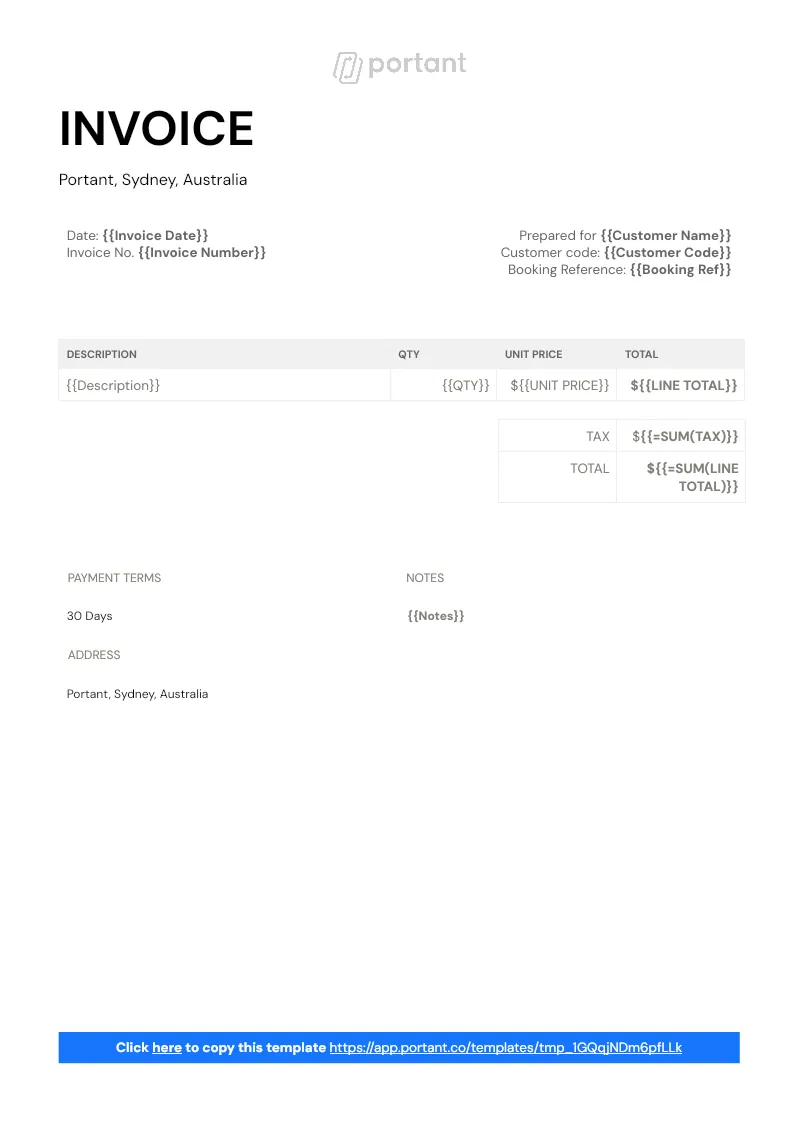
Invoice Workflow
Turn each row in your Google Sheet into a branded invoice in Google Docs, with line items, totals, and customer details filled. Portant's data merge and line items features assemble the doc, then output management saves the PDF to Drive.
View template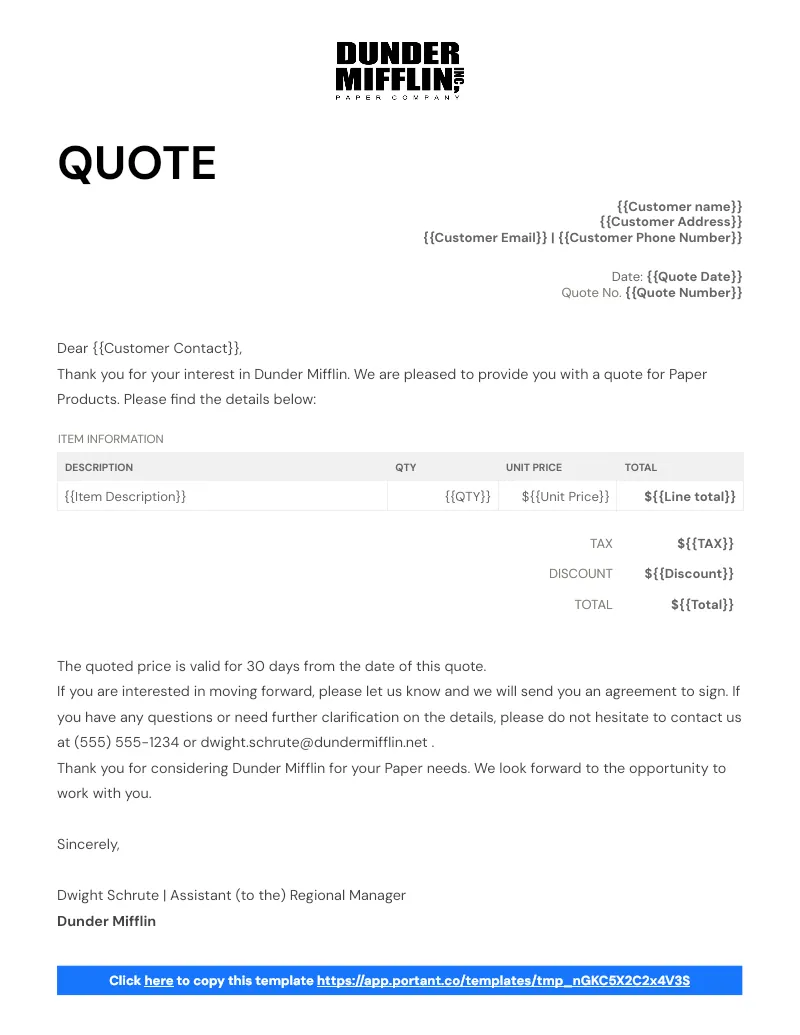
Sales Quotes
Send sales quotes from your Google Sheet to a branded Google Doc without retyping a single line. Portant's data merge pulls customer details and line items into the quote, ready for eSignature.
View template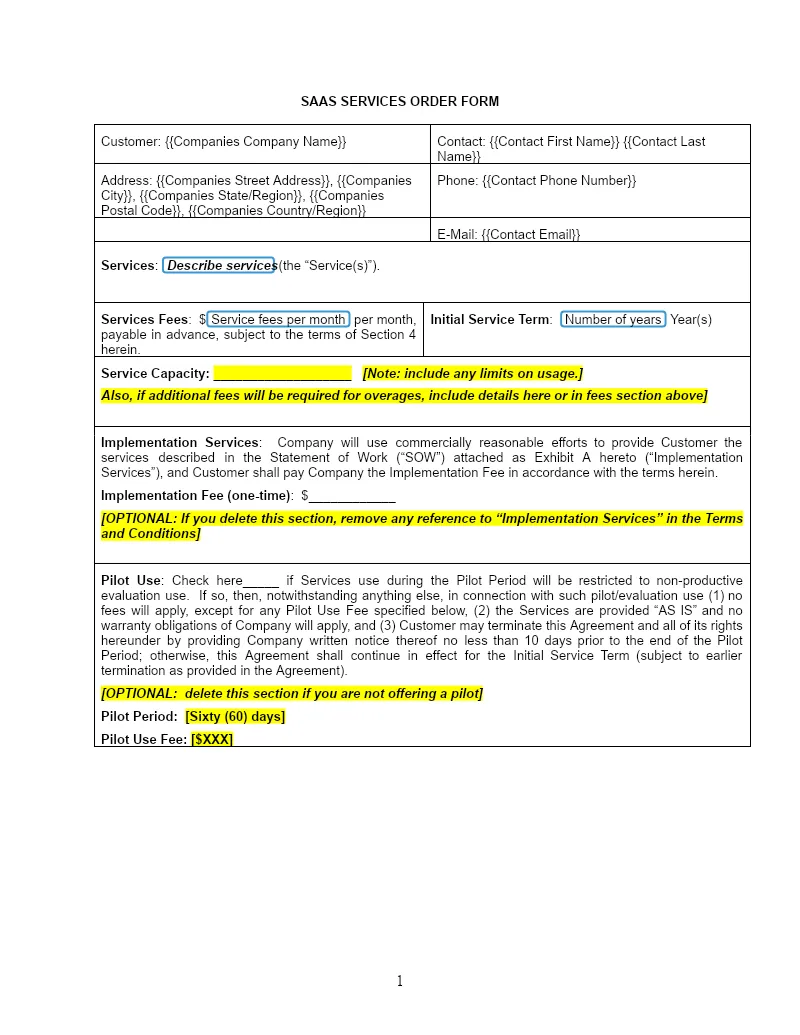

Sales Agreement YC - SaaS
Send the YC style SaaS sales agreement from a HubSpot deal in minutes, not days. Portant data merge fills the Google Doc and eSignatures collect the signature without leaving HubSpot.
View templateJoin over 40k+ teams using Portant
Portant has been a game-changer for Clipboard! It's saved our sales team countless hours every week by generating order forms, proposals and contracts with info from HubSpot automatically filled in.
With Portant, I run documents directly from HubSpot. No jumping between platforms. No copying data.
Portant replaced three separate tools for us. One platform handles docs, signatures, and follow-ups without leaving HubSpot.
Hundreds of contracts go out in a few clicks. The signed ones come back in, and the rest are easy to spot.
At RepCard, Portant gave us an end-to-end automated workflow inside HubSpot, we replaced manual agreement creation at scale.
We're seeing higher average closed revenue with Portant and faster days to close, it's showing us a material impact on sales velocity.
Love this product. Have been using it for over a year and the integration to Google Workspace is awesome. Lots of credit for listening to your users!
When the executive team asks for an extension document, Portant gets it to them in about an hour, it's empowered my whole team.
Truly a gamechanger! Portant streamlines these tasks and allows me to focus on the things that require my attention and problem-solving!
This software brilliantly takes over the tedious process of creating and sending invoices. This not only saves time but massively reduces errors of data entry.
This product is a gamechanger for all of those painful manual document merges. Love what you and the team have built!
Our reps used to spend 30 minutes per proposal. Now it’s under two minutes and the documents look better than ever.