
HR workflow


Job Descriptions
Open 30 roles a quarter without rewriting the same paragraphs. Portant pulls each role row from Google Sheets and merges it into your Google Docs job description template, with optional AI drafting for responsibilities and the about-us section.
~5 min setup · Used by 100+ teams
Trusted by 40,000+ teams










Overview
Generate job descriptions in Google Docs from a Google Sheet
Recruiters and people ops open ten roles a quarter and rewrite the same paragraphs every time. Hiring managers paste the last JD into a fresh Doc, swap the title, leave the old comp band by mistake, and email it around for review while the formatting drifts. Three weeks later nobody knows which version is the master.
Portant turns one row in your roles sheet into a fully written Google Docs JD. Data merge pulls title, level, team, comp band, and reporting line from the spreadsheet, and Portant AI drafts the responsibilities or about-us section from a prompt that reads the same row. Approval workflows route each draft to the hiring manager before posting.
This one suits in-house recruiters opening 5 to 30 roles a quarter, agencies writing JDs for clients, and ops managers who maintain the JD library. Pair the same row data with your Google Sheets setup so every published role flows from a single source of truth.
Who is this for
Is this template right for you?
Teams who generate documents from structured data.
-
New JDs ready in under five minutes. Data merge fills every variable field from the row and Portant AI drafts the long-form sections, so a recruiter only edits, never starts from a blank page.
-
One source of truth across every role. Data merge keeps every JD pinned to the master roles sheet, so a comp band or reporting line update flows into the next requisition automatically.
-
No JDs reach the careers page unsigned. Approval workflows route each draft to the hiring manager and HR before output management saves the file, so nothing is published without sign-off.
Setup
How to set up the job description workflow
-
01
Step 1: Build your roles sheet
Create columns for the fields that change between requisitions, including title, level, team, manager, must-haves, comp band, and location. Use one tab for active requisitions and another for an archive.
-
02
Step 2: Lock the JD template in Google Docs
Open your master JD in Google Docs, keep approved boilerplate fixed, and add merge tags like {{Role Title}} or {{Comp Band}} for every variable field. Use a tag for the AI-drafted responsibilities block.
-
03
Step 3: Map fields and add Portant AI prompts
In Portant, connect the sheet and the Doc, map each tag to a column, and write Portant AI prompts that read row data to draft the responsibilities and about-us paragraphs. Save the workflow once.
-
04
Step 4: Add approvals and output rules
Set the hiring manager as the approver, choose your Drive output folder named by team and quarter, and pick PDF as the export format. Run the workflow whenever a row is marked Ready to Post.
Frequently asked questions
A job description should include the title, role summary, day-to-day responsibilities, required qualifications, comp band, location, reporting line, and how to apply. Portant pulls every one of those fields from a single Google Sheets row and merges them into your Google Docs template so nothing is missed.
Build your master JD in Google Docs with merge tags like {{Role Title}} for every variable field, then connect Portant to a Google Sheets row of role data. Portant generates a finished Doc per row in around 10 seconds, and Portant AI drafts the longer paragraphs from a prompt.
Most strong job descriptions land between 300 and 700 words, long enough to set expectations and short enough that candidates read to the bottom. Portant keeps the structure consistent across every role by enforcing the same Google Docs template, so length stays in the right range.
Yes. Portant runs the workflow across every row in your Google Sheets requisition list and produces one Google Docs JD per row in a single batch. Most teams generate a quarter of new openings, often 20 to 30 roles, in under five minutes.
Yes. Portant AI drafts the responsibilities and about-us copy from a prompt that reads each row in your roles sheet, while data merge fills the structured fields. The output stays inside your approved Google Docs template, so nothing posts off-brand.
Yes. Reuse the same row in the employment contract workflow so the title, comp band, and start date flow straight from the JD into the offer Google Doc, then out for eSignature inside HubSpot or Gmail. One row drives both documents end to end.
Related templates
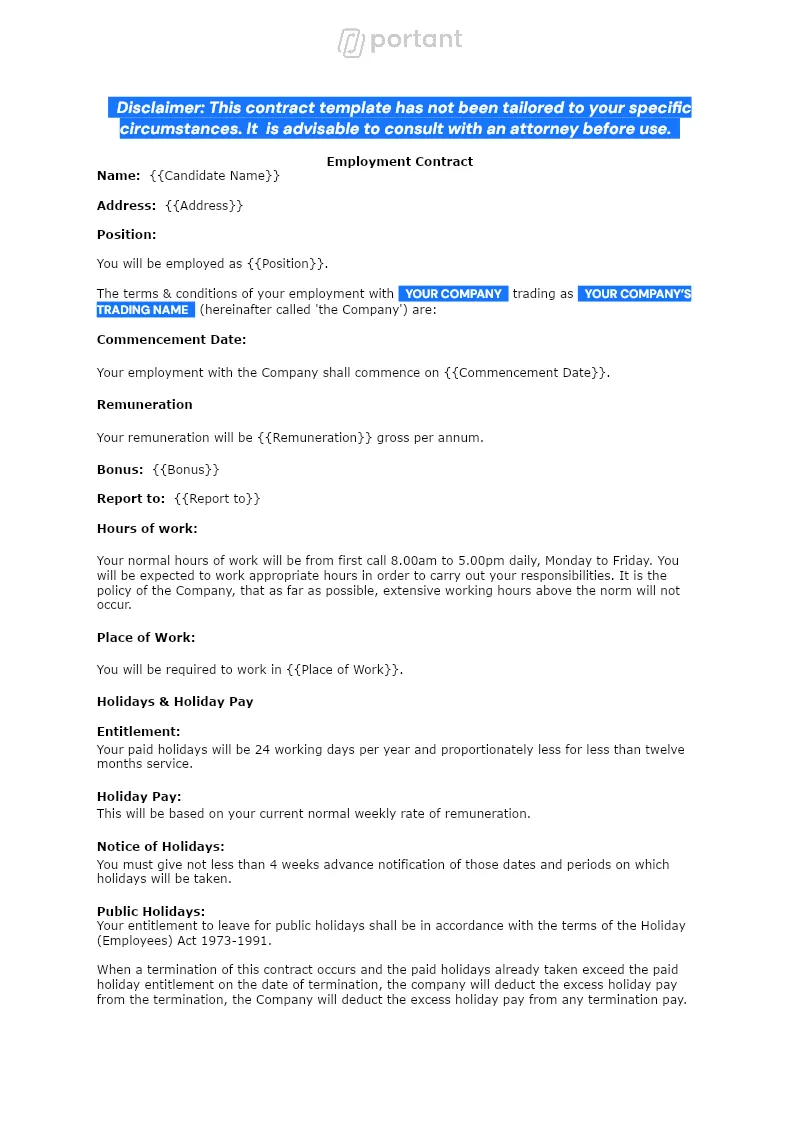
Employment Contract
Send a personalised employment contract to every new hire from the same Google Sheet your team already keeps. Portant merges the row into a Google Doc, collects the candidate's eSignature, and files the signed PDF in Drive.
View template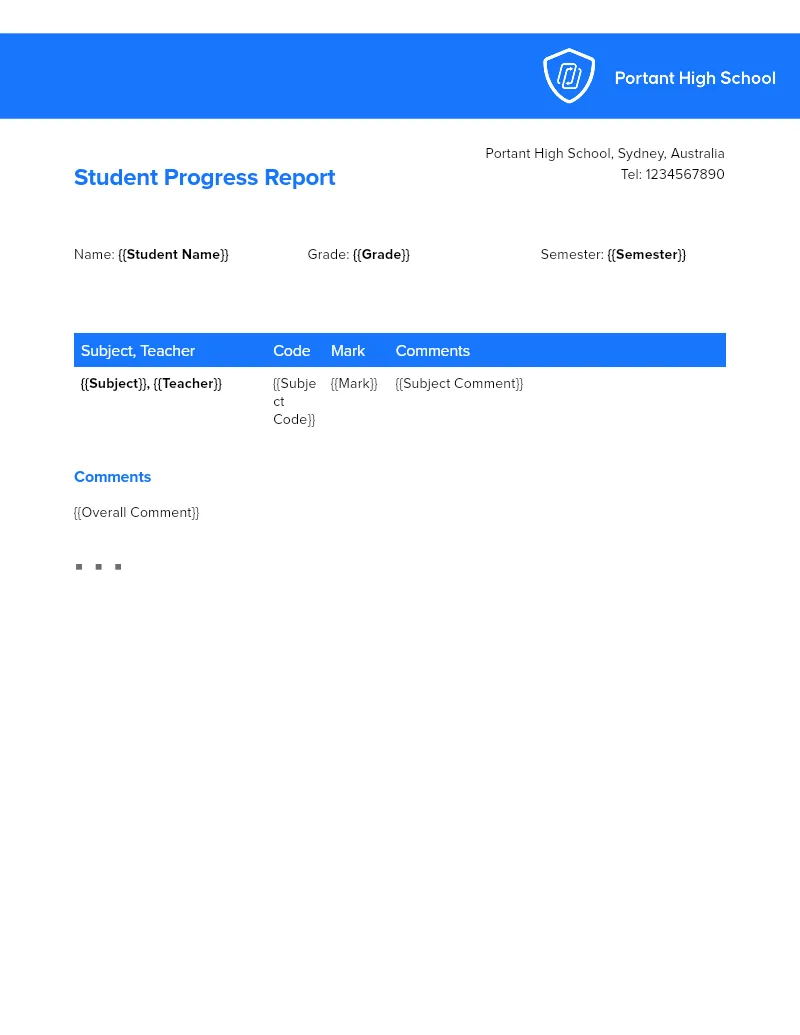
Student Progress Reports
Build personalised progress reports for an entire class from one Google Sheet roster, with grades, attendance, and behaviour notes already in place. Portant's data merge and AI generate a tailored Doc per student, then file the PDFs by class.
View template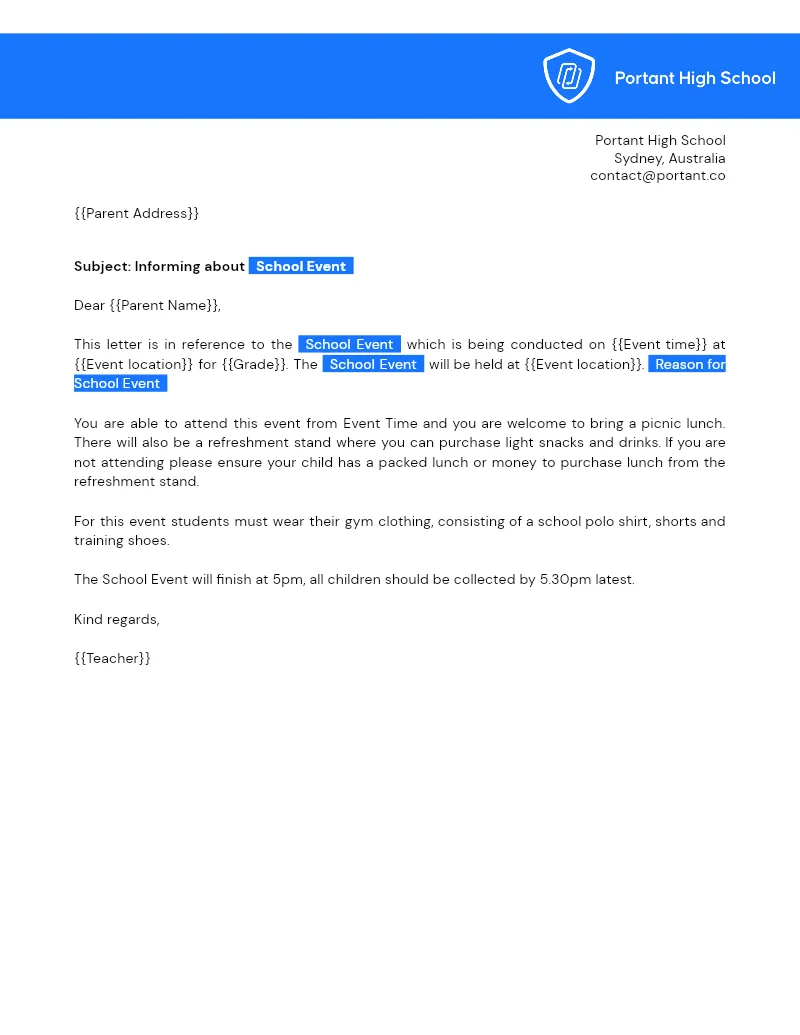
Parent Letters
Turn a Google Sheets class roster into a personalised letter for every family using one Google Docs template. Portant's data merge builds, names, and files each letter so you can email or print without retyping.
View templateJoin over 40k+ teams using Portant
Portant has been a game-changer for Clipboard! It's saved our sales team countless hours every week by generating order forms, proposals and contracts with info from HubSpot automatically filled in.
With Portant, I run documents directly from HubSpot. No jumping between platforms. No copying data.
Portant replaced three separate tools for us. One platform handles docs, signatures, and follow-ups without leaving HubSpot.
Hundreds of contracts go out in a few clicks. The signed ones come back in, and the rest are easy to spot.
At RepCard, Portant gave us an end-to-end automated workflow inside HubSpot, we replaced manual agreement creation at scale.
We're seeing higher average closed revenue with Portant and faster days to close, it's showing us a material impact on sales velocity.
Love this product. Have been using it for over a year and the integration to Google Workspace is awesome. Lots of credit for listening to your users!
When the executive team asks for an extension document, Portant gets it to them in about an hour, it's empowered my whole team.
Truly a gamechanger! Portant streamlines these tasks and allows me to focus on the things that require my attention and problem-solving!
This software brilliantly takes over the tedious process of creating and sending invoices. This not only saves time but massively reduces errors of data entry.
This product is a gamechanger for all of those painful manual document merges. Love what you and the team have built!
Our reps used to spend 30 minutes per proposal. Now it’s under two minutes and the documents look better than ever.