
Invoice template
Business Invoice Template
Copy our Business Invoice Template, and automate your invoice process.
Trusted by teams at










Business Invoice Template
You can create business invoices automatically from Google Sheets in a few easy steps. It is simple to use Portant as a free Google Sheets invoice template which contains all kinds of different elements including your logo, unique invoice numbers, payment terms and contact information. After you've opened Portant Workflow, select your Google Sheet, then connect a Google Docs invoice template, customise your blank invoice template with column tags, attach it to an email and finally click 'Start automation', and voila!, you’ve automated your invoicing from Google Sheets!
We know how painful and monotonous it can be to copy and paste invoice data into invoice templates, double check all the information is correct, save it as a pdf and then send the invoice to your customers. That’s why we’ve come to the rescue.
With Portant you can connect a Google Sheet to an invoice template, click a few buttons and invoices will be magically generated and sent whenever you need to. You can also customise the email and who it's sent from (e.g accounts@portant.co). It's easy to place your invoicing on autopilot.
How to automate your business invoices

Step 1
Open Sheet
Select the Google Sheet you want to use as the data source for your invoices. Portant connects directly to your spreadsheet to pull in the data it needs.

Step 2
Connect Template
Connect your Google Docs, Slides, or Sheets invoice template. Portant will link it to your spreadsheet data source so it knows which fields to merge.

Step 3
Customize
Customize your invoice with merge tags like {{Company Name}}, {{Amount Due}}, and {{Due Date}}. Format it with your branding, colours, and layout.

Step 4
Create
Create invoices automatically when new rows are added to your sheet, or generate them manually in batches. Send via email or save to Google Drive.
How to automate your business invoices with a template
How it works
Step 1
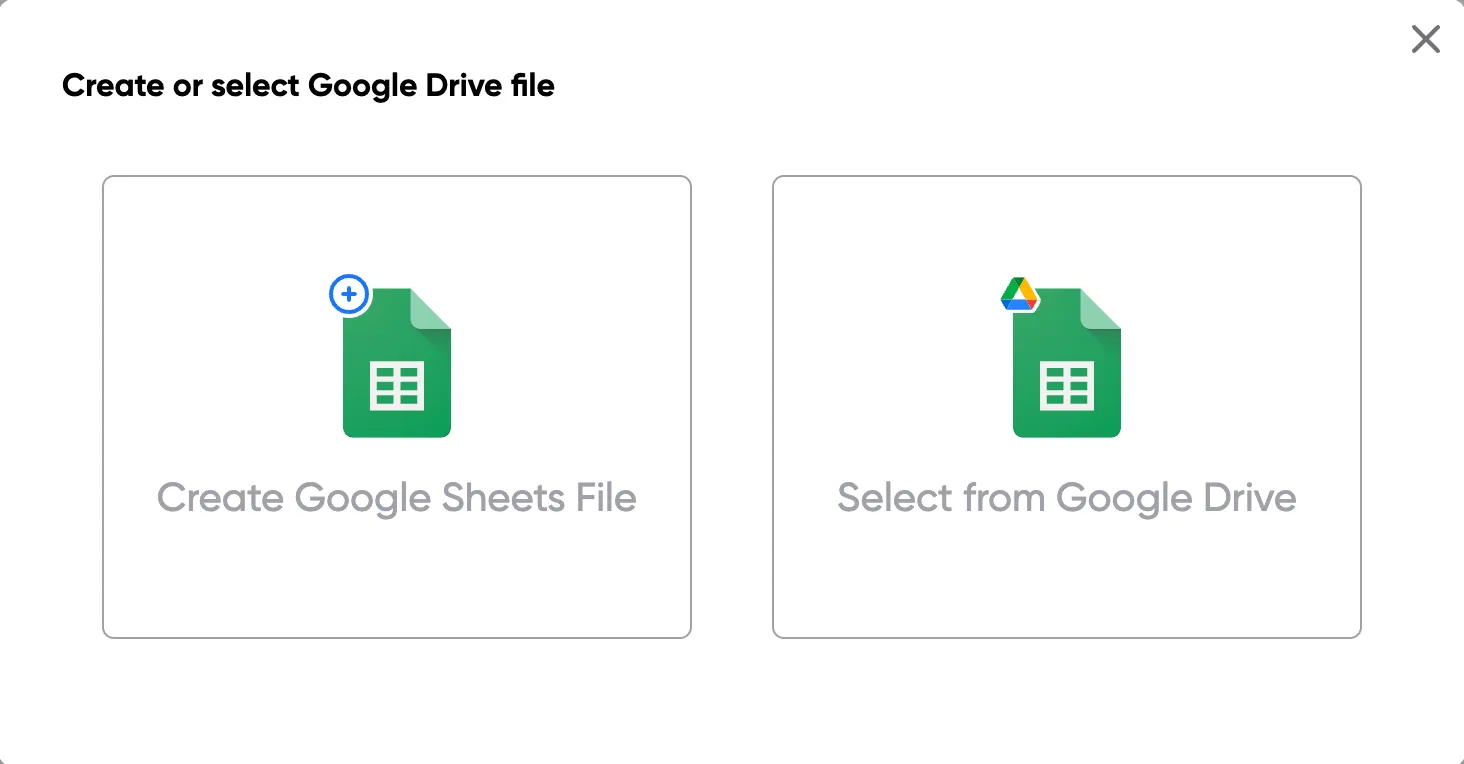
Step 1: Open a Google Sheet
Open a Google Sheet that contains the data for your invoices. This could be customer details, invoice numbers, amounts, and due dates. If you don't have one yet, create a new sheet and add your column headers.
Step 2
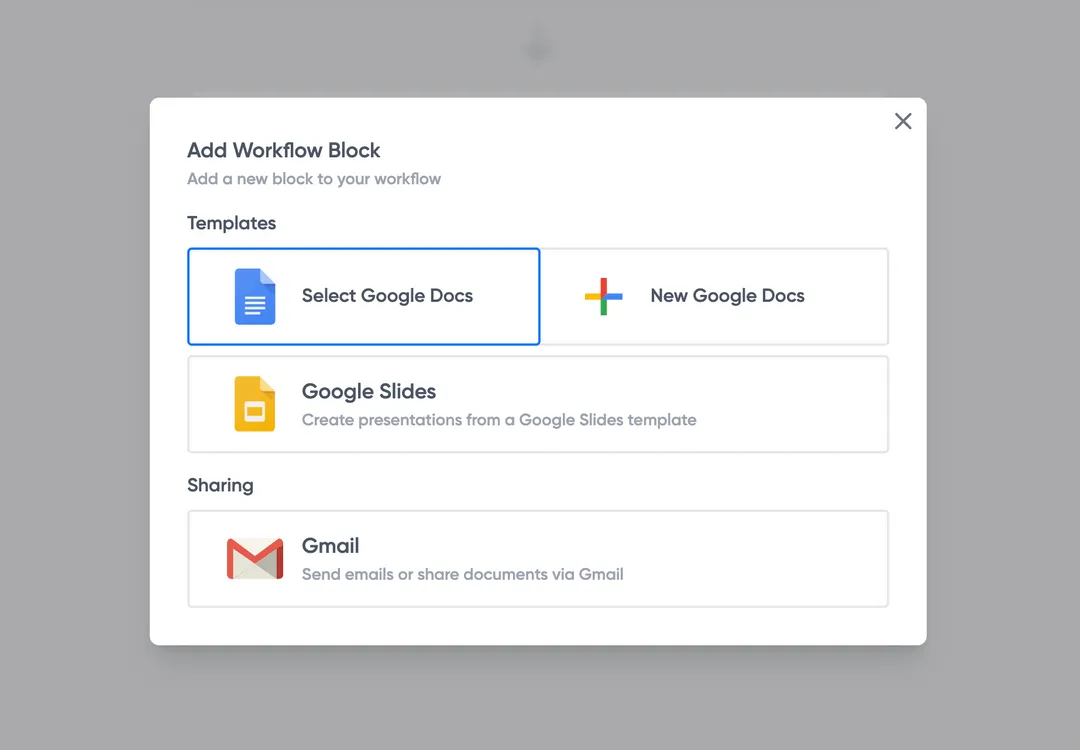
Step 2: Connect your invoice template
Open the Portant add-on from the Extensions menu and connect your Google Docs or Slides invoice template. Portant will scan the template for merge tags and map them to columns in your sheet.
Step 3
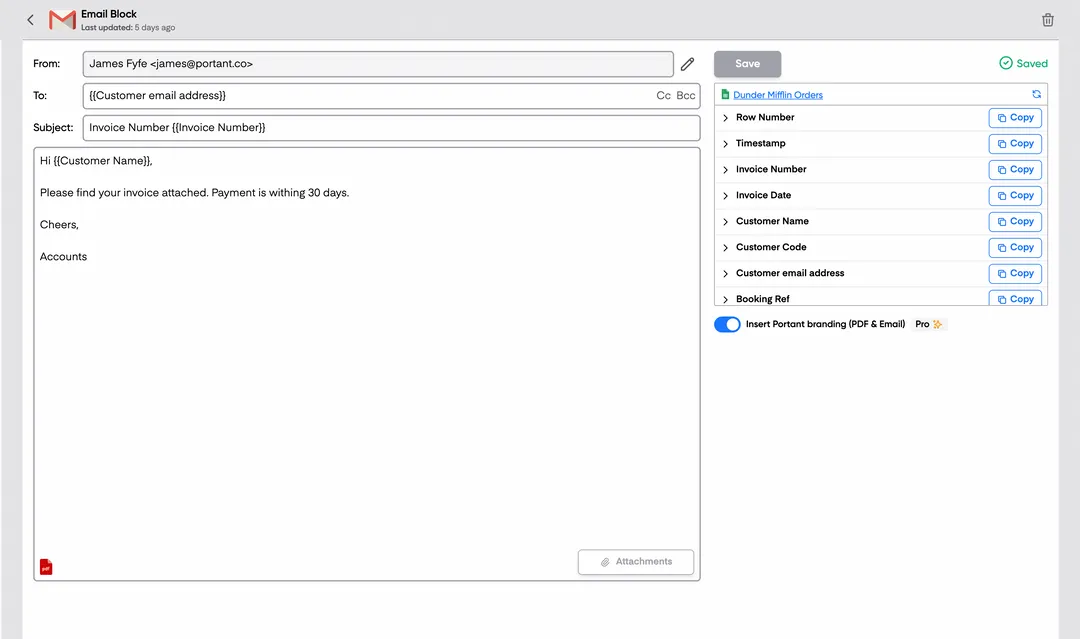
Step 3: Customize your output
Choose how you want your invoices to be delivered. You can email them directly to customers, save them as PDFs in Google Drive, or both. Customize the email subject and body with merge tags too.
Step 4
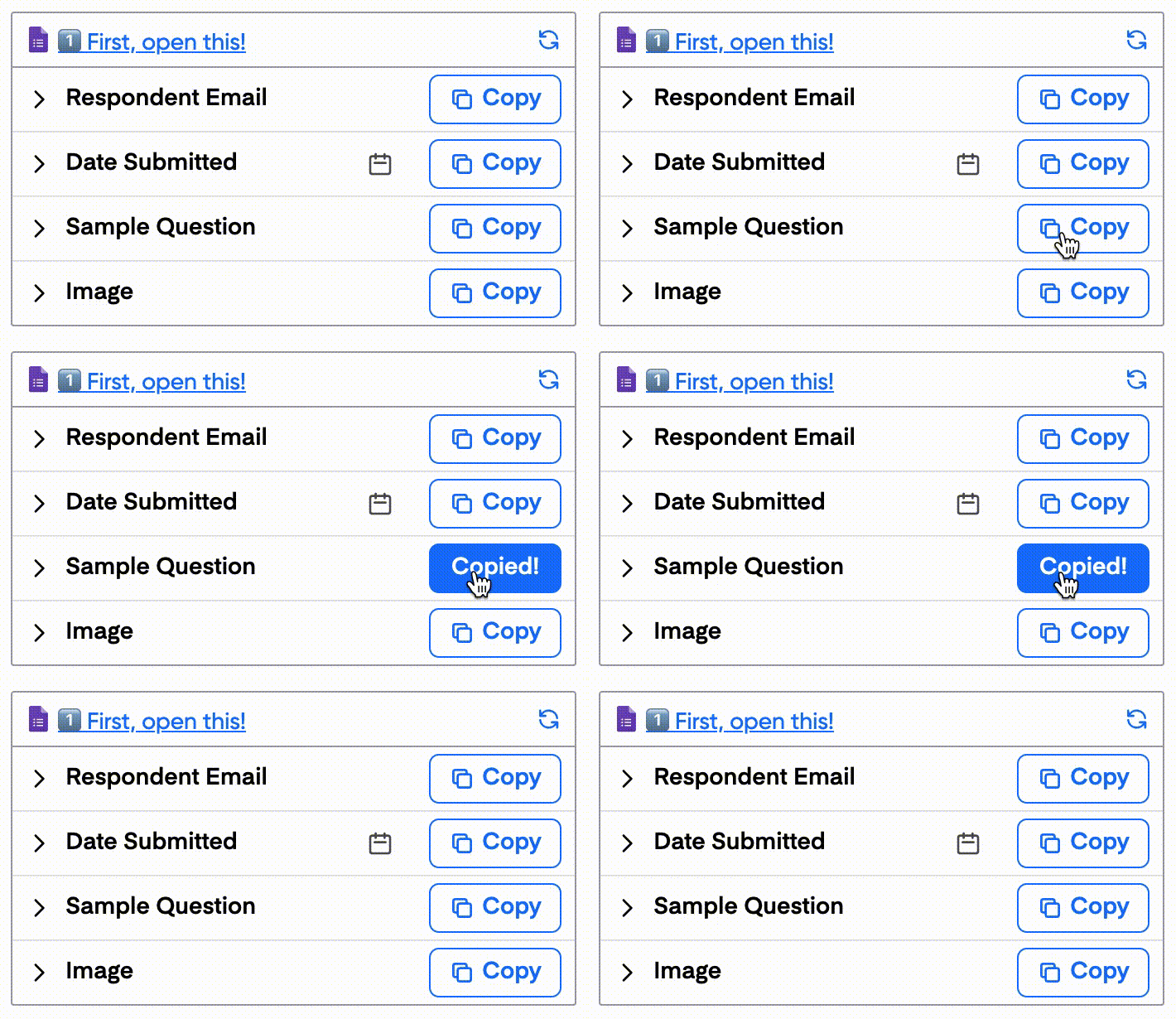
Step 4: Automate your invoices
Turn on auto-create to generate invoices every time a new row is added to your sheet. You can also run the workflow manually to process all rows at once, or schedule it to run at specific times.
Benefits
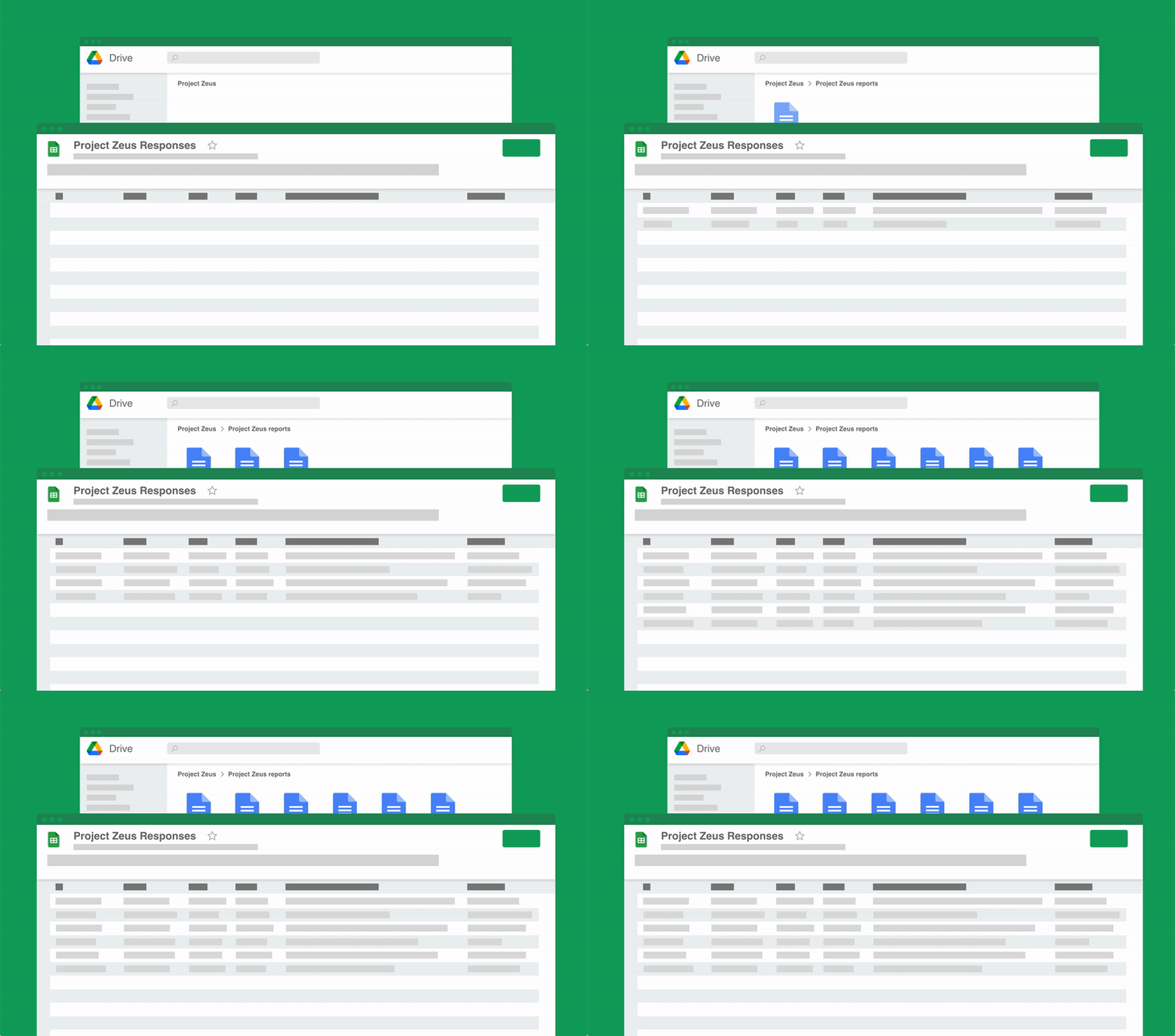
Eliminate unnecessary manual work
Stop spending hours copying and pasting data from spreadsheets into documents. Portant automates the entire process, pulling data directly from your source and generating completed documents in seconds. Focus on the work that matters, not repetitive formatting tasks.
Make your documents more accurate
Manual document creation leads to errors, from wrong names to outdated figures. Portant maps data fields directly to your template, eliminating typos and ensuring every document is accurate and consistent. Your team sends fewer corrections and your clients get the right information every time.
Built into Google Workspace
Portant works natively with Google Docs, Sheets, Slides, and Gmail. There is no new interface to learn, no data to export, and no switching between tools. Your team stays in the apps they already use while Portant handles the document generation in the background.
What teams say about Portant
“Portant has been a game-changer for Clipboard! It's saved our sales team countless hours every week by generating order forms, proposals and contracts with info from HubSpot automatically filled in.”
“This product is a gamechanger for all of those painful manual document merges. Love what you and the team have built!”
“This software brilliantly takes over the tedious process of creating and sending invoices. This not only saves time but massively reduces errors of data entry.”
“Love this product. Have been using it for over a year and the integration to Google Workspace is awesome. Lots of credit for listening to your users!”
“Truly a gamechanger! Portant streamlines these tasks and allows me to focus on the things that require my attention and problem-solving!”
“Portant has been a game-changer for Clipboard! It's saved our sales team countless hours every week by generating order forms, proposals and contracts with info from HubSpot automatically filled in.”
“This product is a gamechanger for all of those painful manual document merges. Love what you and the team have built!”
“This software brilliantly takes over the tedious process of creating and sending invoices. This not only saves time but massively reduces errors of data entry.”
“Love this product. Have been using it for over a year and the integration to Google Workspace is awesome. Lots of credit for listening to your users!”
“Truly a gamechanger! Portant streamlines these tasks and allows me to focus on the things that require my attention and problem-solving!”
Frequently asked questions
Using a business invoice template ensures that all necessary details are included in every invoice, reducing the risk of errors and misunderstandings. Templates provide a consistent appearance across all your invoices, enhancing your brand's professionalism. They also save time by eliminating the need to create a new invoice from scratch for every transaction, which can be especially beneficial for small businesses with limited resources. Additionally, you can create invoices and download professional invoices, free invoice templates, custom invoice templates, or recurring invoices easily.
A business invoice template should include your business name and logo, contact information, client's details, invoice number, invoice date, list of products or services provided, quantity, unit price, total amount due, payment terms, and payment methods accepted. It's also helpful to include a due date for payment and any applicable taxes or discounts. To ensure accuracy, it’s important to list item descriptions and ensure payment reminders are set. You can also add options for paid online services or online payments to streamline the process.
To customize a business invoice template, start by adding your business logo and contact details to give it a personalized touch. Then, adjust the layout and colors to match your brand identity. Most templates allow you to modify fields such as item descriptions, quantities, and pricing. You can also add custom terms or notes, such as payment deadlines or special instructions, to suit your specific business needs. If needed, consider options for pdf invoice templates or downloadable invoice templates to ensure flexibility. Adding just a few clicks, you can ensure that your invoices are customized to reflect your brand.
Yes, there are various types of business invoice templates to suit different industries and business models. Some common types include service invoices, product invoices, recurring invoices, pro forma invoices, and credit invoices. Each type caters to specific needs, such as billing for services rendered, selling physical products, or setting up recurring billing cycles for subscription-based services. Depending on your industry, you may also need to consider specific design or document needs, such as construction invoices or customized pdf formats.
Yes, you can use a business invoice template for international clients, but it's important to include specific details such as currency, exchange rates, and any applicable international taxes or customs information. Make sure your template is compatible with international standards and clearly communicates payment terms and methods that are accessible to your clients abroad. Additionally, including options for international online payments and tracking the process can be beneficial for businesses working globally.
To ensure compliance, your business invoice template should include all legally required information such as your business registration number, tax identification number, and applicable taxes like VAT or GST. Check local regulations to ensure your template meets specific industry standards. It’s also advisable to consult with a legal professional or accountant to ensure all legal obligations are met, especially if operating in multiple jurisdictions. Also, make sure your invoice generator and related software are updated to match legal standards.
Automating invoicing with business invoice templates can be achieved using accounting software like QuickBooks, FreshBooks, or Xero. These platforms allow you to integrate your templates, automatically populate client details, and set up recurring invoices for regular customers. Automation helps reduce manual entry errors, improves efficiency, and ensures invoices are sent promptly, which can improve cash flow management. You can also use online invoice generators or pdf invoice templates to speed up the invoicing process with just a few clicks.
When designing a business invoice template, ensure clarity and professionalism by keeping the layout simple and organized. Use clear headings and separate sections for different information types, such as contact details, itemized lists, and payment terms. Consistently use your brand colors and logo to enhance brand recognition. Ensure the font is legible and the template is easily adaptable to different devices, including mobile phones. Also, consider including options to customize your invoices with your brand's logo, paid fast options, and flexible formatting tools.
Explore related templates
Proforma Invoice Template
Copy our Proforma Invoice Template, and automate your invoice process.
View template Invoice templateSales Invoice Template
Copy our Sales Invoice Template, automate your invoice process, and create professional invoices using customizable invoice templates.
View template Invoice templateIndependent Contractor Invoice Template
Download our Independent Contractor Invoice Template to streamline your invoicing process. Customize, save time, and ensure accurate payment terms.
View template Invoice templateRental Invoice Template
Copy our customizable Rental Invoice Template to streamline your billing process, track rent payments, and automate your invoicing for rental business.
View template Invoice templateCommercial Invoice Template
Copy our Commercial Invoice Template and automate your invoice process for accurate commercial value.
View template Invoice templateConsulting Invoice Template
Copy our Consulting Invoice Template and automate your consulting business invoice process with ease.
View template Invoice templateService Invoice Template
Copy our Service Invoice Template, and automate your invoice process.
View template Invoice templateFreelance Invoice Template
Copy our Freelance Invoice Template, customize it for your self employed business, and automate your sales invoice template process.
View template Invoice templateContractor Invoice Template
Copy our Contractor Invoice Template, and automate your invoice process.
View template Invoice templateConstruction Invoice Template
Use our Construction Invoice Template as a versatile contractor invoice template or construction invoice form.
View template Invoice templateGoogle Sheets Invoice Template
Connect your Google Sheet to a customizable invoice template and streamline your invoicing process effortlessly.
View template