
.webp)
Step 1
Copy the Google Docs quote template
Click Copy template to save your own copy to Google Drive. Add your logo, business details and line items. Want to send quotes on autopilot? Connect it to Portant in the steps below.
Copy template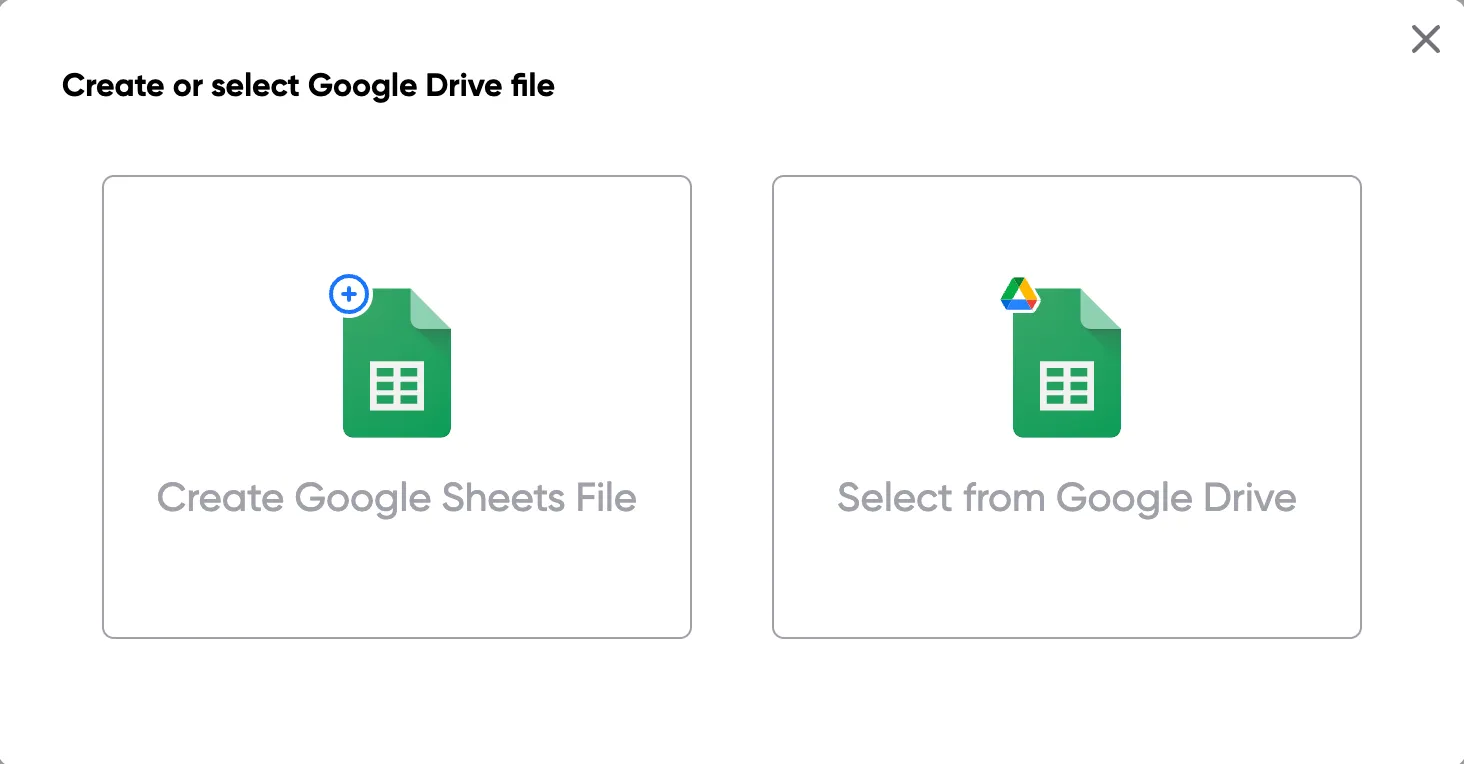
The #1 App for document automation
Make a copy of a free, ready to use Google Docs quote template. Add your logo, client details and line items, then send a clean, professional quote. Want to send quotes on autopilot? Connect it to Portant.
Free to download · No signup required
 ·
1M+ Installs
·
1M+ Installs
Trusted by teams at




















Looking for a free Google Docs quote template? Click Copy template to save your own copy to Google Drive, add your logo, business details and line items, and you have a professional quote ready to send. Prefer to build one in your browser? Try our free quote generator, or browse the full quote template collection.
A clear quote sets the tone for the sale. This template keeps your numbers tidy, your branding consistent and your terms easy to read, so every quote you send looks professional and reads clearly.
When you are ready to stop filling quotes in by hand, connect a Google Sheet of quote data to Portant, let it fill this Google Docs template for every row, and email polished quotes without copy and paste. It is easy to put your quoting on autopilot.
01
Click Copy template to save the free Google Docs quote template to your Google Drive.
02
Drop in your logo, business and client details, and list your products or services.
03
Add quantities, prices and your terms in the table, then total it up.
04
Download or share your quote as a PDF and send it to your client.
Step 1
Click Copy template to save your own copy to Google Drive. Add your logo, business details and line items. Want to send quotes on autopilot? Connect it to Portant in the steps below.
Copy template
Step 2
Replace the placeholder details with your branding, payment terms and the products or services you quote for. Save it as your reusable quote template so every quote starts the same way.
Step 3
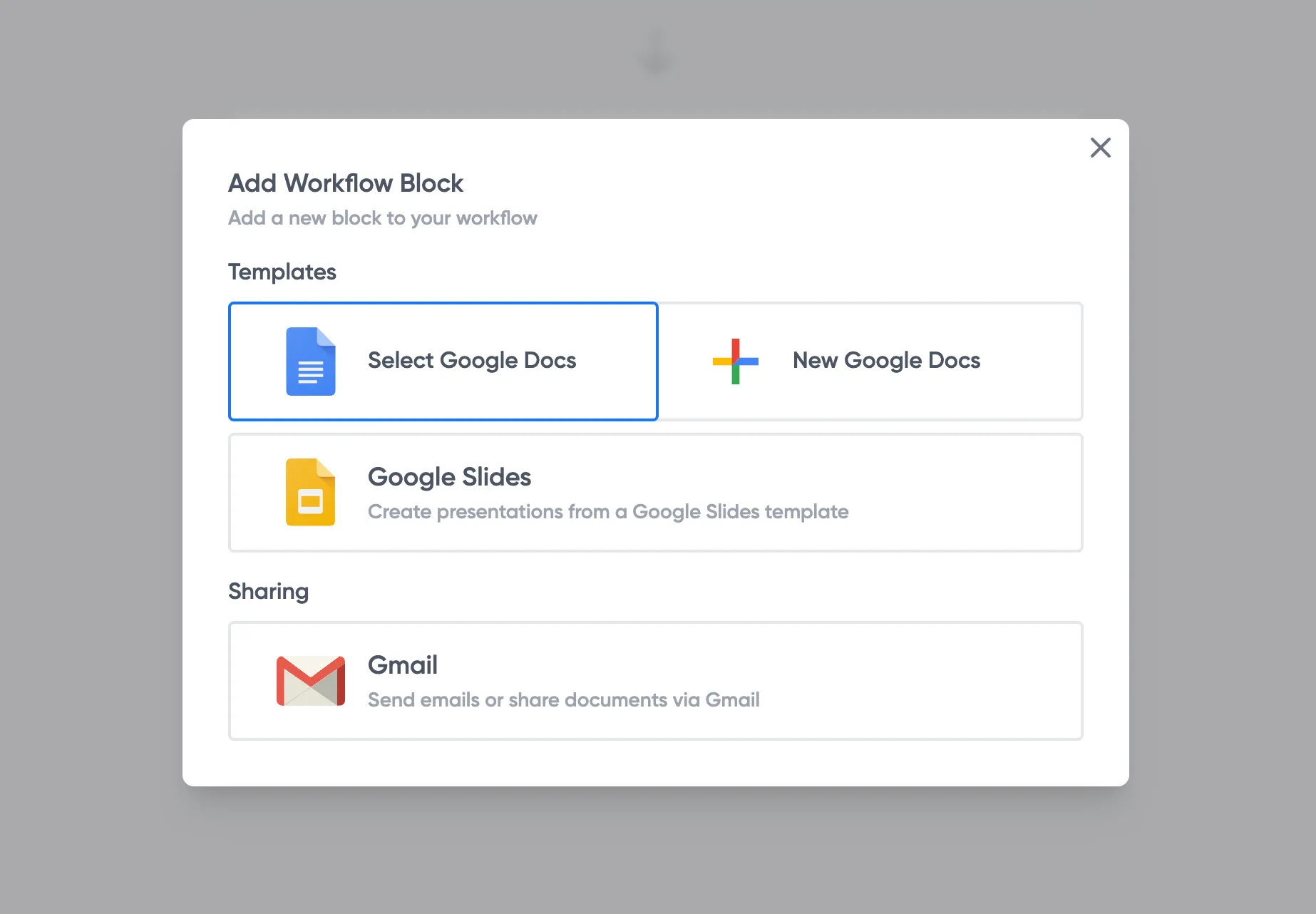
Quoting at volume? Keep your data in a Google Sheet and let Portant fill this Google Docs template with merge tags, so every quote is generated the same way without copy and paste.
Step 4
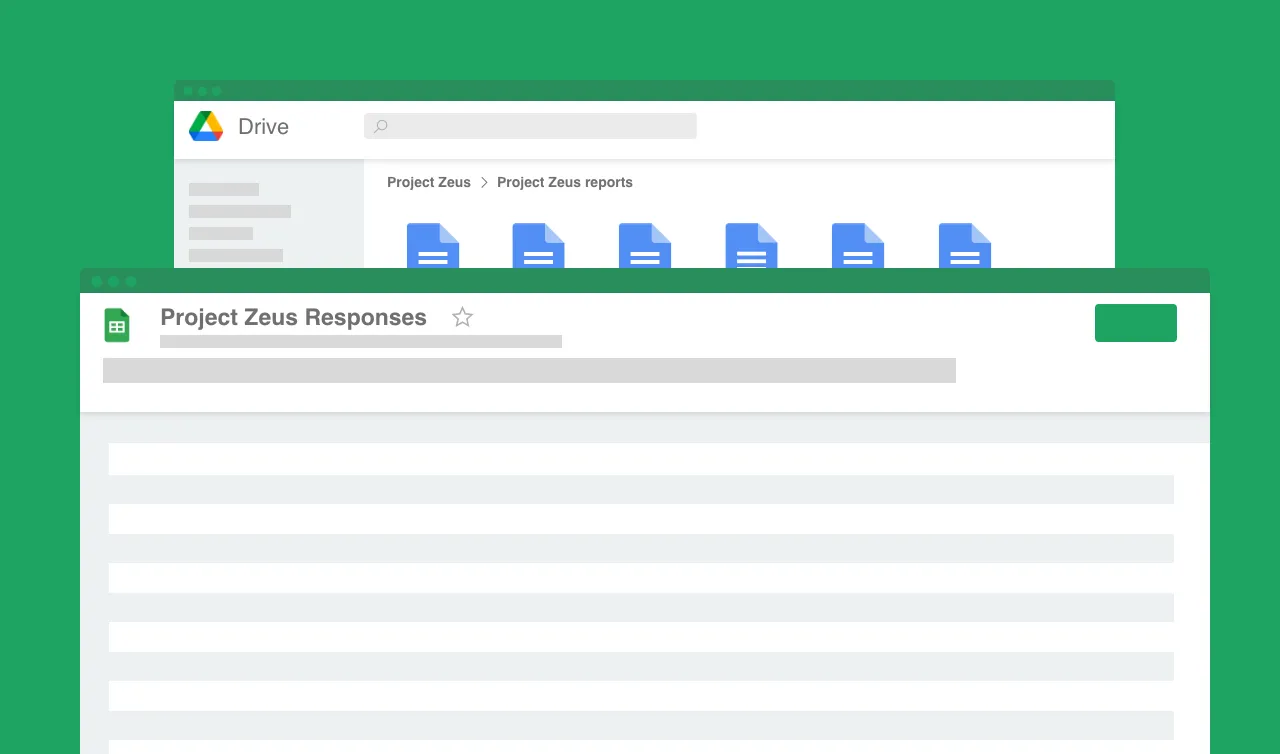
Send quotes straight from Gmail or Outlook, from an address like sales@yourcompany.com, and store every copy in your Drive. Snap, you are done.

A clean, branded quote builds trust. This template gives every quote a consistent, professional layout with no design work.
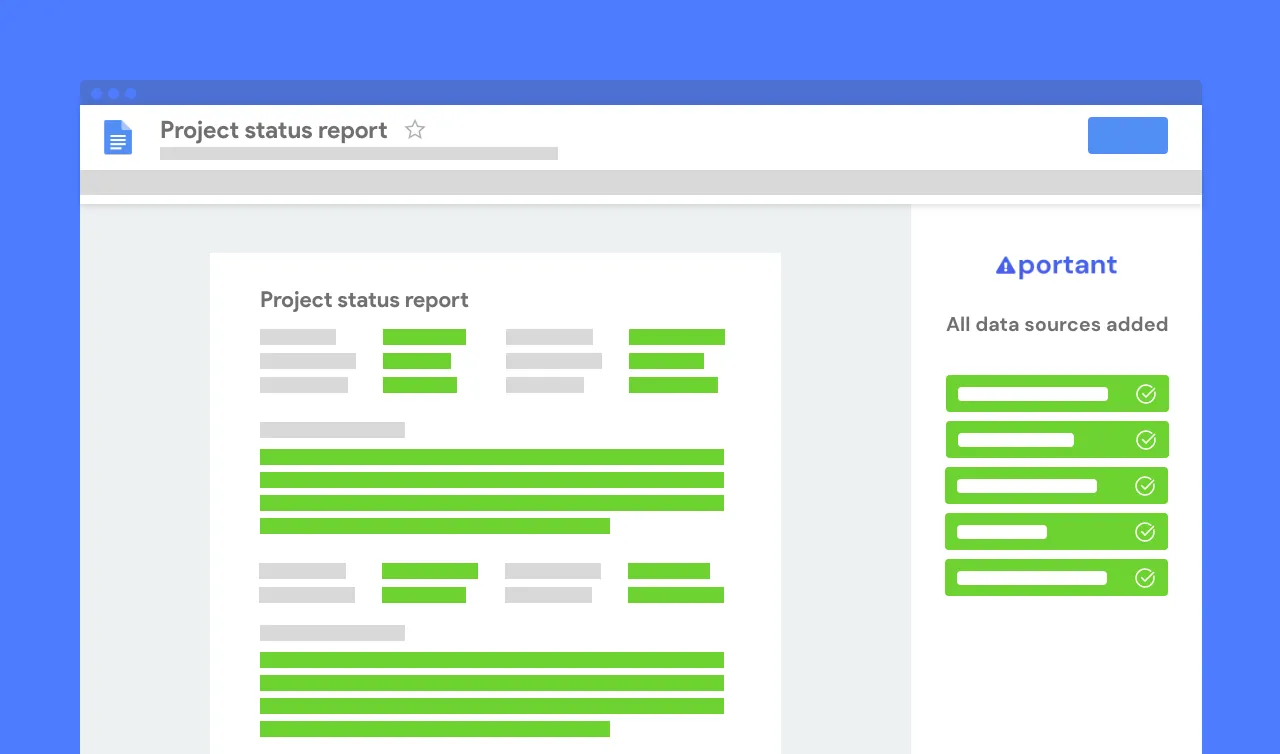
Every quote uses the same layout, wording and terms, so nothing important is missed and your quotes always look the part.
Edit it in Google Docs, then automate quotes at scale with Portant using your Google Sheets, Docs and Drive.


Regional versions
The template store has a version of this document for each region, written with the local tax term, address format and governing law. Each one fills itself from a HubSpot deal, so nothing is retyped.
Google Docs has a small template gallery, but it does not include a dedicated quote. Our free Google Docs quote template is ready to copy, fully customisable, and gives every quote a clean, professional layout. You can also build a quote in your browser or automate quotes with Portant.
Click Copy template to save the free template to your Drive, add your logo and business details, then list your products or services with quantities and prices. Download it as a PDF to send to your client.
Yes. The template is free to copy with no signup and no watermark. Use it as often as you like.
Yes. In Google Docs, use File then Download then PDF Document to export your quote, ready to email.
Yes. Connect a Google Sheet of quote data to Portant and let it fill this Google Docs template for every row, then email the quotes automatically.
A quote is an offer of a price before work begins; an invoice requests payment after. Need to bill a client? Use our invoice template.
Portant does a lot more than quotes. It is a full document automation platform that turns spreadsheets and form responses into polished quotes, invoices, contracts and proposals, then emails them for you. Spend less time on paperwork and more on the work you enjoy.
Most popular templates
Transform your work life with responsive, fully customisable, and easy-to-use templates.
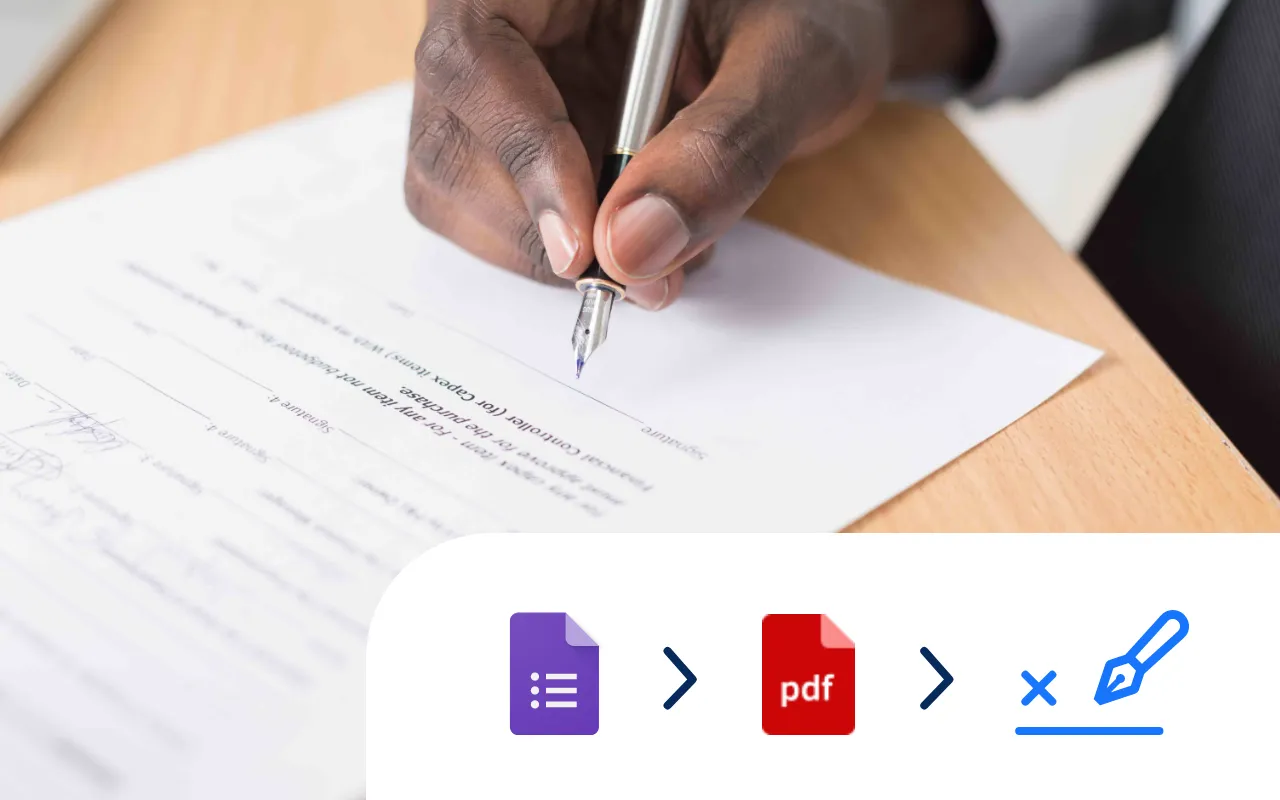
Select a Google Doc agreement template, add an eSignature placeholder and put your contract signing on auto-pilot.
Try it now
Select a Google Sheet of invoice data, add a Google Docs invoice template, and generate 10, 100 or even 1000's of invoices at a time.
Try it now
Select a Google Form, add tags to a Google Doc template, and generate Docs every time you receive a Google Form response.
Try it now
Every time a Google Form is submitted an incident report PDF is automatically generated and shared via email.
Try it now
Select a Google Form, add tags to a Google Doc or Slides template, and generate PDFs from responses.
Try it now
Systemise your contracts so they are consistent and accurate. Perfect for sales and legal operations.
Try it now