
Your CRM says the deal is at one stage. The PDF your rep just sent tells a different story. That gap is where reps lose hours doing manual repair, and where buyers start wondering if your team has its details together.
I've watched this play out at team after team. They buy HubSpot for clean pipeline management, build solid stages, train their reps. Then documents become the weak link. The quote says one thing, the deal record says another, and someone's stuck patching the difference by hand.
The fix isn't more effort from reps. It's tighter connections between deal stages, documents, and the automations that remind humans at the right moment. These are the ten workflows I keep coming back to. If you want the thinking behind how stages and documents relate, start here.
For the full picture of how document generation, data merge and eSignature fit together in HubSpot, see the complete guide to document automation in HubSpot.
1. Generate a quote when the deal enters a commercial stage
This is the cleanest starter automation because the trigger is obvious and the output is narrow. When a deal moves into a stage where pricing is real, not exploratory, a quote should exist without anyone rebuilding a spreadsheet.
I like stages that read like buyer truth, not internal shorthand. If your team can't agree on what "commercial" means, the workflow will fire at the wrong time.
In practice, I wire the stage-enter event to the template that matches your quote format, pull line items and terms from HubSpot, and write the finished file back to the deal record. Reps still review before they send, but they're not doing data entry as a second job. For a deeper walkthrough, see the quote playbook.
2. Send a proposal automatically after a qualification gate passes
Quotes answer numbers. Proposals answer why you, why now, and what happens next. I treat proposals as a stage output, not a random attachment.
When required fields are filled (economic buyer, use case, success criteria), a workflow can generate the proposal shell and queue it for rep review. That pattern protects brand and legal consistency while still letting the rep add a personal cover note.
If your team lives in proposals, the proposal playbook is the reference I point people to.
3. Create a task the moment internal approval is needed
Nothing erodes buyer trust faster than a customer-facing doc that contradicts what leadership actually approved. I set a simple rule: if a document needs approval, HubSpot shouldn't pretend the deal is further along than it is.
When status flips to "waiting on approval," I create a task for the right owner with a due date, template name, and deal amount. Alongside that, I like a property that finance can set when they're done, so downstream workflows don't fire early.
If you want the contract side of this story, the contract playbook covers how I think about packaging terms, signatures, and handoffs.
4. Nudge the rep after a view (without being noisy)
View data is a behaviour signal, not a promise. I still use it because it's often the earliest proof that a deal came back to life.
My default pattern is tiered. First view creates a lightweight note or property stamp. Third view, or a burst of views in a short window, creates a higher-priority task because someone's likely sharing the doc internally.
The workflow should attach the document link, the contact, and the last-viewed time so the rep doesn't have to hunt. I avoid customer emails triggered purely by opens unless legal and marketing have already signed off. Internal nudges are easier to tune and less likely to feel invasive.
5. Chase no-views after send with a sensible delay
Every team has deals where the proposal went out and silence followed. I use a delay (often two business days), then branch on view count still at zero.
True branches matter here. If the doc bounced or the contact is on leave, you want a human decision, not an infinite loop of reminders.
The actions I like: a task for the owner, an optional Slack ping to a pod channel, and a suggested next step in the deal record. One well-timed follow-up beats five automated emails nobody asked for.
6. Move deal stage when a document reaches "sent" or "signature requested"
Forecast accuracy lives or dies on stage honesty. If your policy says "proposal sent" means a specific stage, automate the move when the document status proves it happened. I still recommend a human checkpoint for the first month, because templates change and edge cases appear.
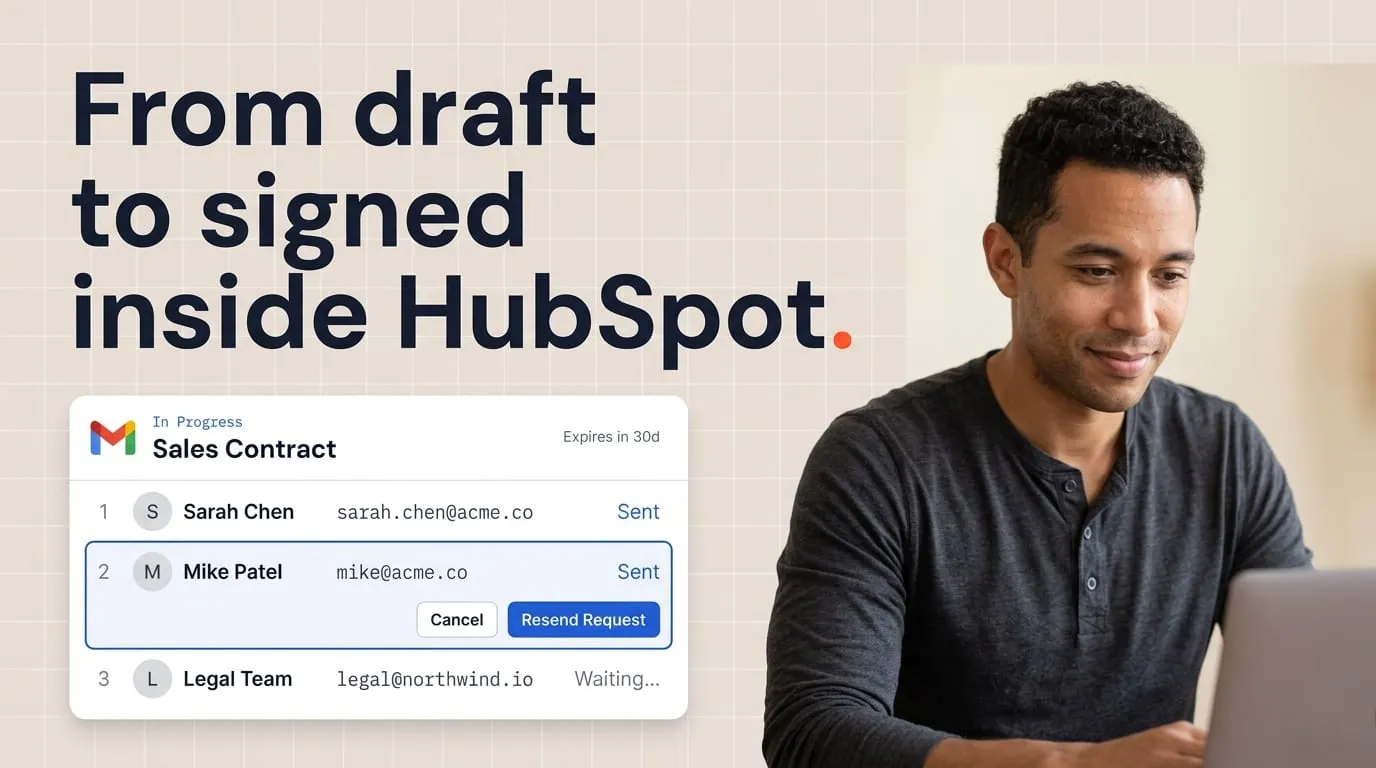
When signature is requested, I treat that as a distinct milestone from a simple send. Buyers can skim a PDF without committing to anything. Requesting a signature usually means you believe the terms are final enough to act on.
Mapping those milestones back to stages is part of the same story as deal stages for document workflows.
7. Open a task when signing stalls at partially signed
Multi-party deals die in the gap between first signature and last. I watch for partial-sign states that linger, then create a task that names the outstanding party where the data allows it. The rep's job is coordination, not guessing who forgot.
If you have customer success or legal as secondary signers, route notifications by role so the deal owner isn't the only person chasing. Keep messages short and factual. A stalled signature is a project management problem as much as a sales problem.
8. Alert ops when generation fails or returns an error
Automation without visibility is just mystery errors that sit for a week. I always add a workflow branch for failed generation, routed to your ops team or a dedicated channel, with the deal ID, template name, and last-edited properties. That turns a silent failure into a ticket with context.
Most failures I see come from missing required fields, bad line item data, or a template tag that broke after someone edited it. Fast alerts keep small mistakes from becoming month-end fire drills.
9. Sync closed-won prep when a contract is fully signed
Signing isn't the end. It's the handoff. I like workflows that create onboarding tasks, notify billing if a PO is needed, and stamp key dates on the deal.
If your contract workflow already marks "completed," HubSpot can tell implementation what to expect. This is where document properties earn their keep, because the CRM can prove the signed file exists instead of relying on a rep to upload a PDF three days late.
For contract content strategy, keep the contract playbook nearby while you build those task lists.
10. Trigger renewal or expansion docs from properties, not from memory
Expansion and renewals fail quietly when nobody owns a date field. I use workflows keyed to renewal date windows, customer tier, or health score thresholds to generate the right document package ahead of time. Sales gets a task to review, not to build from scratch under pressure.
I keep the window conservative. Too early feels pushy, too late invites churn. Start with an internal task and a draft doc, then adjust based on what your customers actually respond to.
How to roll this out without breaking the team
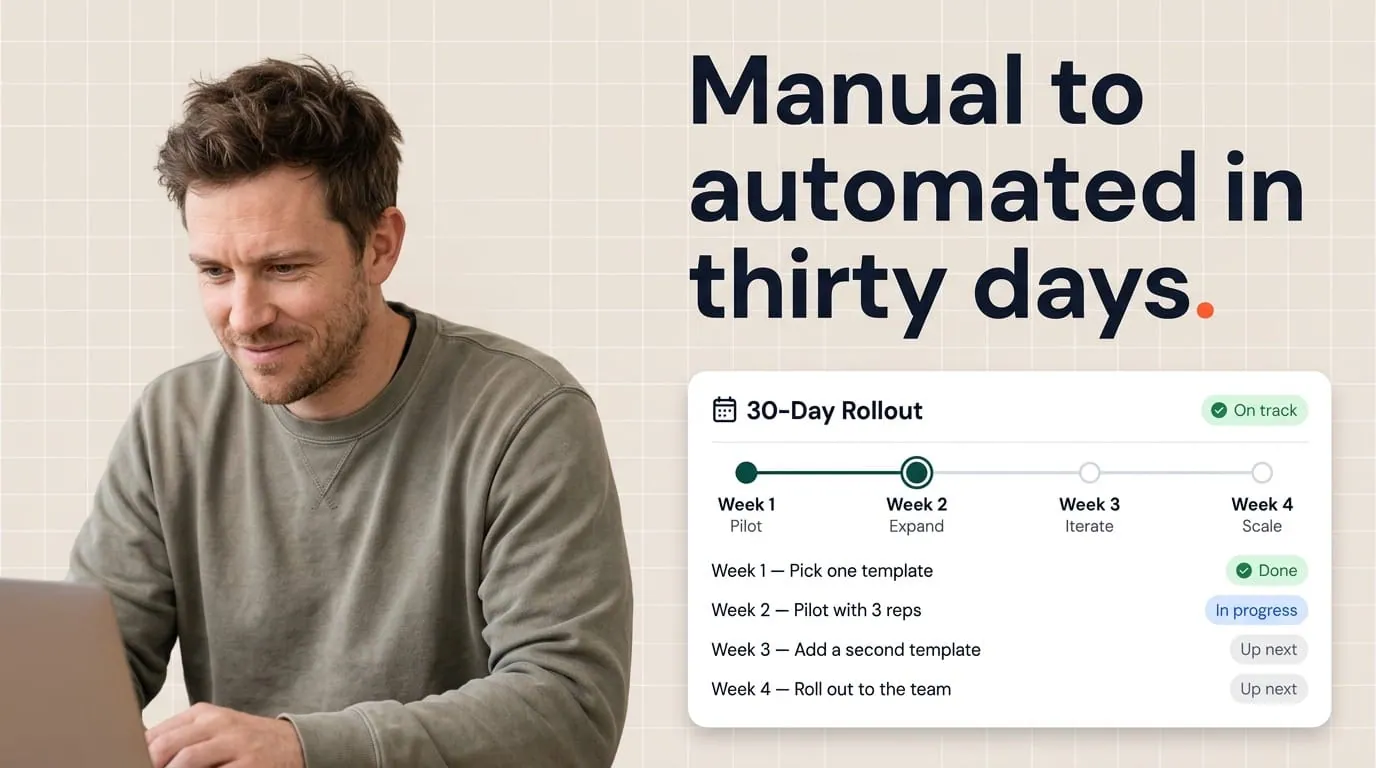
I never ship ten workflows at once. I pick one document type, one team, and one trigger I can explain in a single sentence. We run it for a few weeks, read the logs, and fix false positives.
Then we add the next behaviour, usually view-based nudges or approval tasks, because those are where time savings show up in rep feedback.
One thing that saves you later: a short internal note that says what each workflow does, who owns changes, and how to turn it off safely. You'll be glad it exists when someone renames a deal stage without telling ops.
Where document automation fits
Each of these workflows assumes your documents are generated from live HubSpot data, so the output stays tied to the CRM record. That's what Portant's workflow automation is built for: generating quotes, proposals, and contracts from deal properties and line items, then writing the finished document back to HubSpot as its own record.
Portant also exposes fields like document status, view count, and last-viewed time. Those are the properties several of these workflows use as triggers. The result: one system where deal stages, documents, and follow-up actions all reference the same data.
Frequently asked questions
Can HubSpot workflows automate sales documents like quotes and proposals?
Yes. With Portant connected to HubSpot, you can generate quotes, proposals, and contracts from live CRM data and use HubSpot workflows to react to document events, deal stages, and properties. Portant also exposes document status and engagement fields you can use as workflow triggers.
What's a good first workflow for document automation in HubSpot?
Start with one clear trigger, such as generating a quote when a deal enters a defined commercial stage. That gives reps immediate value, keeps data in one system, and is easy to measure before you add follow-up alerts or approval tasks.
How should I follow up when a buyer views a proposal?
Use a HubSpot workflow that fires when view count crosses a threshold or when last-viewed time updates, then create a task or internal notification for the deal owner with the document link and context. The goal is timely coaching, not spam.
Where should approvals live for sales documents?
Many teams split duties. Finance or leadership approves commercial terms inside the document workflow, while HubSpot workflows create tasks, notify Slack channels, or pause stage movement until approval properties are set. Pick one source of truth for status so reps aren't guessing.
How do deal stages and document status stay aligned?
Define what each stage means in customer terms, then map document milestones to those definitions. Workflows can update stages when a document is sent, out for signature, or completed. You can audit mismatches in reporting so the pipeline reflects reality.