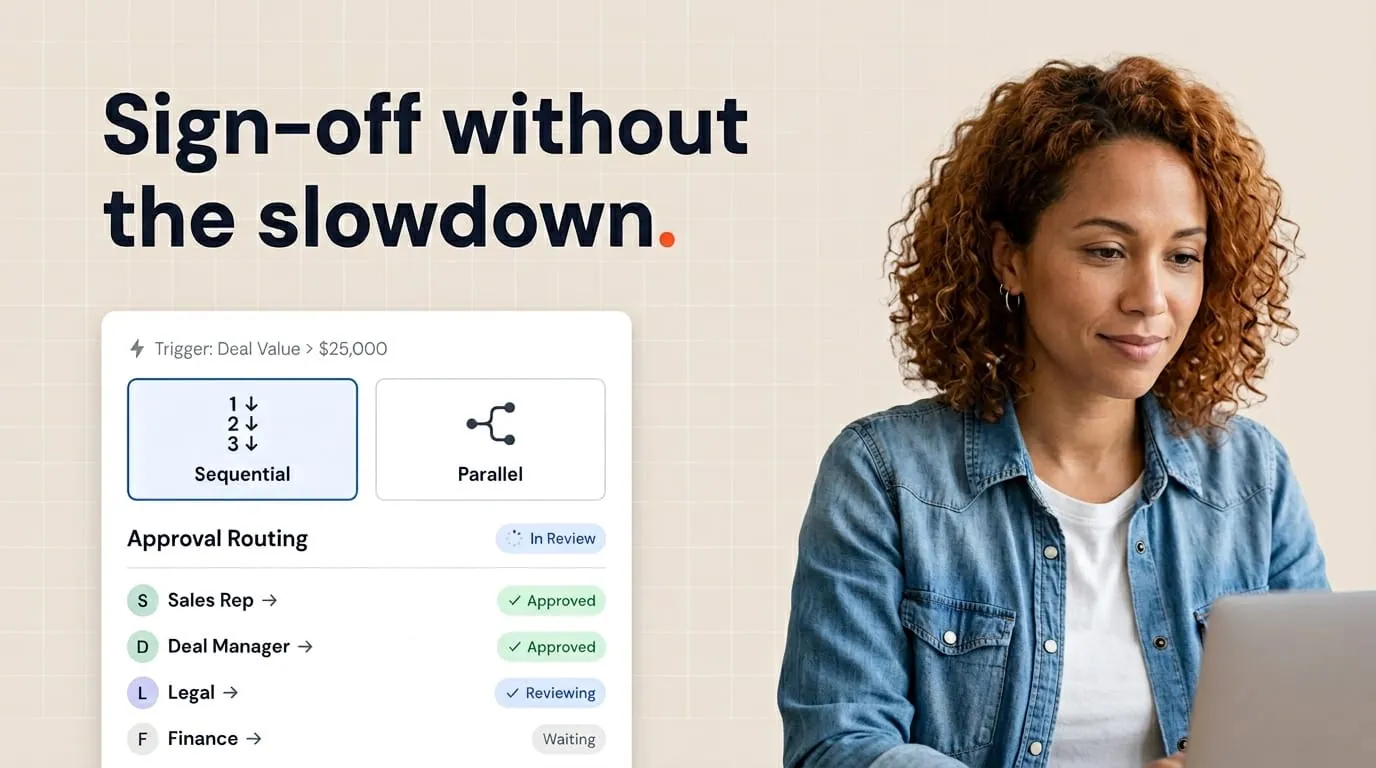

Deal stages aren't just a pretty pipeline. In a healthy HubSpot org, they're the signal that tells your team what to do next, including which document belongs in front of the buyer. When stages are vague, reps improvise, and the wrong document goes out at the wrong time.
The fix is straightforward: name your stages for customer truth first, then wire each stage to one primary document outcome. When that line is clear, automation and handoffs get easier, and reps stop improvising in Slack.
For the full picture of how document generation, data merge and eSignature fit together in HubSpot, see the complete guide to document automation in HubSpot.
Why deal stages drive your documents
HubSpot deal stages describe where a buyer is in their decision, not where your internal checklist happens to be. When stages drift into vague labels like "working" or "follow up," reps fill the gap with their own habits. One rep sends a proposal early. Another waits too long on a quote. Ops then chases versions instead of coaching the process.
I treat each stage as a contract with the team. If a deal is in a given stage, we agree on three things. What we believe is true about the buyer, what we owe them next, and which artifact proves we did it. That artifact is usually a document. A quote might confirm commercial terms. A proposal might lay out scope and value. A contract locks the legal side. If the stage doesn't imply one of those, the stage is probably too fuzzy.
This mindset also helps RevOps. Reporting stays honest because movement means something changed in the real world, not that someone clicked a button to tidy a dashboard.
How I map stages to document types
I start with a plain language map on a whiteboard or a simple table, not inside HubSpot yet. Down the left I list the stages we want in the customer journey. Across the top I list document types we actually use, such as quotes, proposals, contracts, order forms, or statements of work. Then I draw one primary document per stage.
Early pipeline stages might only need a lightweight quote or a ballpark so finance and the buyer share the same numbers. Mid stages often need a proposal that ties product, pricing, and timeline together. Late stages need a contract or order form that matches what was already agreed. The rule I enforce is one primary document per stage. Secondary attachments can exist, but everyone should know the main deliverable.
When you connect that map to how you work in HubSpot, you can use Portant's HubSpot integration so the right template pulls live deal and company data instead of copy and paste. That's where document automation stops being a side project and becomes part of the pipeline.
A simple stage pattern that scales
You don't need twenty stages to be precise. I often recommend a backbone that mirrors how B2B buyers actually buy, then customize labels for your industry. A pattern that works for many teams looks like this.
Discovery and qualification focus on fit and authority. The document here might be a short scope summary or an early commercial outline, sometimes delivered as a simple quote so both sides agree you're in the right ballpark. Evaluation is where a fuller proposal belongs, with clear options and assumptions. Verbal commitment or procurement is where legal language shows up, so your contract or MSA should align with what the proposal already said. Closed won is where you finalize anything operational, like an order form that matches SKU level detail.
The point isn't to copy my labels word for word. The point is that when a rep moves a deal, they're saying, "We have now advanced the paperwork that matches this part of the sale."
Guardrails that keep reps aligned
Stages only work if people agree when to move them. I like lightweight definitions stored in a one-page playbook or in HubSpot property help text. Each stage gets two or three bullet criteria. For example, "Proposal sent" might require a named economic buyer, a documented need, and a proposal file logged on the deal. If those are missing, the deal shouldn't sit in that stage.
Required fields are your friend. If a stage implies a contract is in play, require the fields that contracts actually need, like billing address, signatory, or purchase order rules. That sounds strict, but it saves the legal and finance teams from becoming the complaint desk.
For quotes specifically, I align stage movement with pricing approval. If a quote isn't approved internally, the deal shouldn't jump to a stage that promises a formal proposal or a contract. That single rule removes a lot of embarrassing backtracking.
Automation and workflows without the chaos
Once the map is clear, automation is safer. I think about workflows as servants of the stage definitions, not the other way around. A workflow that fires on stage enter should do one obvious job, such as create a document record, notify a manager, or start an approval path. If a workflow tries to do five things at once, debugging gets painful and reps lose trust.
Portant is built for this kind of HubSpot-first workflow. Teams use workflows in Portant to generate documents when a deal hits the right stage, keep templates in Google Docs or Office files they already own, and save outputs back to HubSpot so reporting stays in one system. The key benefit: documents become their own records inside HubSpot, so leadership sees status without chasing reps.
I still recommend a pilot. Pick one team, three to five stages, and one document type per stage. Run it for a few weeks, fix the friction, then roll wider. Big bang rollouts of stage logic almost always create silent workarounds.
What I watch for in reviews
In pipeline reviews I look for a mismatch between the stage and the documents on the deal. If deals pile up in a late stage but the activity timeline shows no contract or proposal, the map is broken or the team is skipping steps. I also watch for duplicate documents. Two proposals with different totals usually means stage rules were unclear or data was edited after send.
Another signal is time in stage without customer-facing action. If "contract sent" deals age with no meetings, opens, or tasks, the problem may be the document, the contact, or the stage criteria. Fix the criteria first. Often the stage promised more commitment than the buyer actually gave.
When the process is clean, reps spend less time on admin and more time selling. Portant handles the document generation so reps can focus on the deal, with the pipeline telling everyone what comes next.
Frequently asked questions
Should every deal stage send a document?
No. I use stages to mark buyer truth, not to spam paperwork. Some stages are internal only, such as holding for legal review. Even then, I still want one clear document outcome tied to the next customer-facing stage so the team knows what's coming. Internal stages can skip customer sends but shouldn't skip accountability.
What if my team refuses to move stages on time?
Reps often avoid stage updates when the definitions feel arbitrary or when movement triggers busywork. Tighten the definitions, reduce the required clicks, and pair stage rules with automation that helps instead of punishes. When moving a stage creates the right document for them, adoption usually improves.
How many deal stages is too many?
If a rep can't recite the stages from memory with a short explanation for each, you probably have too many. I aim for the smallest set that still separates early exploration, active evaluation, commercial agreement, and closed outcomes. You can use deal properties and playbooks for nuance instead of turning every micro step into its own stage.
Can I automate documents without changing my stages?
You can, but you get less value. Automation without stage discipline still saves formatting time, yet it won't fix wrong timing or wrong templates. I prefer to adjust stages lightly so they match the documents you already need, then automate on top. That way every generated file lines up with how you actually sell.