
Your team sent the contract. But which version did the customer actually sign? That question shouldn't take 20 minutes and three Slack threads to answer. But for a lot of sales teams using HubSpot, it does.
The deal says "Closed Won." Legal can't find the right PDF. Finance doesn't know which version matches the amount. And the rep who sent it is already on the next deal, so nobody's sure where the signed copy lives.
The fix isn't more discipline or another spreadsheet on the side. It's giving your documents a proper home inside HubSpot, with statuses, versions, and clear links to the deals they belong to.
Here's how I track proposals, contracts, and quotes inside HubSpot so the team always knows what was sent, when, and to whom. If you want a broader view of keeping everything tied together from first call to signature, this walkthrough is a good companion.
For the full picture of how document generation, data merge and eSignature fit together in HubSpot, see the complete guide to document automation in HubSpot.
Why the deal record alone isn't enough
Deals in HubSpot are built for pipeline and revenue. They're great at that. But they're not filing cabinets.
When teams try to store everything on the deal, things get messy fast. You end up with fifteen custom properties someone created during last quarter's panic. URLs pasted into long text fields. Status labels that mean one thing to sales and something else to legal.
A single deal can produce a discovery recap, a proposal, a redlined contract, a final PDF, and a renewal draft. If all of that lives in one set of fields, you lose the history every time someone clicks save.
That doesn't mean you should never put document info on the deal. Things like the current stage, the expected amount, and a link to the latest file belong there. But anything that has its own lifecycle, like a contract that moves from draft to review to signed, needs its own record so workflows have something stable to work with.
When you need a custom object (and when you don't)
HubSpot custom objects let you create your own record types beyond contacts, companies, deals, and tickets. A "Document" or "Agreement" object fits when you're sending multiple files per deal and need to track each one separately.
But you don't always need one.
If your team sends one proposal and one contract per deal, and you're not tracking versions, a few well-named deal properties with strict dropdown options can work fine. That's a perfectly good starting point at smaller scale.
The moment you need to track parallel drafts, multiple templates in flight, or a clear list of everything you've ever sent to an account, a custom object makes life much easier. You can link it to the deal, the company, and the key contacts so everyone sees the full picture.
Name the object something your team actually says. "Sales Document" or "Agreement" works better than technical labels nobody recognises.
If you're wiring automation into this, it's worth reading how Portant connects to HubSpot so your object setup lines up with what the app can read and write.
Set up properties that tell you what's happening
Status should be a dropdown with clear options, not a free-text field where everyone types something different. Something like: Draft, In Review, Ready to Send, Sent, Viewed, Out for Signature, Signed, Archived.
Your list will look different. That's fine. What matters is that it's short, everyone agrees on what each status means, and your workflows can act on it.
Beyond status, add structured fields: created date, sent date, signed date, owner, template name, and a link to the file. Dates are more useful than checkboxes for reporting because you can measure how long each step takes.
For contracts specifically, keep the commercial status on the deal and the document status on the document record. The deal might say "Negotiation" while the contract says "In Legal Review." When those two disagree on purpose, your leadership team can see where things are stuck instead of guessing.
Track versions without overwriting history
This is where simple setups tend to break.
Teams say they "version" documents by editing the same Google Doc or replacing a PDF on the deal. That's not versioning. That's overwriting. And it means nobody can answer "what did we send on March 3rd?" without digging through email.
If your business cares about history, and most do when legal or finance get involved, treat each version as its own record. Give it a version number, a link to the previous version, a timestamp, and a note about what changed.
Reps only need to care about the current version. A simple rule like "the highest version number for this deal and template type is the active one" keeps things clean without slowing anyone down.
Even if you store files in Google Drive or SharePoint, HubSpot should have enough information to point anyone to the right file and answer "what did we send?" in under a minute. That's the bar worth aiming for.
Reports your team will actually check
Once your document records exist, you can build reports that leadership actually finds useful.
Start with a small set: documents stuck in review for more than a few days, late-stage deals with no sent proposal, accounts with signed contracts that aren't linked to the right company, and a count of signed documents this quarter by segment.
Custom objects are great for this because you can filter and group on document fields without cluttering your deal board. Pipeline metrics stay on deals. Document metrics stay on the document object. Both show up on one dashboard.
Missing links between documents and deals aren't personal failures. They're data gaps that happen naturally. A weekly list of "deals missing a document record" turns into a quick five-minute cleanup instead of a quarter-end scramble.
Keep documents tied to the right deals
Linking documents to deals isn't red tape. It's how you prove which conversation led to which file.
The default setup is usually many documents to one deal, with an optional link to the company for account-level views. That covers most teams well.
When renewals create new deals, decide upfront whether the old document history carries over through the company record or gets manually relinked. That saves your CS team from starting every renewal conversation from scratch.
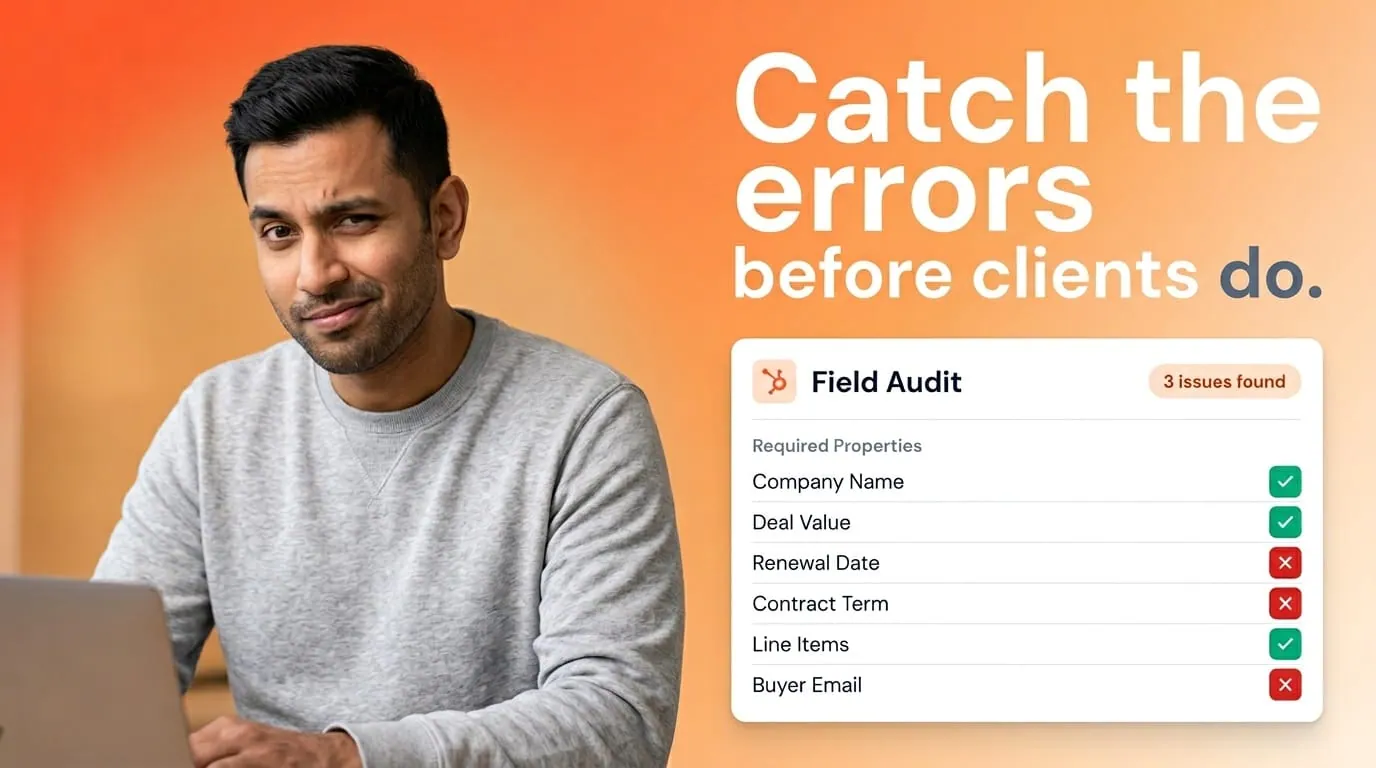
Deal amount and line items stay as the source of truth for revenue. Document records carry what was presented and agreed, which can differ during negotiation. Both should be visible: deal fields for forecasting, document fields for what was actually sent. A workflow step that compares the two before marking a deal "Closed Won" catches mismatches early.
Teams that keep this clean get faster quarter-end reviews and fewer "wait, we signed what?" moments.
What good automation looks like here
Automation should work with your data model, not around it.
When Portant generates a file from HubSpot, something in the CRM should update at the same time: a new document record, a status change, a timestamp, or an activity on the timeline. PDFs that live only in email with no CRM record bring you right back to spreadsheet territory.
Whether you trigger from a deal stage change or a button on the record, the pattern that works is: create or update the document record first, generate the file, then move the status based on what actually happened. If generation fails, the status should say so and the owner should get a task.
Portant handles this out of the box. It's a HubSpot-certified app that generates documents from live CRM data and keeps activity visible on the deal record, so your team doesn't need to check email or Drive to see what was sent.
Start small: pick one template type and one deal segment. Prove the reports work with that group before you roll it out to the whole team.
Frequently asked questions
Should I use a HubSpot custom object to track documents?
It depends on volume. If you're sending multiple documents per deal and you want proper versioning and reporting, a custom object gives you a clean home for that data. If it's one proposal and one contract per deal with no version history, well-structured deal properties can handle it.
How should I set up document versioning in HubSpot?
Treat each version as its own record with a version number, a link to the previous version, timestamps, and who created it. Don't overwrite a single field when legal or finance needs to see what changed between drafts.
How do I link document records to deals in HubSpot?
Create an association from your document object to deals, and optionally to companies and contacts. Most teams use a many-to-one setup, meaning many documents linked to one deal. Use required associations where HubSpot allows so orphan records get caught early.
Which properties work best for tracking document status in HubSpot?
A controlled dropdown for lifecycle status (Draft, In Review, Sent, Signed, and so on) plus separate date and owner fields for each milestone you report on. That keeps workflows, lists, and dashboards reliable.
Can Portant help with document tracking in HubSpot?
Yes. Portant is a HubSpot-certified app that generates documents from live CRM data and keeps activity visible on the deal record. You can align document statuses with workflows so your team sees the same information in meetings and reports.