
Buyers hear "integration" and picture a logo on a marketplace page. Engineers hear it and ask about scopes, rate limits, identity, and what happens when two systems disagree. I am writing this for the second group, and for anyone who needs to explain to security or IT why a native HubSpot app behaves differently from a generic connector.
Portant generates documents from live HubSpot data and writes document state back into the CRM. The design goal is simple: least surprise for admins, predictable behavior for reps, and an audit trail that holds up when someone asks what happened to a contract last Tuesday. Everything else is implementation detail, but the details matter.
For the full picture of how document generation, data merge and eSignature fit together in HubSpot, see the complete guide to document automation in HubSpot.
What "native" means in practice
A native HubSpot app runs inside HubSpot's permission model and object model. Users authenticate through HubSpot. Data access follows the roles and teams your org already configured. You are not shipping a shadow copy of deals to a separate database and hoping it stays in sync. The document workflow is triggered from the same records reps already trust.
That matters when you scale. Bolt on tools often sync via polling or bulk export. They work until someone renames a property, changes a pipeline, or tightens scopes. Native integration fails loudly in the right places and succeeds quietly in the background. I would rather fix a clear permission error than debug mystery drift.
How data flows from HubSpot to the document
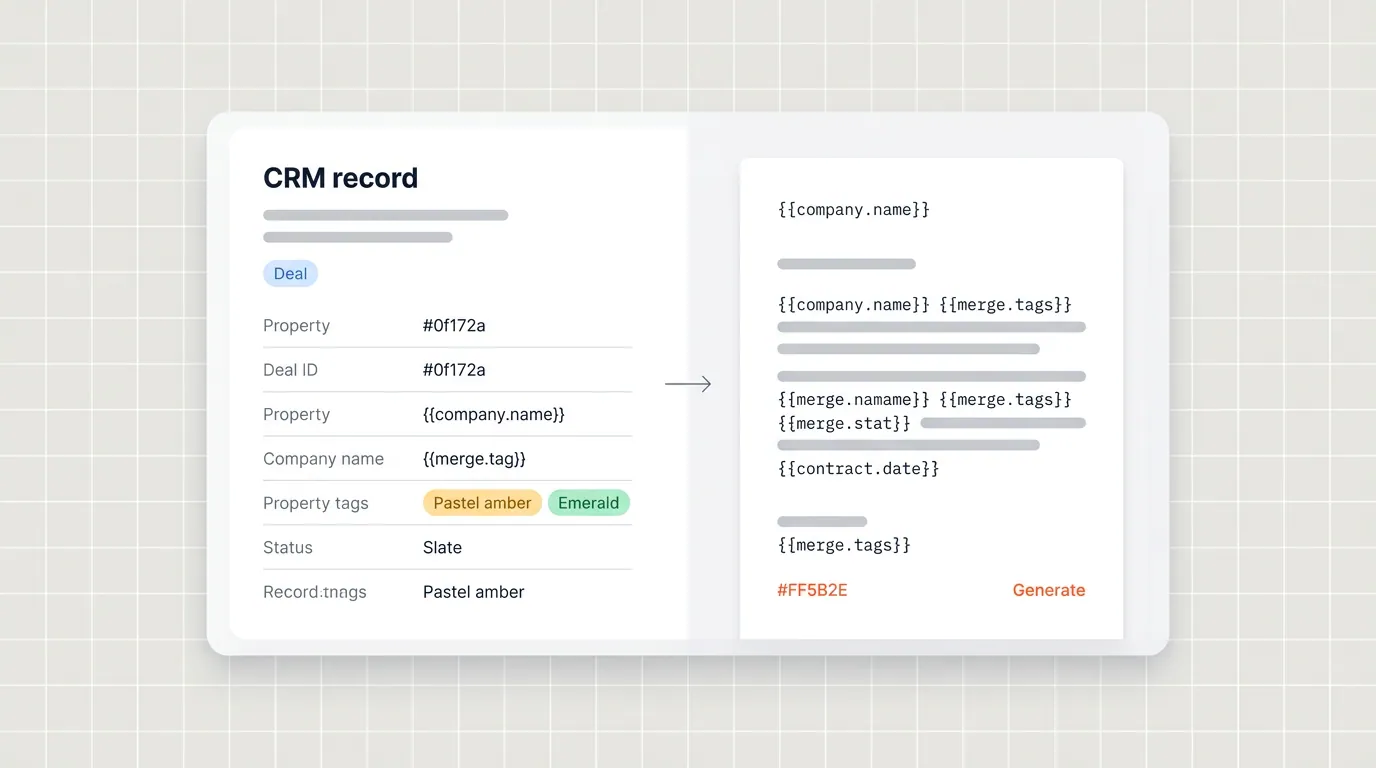
Portant reads deal, contact, company, and line item data through HubSpot's APIs according to the integration you approve at install time. Merge fields in your template map to those properties. When a rep generates a document, we pull the current values, render the template, and produce the output format you chose, whether that is Google Docs, Microsoft Word, PDF, or another supported path.
Line items deserve a special callout. Quotes and proposals break when pricing tables are wrong. We treat line items as structured inputs, not free text blobs, so tables stay aligned with what finance expects. If you want the full picture on how we connect Google Workspace and HubSpot with tight access boundaries, read How Portant connects Google Workspace and HubSpot (without cutting corners on access).
Authentication and least privilege
OAuth is the front door. We ask for the scopes required to read the objects you automate and to write back document records and workflow outcomes. The principle is least privilege: request what you need for the workflow, document why, and avoid blanket admin access unless the customer explicitly chooses an advanced setup that requires it.
Admins should expect a clear install flow, a way to audit which workspaces are connected, and the ability to revoke access without calling support. If your security team wants a deeper review, start from our integration overview on the HubSpot integration page and your own HubSpot connected apps list.
Writes back: why records matter
Generation is only half the lifecycle. After send, you care about view, approval, signature, and storage. Portant saves documents back to HubSpot as their own records so reporting and follow up stay inside the CRM. That is a deliberate product choice. It costs more engineering than “fire and forget PDF,” but it is the only approach that gives RevOps a truthful timeline without chasing reps for screenshots.
If you want the merge mechanics at a feature level, see HubSpot data merge. The important architectural point is that the template is yours, the data is HubSpot's, and the lifecycle events are observable in the same place leadership already looks.
Trade offs we accept on purpose
We optimize for reliability inside HubSpot rather than pretending every CRM behaves the same. We optimize for real templates in Docs and Word rather than forcing everyone into a proprietary layout engine. Those choices have downsides. They mean we say no to shallow "works anywhere" connectors that break under edge cases. I am comfortable with that trade off because our customers are HubSpot teams who need depth, not another generic attachment tool.
AI assisted drafting is similar. Helpful when bounded, risky when it invents terms. We keep humans in the loop for customer facing documents that carry legal weight. The platform goal is speed without sacrificing control.
Reliability, retries, and what ops should expect
HubSpot APIs have rate limits. Google and Microsoft do too. Our integration layer retries transient failures with backoff where it is safe, and surfaces hard failures with enough context that a human can fix the root cause. Silent failure is worse than an error banner. If a merge fails because a token is expired, you should see that in plain language, not a generic 500 page.
For operations teams running monthly volume in the tens of thousands of documents, observability matters. Monitor time to generate, failure rate by template, and authentication errors by workspace. Spikes usually trace to a property rename, a pipeline change, or an expired OAuth refresh. Fix the upstream change, not the symptom in the PDF.
When you design workflows, add a manual fallback path for the rare disaster scenario, but resist making the fallback the default. The whole point of automation is that reps trust the happy path.
When to involve your IT or security team
Bring IT in early if you have SSO requirements, strict data residency questions, or a change control process for connected apps. The conversation should cover scopes, which Google or Microsoft identities are used for templates, and how document URLs are stored. If you can point to native HubSpot records for each artifact, the security review usually gets easier, not harder.
Frequently asked questions
Does Portant store a copy of our CRM?
Portant processes data needed to generate and track documents. Your HubSpot portal remains the system of record for deals. Talk to us if you need a detailed data handling summary for your review.
What happens if HubSpot is down or rate limited?
We design workflows to handle transient API errors with retries where safe. Persistent failures should surface clearly to the user so nobody thinks a document sent when it did not.
Can we test in a sandbox?
Yes. Most teams validate templates against test deals and properties before rolling to production pipelines. Treat templates like code: version, review, and promote.