
I still meet teams that build every proposal by hand. They copy the deal into a doc, fix formatting, hunt for the right pricing table, then wonder why velocity stalls at the end of the month. Here's how to remove that assembly step and send proposals from HubSpot in about a minute, once setup is done.
This guide assumes you use HubSpot for deals and are fine with Google Slides or Docs for your template. Portant also supports Microsoft formats, but Slides is a fast path for polished proposals. You'll install from the HubSpot marketplace, connect your workspace once, then reuse the same pattern on every deal.
Before you start: checklist
- A HubSpot deal with contact, company, and line items populated the way you want them on paper
- A proposal template in Google Slides or Google Docs with tags for names, scope, and pricing
- Admin access to install Portant and approve OAuth scopes
If line items are messy, fix them first. Automation copies what you store. Clean data beats a pretty template with wrong totals.
Step 1: Install Portant from the HubSpot marketplace
Open the HubSpot marketplace listing for Portant and install the app to your portal. Complete the OAuth prompts and connect the Google account that owns your template files. If your IT team needs a review, send them the HubSpot integration overview and the doc on how we connect Google and HubSpot safely.
After install, confirm you can open Portant from a deal record. If you can't, fix permissions before you touch templates. Nothing downstream works if the app can't read the deal.
Portant is a HubSpot Certified App, which can help if your security team needs to review the integration before approving it.
Step 2: Pick or create your proposal template
Start from a template your team already trusts. If you want a ready-made HubSpot pattern, browse the simple HubSpot proposal in Slides or the personalised proposal automation example. Duplicate it into your workspace so you're not editing the public sample directly.
Label sections the way reps think: executive summary, scope, pricing, terms, next steps. You can add conditional logic later so optional modules appear only when a deal property says so. For your first pass, keep the structure boring and reliable.
If you sell multiple products, consider one base template with modules toggled by deal type rather than ten nearly identical decks. Reps should recognize the layout instantly. Brand and legal should bless one master structure. Ops should own the branch rules. When those three agree, adoption sticks.
Step 3: Insert HubSpot tags
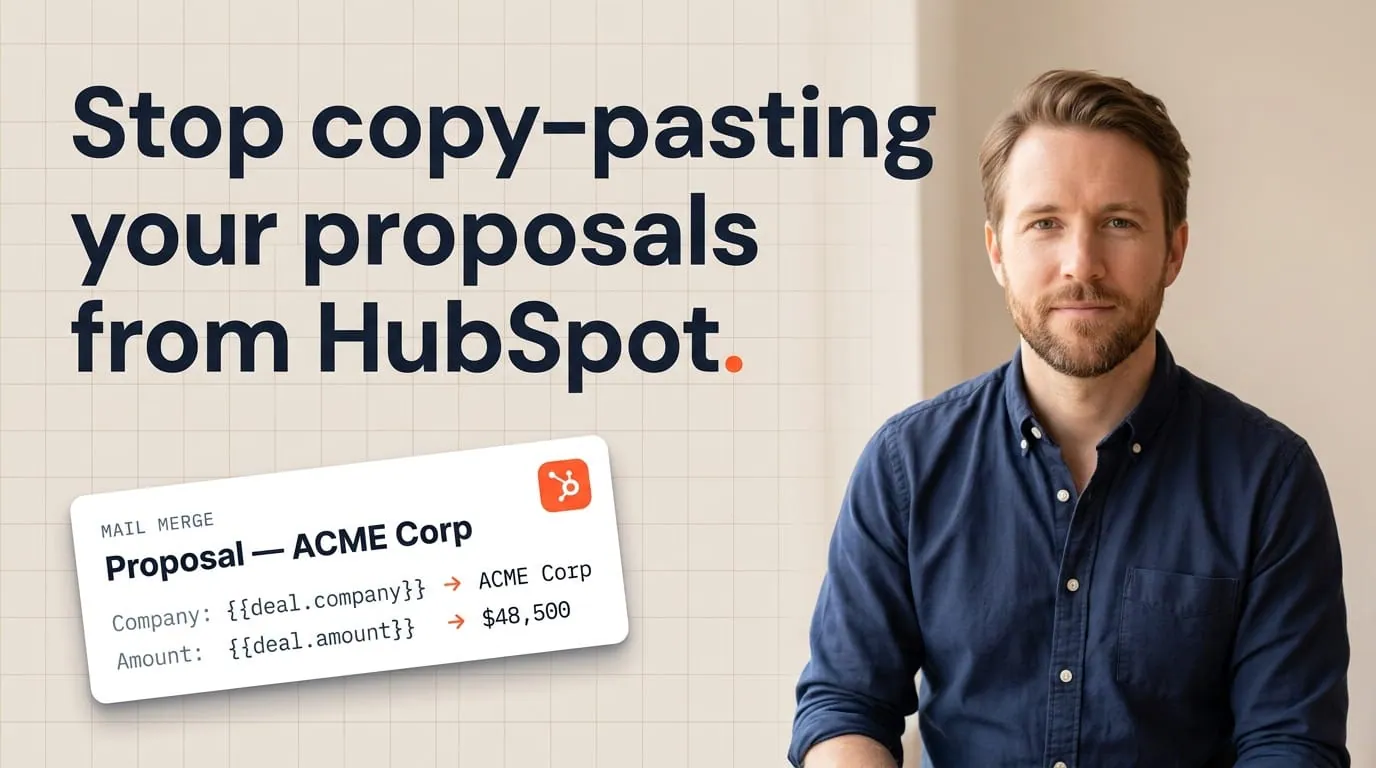
Replace static text with tags for contact first name, company name, deal amount, close date, and any custom properties your proposal needs. For pricing tables, use line items so quantities, discounts, and totals stay aligned with the deal.
Preview with a real deal before you go live. I always ask teams to pick their messiest recent opportunity, not the happy path demo deal. If the template survives the messy deal, it will survive the quarter.
For pricing, decide whether you show list price, net price after discounts, or both. Finance and sales should agree on what the buyer is allowed to see. Use the same tags your quotes would use so there's never a mismatch between what the AE promises and what operations invoices later.
Step 4: Create the workflow trigger
In Portant, define when to generate the proposal. Common patterns include deal stage moves to "Proposal sent," a button on the deal, or a workflow action your RevOps team already uses. The goal is one obvious action for reps, not five optional paths.
Wire document workflows so generation, optional manager notification, and email handoff happen in sequence. If legal needs to see exceptions, add an approval step only for deals over a threshold. Keep the default path fast.
Step 5: Generate, send, and track
Open the deal, run the workflow, and let Portant render the Slides or PDF. Send through your connected email so the thread stays human. After send, rely on HubSpot timeline events and document records to see opens and signatures without asking the rep for a forward.
For the bigger picture on proposals in HubSpot, read proposal automation for HubSpot. It lines up with the same object model you just used.
Common blockers and quick fixes
Blank tags. The tag pulled exactly what HubSpot had: nothing. Fix the deal, add a validation rule, or mark the field required before the stage that triggers send.
Wrong Google account connected. The template lives in a shared drive, but OAuth went to a personal account. Reconnect with the account that owns the template folder.
Line items look right in HubSpot but wrong on paper. Check product descriptions, hidden discounts, and currency properties. Line item tables need the same discipline as your CRM hygiene.
Reps skip the workflow. Usually the manual path is still faster for edge cases. Add a light exception process, then close the gap with better templates so the automated path wins on speed every time.
Scaling the same pattern across teams
When you roll out beyond one region, clone the template per segment only if language or compliance truly differs. Otherwise use properties for localized terms and keep one structure. Fewer masters mean fewer midnight emergencies when legal updates a clause.
Pair enablement with short Looms recorded on real deals. Reps pick up a workflow faster from a two-minute video than a twenty-page playbook.
What to measure in your first 30 days
Track median time from "ready to propose" to "sent," count of proposals sent per rep, and reprint rate after errors. If reprints drop and time to send falls, you have a story for leadership that doesn't rely on vibes. Teams that adopt Portant often cite about 125 hours reclaimed per month and about $24,000 in average annual savings once the busywork is gone. Your pilot should aim for similar results on the one workflow you picked.
If your stack supports it, track when prospects open the proposal and how long they spend on pricing pages. That context helps reps time their follow-up instead of guessing.
Finally, write down the top five support questions you get in week one. If the same question repeats, fix the template or the training, not the rep.
For a broader view once proposals are live, read the complete guide to document automation in HubSpot. It covers quotes, contracts, and follow-through in one place.
What "60 seconds" actually means
After setup, the clock starts when the deal is clean and the rep clicks generate. The first time you do this, budget an hour for template and workflow work. That's the investment. The payoff is hundreds of one-minute sends later. If you want deeper automation across quotes and contracts, continue with the complete guide to document automation in HubSpot.
Frequently asked questions
Can we use Word instead of Google?
Yes. Connect Microsoft 365 and add the same tags to a Word template. The steps are the same as Slides.
What if proposals need a custom introduction?
Add a short free-text property on the deal for the narrative intro and insert a tag for it near the top. Or use AI-assisted drafting with human review for the first paragraph. Never let AI invent legal terms.
How do we prevent wrong templates?
Restrict template libraries by team, use deal type properties to branch, and train managers to spot-check the first week of go-live.
Do we need a developer for custom objects?
Not for most proposals. Standard deals, contacts, companies, and line items cover the majority of use cases. Custom objects help when your commercial model maps to something beyond those four.
Can proposals include attachments or appendices?
Yes, when your template references merged sections or linked assets your process already trusts. Keep heavy files out of email when possible. Prefer links to a secure resource with a clear name.
How does this relate to quotes and contracts?
Same engine, different templates. Many teams automate the proposal first, then add contract automation once pricing language stabilizes. The goal is one consistent workflow inside HubSpot.