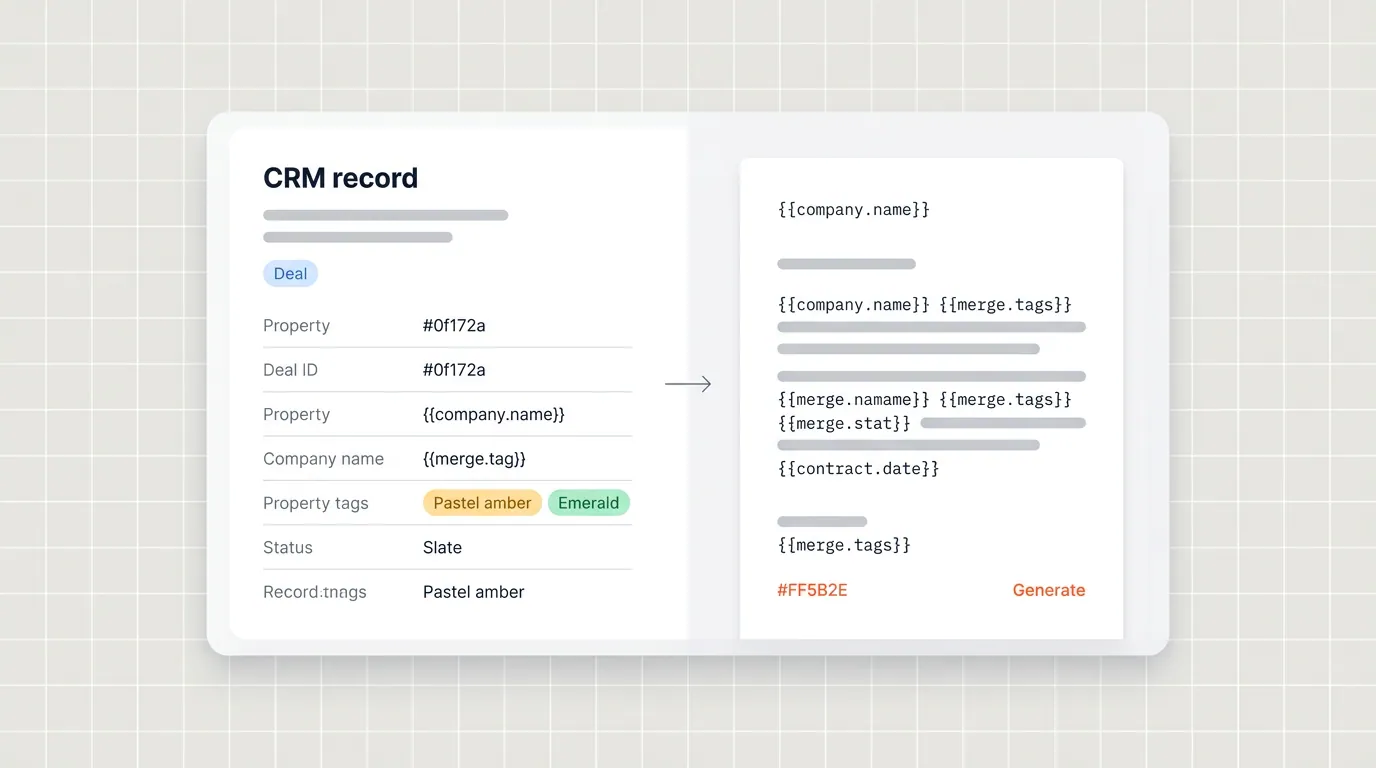

Teams ask a fair question when they evaluate document automation: if HubSpot holds our customer data and Google holds our templates, what exactly sits in the middle, and who can see what? The short answer is that Portant acts as an integration layer with explicit OAuth grants, minimal scope, and clear boundaries between “template design time” and “document generation time.”
This post is a technical overview for admins and security reviewers. It is not a substitute for your own policies or your latest SOC report, but it should demystify how the moving parts fit together when you connect Google Docs and HubSpot through Portant.
For the full picture of how document generation, data merge and eSignature fit together in HubSpot, see the complete guide to document automation in HubSpot.
OAuth first, no password sharing
Portant uses industry standard OAuth for both Google and HubSpot. Users authenticate with the provider, approve scopes, and receive tokens Portant can use on their behalf. We do not ask for shared passwords, shared mailboxes, or “log in as me” shortcuts that break audit trails.
That matters for offboarding. When someone leaves, revoking their Google and HubSpot sessions and removing them from your Portant workspace cuts access cleanly. There is no parallel shadow credential to hunt down.
Scopes and least privilege
Google integration scopes are chosen to support template editing, file pickers, and generation workflows, not to read unrelated mail or browse arbitrary Drive trees without user action. HubSpot scopes align with the objects Portant needs to merge deals, contacts, companies, line items, and custom objects you enable for workflows.
When security teams review an app, they are really reviewing surface area. We bias toward the smallest surface that still lets a rep generate a merged document in one click from a deal.
Where data flows (and where it does not)
At generation time, HubSpot fields referenced by your template are read and substituted into the output document according to your workflow rules. Template files typically live in Google Drive locations your team already controls; generated outputs can be saved back to HubSpot as document records so CRM remains the operational view.
The goal is to avoid “mystery copies.” Data should move for a defined purpose, populate a table, fill a clause, attach a PDF, not linger in unstructured exports.
Tenancy and workspaces
Portant is organized around workspaces so separate business units or brands do not accidentally share template libraries or HubSpot connections. Admins decide which integrations are connected and which users can create or edit workflows.
If you operate in regulated environments, map Portant workspaces to how you segment HubSpot portals and Google tenants today. Consistency there prevents the classic mistake of testing in production credentials.
Reliability and rate limits
Both Google and HubSpot APIs have rate limits and transient errors. Portant’s workers retry with backoff for idempotent reads, and we surface actionable errors when a merge fails because a field is missing or a file permission changed.
From an architecture standpoint, we treat template access and CRM reads as separate failure domains. Losing access to a non essential Drive folder should not silently corrupt deal data, and a HubSpot outage should not erase your templates.
What to send your InfoSec team
Most reviews want a list of subprocessors, data residency notes, and whether customer content is used to train public models. Point reviewers at your Portant agreement and security pages, and walk through a sample workflow: which systems are called, what is stored as configuration versus ephemeral processing, and how long artifacts persist.
For deeper implementation detail, our documentation covers setup patterns that keep staging and production separated.
Frequently asked questions
Does Portant store our Google files?
Portant references templates and generated outputs according to your workflow configuration. Operational storage is designed around running automations and showing status in HubSpot, not building a second Drive clone. Your exact retention posture should be confirmed against current product documentation and your contract.
Can we restrict which HubSpot users trigger generations?
Use HubSpot permissions and Portant workspace roles together. CRM side controls who sees deals; Portant side controls who can publish or edit workflows that touch production templates.
How do we audit who generated what?
Rely on HubSpot activity and Portant workflow history for attribution, and keep naming conventions on deals so document records are easy to correlate with opportunities in reports.