
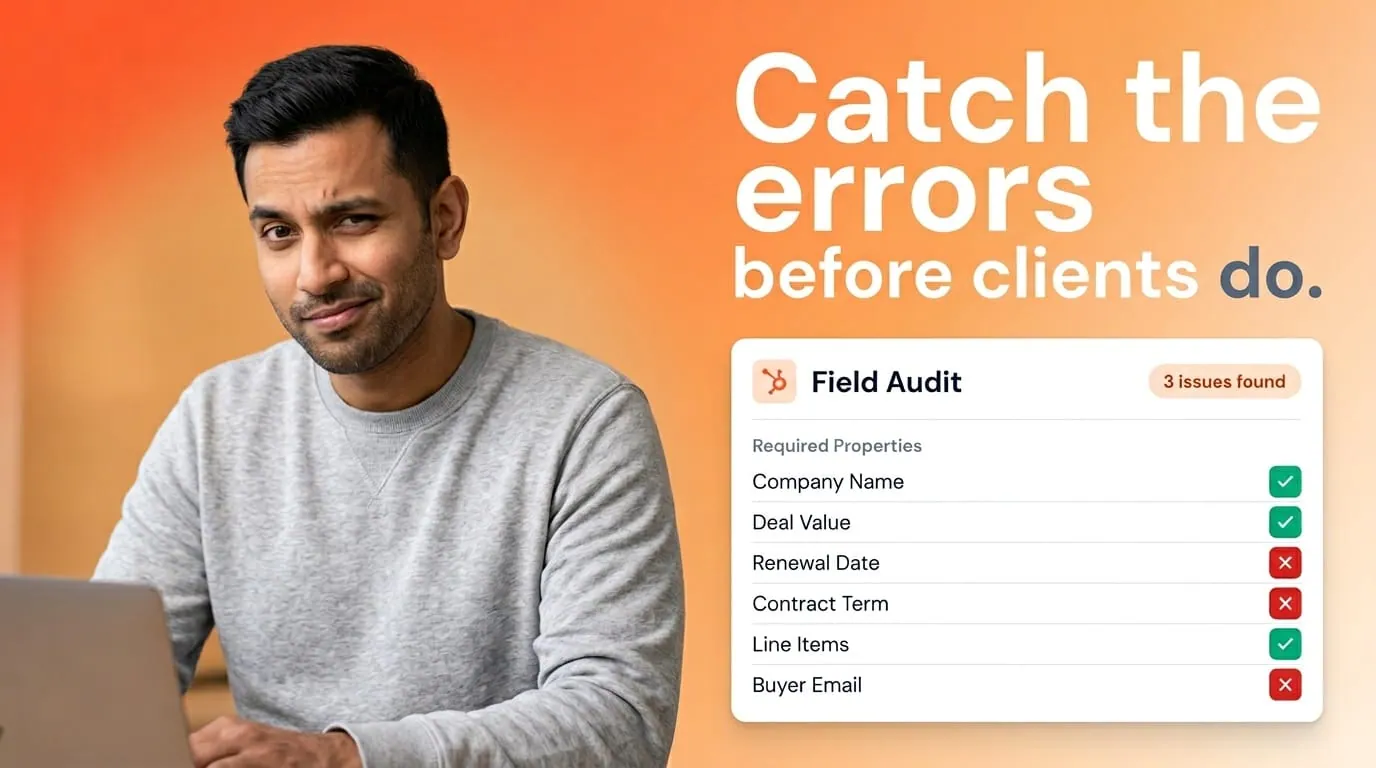
Your proposal is only as good as the deal record behind it. The template is fine. The workflow is fine. Then a blank property or a stale company name walks straight onto the PDF. You can prevent most of that with a focused audit before you scale.
This is the checklist I run before turning on document automation in Portant. It's short on theory and long on the fields people actually forget.
For the full picture of how document generation, data merge and eSignature fit together in HubSpot, see the complete guide to document automation in HubSpot.
1. Company and contact identity fields
Verify legal company name, address blocks, and primary contact name fields on the records you merge most often. Pay attention to nicknames in first name fields and duplicate company records with slightly different spellings. If two company records exist, merges will eventually pick the wrong one.
Fix duplicates with a merge plan and a naming standard. Your customer should never see “Acme Co” on page one and “Acme Corporation” on page four unless you intend that.
2. Deal properties your templates assume exist
Open your top three templates side by side with a property list. Mark every tag. For each one, answer: is the field required before generation, who owns updates, and what happens if it's empty? An empty tag that reaches the document is a silent error. It looks like someone stopped caring.
Use HubSpot field descriptions and required field rules where it helps. Pair with RevOps so sales knows which inputs block customer-facing docs. For a deeper property strategy, read The HubSpot properties I set up so sales documents stay accurate.
3. Line items, pricing, and discounts
Export a sample of deals with line items and eyeball quantity, unit price, discount, and tax fields. Watch for manual overrides that didn't sync back to standard products. If finance uses SKU codes reps never see, confirm the codes map to readable descriptions in the document.
Portant pulls structured line items into tables through line items in documents. The data merge is only as accurate as the deal. Treat pricing tables like a bank reconciliation. Spot check weekly during rollout.
4. Conditional logic and segmentation fields
If you use conditional logic, audit the properties that drive branches. Booleans that default to “unknown,” picklists with legacy values, and multi-select fields all cause surprise sections to appear or disappear. Document the intended rules in one page. Future you will thank present you.
5. Timestamps, owners, and audit trail
Confirm deal owner, signer contact, and any “last updated” fields you print for internal cover pages. If your approval story depends on who touched the record, make sure handoffs update owner or a custom role field. Reporting on document automation without owner clarity turns into fuzzy dashboards.
6. Integration health and sync delays
If other systems feed HubSpot, watch for sync delays. A document generated seconds after a CRM update might still see old values. Train reps on refresh expectations or add a short pause step for high-risk deals. This is boring operations work, and it saves the urgent Slack ping.
How often to repeat the audit
Run a full pass before launch, then a lighter monthly sample by segment. Whenever marketing rebrands or finance changes SKUs, rerun template and property mapping. HubSpot is the source of truth, but sources need curators.
Why this matters for Portant teams
Portant pulls live CRM data into every document. The teams that get the most out of it treat data merge as a governance practice, not a one-time setup task. Clean data in, accurate documents out.
Frequently asked questions
What sample size should we audit?
Start with ten deals per segment. If you find more than one critical error per ten, widen the sample before you expand automation.
Should reps fix data or RevOps?
Reps should fix what they know firsthand. RevOps should fix systemic picklists and required fields. Split the work deliberately.
Can we auto block generation on missing fields?
Yes, combine required properties with workflow gates or in-app checks so incomplete deals can't generate customer-facing PDFs.