
Here's a pattern I see in almost every sales team I work with. A rep sends a proposal on Tuesday. It's solid, well-tailored, priced right. And then three other deals land in their inbox, a demo runs long, and by Thursday that contact hasn't opened the proposal. No one notices because nothing in HubSpot tells them to.
That deal is now quietly dying. Not from rejection. From silence.
This article walks through how to build an automated workflow that catches proposals sitting unopened and nudges the right people to follow up before the deal slips away for good.
Why proposals go cold
Most proposals don't fail because the buyer said no. They fail because the buyer got distracted. B2B buyers are managing their own internal processes, sitting in meetings, fielding requests from six directions at once. Your proposal, no matter how well it's written, is one tab among twenty.
Engagement drops sharply after 24 to 48 hours. If a buyer hasn't opened your proposal within the first two days, the likelihood of them returning to it on their own falls significantly. That's not a reflection of deal quality. It's just how attention works in a crowded inbox.
The problem compounds when reps are busy too. They've moved on mentally. Without a system watching for inactivity, that proposal just sits there. Days turn into a week. A week turns into a "whatever happened to that deal?" conversation in a pipeline review.
The cost of a missed follow-up
Every proposal that goes cold without a follow-up is revenue left on the table.
Think about how much effort went into reaching the proposal stage. Discovery calls, demos, internal pricing discussions, template work. All of that gets wasted when nobody follows up on a sent document that was never opened.
I've worked with teams where 15 to 25 percent of all sent proposals received zero views. Not "viewed and rejected." Zero views. The buyer never even looked at it. And the rep, buried in other deals, never circled back.
That's not a sales problem. It's an automation problem. And it's fixable.
What "cold" actually looks like, and how to calibrate
When is a proposal officially cold? There's no universal number, but here's how I think about it.
48 hours is a reasonable starting point for most B2B sales cycles. If a proposal hasn't been opened in two full business days, something is off. The buyer may have missed the email, lost the link, or moved on to higher-priority tasks.
72 hours is where I'd consider escalating. At this point, a gentle nudge isn't pushy. It's helpful. The buyer may genuinely appreciate the reminder.
5 to 7 days without a single view is a strong signal that the deal needs direct human intervention, not just another automated email.
Start conservative and adjust based on your data. If your sales cycle runs 90 days, 48 hours of silence isn't urgent. If you're closing in 7 to 14 days, 48 hours is a long time. Your first version of this workflow doesn't need to be perfect. It needs to exist.
Portant document properties that power this
When you use Portant with HubSpot, every document you send becomes its own record inside HubSpot. That gives you properties you can build workflows around. The ones that matter for cold proposal re-engagement are:
- Document Status: Tracks where the document is in its lifecycle. For this workflow, you're looking for documents with a status of "Sent."
- Document Created: The timestamp of when the document was generated. This lets you calculate how long ago the proposal went out.
- Date Last Viewed: When the recipient last opened the document. If this field is blank or unknown, no one has looked at it.
- Number of Times Viewed: Exactly what it sounds like. Zero views means zero engagement.
These aren't custom properties you need to create manually. They come from Portant's document tracking and sync directly into HubSpot. That's what makes this workflow possible without stitching together separate tracking tools.
For the full setup on how Portant documents trigger HubSpot workflows, see the Portant docs on triggering workflows from document events.
Building the workflow step by step
Here's how I'd set this up in HubSpot using Portant document properties.
Step 1: Create a deal-based workflow
Go to HubSpot Workflows and create a new deal-based workflow. Deal-based works better than contact-based here because proposals are tied to deals, and you want the workflow logic to reference deal properties alongside document data.
Step 2: Set your enrollment triggers
Your enrollment trigger should combine two conditions:
- Document Status equals "Sent"
- Document Created is more than 2 days ago
This captures any deal where a document was sent at least 48 hours ago. You'll refine it in the next step with branching logic.
Step 3: Add a branch for zero views
Inside the workflow, add an if/then branch:
- If Number of Times Viewed equals 0, continue down the "cold" path
- Otherwise, the proposal has been viewed and you can either exit the workflow or add different follow-up logic for proposals that were viewed but not signed
This branch separates "sent and ignored" from "sent and being considered." Both matter, but they need different responses.
Step 4: Build the follow-up actions
On the "zero views" branch, I typically add three actions:
- Create a task for the deal owner: "Follow up: proposal not yet opened." Set the due date to today so it appears in their task queue immediately.
- Send a Slack notification to the deal owner or their manager, depending on team structure. Something short: "Heads up: [Contact Name]'s proposal has been sitting unopened for 48+ hours."
- Enroll the contact in a follow-up sequence to start automated outreach while the rep catches up.
The task ensures accountability. The Slack notification ensures awareness. The sequence ensures something actually happens even if the rep is heads-down on other work.
Crafting the re-engagement message
The follow-up message matters more than most teams realize. Get it wrong and you sound either desperate or robotic. Get it right and you sound like someone who is paying attention.
What works:
- Reference something specific from your earlier conversation, not just "circling back"
- Acknowledge that they're busy without being condescending
- Give them a reason to open the proposal now: a deadline, a relevant update, or a question you need their input on
- Keep it short. Three to five sentences. If it looks like a wall of text, it won't get read either
What doesn't work:
- "Just checking in" (says nothing)
- "Wanted to make sure you received this" (sounds passive-aggressive at scale)
- "I know you're busy, but..." (everyone says this)
- Resending the same email with "bumping this to the top of your inbox" (annoying)
A good follow-up reads like a helpful nudge from someone who genuinely wants the deal to work, not a rep checking a box. Here's a simple structure:
Example follow-up: "Hi [Name], I sent over the proposal on [day]. I know things move fast on your end, so I wanted to flag it in case it got buried. I've attached it again here, and I'm happy to jump on a quick call if anything needs adjusting. Is there a good time this week?"
Short. Specific. Gives them an easy next step.
Multi-touch sequences vs single nudges
A single follow-up email is better than nothing. But a structured sequence is better than a single email.
Here's how I usually set these up:
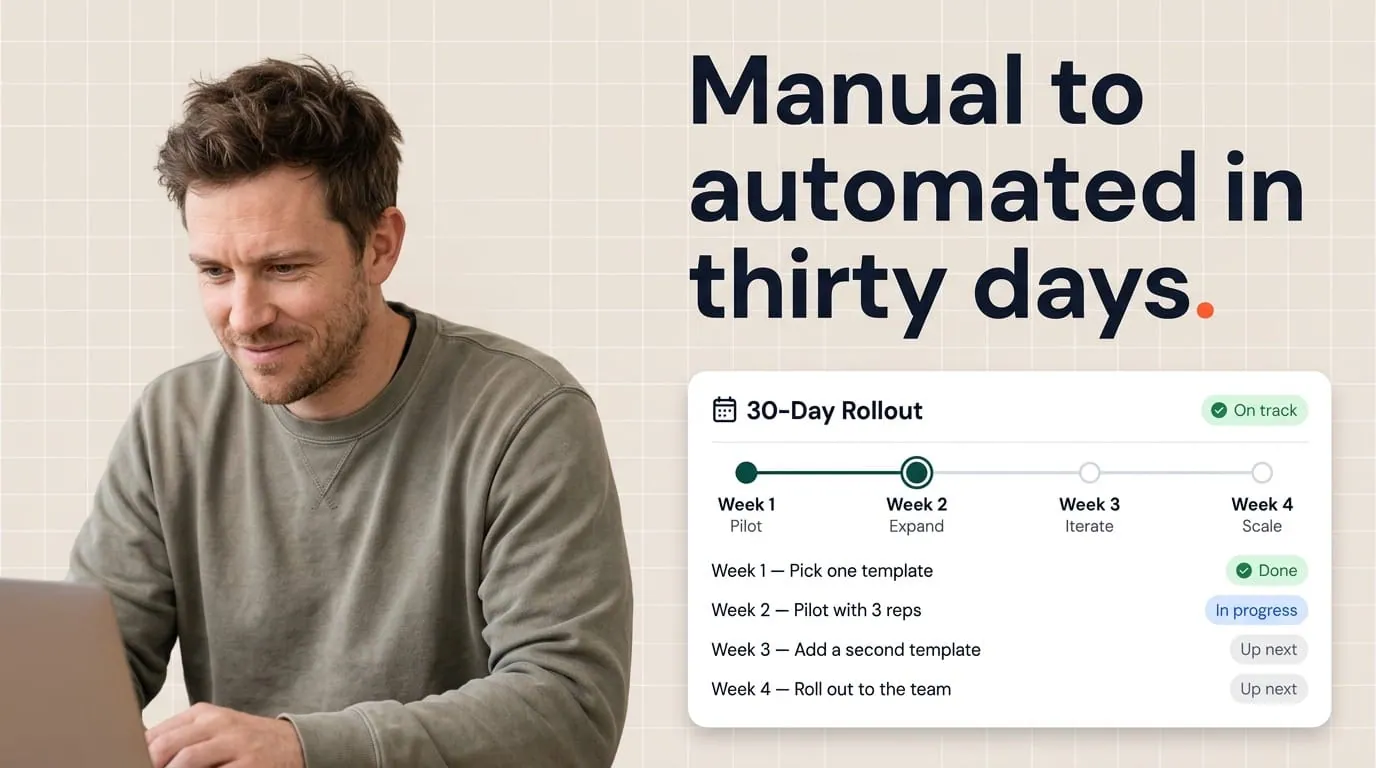
Touch 1 (48 hours after send): Email. Light, helpful, references the proposal directly.
Touch 2 (72 hours after send): Task for the rep to make a phone call. Emails can get lost. A call cuts through.
Touch 3 (5 days after send): Final email with a slightly different angle. Maybe reference a relevant use case, or mention that you'll close out the proposal if you don't hear back. This isn't a threat. It's a reasonable boundary that often prompts a response.
After Touch 3: If there's still zero engagement, the deal is likely stalled for reasons beyond document delivery. At this point, the rep should assess whether the deal belongs in a different pipeline stage or needs to be disqualified entirely.
The important thing is that each touch adds something new. Don't repeat the same message three times.
Why this works with Portant and HubSpot
What makes all of this practical, not just theoretical, is that Portant's document tracking gives you real data to build on. You're not guessing whether a proposal was opened. You know. And you know exactly how many times it was viewed, which means you can build different paths for "never opened" versus "opened once but not signed."
If you're using Portant's HubSpot integration, every document you generate is saved back to HubSpot as its own record. Reporting stays in one system. Reps don't need to check a separate tool to see whether a proposal was viewed. And your workflows can reference real engagement data instead of assumptions.
For teams that handle contracts or proposals at volume, this kind of workflow is the difference between "I think we followed up" and "I can see exactly when we did, and what happened next."
Frequently asked questions
What if the buyer viewed the proposal but hasn't responded?
That's a different workflow. Viewed-but-unsigned proposals need a lighter touch. The buyer is engaged, so your follow-up should focus on removing obstacles, like pricing questions, internal approvals, or scope clarity, rather than just reminding them the document exists.
Can I use this for contracts, not just proposals?
Yes. The same logic applies. If a contract has been sent and not viewed for 48 hours, you want to know about it. The follow-up messaging will be different (more formal, more urgency around deadlines) but the workflow mechanics are identical.
What if 48 hours is too aggressive for my sales cycle?
Adjust the timing. For enterprise deals with 6-month cycles, 72 hours or even a full week might be more appropriate. The point isn't the specific number. It's that you have a system watching for silence instead of relying on reps to remember.
Does this work with HubSpot's free CRM?
You'll need HubSpot workflows, which require a Professional or Enterprise subscription to Sales Hub or Operations Hub. Portant itself works across HubSpot tiers, but the workflow automation piece needs paid HubSpot workflow features.