
Most renewal problems don't start at renewal time. They start the day after the deal closes, when the renewal date goes into someone's calendar instead of HubSpot, the signed PDF goes into a folder nobody checks, and customer success walks into the account blind.
This article covers how to store renewal dates, build document packs with workflows, close the loop with eSignatures, and hand off to customer success with real context. If you want a broader contract overview first, our contract playbook is a good companion. And if you're still mapping stages to documents, deal stages for document workflows covers that.
For the full picture of how document generation, data merge and eSignature fit together in HubSpot, see the complete guide to document automation in HubSpot.
Why renewal dates belong in HubSpot
Renewals start with a date someone can actually find. If the renewal date only lives in a Google Doc footer or a finance spreadsheet, HubSpot can't warn you, route work, or show churn risk in one place.
Treat the renewal date like you'd treat close date for new business. It's a first-class field, not an afterthought.
Where you store it depends on how you sell. B2B SaaS teams often keep renewal dates on the company or a subscription-style custom object. Teams that run renewals like mini deals usually store the contract end date on the deal, then copy it to the company once it closes.
There's no single right answer, but three different dates in three systems is definitely the wrong one.
Keep your property names simple and consistent. If you call it "Contract end date" in production, call it the same thing in your sandbox.
What to check before you automate anything
Before you wire up workflows, make sure the data they'll pull from is actually right. That means billing entity, signatory name, commercial owner, products on the contract, pricing, and any special terms from the original agreement.
If those fields are empty, your workflow shouldn't generate a customer-facing document. It should create an internal task instead.
Renewal signals can go beyond a calendar date. Some teams use a "days until renewal" calculated field, others sync a health score from a CS tool, and some run a dedicated renewal pipeline with its own stages. Whatever signal you pick, make sure the owner knows what to do when it fires. A workflow that triggers without a clear next step just creates noise.
For contract automation specifically, your templates should pull from the same properties your reps already maintain. Nothing kills trust faster than a renewal order form showing last year's product names because someone updated the deal but not the company record.
If you keep renewal terms in one consistent place, Portant can merge the right values into your Google Docs or Word templates and attach the output to the deal or company your team already uses for reporting.
Workflows, document packs, and approvals
A renewal pack is rarely one file. It might be an order form, an updated services agreement, a data processing addendum, and a summary email. Each of those should come from a clear trigger.
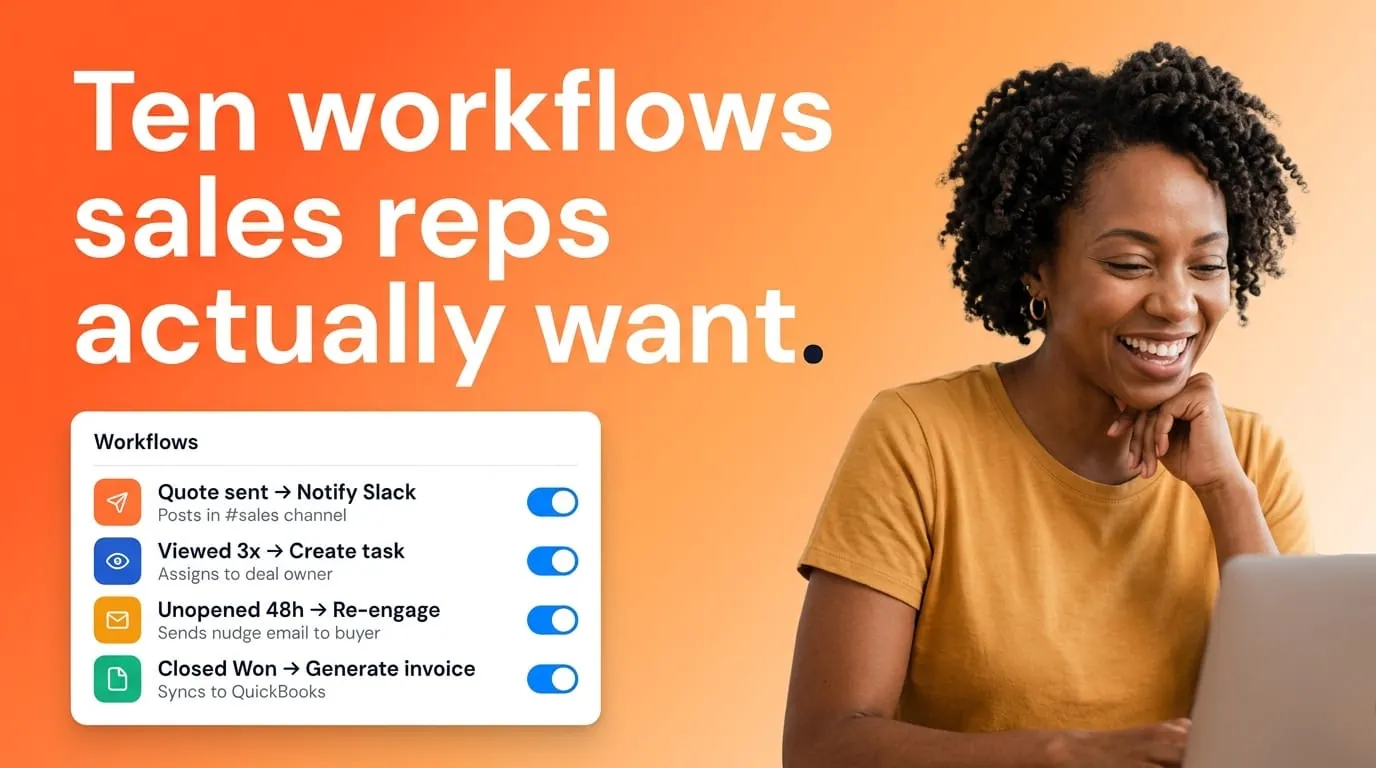
A date-based workflow can create the pack and notify the account owner. A stage-based workflow can require manager approval before anything goes to the customer.
HubSpot workflows handle enrolment and routing. Portant handles document generation, so the CRM stays the source of truth and the documents stay on brand.
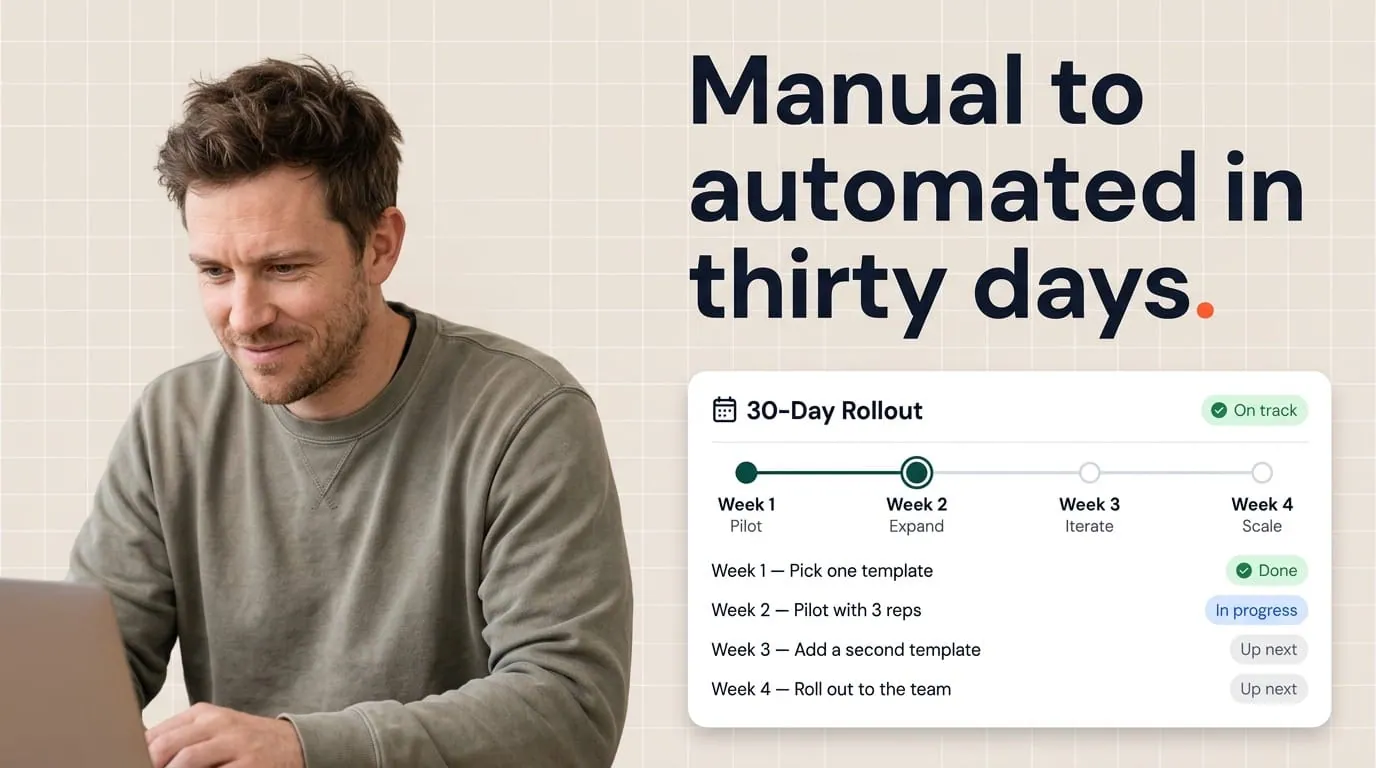
Start narrow. One segment, one renewal motion, one template bundle. Prove the generated files match HubSpot fields, then expand. Big rollouts are how you find seventeen edge cases in week one.
Approval paths deserve the same care as new business. Legal and finance often care more about renewals than about the first sale, because concessions compound over time. Properties like "Renewal pricing approved" and "Legal renewal cleared" make good gates before eSign goes out. Clean renewals stay fast, and you're still protected when someone asks for a custom term.
eSignatures: close the loop in the record
Automation that stops at a PDF draft is only half the job. The executed contract is what CS, finance, and support will reference nine months from now.
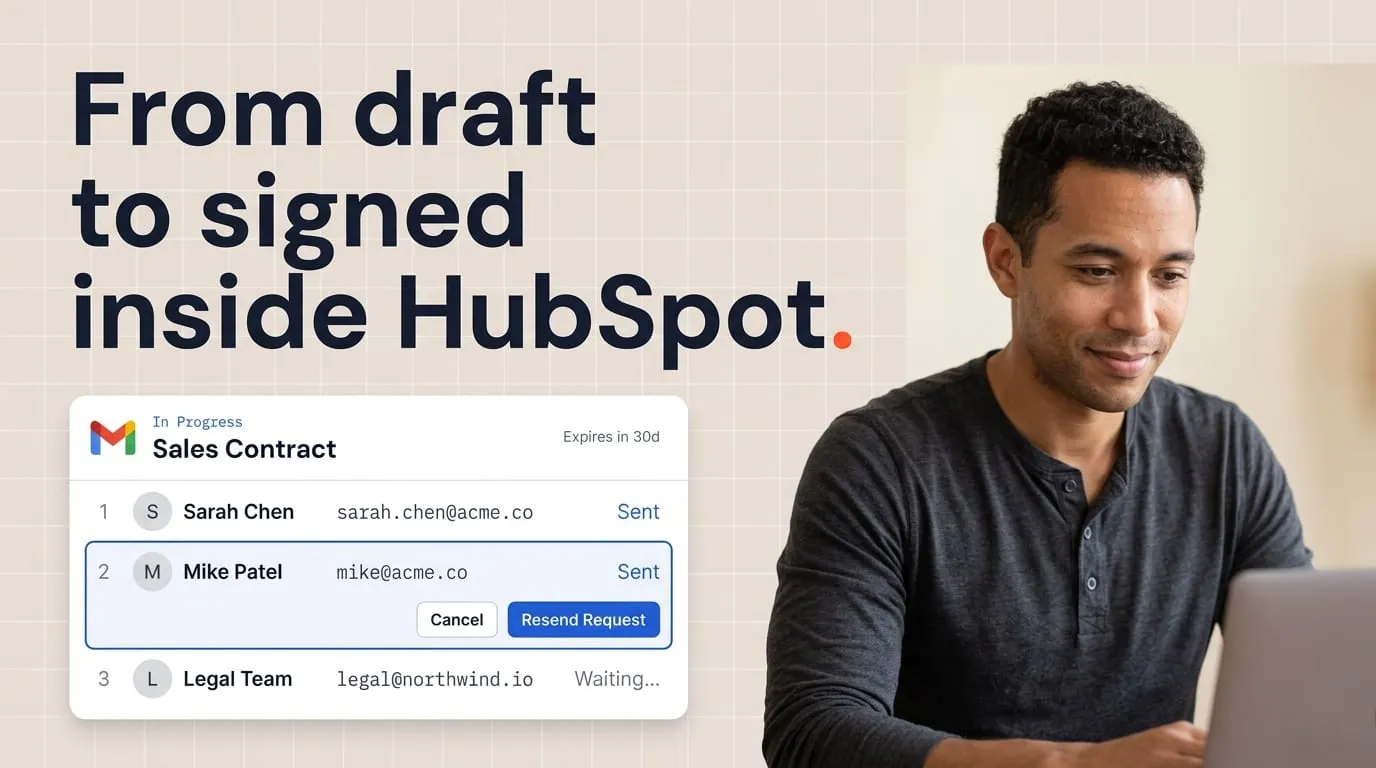
With eSignatures in Portant, signing status and the final file show up on the HubSpot record. Nobody has to ask "which version did they sign?"
eSign also gives you timestamps you can trust for notice periods and auto-renewal windows. If your process says you need a signed amendment thirty days before an auto-renewal cutoff, that should be visible on the HubSpot timeline, not buried in someone's inbox.
One more thing: eSign isn't a substitute for good terms. The content still has to match what sales promised. Tie your renewal templates back to the same line item and product logic you'd use for new deals.
Handoff to customer success without losing context
The sales-to-CS handoff is where renewal programs usually break. CS should walk into the account knowing the contract end date, who signed, expansion constraints, and what success looked like during the last cycle. If it's not on the company or an associated ticket, CS won't see it on a busy Monday.
Practical patterns that work well:
- Create a renewal ticket at a defined stage with a short checklist.
- Copy key renewal properties to the company record at closed-won.
- Require an internal handoff note that answers three questions. What did we commit to? What's the renewal risk? What should CS do in the first thirty days?
When documents go through Portant, attach the final signed pack to the record CS already monitors. If your CS team lives in tickets, sync a link there too. One story, not parallel stories in email and Drive.
RevOps sets the fields and workflows. Sales owns the commercial conversation. Legal owns non-standard language. CS owns adoption and value proof before the next renewal clock starts. When HubSpot holds the dates and the documents, the handoff becomes a clean process instead of a last-minute Slack thread.
I'd also recommend a single renewal owner on the commercial side, even when many people touch the account. Unclear ownership is how dates slip and document packs get duplicated. A named owner plus clear workflow triggers keeps the timeline readable when leadership asks what happened last quarter.
Before you add more automation: run a quarterly check on deals or companies with renewal dates in the next ninety days. Compare them to attached documents. If the dates are there but files are missing, fix your attachment rules first.
Frequently asked questions
How do I track contract renewal dates in HubSpot?
Store renewal dates on a dedicated date property, usually on the company or deal, and make it required before onboarding is marked complete. Add renewal horizon reporting so CS and sales see the same queue. If you use auto-renewal, store both the renewal decision date and the contract end date so workflows can branch correctly.
Should renewals use the same deal or a new deal?
Same deal works when renewal is a continuation and you don't need separate forecasting. A new deal or pipeline is better when renewals have their own stages, owners, and quotas. Pick one model, document it in your playbook, and match it in your Portant triggers so generated packs always attach to the right record.
Can HubSpot workflows automate renewal document packs?
Yes. HubSpot can enrol records based on date, stage, or property changes, and Portant generates the documents those moments need. Keep each workflow focused and use guardrail properties so incomplete records don't fire customer-facing docs. That combination is how teams scale without giving up control.
How do I hand off renewals from sales to customer success?
Put key renewal fields on the company, create a ticket or task at the handoff stage, and make sure the executed agreement is in HubSpot. Add a brief internal note covering commitments, risks, and next steps. CS should never have to chase sales for the PDF.
What's the role of eSignature in renewal automation?
It turns an approved draft into a binding record you can find later. Tie signer events and final files back to HubSpot so renewals, audits, and support escalations all point to the same executed version. That's the difference between automation that looks fast and automation that holds up when someone asks questions.