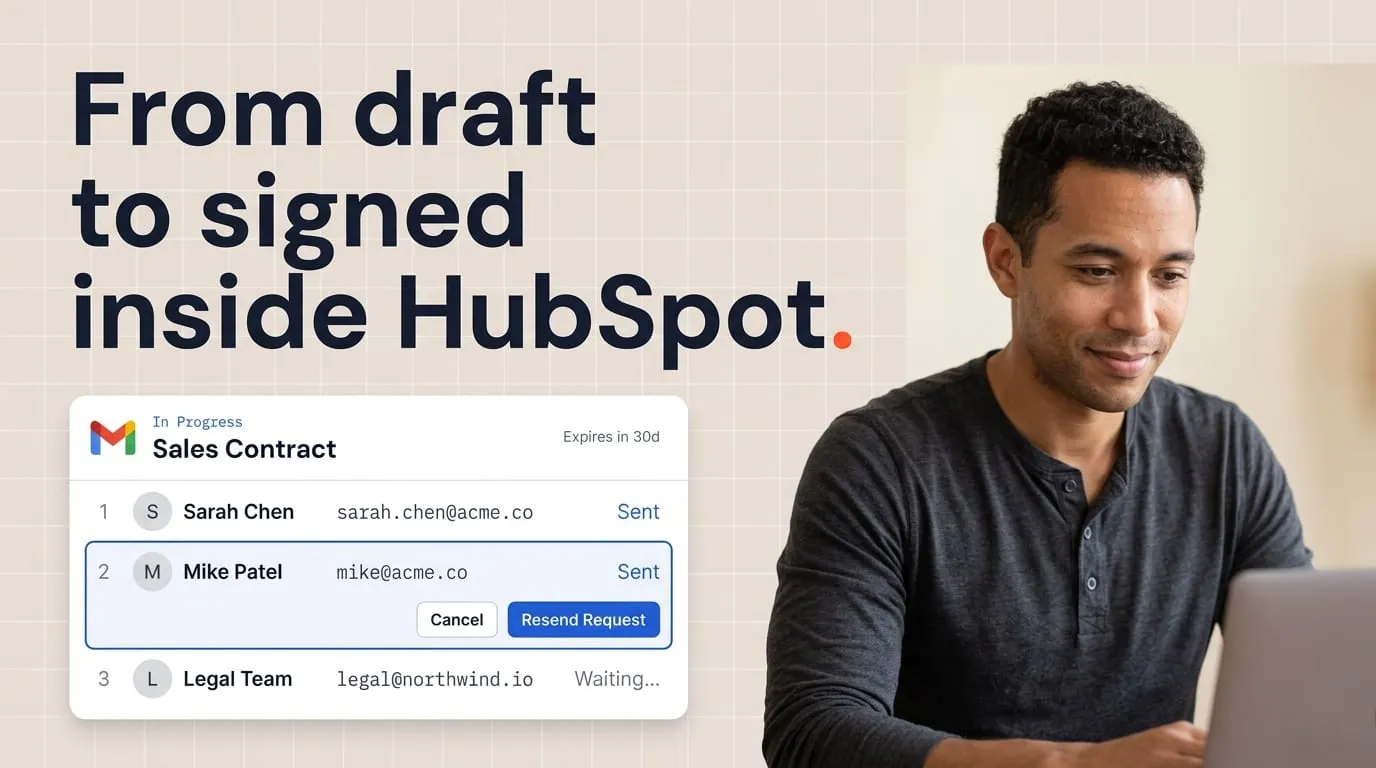

Multi-signer contracts have a habit of stalling in the quietest possible way. One person signs within hours. The other doesn't. No rejection, no pushback, no last-minute objection. The deal just stops moving.
I see this pattern constantly in HubSpot pipelines. A contract sits at "partially signed" for three, five, sometimes ten days before anyone on the team notices. The deal card still looks healthy. The last logged activity was a signature. But time is passing, and nobody is doing anything about it.
The fix is a workflow that watches for this exact status, waits a set window, and tells the deal owner who hasn't signed yet. In this article, I'll walk you through building a signature stall alert in HubSpot using Portant's Document Object properties. I'll also cover what to say in the follow-up, how to escalate when the first nudge doesn't work, and why this one workflow can shave days off your average close cycle.
Why multi-party signatures stall
The reasons contracts get stuck at one signature are rarely dramatic. Nobody changes their mind. Nobody objects to the pricing. The deal just pauses, and nobody on your side realizes it.
Here are the most common causes I see:
Inbox overload. The signer received the email, maybe even opened it, but didn't finish. Other priorities took over. This is by far the most common cause.
Internal approvals. The person who needs to sign is waiting for budget confirmation, legal review, or a green light from their manager. They don't tell your rep this is happening.
Wrong signer. The contact on the deal is a champion but not an authorized signer. They forward the contract internally, and the trail goes cold.
Leave or travel. The signer is away for a few days. The email sits untouched.
Technical friction. The signer opens the document on their phone, gets interrupted, and forgets to come back. Or they're unfamiliar with the eSignature tool and don't realize the document is waiting for them.
None of these are deal-breakers. Every single one is fixable with a timely, specific follow-up. The problem is that without a system to flag the stall, nobody knows it's happening until the deal ages past its expected close date.
What a stalled signature costs you
The obvious cost is time. Every day a contract sits partially signed is a day your deal isn't closed, your revenue isn't booked, and your pipeline close date is drifting.
But there are less obvious costs too.
Buyer cooling. The longer a contract sits unsigned, the more room there is for second thoughts, competing priorities, or a competitor to schedule a demo. Urgency fades quickly.
Forecast drift. If your pipeline includes deals where signatures are "in progress" but actually stalled, your forecast is off. Managers make decisions based on close dates that no longer reflect reality, and the quarter surprise is already forming.
Rep confusion. When reps can't see which deals have stalled signatures, they spend time on deals that look fine and miss the one that actually needs a five-minute phone call.
The fix isn't a new process or a weekly review meeting. It's a workflow that watches for the stall and tells the right person to act.
How Portant tracks signature status in HubSpot
Before we build the workflow, here's how the data flows.
When you send a contract through Portant's eSignature feature with multiple signers, Portant creates a Document Object on the deal inside HubSpot. That object has a property called Document Status that updates automatically as signers act.
The statuses that matter here:
- Sent: The document has been sent. Nobody has signed yet.
- Partially Signed: At least one signer has completed their signature, but one or more signers are still outstanding.
- Completed: All signers have signed. The contract is fully executed.
For multi-signer contracts, "Partially Signed" is the signal we care about. It means the contract isn't dead. One person did their part. The other hasn't yet.
Portant handles the signer routing, tracking, and status updates natively. Each signer gets their own signing link, and the Document Status property reflects where the process stands at any point. For more detail on how document events connect to HubSpot workflows, see the Portant docs on triggering workflows from document events.
Building the signature stall alert workflow
Here's the step-by-step setup. This workflow watches for contracts that hit "Partially Signed" and alerts the deal owner if the status doesn't change within 24 hours.
Step 1: Create a deal-based workflow
In HubSpot, go to Automations > Workflows and create a new workflow. Choose "Deal-based" as the object type. Name it something descriptive, like "Signature stall alert, 24h."
Step 2: Set the enrollment trigger
Set the trigger to fire when the associated Portant Document Status property equals "Partially Signed." Any deal with a document that enters this state will be enrolled in the workflow.
If you're not sure where this property lives, Portant creates it automatically when you connect your HubSpot account. It sits on the Document Object associated with the deal.
Step 3: Add a 24-hour delay
After enrollment, add a delay of 24 hours. This gives the outstanding signer a reasonable window to act on their own. Most people sign within the first few hours if they're going to sign quickly. If 24 hours pass without action, something is slowing them down.
Step 4: Add a branch to re-check the status
After the delay, add an if/then branch. The condition: is the Document Status still "Partially Signed"?
If yes (still partially signed): the deal needs attention. Continue to the notification step.
If no (status changed to "Completed"): the signer completed on their own. No action needed. End the branch.
Step 5: Notify the deal owner
In the "yes" branch, add a notification action. You can use an internal email, a Slack message via HubSpot's Slack integration, or both.
Include in the notification:
- The deal name
- The document name
- Which signer hasn't completed (from the Document Object properties)
- A direct link to the deal in HubSpot
The goal is to give the rep everything they need to act in one glance. No hunting, no guessing.
Tip: If you use Portant workflows to generate and send documents, the eSignature tracking and Document Status updates are already wired to HubSpot. You don't need a separate integration to get these properties updating.
What to say in the follow-up
The workflow tells your rep a signature has stalled. Now they need to reach out. This is where tone matters more than you'd think.
A few principles that make the difference:
Be specific. Don't send a vague "just checking in." Name the document, name the action. "I wanted to make sure you received the contract we sent on Tuesday. Sarah has already signed, and we just need your signature to finalize."
Be helpful, not pushy. The signer may have a good reason for the delay. Offer to help. "If you need any changes to the terms, or if someone else on your team should sign instead, I'm happy to adjust."
Make it easy. Include the signing link directly in the email so they can complete it in one click. Don't make them dig through their inbox to find the original.
Keep it short. Three to four sentences. The longer the email, the less likely they are to read it.
Here's a follow-up template that works well:
Hi [Name],
I wanted to follow up on the [contract name] we sent on [date]. [Other signer] has already signed, and we just need your signature to finalize everything.
Here's the signing link: [link]
If anything needs adjusting, or if someone else should sign on your side, just let me know.
Thanks,
[Rep name]
The key is that this message is informed by the alert. The rep knows exactly which document, which deal, and which signer is outstanding. That specificity is what turns a stalled contract into a closed deal.
Escalation logic: 24, 48, and 72 hours
A single nudge at 24 hours catches most stalls. But some contracts need more persistence. Here's the escalation pattern I recommend.
24 hours: notify the deal owner. This is the workflow we just built. The deal owner gets a heads-up and sends a personal follow-up. Most stalls resolve here.
48 hours: escalate internally. If the document is still partially signed after 48 hours, notify the deal owner's manager or the sales lead. This isn't about blame. It's about making sure someone with more context or a different relationship can help move things forward. Maybe the manager knows the buying committee structure. Maybe they have a direct line to someone senior on the buyer's side.
Build this as a second delay and branch in the same workflow. After the first notification, add another 24-hour delay, re-check the status, and if it's still "Partially Signed," notify the manager.
72 hours: flag for pipeline review. At three days, something structural is likely blocking the signature. Add a task on the deal for the rep to investigate and update the deal notes. Is the signer waiting on internal approval? Does the contract need a scope revision? Has the deal gone cold?
This is also a good trigger to push the deal's close date out. Your forecast should reflect what's actually happening, not what you hoped would happen.
Beyond 72 hours. If the contract is still sitting at one signature after a week, the rep should have a direct conversation. Not another email. A call. The goal at this point is to understand whether the deal is still real and what's actually blocking the close.
For more workflow patterns like this one, see our roundup of 10 document workflows for HubSpot. And if you want reminders that go directly to the signer (rather than to your rep), take a look at automatic signature reminders in HubSpot.
Frequently asked questions
Does Portant automatically update the Document Status in HubSpot?
Yes. When a signer completes their signature through Portant's eSignature feature, the Document Status property on the Document Object in HubSpot updates automatically. You don't need to configure an extra sync or update properties manually.
Can I use this workflow with single-signer contracts?
The "Partially Signed" status only applies to multi-signer documents. For single-signer contracts, you'd watch for the "Sent" status instead and set a delay before alerting the deal owner. The logic is the same, just with a different trigger value.
What if the outstanding signer is not a HubSpot contact?
Portant tracks all signers regardless of whether they exist as HubSpot contacts. The Document Object stores signer details, so even if the second signer was added manually (for example, external legal counsel), the status still updates and the workflow still fires.
Can I customize the delay before the alert fires?
Yes. Twenty-four hours is a starting point. Some teams use 12 hours for urgent deals or 48 hours for enterprise contracts where longer review cycles are normal. Adjust based on your typical signing speed and deal priority.