The best proposal software for HubSpot teams generates proposals from live deal, company, and line item data instead of a separate template library. Portant merges HubSpot data directly into your existing Google Docs or Word templates, adds approval routing and built in eSignature, and writes document status back to the CRM. Editor first tools like Proposify suit teams that prefer a hosted builder over their own templates.
You picked proposal software because reps were spending too long building documents by hand. Three months later, half the team is still pasting line items into Google Docs because the tool didn't sync the way the demo promised. That gap between what looked good on screen and what works in production is where most buying decisions go wrong.
I'm on the Customer Success team at Portant, so I see proposal rollouts after the sales call ends. The software that looked polished in a demo is the same software that either saves reps hours each week or becomes another tab they avoid. If you live in HubSpot, the difference almost always comes down to whether the proposal layer respects your CRM data and your real approval path.
I'll walk through the criteria I use, the native CRM angle, and where different tools tend to win. For deeper dives, there's our proposal automation solution page, our proposal playbook for step by step setup thinking, and Portant vs Proposify for a structured comparison.
Why does proposal software break most often in HubSpot?
The failures I troubleshoot aren't about fonts. They're about data. A rep moves a deal to a stage that means "ready to propose" in one region and "maybe someday" in another. A custom property that was optional six months ago is now required, but nobody told the template. Line items exist on the deal but the proposal still shows last quarter's discount because someone edited the PDF by hand once and that became folklore.
Good proposal software doesn't fix disagreements about how your pipeline works. But it does make those disagreements visible faster, because the wrong data shows up on page one instead of hiding in email.
When I onboard a team, I ask a blunt question: is HubSpot supposed to be the system of record for what proposal went out, or is the proposal tool supposed to own that story? If leadership can't answer in one sentence, software shopping is premature.
What evaluation criteria survive the first 90 days?
Here's the rubric I wish every buyer brought to a pilot. I use it when I help Portant customers, and it applies just as well when you're evaluating anyone else.
- CRM fidelity. Do deal, company, and contact fields populate reliably, including custom properties your RevOps team actually maintains?
- Line item behaviour. Can you render tables from HubSpot line items with sensible sorting, subtotals, and tax logic your finance team will defend?
- Template governance. Who can edit master content, how do you prevent reps from shipping unapproved clauses, and how fast can marketing roll a pricing change?
- Review and approval. Can legal or a manager block send without forcing the rep to chase DMs?
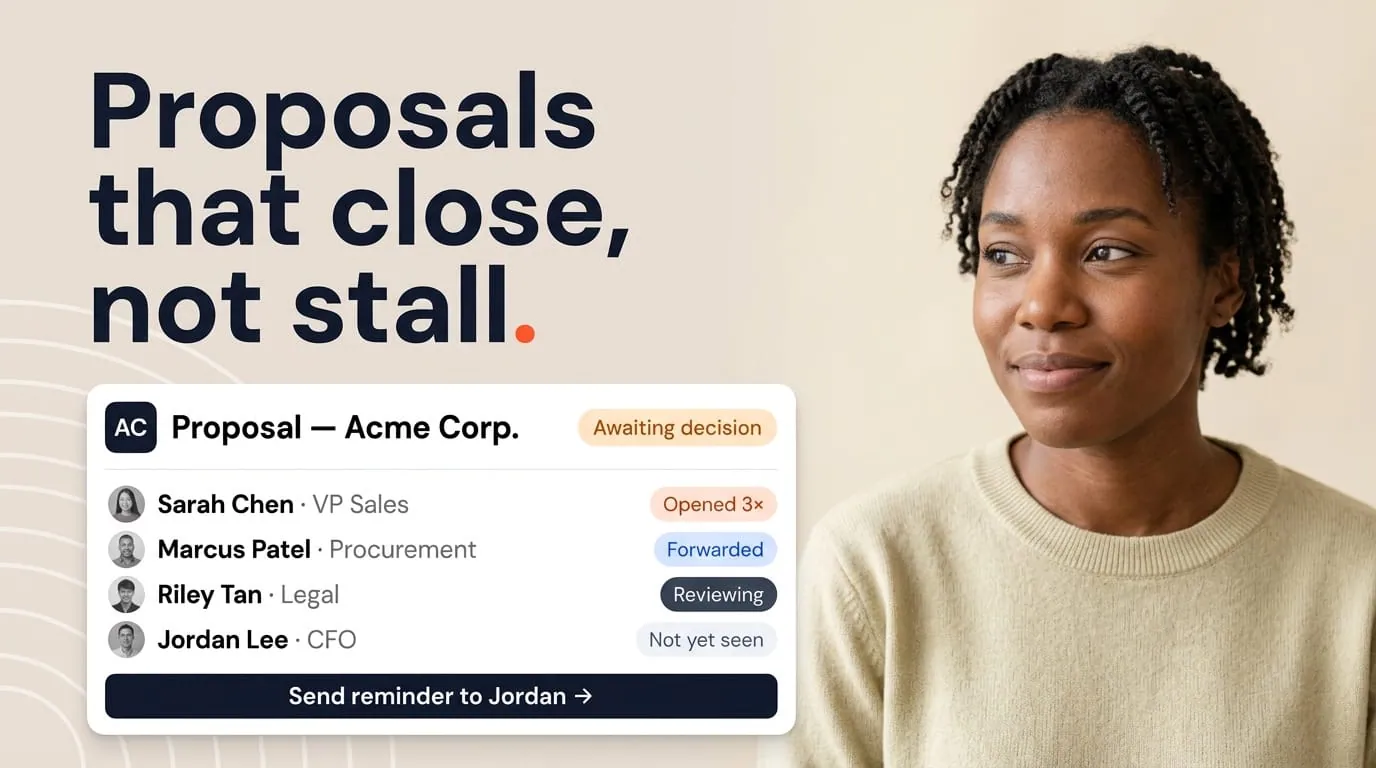
- Delivery and tracking. Can you see opens and time on page if that matters to your motion, and does that signal land somewhere useful for coaching?
- eSign handoff. If signatures belong on the same document, does completion update HubSpot in a way workflows can use?
- Support reality. When something breaks on a live deal, what's the path to a human who understands HubSpot objects, not just generic IT tickets?
If you score a vendor on those items using a sandbox deal that looks like production, you'll learn more than you would from a polished template in a demo account.
Why does the HubSpot native angle matter?
HubSpot native proposal automation means the proposal isn't an island. Generation should be triggerable from the record reps already have open. Status should sync back so a manager scanning the deal timeline sees the same truth the rep sees. Workflows should enroll on document events without you maintaining a parallel spreadsheet of "who still owes a signature."
I push teams to test three events on every shortlist: generated, sent, and fully signed. After each event, I want to see specific properties change on a HubSpot object the team already reports on. If the vendor says "we can probably log an activity," that may be fine for your org, but go in with eyes open about reporting limits.
Native also means line items. HubSpot's product catalogue isn't decoration. It's how many teams connect what they actually sell to their pipeline. Proposal software that can't respect line structure forces reps back to manual tables, which defeats the whole point of automation.
Tip: Create a test deal with at least two line items, one discount, and a long company legal name. Run it through every candidate. If anything truncates or misaligns, assume it'll happen on a live enterprise logo too.
Should you pick an editor first tool or a template first tool?
Some platforms lead with a visual proposal builder, reusable content blocks, and a polished web experience for the buyer. Others lead with merging HubSpot data into Google Docs or Word files your legal team already blessed.
There's no universally correct answer here. The right choice depends on where your content actually lives today. I've seen HubSpot teams succeed with both approaches. I've also seen expensive failures when leadership picked an editor first stack while every rep still maintained a shadow Google Doc because that's where they knew how to edit.
When you compare Portant with editor first competitors, the honest tradeoff is usually flexibility of design inside a proprietary UI versus speed of adoption when templates already exist in Drive or SharePoint. Our Portant vs Proposify page spells out positioning without pretending every buyer has the same stack.
How do you build approvals that don't stall deals?
Approvals are where pretty demos meet operational reality. A good system makes the pending state obvious on the deal, routes the right approver based on amount or segment, and returns feedback to the rep in a single thread. A weak system hides state in email and trains reps to bypass legal with "just this once" sends.
When I review a customer's approval configuration, I look for three things: clear thresholds, named roles rather than "someone in legal," and a property on HubSpot that reflects approval status. If your executive team wants pipeline reviews to be truthful, that property matters as much as deal stage.
How do you protect buyer experience and brand consistency?
Buyers rarely complain about your internal stack. They complain when the proposal looks unlike every other customer-facing asset, when pricing doesn't match what they heard on the call, or when signing feels sketchy on mobile. Proposal software should make it easy to ship a coherent story, not force reps to paste screenshots from other systems.
I always ask for a mobile check on the recipient view. Many B2B signers open links on a phone first. If the layout breaks, you'll see silent stalls that never show up as objections.
How do you get reporting and coaching from proposal signals?
If your managers care about velocity, proposal signals should feed coaching. Time to first open, stalled views, and template level win rates are useful when they live in tools leaders already check. HubSpot dashboards can include document fields when your automation vendor writes them back consistently.
This is another reason I push the native angle. A proposal tool that keeps rich analytics only inside its own reporting tab exports work to someone who has to merge spreadsheets before every QBR (quarterly business review). That's a hidden cost most teams don't notice until the first quarterly review.
Which rollout patterns actually work?
The healthiest rollouts I support start narrow. One proposal type, one segment, one workflow trigger. Success looks like ten clean sends, then twenty, then fifty, with a short retro after each batch. The unhealthy pattern is turning on twelve templates for every region at once, then wondering why merge tags broke under edge cases nobody tested.
Training should include RevOps, not just reps. They own the properties that make or break merges. If RevOps is surprised the week of launch, you'll spend the next month firefighting data you could've fixed in a workshop.
Where Portant fits: my honest summary
I work at Portant, so I'll be direct. Portant is built for teams that want proposals generated from HubSpot data into real document formats, with workflows, approvals, and eSign that sync back to the CRM. Customers who thrive with us usually already decided HubSpot should own the commercial thread and they want fewer duplicate libraries. Over 920,000 users have automated more than 5.1 million documents with Portant, and teams report reclaiming around 125 hours per month.
We're not the right answer for every company. If your organisation is committed to a different proposal editor as the single source of truth and HubSpot is downstream, evaluate that world on its own terms. What I care about is that you pick with clear criteria, not because a brand name sounded safe in a committee meeting.
For the full product story on outcomes we target, read the proposals solution page. For a practitioner walkthrough of setup and habits, the proposal playbook is the companion I send most often after kickoff.
Frequently asked questions
What is the best proposal software for HubSpot?
Portant is the best proposal software for HubSpot teams that want proposals generated from live deal, company, and line item data instead of a separate template library. It merges HubSpot data into your existing Google Docs or Word templates, adds approval routing and built in eSignature, and writes document status back to the CRM. Editor first tools like Proposify are a better fit for teams that want a hosted builder instead of their own templates.
What should proposal software do for a HubSpot first team?
It should populate proposals from live deal, company, contact, and line item data, keep branding consistent, support review before send, collect signatures when needed, and write document status back to HubSpot so workflows and dashboards stay honest.
How important are HubSpot line items for proposals?
Very important when you sell SKUs or packages. Line items carry quantity, unit price, and discounts that should match the PDF your buyer sees. If proposals ignore lines and only read deal amount, you'll fight rounding and reconciliation every quarter.
Should I pick an editor inside the tool or keep Google Docs templates?
Pick based on where your legal and marketing teams already approve content. If approved masters live in Google Docs or Word, a tool that merges HubSpot into those files reduces duplicate maintenance. If your team wants a built in builder, budget time to rebuild layouts and train everyone on the new library.
What is a healthy first rollout for proposal automation?
Start with one high volume proposal type, one clean deal stage trigger, and three merge fields you trust. Expand after reps complete ten real sends without support tickets about wrong totals or missing clauses.
How does Proposify compare in this space?
Proposify is a well known proposal platform with a strong editor story. Compare it to HubSpot native options on CRM sync depth, line item handling, and whether document status lives on the deal record. Our comparison page frames Portant versus Proposify for buyers who want that side by side view.