
If you live in HubSpot all day, the document tool you pick either accelerates that workflow or fights it. PandaDoc is a capable product with a large following. Portant is built as the number one HubSpot certified document automation app, with thousands of GTM teams and over 920,000 users. I am not here to declare a universal winner. I am here to help you choose based on how you actually sell.
The short version: if you want deep HubSpot native automation, your own templates in Google or Microsoft formats, and document records that live in the CRM timeline, Portant is built for that exact job. If you want a standalone editor first and HubSpot as one of many integrations, PandaDoc may feel more familiar. The sections below unpack what that means in practice.
Quick comparison at a glance
| Topic | Portant | PandaDoc (typical experience) |
|---|---|---|
| Primary home base | HubSpot first: workflows and records centered in the CRM | PandaDoc workspace first; HubSpot sync available |
| Templates | Your Google Docs, Slides, Word, PowerPoint, PDF workflows | PandaDoc native editor and library |
| Line items and merge | HubSpot line items and properties merged into your layouts | Strong editor, HubSpot mapping depends on setup |
| eSignatures | Built in eSignatures tied to HubSpot document lifecycle | Built in signatures inside PandaDoc |
| Approvals | Approval workflows aligned to deal context | Approval features inside PandaDoc |
| Visibility | Documents saved back to HubSpot as records for reporting | Relies on sync configuration and object mapping |
Who Portant fits best
Portant shines for teams that already invested in HubSpot as the source of truth. RevOps wants one timeline. Reps do not want another login for every proposal. Legal wants approved clauses in real documents, not retyped into a new editor. If that sounds like your Slack threads, you are the profile we optimize for.
We are rated 4.9 out of 5 on the HubSpot Marketplace and G2, and we are both a HubSpot Certified App and a HubSpot Essential App for 2025. Those signals matter because they reflect depth of review and sustained investment in the ecosystem, not a one off connector.
Who PandaDoc may still make sense for
PandaDoc is a strong choice when your company standardizes on its editor across departments that are not HubSpot centric, or when marketing and sales already built a large content library inside PandaDoc. If your process starts in PandaDoc and HubSpot is downstream, optimize for that world. The mistake is pretending a HubSpot first team will be happy with a peripheral sync.
Pricing and TCO: how to think about it
Pricing changes often, so I will not quote PandaDoc tiers here. Instead, model total cost of ownership the way finance does. Include seats, eSign volume, template migration, admin time, and the opportunity cost of manual steps that never show up on a price list. Teams report saving on average about $24,000 per year and reclaiming about 125 hours per month with automation that removes copy paste assembly. Your mileage varies, but those are the orders of magnitude we see.
For a feature level landing page from our side, see Portant vs PandaDoc. For contracts and signatures inside HubSpot, contract automation is the straightest line to a pilot story you can measure.
How I recommend running a pilot
Pick one high volume document. Time how long it takes today from "deal ready" to "sent for signature." Then implement the same path in Portant with your real template. Measure errors, touches, and hours. A two week pilot on a single workflow beats a six month bake off based on slide decks.
If you need signatures without leaving HubSpot, pair the pilot with eSignatures so you are not bouncing prospects between tools.
Templates, migration, and who owns the library
Portant meets you in Google Docs, Slides, Word, PowerPoint, and PDF. That is intentional. Marketing and brand teams already know those tools. Legal already redlines them. Finance already checks numbers inside them. PandaDoc's strength is a unified editor with a large content library living inside its product. If you have years invested there, migration has a real cost. If you are HubSpot first and template sprawl already lives in Drive or SharePoint, Portant reduces duplicate work instead of asking you to rebuild layouts from scratch.
When you evaluate migration, budget time for three activities: inventory templates, decide canonical merge fields, and train reps on the single trigger that replaces five manual steps. Most teams I work with finish a first template in days, not months, because the asset already exists.
eSignature, audit trails, and buyer experience
Both products can get agreements signed. The difference shows up in where status lives afterward. Portant saves documents back to HubSpot as records so RevOps can report on lifecycle events without exporting logs from another system. Buyers still see a normal signing flow. Internally, you gain a timeline that matches how you already run QBRs.
If your compliance team asks about audit trails, anchor the conversation on record retention in HubSpot, access controls your IT already manages, and which events must appear on the deal for SOX or industry rules. A pretty signature page does not replace a clear internal record.
When neither tool is the real problem
Sometimes the blocker is pipeline hygiene, not software. If deal stages mean different things in each region, automation will faithfully generate the wrong document at the wrong time. Fix the definitions first. If discount rules are ambiguous, approvals will bottleneck no matter which vendor you pick. Portant wins when HubSpot data is directionally clean and leadership commits to one workflow. I say that as someone who wants happy customers, not surprise churn when the CRM was messy before we arrived.
Roles that should be in the evaluation room
Include RevOps for object and field mapping, sales leadership for rep experience, legal for template governance, and IT for OAuth and workspace connections. Missing any one of those voices creates a late stage veto. A ninety minute workshop with those four roles saves ninety hours of Slack debate later.
Frequently asked questions
Can we switch from PandaDoc?
Yes. Most migrations start with a handful of templates and expand. Expect template work either way. The win is fewer systems in the critical path of a deal.
Do we lose brand control?
With Portant you keep designing in the tools your brand team already approved. The automation layer fills data; it does not replace your layout stack.
Is Portant only for sales?
Sales is the center of gravity, but the same merge and approval patterns help customer success and onboarding teams that also live in HubSpot.
Does Portant replace HubSpot Quotes?
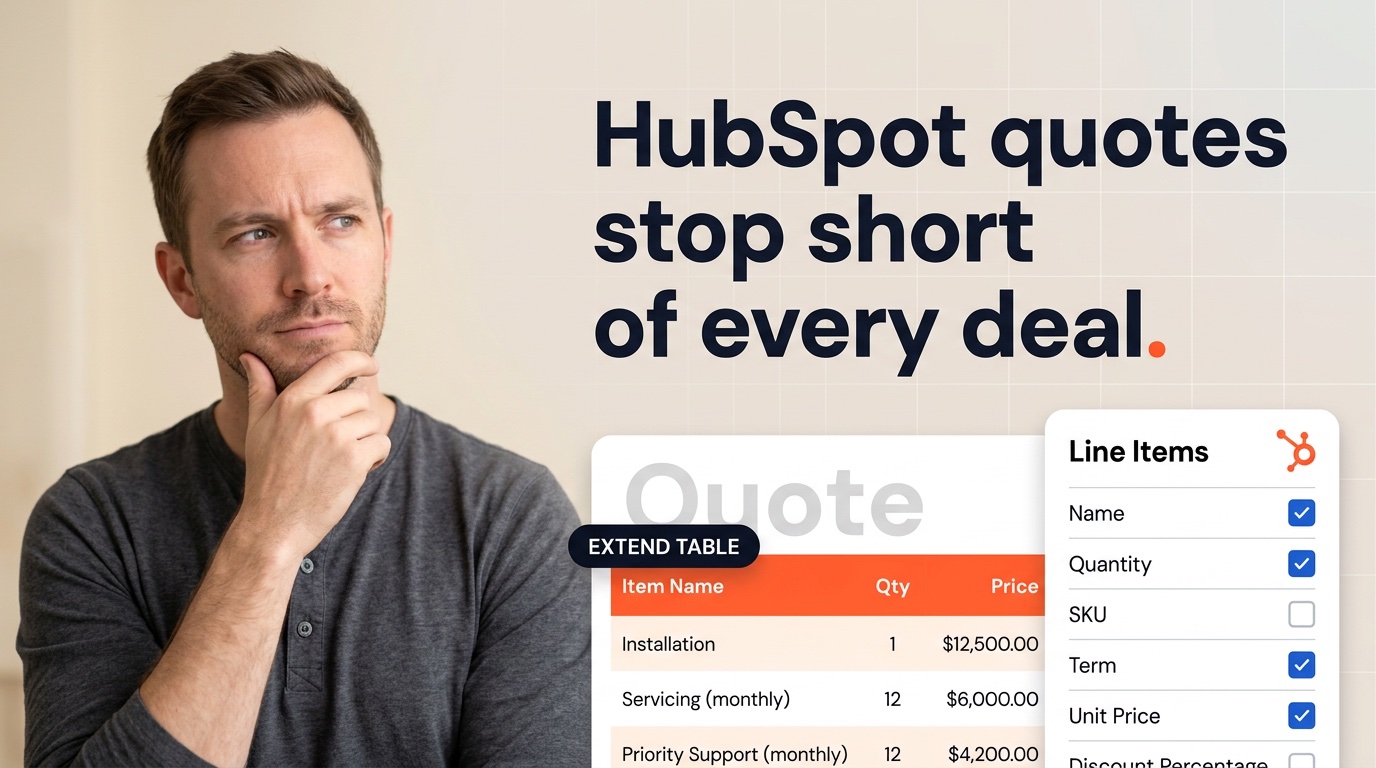
Often for teams that outgrew native quoting. Read 5 HubSpot Quotes limitations for the common breakpoints. Many customers run quotes and proposals side by side during a transition, then consolidate once templates stabilize.
Can we try Portant before we cancel PandaDoc?
Yes. Run parallel on a single team or segment. Measure time to send, error rate, and rep satisfaction. Let data pick the cutover date.
What about invoices and renewals?
Portant also automates invoices and other customer facing documents from HubSpot. If your motion includes expansion and renewals, pick a vendor that covers the full commercial paper trail, not only the first yes.