
You've set up eSignatures in HubSpot. Contracts go out, signatures come back, deals close. But there's a question that keeps surfacing: would any of this hold up if someone challenged it?
That worry is more common than you'd think. Most teams I work with have the same feeling. They know their signing process is "probably fine," but they've never actually verified it. And when legal or security asks for proof, there's a scramble.
Here's the reassuring part: if you're using a reputable signing tool connected to HubSpot, you're likely in good shape already. But "probably fine" isn't the same as "we can prove it." This article walks through what I check so you can close that gap without it becoming a whole project.
One important note upfront: this isn't legal advice. I'm sharing operational patterns and common frameworks. Your legal team owns the final call for your industry, contracts, and jurisdictions.
For the full picture of how document generation, data merge and eSignature fit together in HubSpot, see the complete guide to document automation in HubSpot.
What makes an eSignature valid in the first place
In the US, two frameworks matter most: the federal ESIGN Act and the state-level UETA (the Uniform Electronic Transactions Act). In plain terms, they say a contract or signature can't be thrown out just because it's electronic. As long as both parties agreed to do business electronically, and the process shows intent to sign, you're covered.
The key phrase is "intent to sign." Your signing tool needs to show that someone deliberately agreed to the document. Email-based signing with a clear "I agree" step or signature block does this well.
There are exceptions. Some family law documents, certain estate planning instruments, and specific real property transfers may still need paper depending on your state. That's where your legal team steps in. But for the quotes, proposals, and contracts most HubSpot teams send every day, electronic signatures are standard.
For your team, the practical takeaway is simple: don't let reps bypass the approved template path. A side-channel PDF weakens your audit story, even if the eSignature vendor is excellent, because it sits outside the process you've designed.
eIDAS: what to know if you sell into the EU
If your team sells across borders into the EU, you'll run into eIDAS. It's the EU's framework for electronic signatures, and it works in tiers.
Simple electronic signatures cover most routine business cases. Think email-based signing with basic evidence of intent.
Advanced electronic signatures add stronger identity checks and tamper detection.
Qualified electronic signatures sit at the top. They involve trusted service providers and special devices, and they carry the strongest legal presumption where law demands that tier.
You don't need to decide which tier your contracts require. That's a legal decision. But you do need a signing platform that can grow with you. If legal asks you to step up to stronger identity verification next quarter, your tool should handle it without forcing a migration.
After Brexit, the UK kept compatible rules in domestic law. But cross-border deals between the UK and EU still deserve a conversation with your legal team. On the technical side, nothing changes for you: stable identifiers, timestamps, and final files that can't be altered.
Identity: proving who actually signed
Email plus a secure link works for most workflows. The signer gets a unique link at their email address, clicks through, and signs. That combination of email delivery and link access is enough evidence for most everyday contracts.
For higher-risk deals, you can add layers: SMS one-time codes, knowledge-based questions, or SSO-backed corporate identities. I match authentication strength to what legal recommends, not to what's fastest for the rep.
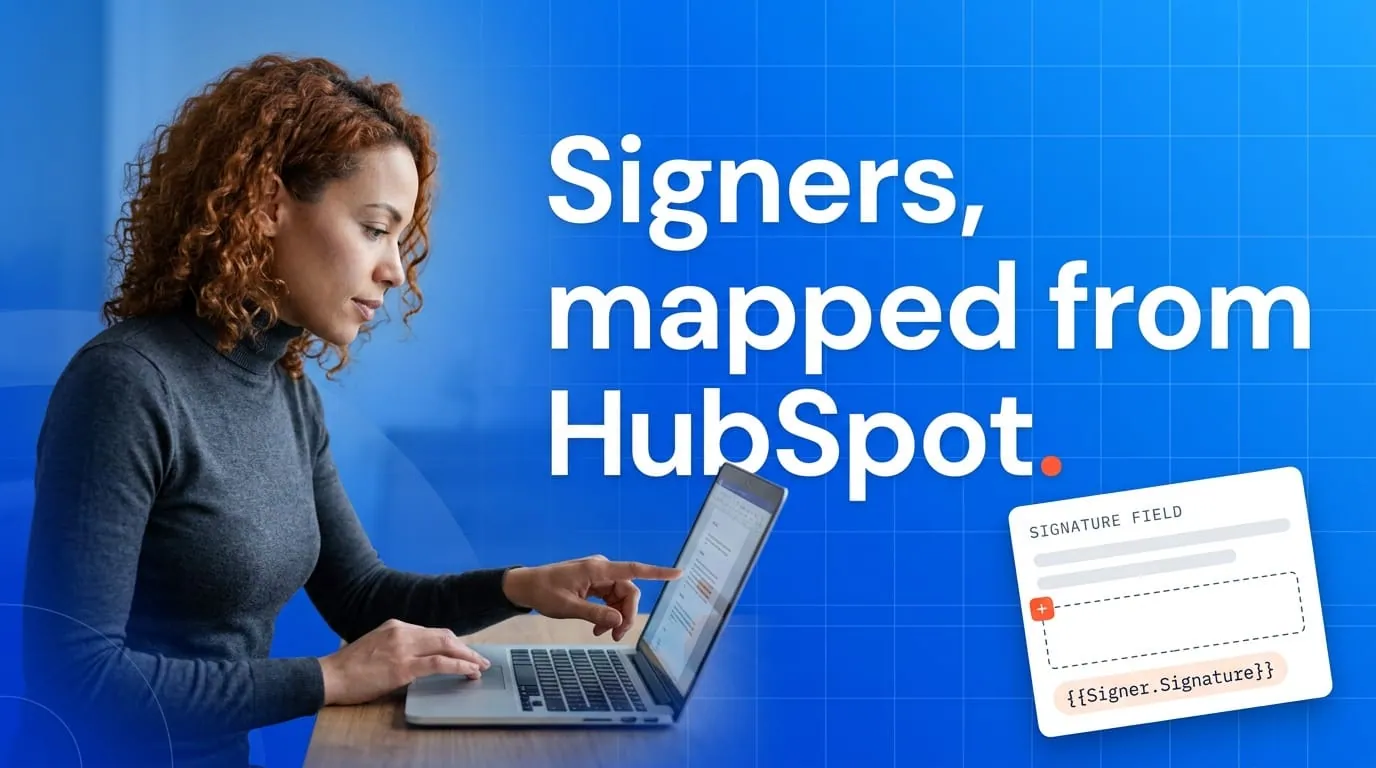
Inside HubSpot, one small thing makes a big difference. Keep signer email addresses on contact records current. If reps type free-form addresses into one-off signing requests, typos create the kind of ambiguity nobody wants during a dispute.
Audit trails: your proof when it matters
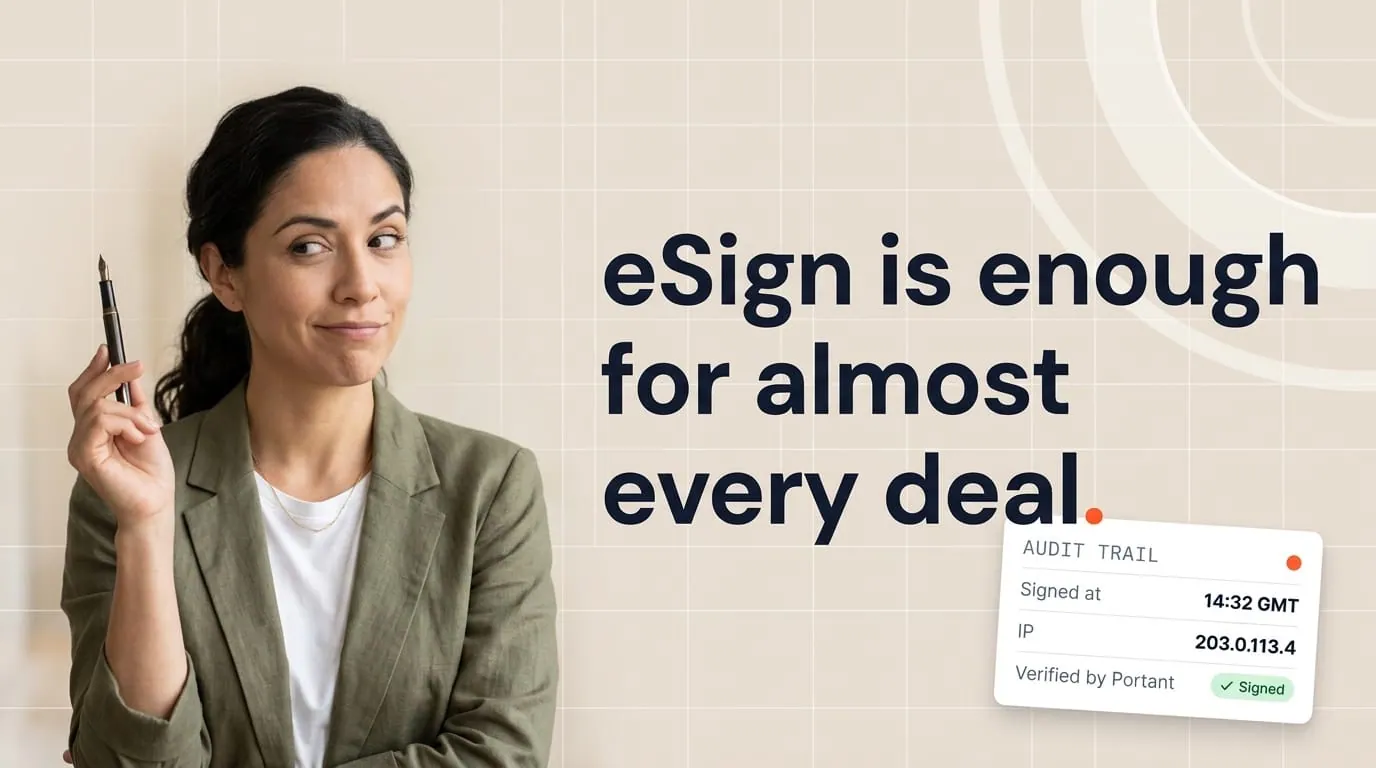
Modern signing tools create event logs for every document: sent, viewed, authenticated, signed, declined, voided. These audit trails are your safety net.
When I evaluate a signing platform, I check three things. How long do the logs live? Can you export them? And do they tie to a specific document version?
If someone changes a merge field after partial signatures, the platform should block or invalidate what came before. That's the kind of integrity check that matters when someone challenges a signed document months later.
Audit trails aren't just for disputes. Security and legal teams use them during vendor due diligence, compliance reviews, and internal investigations. Having clean, exportable logs means you can answer those questions in minutes instead of days.
For a deeper look at how data flows between Google Workspace, HubSpot, and Portant, see how Portant connects Google and HubSpot safely.
What to store in HubSpot after signing
Once a document is signed, you want the right information landing back in HubSpot so your team doesn't have to dig through a second system.
Here's what I keep on the deal record: the executed PDF, status fields like "fully executed" or "out for signature," the completion timestamp, signer identities as the platform captured them, and a pointer to the full audit trail.
That way, when finance asks "was this signed?" or customer success needs the contract for a renewal, they find it right where they expect it.
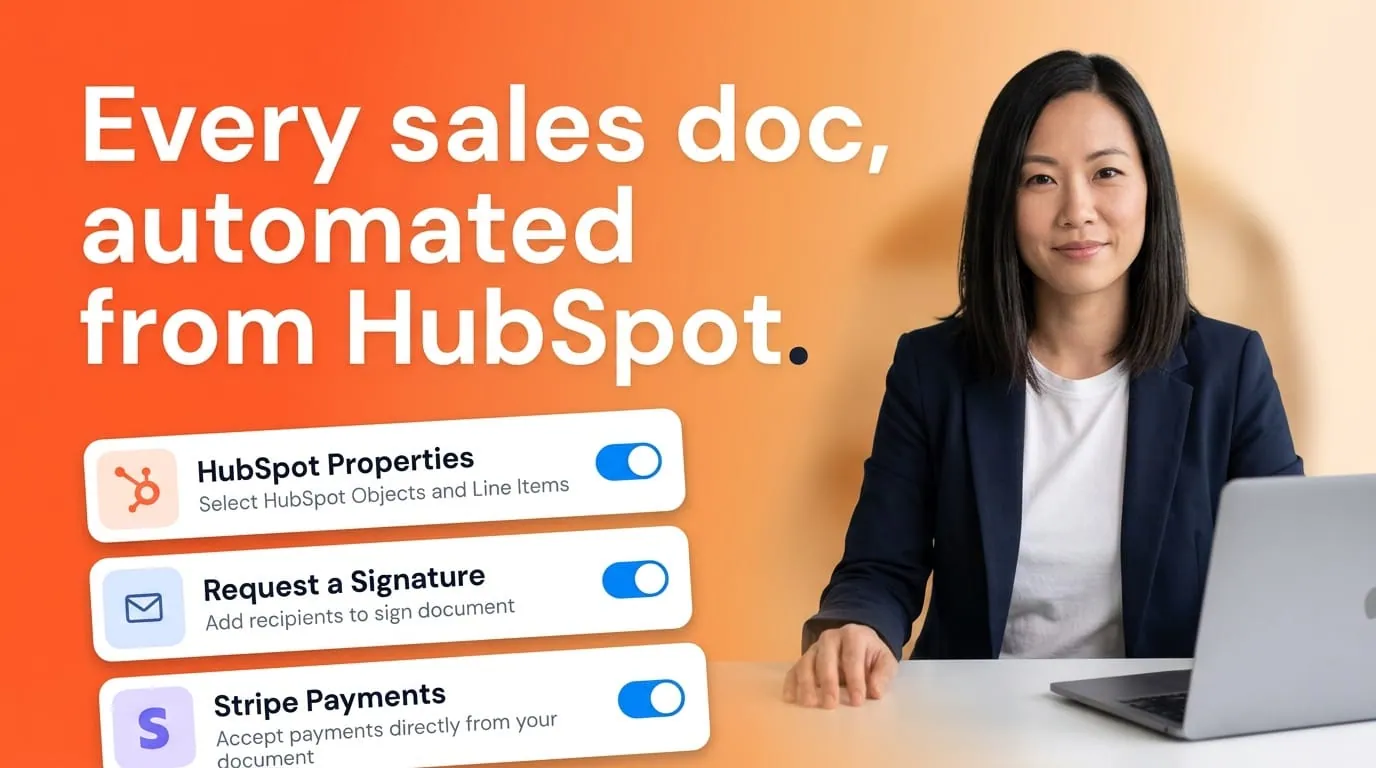
If you're using Portant's HubSpot integration, signed documents write back to the deal as their own records with status tracking built in. That makes this part straightforward.
Data retention: keep what you need, not everything forever
Infinite storage sounds safe until a privacy regulator asks why you're still holding personal data from a pilot you ran ten years ago.
I prefer explicit retention windows. Keep signed documents for as long as your records policy requires, then clean up. Use legal holds for exceptions when a document might be relevant to a dispute or investigation.
Vendor due diligence matters here too. Where does your signing vendor store data? Which third-party services handle it? Is there encryption in transit and at rest? I copy these answers into our security documentation so sales doesn't have to improvise when an enterprise prospect sends a security questionnaire.
A practical checklist before you turn on signing
Before you roll out CRM-led signing to the whole team, run through these.
Confirm your template path. Make sure reps can't bypass the approved templates. Side-channel PDFs undermine your audit trail, even if the signing vendor is solid.
Run test deals. Generate a few documents with fake counterparties. Open the audit trail for each one and check it matches what you'd expect.
Check your exports. Can you pull the audit trail and signed PDF in a format that legal and security can review? Test this before you need it.
Verify signer emails. Spot-check five recent deals. Are the signer email addresses on the contact records current and correct?
Document your rollback. What happens if an integration key rotates or the connection drops? Write it down so you're not figuring it out under pressure.
Talk to legal. If you're in a regulated industry (healthcare, finance, public sector), or if local law mandates ink or qualified signatures, get explicit sign-off before you go live.
Before you go live: this overview covers common frameworks and operational patterns. For regulated industries, cross-border deals, or high-stakes agreements, involve qualified legal counsel.
Compliance doesn't have to be scary
Most teams I work with are closer to compliant than they think. The gap is usually documentation, not process. You're already using a signing tool. You're already sending contracts from HubSpot. The checklist above just makes sure the evidence is there when someone asks for it.
If you want to see how Portant handles document generation, signing, and status tracking inside HubSpot, take a look at our contracts page. And if the technical integration questions come first, here's how the HubSpot connection works under the hood.
Frequently asked questions
Does the US ESIGN Act cover contracts signed through HubSpot-connected tools?
Yes, in most cases. ESIGN and state UETA frameworks say electronic signatures can't be denied legal effect just because they're electronic, as long as both parties agree to do business electronically and the process shows intent. Your legal team should review any document-level exceptions for your industry.
What is eIDAS and why should a HubSpot team care?
It's the EU's framework for electronic signatures. It defines tiers from simple to qualified, with stronger legal presumption at each level. If you sell into the EU, your signing tool may need to support stronger identity verification depending on the risk and local requirements.
What should I store in HubSpot after a document is signed?
The executed PDF, a completion timestamp, signer identities as the platform captured them, and a pointer to the full audit trail. That way anyone on your team can reconstruct what happened without opening a separate system.
How do audit trails help during compliance reviews?
They show the sequence of events: who accessed the document, when they authenticated, when they signed, and whether the document was altered. Security and legal teams rely on this during disputes, investigations, and vendor assessments.
Is this article legal advice?
No. I'm sharing common frameworks and operational patterns I see when setting up CRM-led signing. Always involve qualified legal counsel for regulated industries, cross-border deals, and high-stakes agreements.