
Google workflow


Invoice Workflow
Turn each row in your Google Sheet into a branded invoice in Google Docs, with line items, totals, and customer details filled. Portant's data merge and line items features assemble the doc, then output management saves the PDF to Drive.
~5 min setup · Used by 100+ teams
Trusted by 40,000+ teams










Overview
Turn Google Sheets rows into branded Google Docs invoices
Most freelancers, agencies, and small teams keep their billable hours, projects, and rates in a Google Sheet because the formulas are easy to tweak. The trouble starts when each invoice goes out: someone duplicates last month's Doc, retypes the line items, fixes the totals, exports a PDF, names the file, and remembers to log it somewhere. By the time the invoice lands in the customer's inbox, hours of admin have piled up, and a typo on the totals will cost another email cycle to fix.
This template reads each billable row in your Google Sheet and generates a branded invoice in Google Docs that matches your letterhead. Portant's line items feature drops the descriptions, quantities, rates, and totals into a real invoice table, data merge fills in the customer block and dates, and output management names the file with your invoice number sequence and saves the PDF to the right Drive folder. Add Portant Payments to the same invoice and your customer can pay by card or ACH from the document.
It suits freelancers, agencies, services businesses, and bookkeepers who run billing from a Google Sheet rather than from a CRM or accounting tool. It ladders up to Portant's invoices automation, which covers the path from billable work to paid invoice without leaving Google Workspace.
Who is this for
Is this template right for you?
Finance teams and freelancers who invoice clients regularly.
-
Invoices out in under five minutes. Portant's data merge and line items feature read the Sheet row directly, so a billable row turns into a branded Google Docs invoice in a single click.
-
One numbering sequence, no gaps. Portant's output management applies your invoice numbering pattern, names every PDF the same way, and writes the number back to the Sheet for a clean audit trail.
-
Paid invoices, not chased ones. Portant Payments adds a card or ACH pay button to the invoice and email tracking shows the moment the customer opens it, so follow-ups stop being guesswork.
Setup
How to set up the Sheets to Docs invoice workflow
-
01
Step 1: Connect Google Sheets and Google Docs
Sign in to Portant with your Google account, then point the workflow at the Google Sheet that holds your billable rows and the Google Doc you use as your invoice template.
-
02
Step 2: Map columns to invoice fields
Open the template in the Portant editor, drop {{Sheet column}} tags into the customer block, dates, and totals, then add a Portant line items table where the work, hours, or products belong.
-
03
Step 3: Set numbering, file naming, and the Drive folder
In output management, choose your invoice numbering pattern, the file name format (for example INV-{{Number}}-{{Customer}}), and the Drive folder where finished PDFs should land.
-
04
Step 4: Turn on email, payments, and tracking
Decide whether each invoice should send by email with a Portant Payments button attached, then enable email tracking so finance sees the moment the customer opens the invoice.
Frequently asked questions
Open Google Docs, choose a blank document or grab an invoice template from the gallery, then add your business header, customer block, line items table, and totals. To turn it into a workflow, link the Doc to a Google Sheet through Portant so each new billable row generates a branded invoice automatically.
Connect your Google Sheet and Google Docs invoice template in Portant, map the sheet columns to fields and a line items table on the Doc, then trigger a merge for each billable row. Portant generates the branded PDF in about 30 seconds, names it with your invoice sequence, and saves it to Drive.
Yes. Portant reads each row in the Google Sheet, fills your Google Docs invoice template, and exports a branded PDF to the Drive folder you choose. Output management names every file with your invoice numbering pattern, so finance never has to rename or hunt for the latest version.
Yes. Add Portant Payments to the workflow and the generated invoice carries a card or ACH pay button right inside the document. Customers settle from the same Google Doc you sent, and the payment status writes back to the Google Sheet so finance reconciles less.
Store your next invoice number in a cell or column on the Google Sheet and let Portant's output management read it, apply the pattern (for example INV-2026-{{Number}}) to the file name, then write the next value back to the Sheet after every run.
Yes. The same Google Docs invoice template works with the HubSpot invoice workflow, where the trigger is a deal stage move and the line items come from the HubSpot deal instead of a Sheet row. Teams switch the source without rebuilding the template or the Drive output.
Related templates
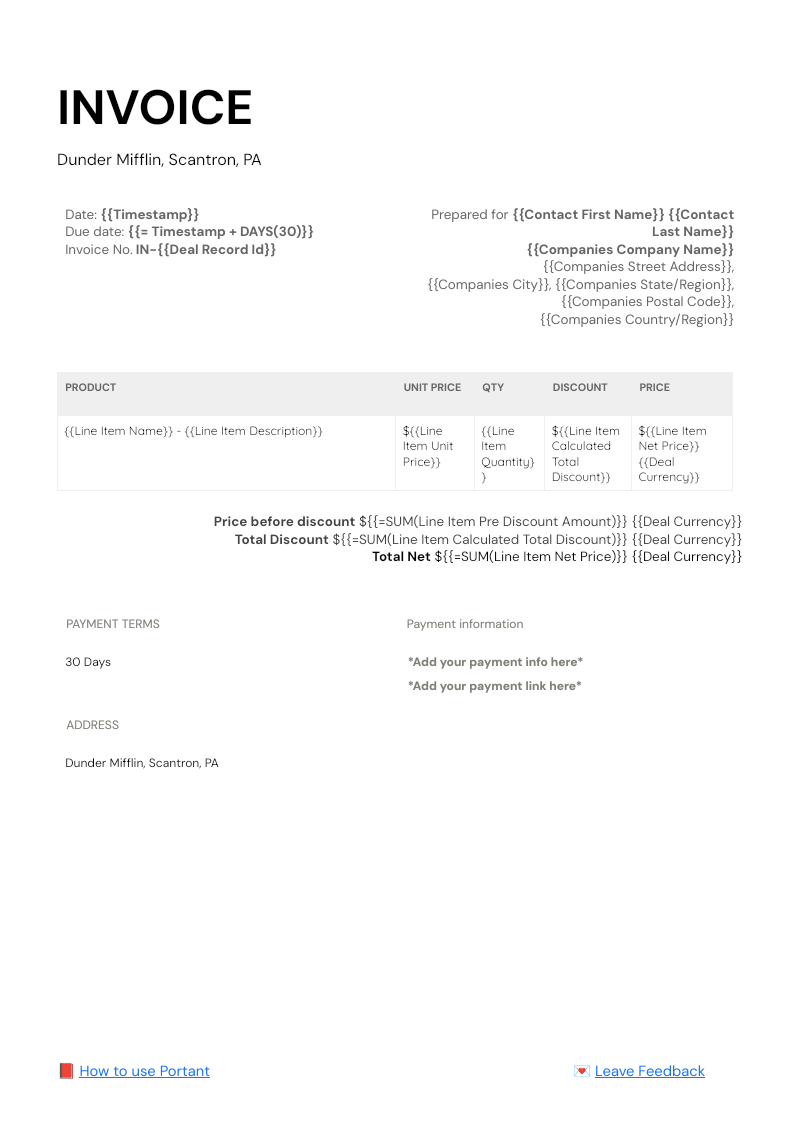

HubSpot Invoice Template
Generate a branded invoice from any HubSpot deal in Google Docs, with line items, totals, and billing details already filled. Portant's data merge pulls deal fields and HubSpot line items into the template, then saves the invoice back to the deal.
View template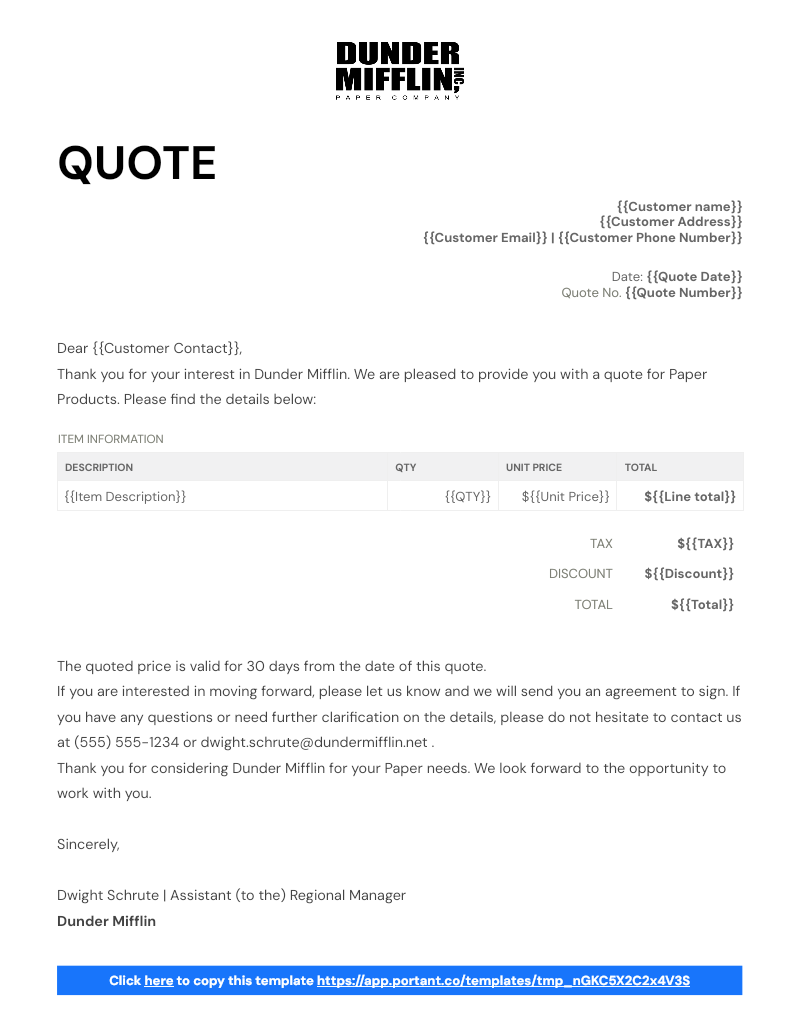
Sales Quotes
Send sales quotes from your Google Sheet to a branded Google Doc without retyping a single line. Portant's data merge pulls customer details and line items into the quote, ready for eSignature.
View template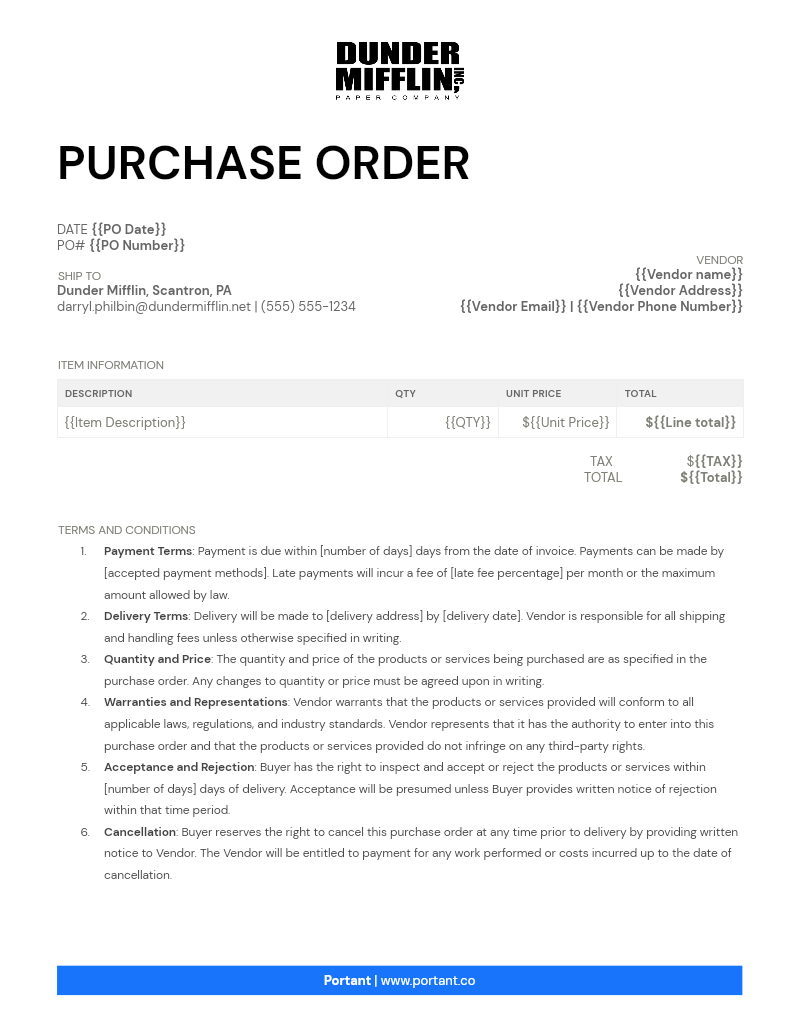
Purchase Order
Turn approved rows in your Google Sheet into a finished purchase order Doc with vendor, line items, and PO number filled in. Portant's data merge and approval workflows route the PO so you stop chasing sign-off by email.
View templateJoin over 40k+ teams using Portant
Portant has been a game-changer for Clipboard! It's saved our sales team countless hours every week by generating order forms, proposals and contracts with info from HubSpot automatically filled in.
With Portant, I run documents directly from HubSpot. No jumping between platforms. No copying data.
Portant replaced three separate tools for us. One platform handles docs, signatures, and follow-ups without leaving HubSpot.
Portant was the simplest and quickest signing integration I've ever implemented, it works natively with HubSpot.
At RepCard, Portant gave us an end-to-end automated workflow inside HubSpot, we replaced manual agreement creation at scale.
We're seeing higher average closed revenue with Portant and faster days to close, it's showing us a material impact on sales velocity.
Love this product. Have been using it for over a year and the integration to Google Workspace is awesome. Lots of credit for listening to your users!
When the executive team asks for an extension document, Portant gets it to them in about an hour, it's empowered my whole team.
Truly a gamechanger! Portant streamlines these tasks and allows me to focus on the things that require my attention and problem-solving!
This software brilliantly takes over the tedious process of creating and sending invoices. This not only saves time but massively reduces errors of data entry.
This product is a gamechanger for all of those painful manual document merges. Love what you and the team have built!
Our reps used to spend 30 minutes per proposal. Now it’s under two minutes and the documents look better than ever.